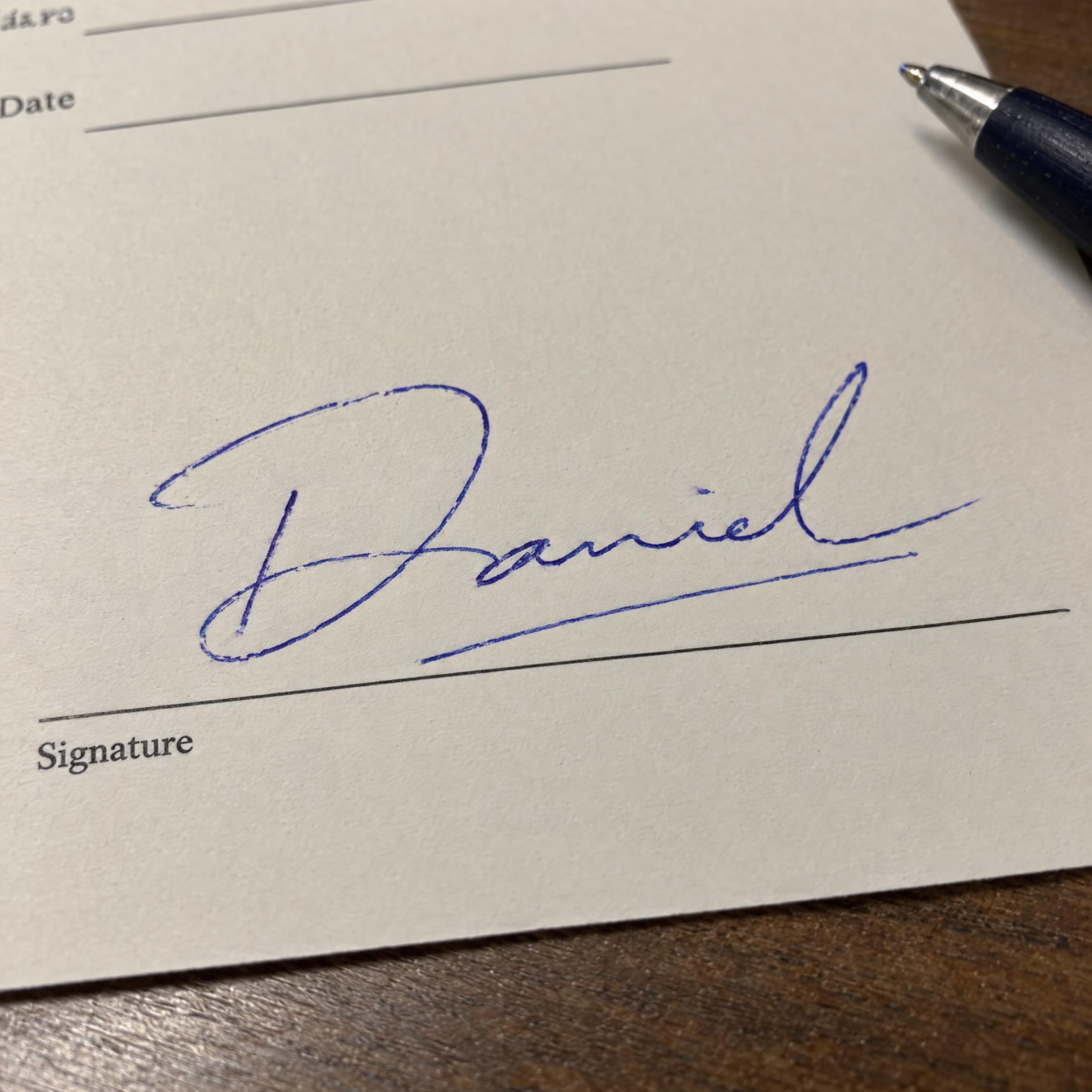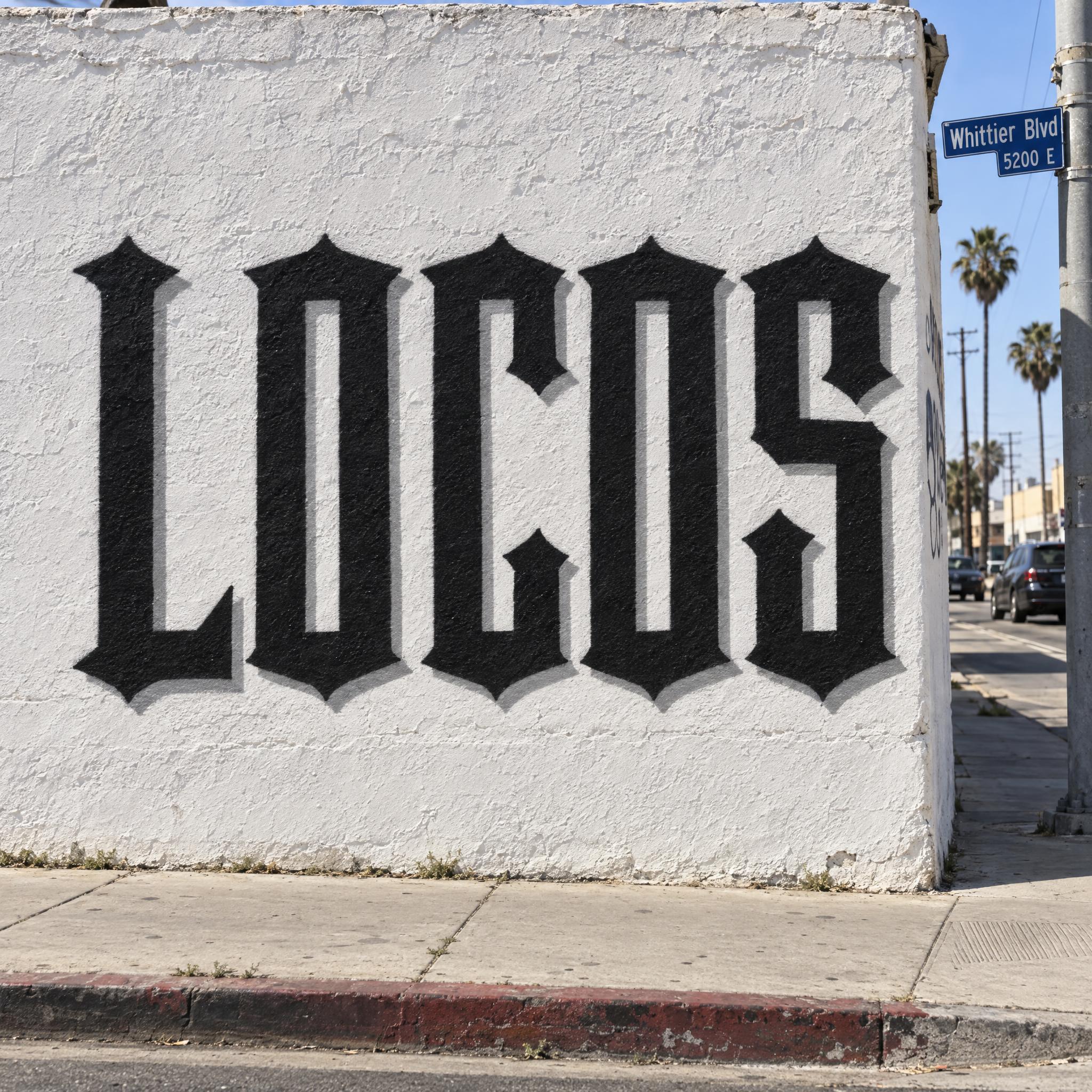
A real ballpoint signature in blue: a big looping first capital, the rest of the name flattened into a wave, a quick slash underneath.
TextWrite the word "Daniel". Spell it exactly as written, without adding or changing any letter.
Font designHandwritten signature: a real person's signature signed quickly with a ballpoint pen, a large looping first capital, the rest of the name written small and fast so some letters flatten into a wavy line, finished with a quick slash under the name; the name can still be read. The ink is ballpoint blue, with uneven pressure along the line. The line shows the faint groove and small ink skips of a ballpoint pen. Like the signature at the bottom of a signed contract.
SceneThe word is signed on the signature line of a blank cream form on an office desk. The word is centered, spans most of the width and reads clearly.
127 words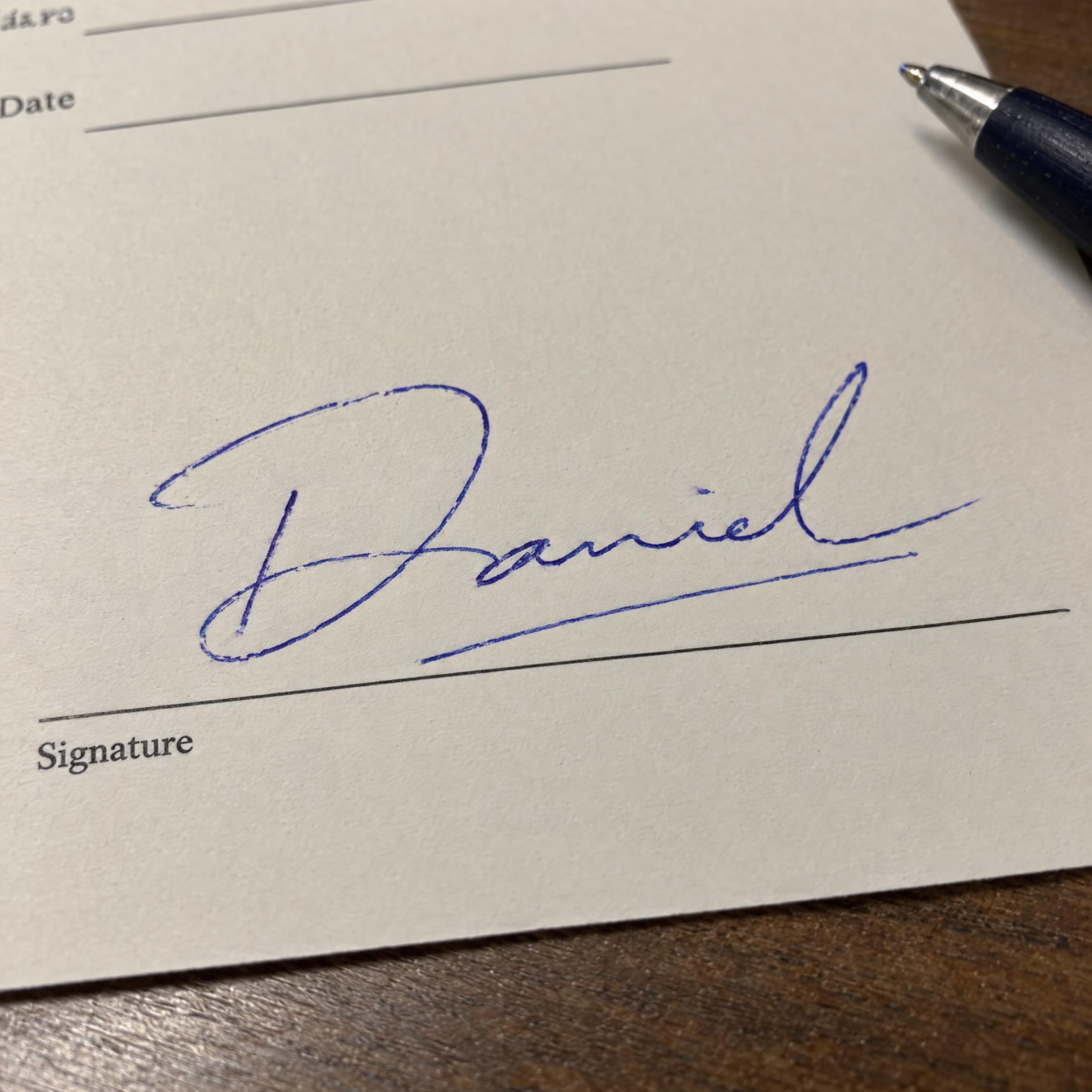
One prompt pasted into each image model as-is. These are the unedited results, so you can pick the model that suits you.
The most real ballpoint: a grainy blue line with skips, and the name squashed after the D.
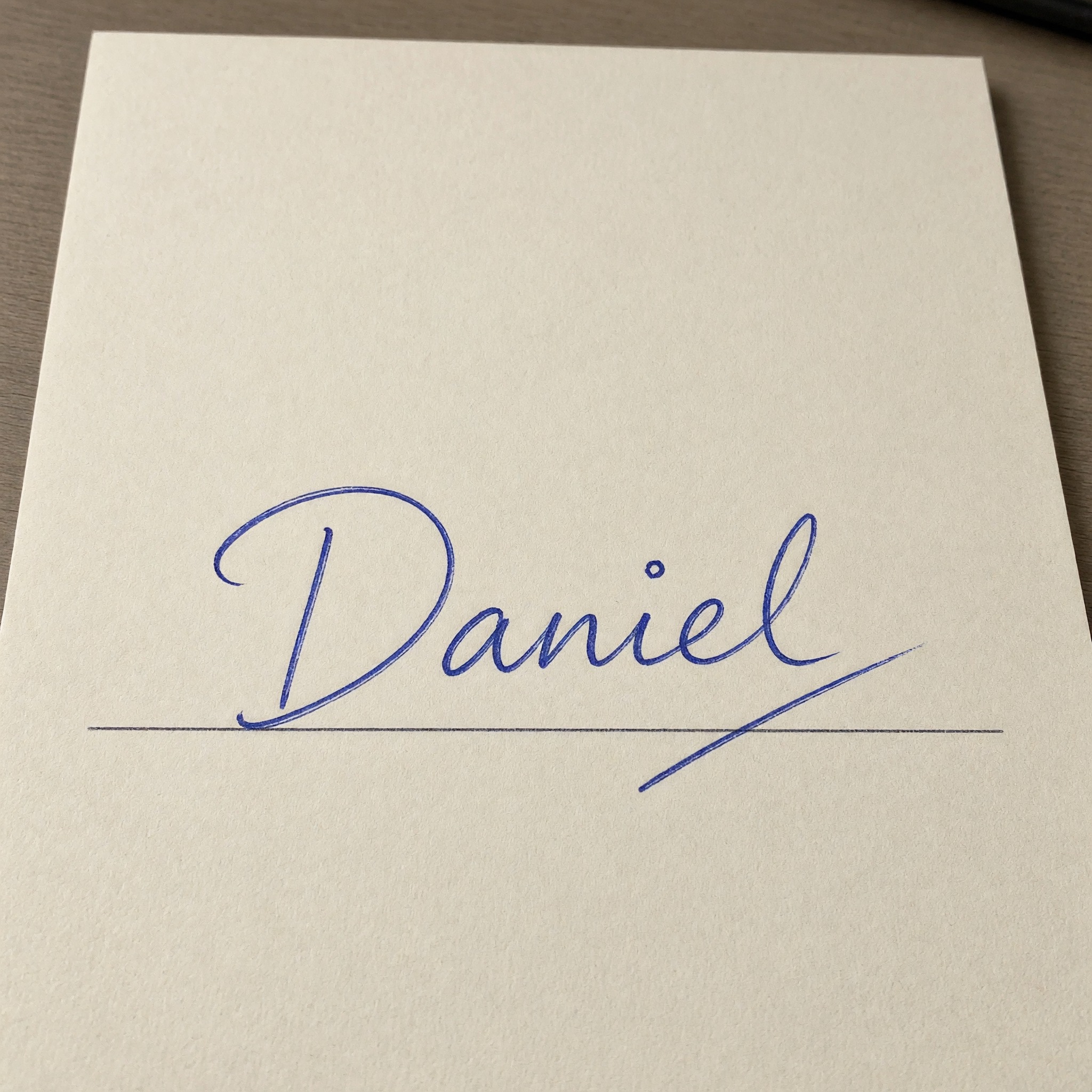
A slow, very legible signature on cream paper.
A printed form with Signature labels and lines of text around the name.
A neat looping signature on a folder, with a calculator behind it.
A close crop on blank paper with no form line, and tidy letters.
The button opens FontVibe in DIY mode with this prompt filled in as it is. Type your name, pick a model and generate. GPT Image, Nano Banana, Seedream, Grok and Qwen are all in one account, so you can sign the same name with each and keep the one closest to how you would write it, without opening five apps. Every account gets free credits each month with no card needed, and you can export a transparent PNG to drop the signature onto a mockup or a slide.
Layers in the order the prompt states them. Change one layer and the rest keeps working.
Every AIFont prompt opens with the same text part. "Spell it exactly as written, without adding or changing any letter" matters more than usual here: a prompt that asks for a fast, flattened signature is close to an invitation to scribble, and this line settles the name before any letter gets squashed.
"Handwritten signature" names the thing, and "a real person's signature signed quickly with a ballpoint pen" says how it was made. Without it, models tend to draw a tidy script typeface, which is a different page.
"a large looping first capital" and "the rest of the name written small and fast so some letters flatten into a wavy line" are the shape most everyday signatures share: the first letter gets the care, the rest gets rushed.
"finished with a quick slash under the name" is the flourish that closes the signature. It is one stroke, not a decorative swash.
"the name can still be read" keeps the flattening in check. Real signatures can be pure scribble; this prompt stops before that, so the image is useful as a preview of your name.
"The ink is ballpoint blue, with uneven pressure along the line." is the colour sentence, on its own so you can change just this line. Black ink or red pen is one sentence away.
"The line shows the faint groove and small ink skips of a ballpoint pen." is what makes it look written rather than typed: a ballpoint presses into the paper and leaves gaps where the ink catches.
"Like the signature at the bottom of a signed contract." gives every model the same picture: a quick, practical signature, not an autograph for a fan.
"The word is signed on the signature line of a blank cream form on an office desk." puts the name where signatures usually go. "The word is centered, spans most of the width and reads clearly." keeps the name the star. Change this part for your own use: a plain card, a notebook page, an old document.
Small edits that stay on-style. Change one thing at a time.
Type it in the box next to Prompt above and copy again. A first name, a surname or initials plus a surname all work; very long full names get squeezed.
Swap "The ink is ballpoint blue, with uneven pressure along the line." for "The ink is black, with uneven pressure along the line.", "The ink is blue-black like fountain pen ink, with uneven pressure along the line." or "The ink is red, with uneven pressure along the line."
Replace "The word is signed on the signature line of a blank cream form on an office desk." with "The word is signed on a plain white card on a wooden desk.", "The word is signed on a blank page of a lined notebook, under warm lamp light." or "The word is signed on the signature line of an old, yellowed document."
The prompt sets no frame size. Signatures are wide, so pick 16:9 in your app for a banner or a slide, or add "Wide 16:9 image." or "Tall 3:4 image." at the end.
AI fonts that share the most tags with Handwritten Signature.
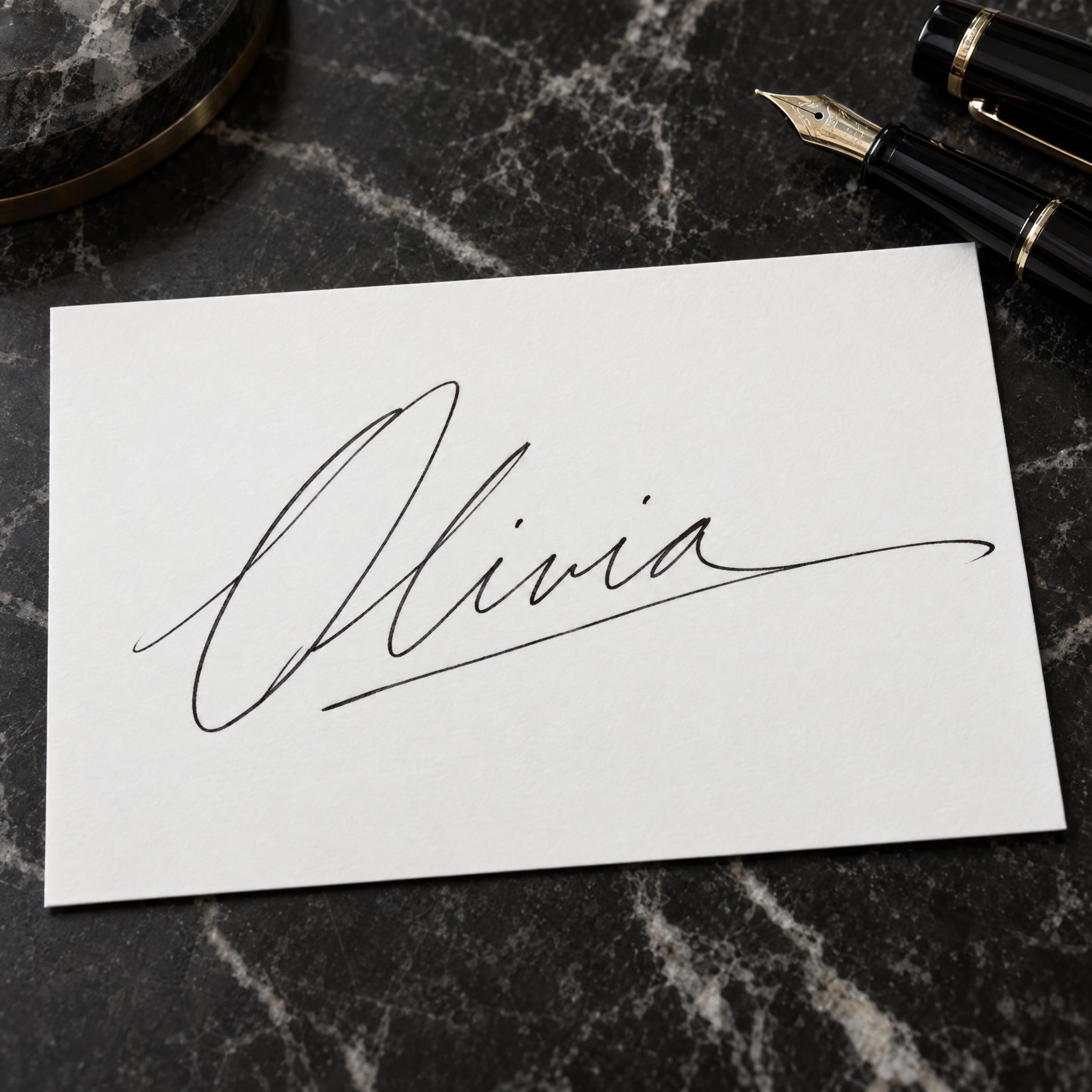
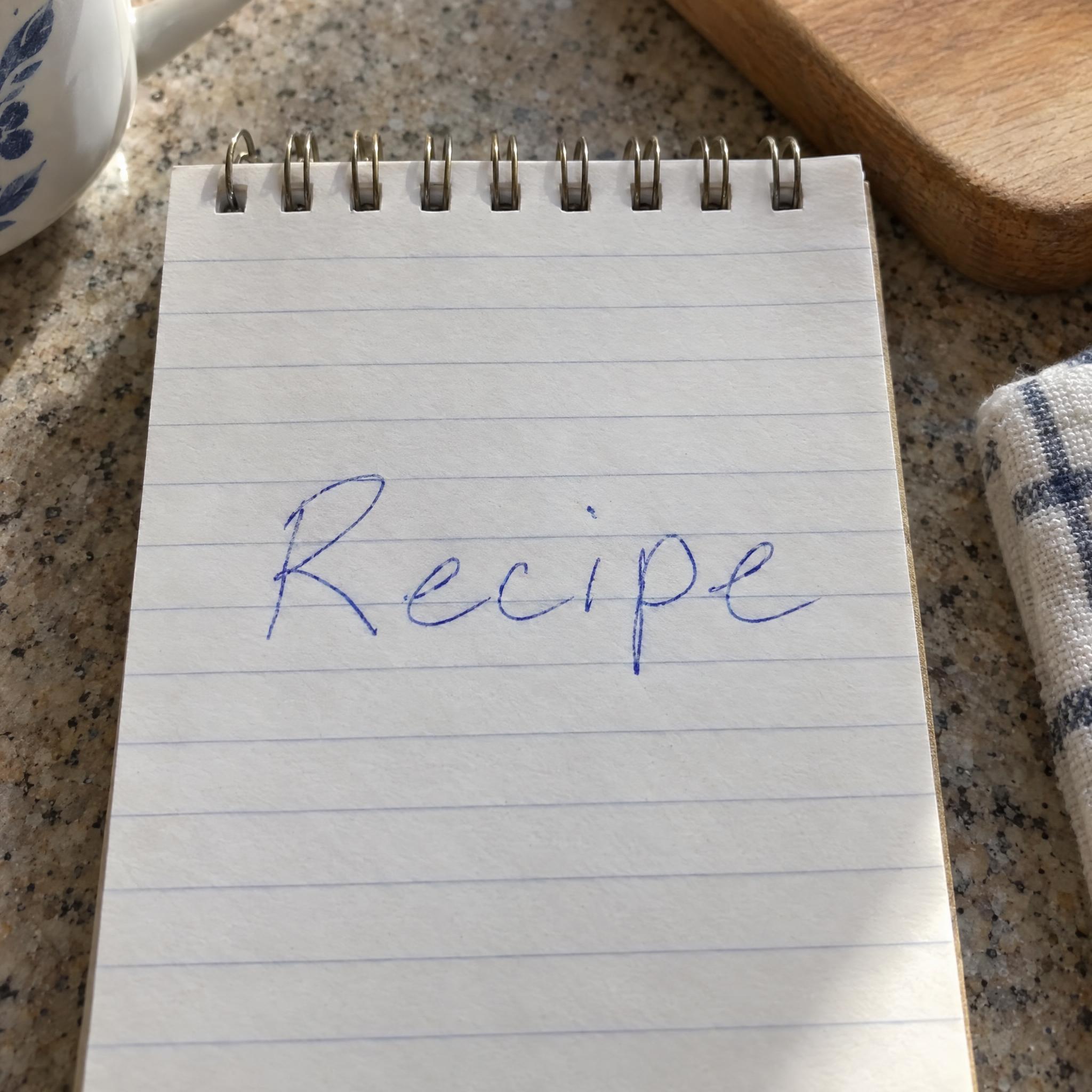
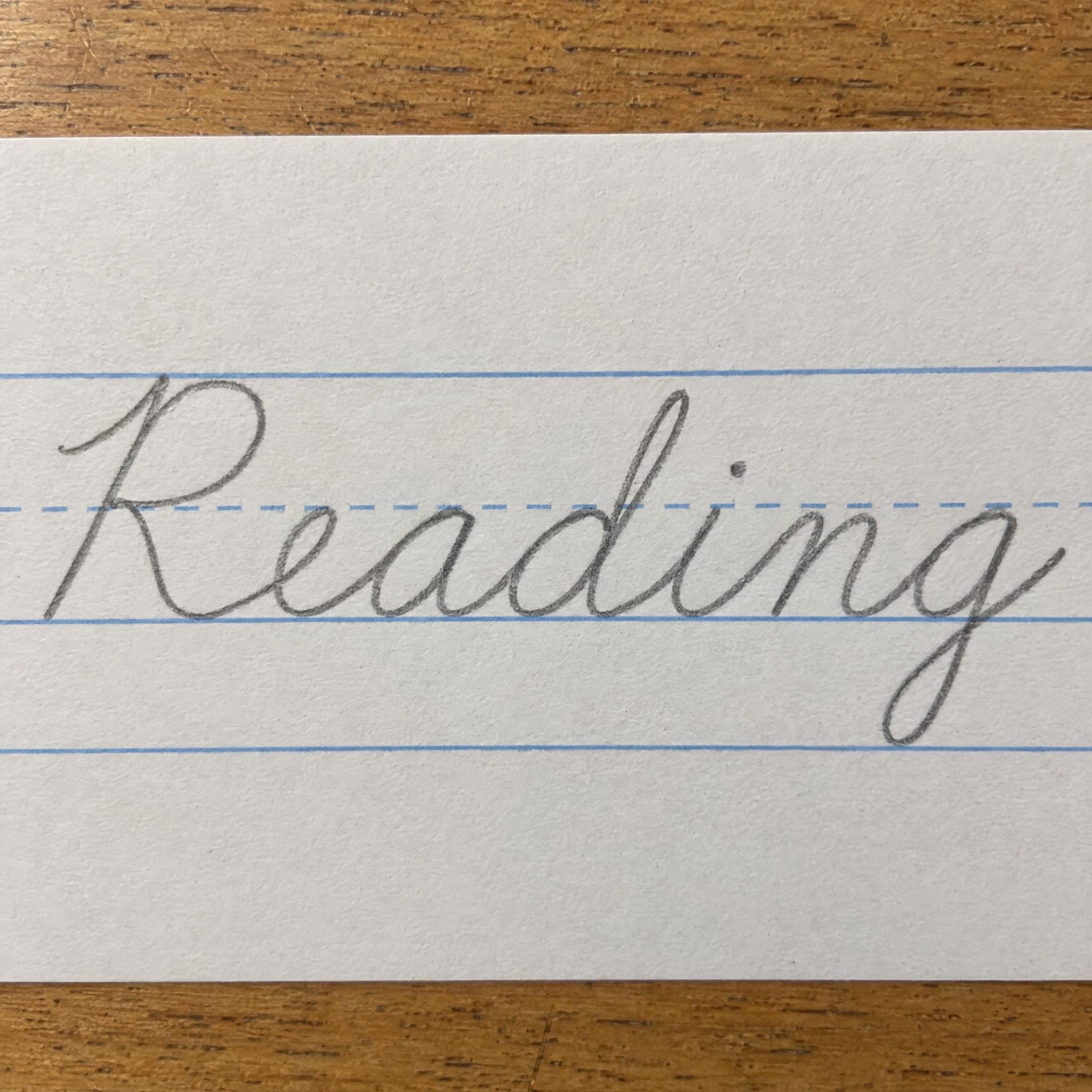
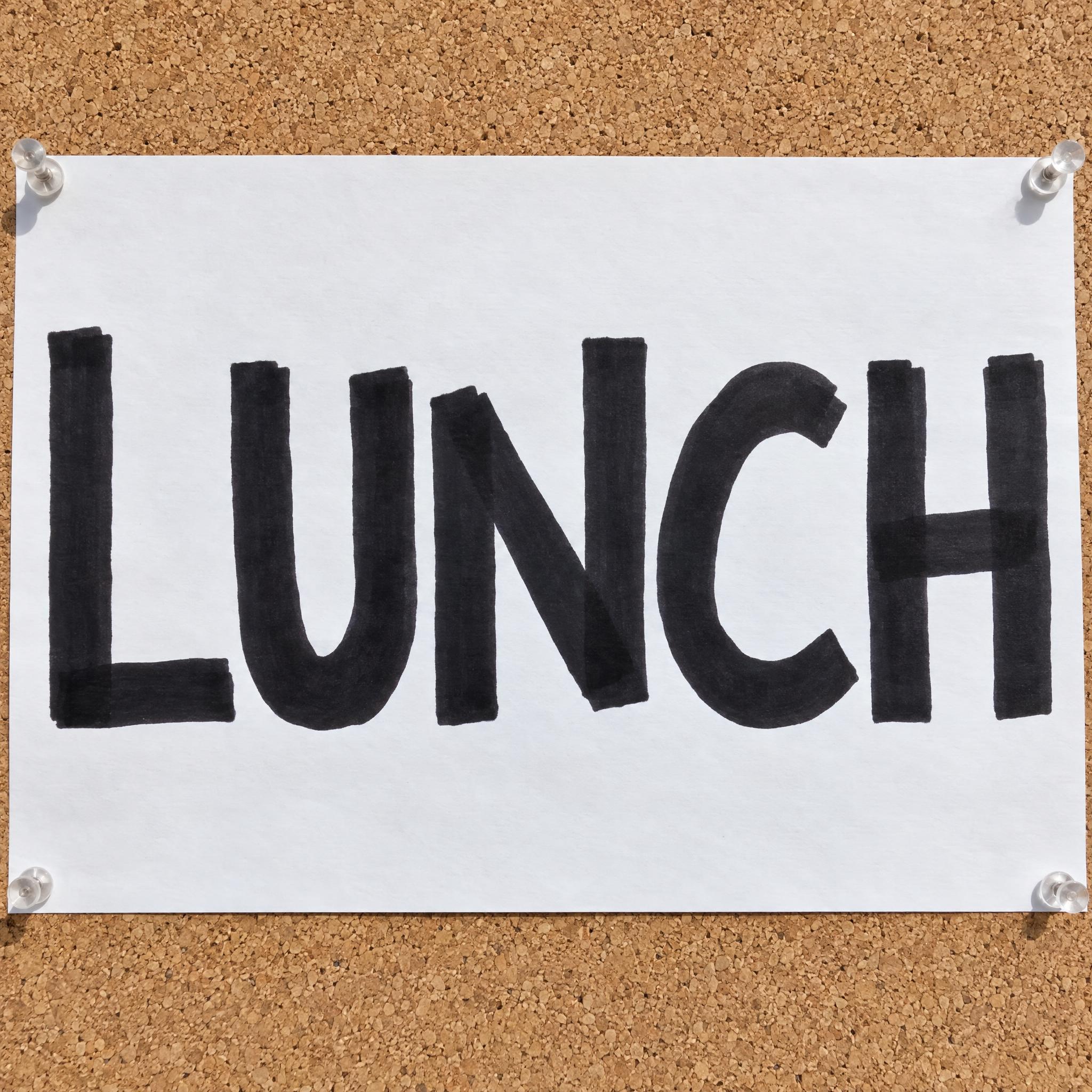
AI fonts for a second line, a logo lock-up or a poster footer.
Handwritten Signature writes your name the way people actually sign: a big looping first capital, the rest of the name rushed small until some letters flatten into a wave, and a quick slash underneath. The ink is ballpoint blue, with pressure that comes and goes, the faint groove a ballpoint presses into paper and small skips in the ink. The name can still be read, but it is a signature, not neat handwriting.
Type your name in the box above the prompt, copy it and paste it into ChatGPT, Gemini, Grok, Qwen or Seedream. The prompt has three parts: the text, the font design and the scene. The font design makes the signature; the scene is yours to change. Every image on this page came from pasting the prompt unchanged into each model, with nothing retouched.
Use it to try out signature ideas for your own name before you practise one by hand, or to make a signed-document prop for a film, a mockup or a presentation. For a showier, celebrity-style signature, see Autograph Font.
Details from the original render. Every one of them is named in the prompt.
One big capital with a loop, written larger than the rest of the name.
The rest of the name written small and fast, some letters flattening into a wavy line.
A quick stroke under the name to finish.
Blue ballpoint ink with uneven pressure, a faint groove and small skips.
Pulled from the render. Handy when you build the rest of the design around the word.
Where this AI font earns its keep.
The word signature comes from the Latin signare, to sign. A signature is a person's name or mark written on a document as proof of identity and intent, and the law cares more about the intent than the penmanship. Under the US Uniform Commercial Code, signed covers any symbol executed or adopted with the present intention to accept a writing, and someone who cannot write may sign with a mark, often an X, as long as a literate witness countersigns.
That is why signatures drift away from handwriting. Many people sign far more fancifully than they write, and the flourish under a name even has its own French term, the paraph. A genuine signature never comes out quite the same twice either: signing is a neuromuscular habit, and real signatures vary a good deal from one to the next. A wet signature, your name written in your own hand in ink, is still what many documents ask for, and the pen in this prompt is the ballpoint, which László Bíró patented in 1938.
Paper is no longer the only way to sign. The US ESIGN Act of 2000 says a signature may not be denied legal effect just because it is electronic, and the EU's eIDAS regulation of 2014 gives qualified electronic signatures the same legal effect as handwritten ones. Neither makes a picture of a signature into one: under ESIGN, an electronic signature still has to be made or adopted by the person with the intent to sign.
Sources: Wikipedia — Signature · Wikipedia — Ballpoint pen · Wikipedia — Electronic Signatures in Global and National Commerce Act · Wikipedia — eIDAS
László Bíró files a British patent for his ballpoint pen on 15 June 1938.
President Bill Clinton signs the ESIGN Act on 30 June 2000: in US commerce, a signature may not be denied legal effect solely because it is electronic.
Wikipedia — Electronic Signatures in Global and National Commerce Act
The EU adopts Regulation 910/2014 on 23 July 2014. It applies from 1 July 2016 and gives qualified electronic signatures the same legal effect as handwritten ones.
All five signed the name correctly in English, Spanish, Portuguese and German; Grok needed a second try in Portuguese, and in Chinese it added a dot to the first character. GPT Image looks most like a real ballpoint signature, with a grainy line, ink skips and letters squashed after the capital, while Grok and Qwen stay neat and easy to read, and Nano Banana tends to print form labels next to the line. In Japanese Qwen got the kana wrong twice, and in Arabic only GPT Image and Nano Banana wrote the name correctly. Some of the Arabic verdicts are disputed and wait for a native reader.
Start with the first letter: make it bigger than the rest and give it one shape you like, a loop or a sharp point. Then simplify the rest of the name into a quick rhythm and end with one stroke underneath. Type your name here and run it in a few models to see versions you would not have thought of, pick the one that feels like you, then practise it by hand until it comes out the same way every time. For more signature ideas, see our signature page.
No. The image is for ideas and design previews. A signature that counts has to be made by you: your own handwriting on paper, or an e-signature you sign yourself through a proper service. And never use this to imitate someone else's signature; that is forgery.
It is up to you. A signature counts because you mean it, not because every letter is clear, and many people sign far more loosely than they write. This prompt sits in the middle: "the name can still be read" keeps your name recognisable while the rest flattens. Where others need to read your name, forms usually ask you to print it next to the signature. For a more polished, show-off look, try Autograph Font.
Yes. Each language on this page has its own prompt written for its script. The Japanese and Chinese versions keep the big first character and the fast, small rest, but keep every character's shape and strokes, because a flattened character can turn into a different one. The Arabic version keeps joined letters joined in order and every dot in place. Switch the page language to copy that version.
Type it in the box next to Prompt above, then copy the full prompt. Check every letter in the result: a fast signature can drop a letter or add a loop that reads as one.
Change only "The ink is ballpoint blue, with uneven pressure along the line.", for example to "The ink is black, with uneven pressure along the line."
Pick the ratio in your app if it has one. If not, add "Wide 16:9 image." or "Tall 3:4 image." at the end of the prompt.
No. It is a prompt that makes a picture of your name signed in ballpoint with an AI image model, so there is nothing to install and any name works.
Copying the prompt is free. Whether the image costs anything depends on the app you paste it into, and what you may do with the image depends on that app's terms.