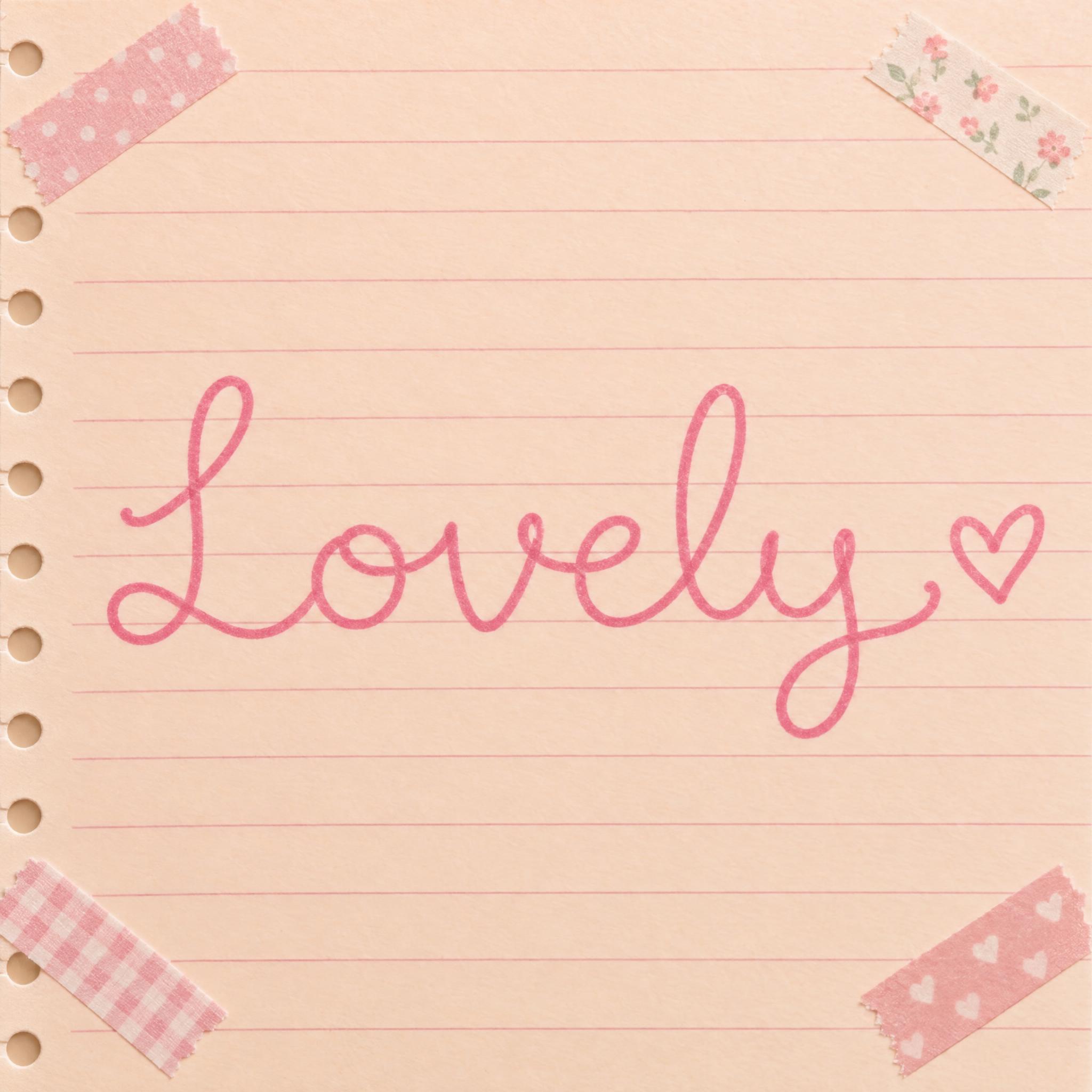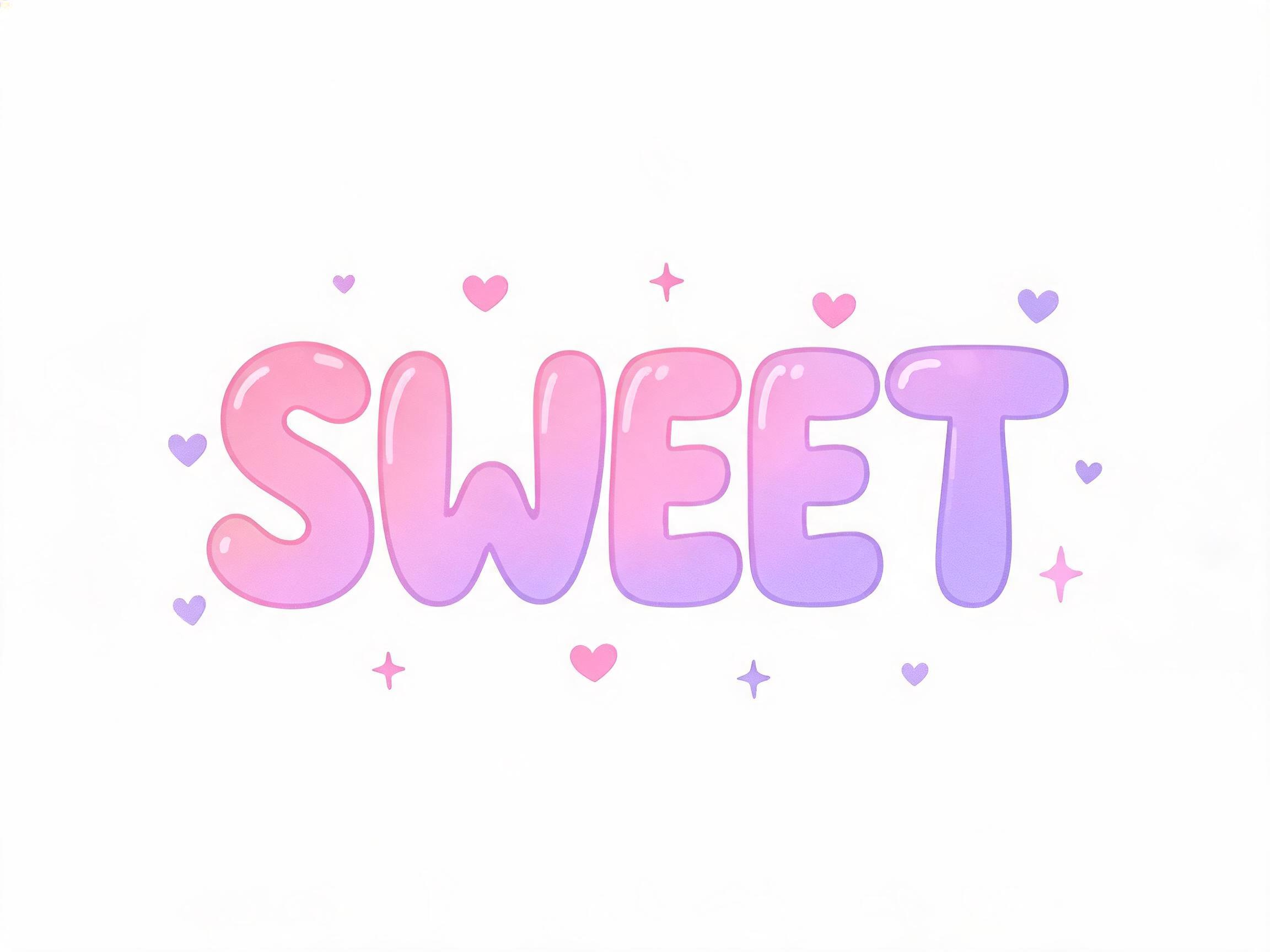
Bouncy joined handwriting in one thin, even pen line, with small loops, a curly tail and a single heart at the end.
TextWrite the word "Lovely". Spell it exactly as written, without adding or changing any letter.
Font designCute cursive handwriting: a playful script written with a fine round-tip pen in one even line of the same thin width everywhere, the letters joined and bouncing a little above and below the baseline, small round loops, short rounded ascenders and a curly little tail on the last letter; every letter reads at a glance. A single small heart sits just after the last letter. The ink is soft rose pink. The line is smooth with rounded ends. Never a formal slanted calligraphy script. Like the handwritten caption on a scrapbook page.
SceneThe word is written on a pastel peach notebook page with washi tape at the corners. The word is centered, spans most of the width and reads clearly.
135 words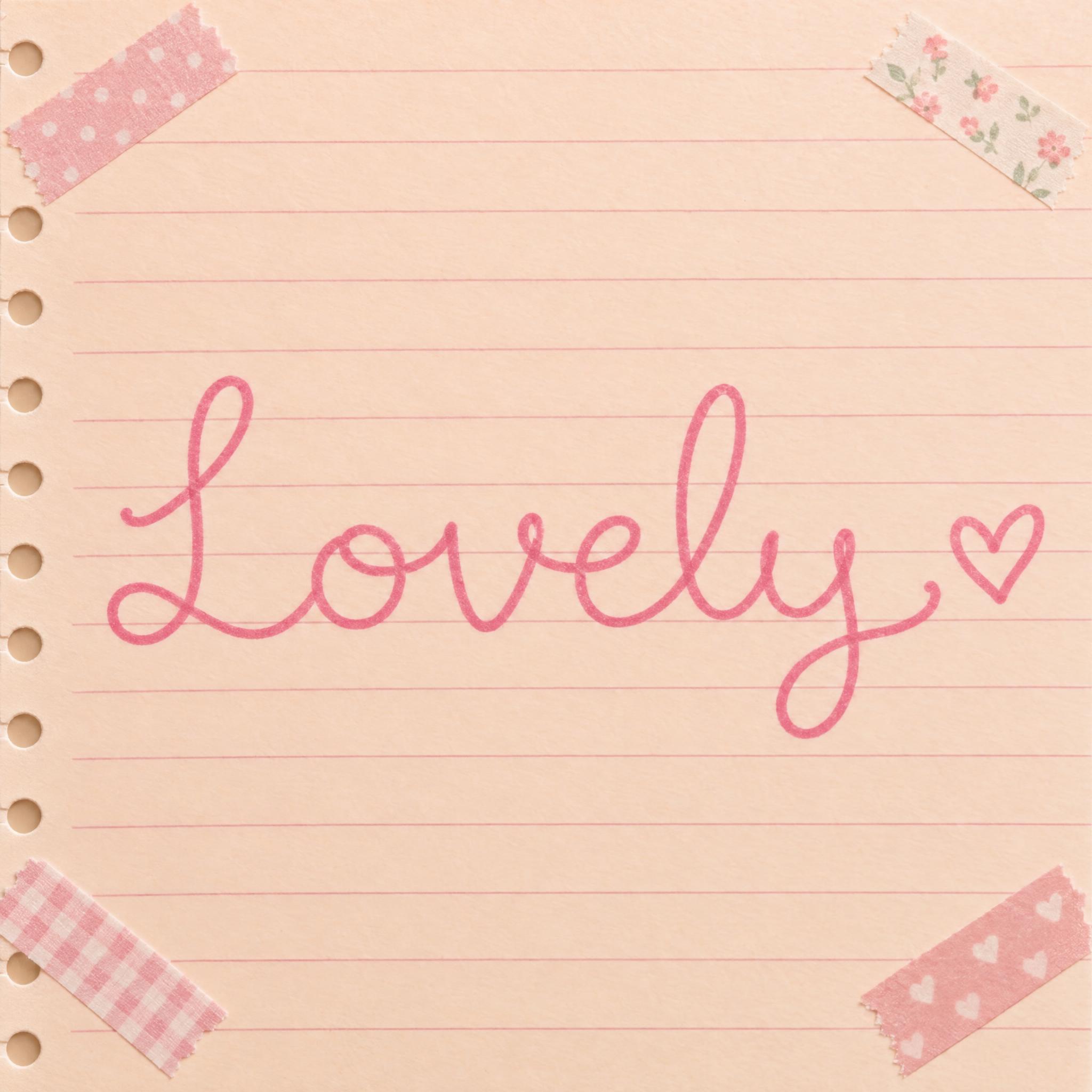
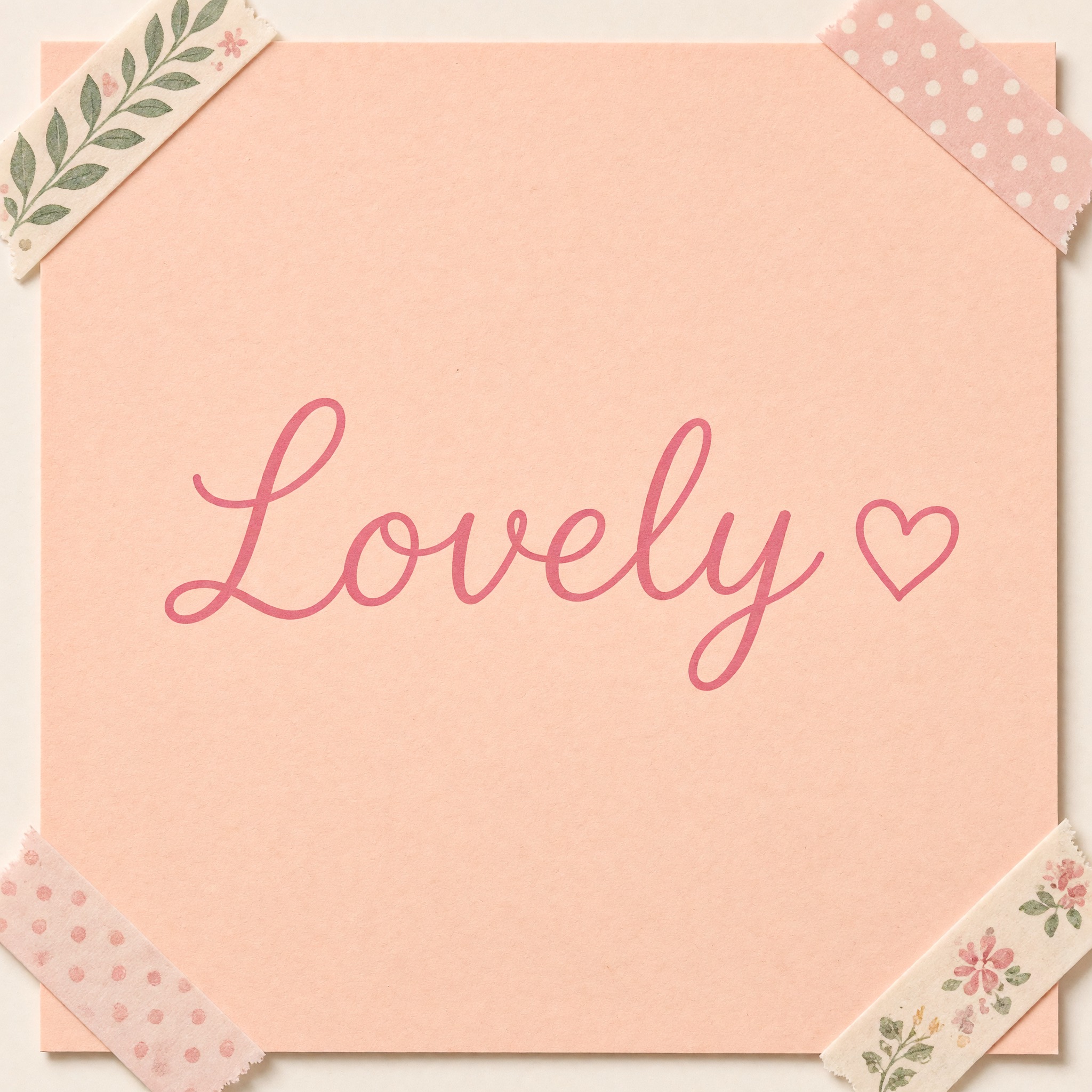
One prompt pasted into each image model as-is. These are the unedited results, so you can pick the model that suits you.
The brightest pink, on a lined spiral page with washi tape in the corners.
A bolder pink line on a peach card, with leaf-print tape.
Lighter pink on a blank page, with a small filled heart.
Tiny dots and sparkles scattered around the word.
Thin, faint pink lines and tall letters on a blank page.
The button opens FontVibe in DIY mode with this prompt filled in as it is. Type your word, pick a model and generate. GPT Image, Nano Banana, Seedream, Grok and Qwen are all in one account, so you can see which one keeps the line thinnest and the bounce most natural without opening five apps. Every account gets free credits each month with no card needed, and you can export a transparent PNG to drop the handwritten word onto a planner page, a sticker sheet or a story.
Layers in the order the prompt states them. Change one layer and the rest keeps working.
Every AIFont prompt opens with the same text part. "Spell it exactly as written, without adding or changing any letter" comes first, because joined, bouncing letters with loops are exactly where models drop an e or add an extra hump.
"Cute cursive handwriting" sets the target: everyday joined writing, made playful. Saying handwriting rather than calligraphy keeps the model away from fancy display scripts.
"written with a fine round-tip pen in one even line of the same thin width everywhere" is the core of this font. A fine pen cannot swell on a downstroke, so the letters stay airy and even. Remove it and most models switch to a thick-and-thin brush look.
"bouncing a little above and below the baseline, small round loops" is where the cute comes from: letters that do not sit on a ruler, plus tiny loops instead of long ones. "a curly little tail on the last letter" finishes the word, and "every letter reads at a glance" stops the bounce from turning into scribble.
"A single small heart sits just after the last letter." adds the only decoration, and puts it after the word, not on a letter where it could be read as a dot or an accent.
"The ink is soft rose pink." is the colour sentence, on its own so you can change just this line. The heart follows the ink.
"The line is smooth with rounded ends." keeps it a clean pen line, without the scratchy, broken stroke of a dry pen or the sharp hairline ends of a nib.
"Never a formal slanted calligraphy script." is the only negative in the design. Asked for cursive, models often reach for a steep, elegant script with long flourishes; this line keeps it round and upright enough to look hand-written.
"Like the handwritten caption on a scrapbook page." gives every model the same picture to aim for: a short line written beside a photo.
"The word is written on a pastel peach notebook page with washi tape at the corners." places the word where this handwriting lives. "The word is centered, spans most of the width and reads clearly." keeps the word the star. Change this part for your own use: a planner spread, a sticker, a phone screen.
Small edits that stay on-style. Change one thing at a time.
Type it in the box next to Prompt above and copy again. Names and short words bounce best; a long sentence turns into small, cramped handwriting.
Swap "The ink is soft rose pink." for "The ink is soft lavender.", "The ink is mint green." or "The ink is black."
Replace "The word is written on a pastel peach notebook page with washi tape at the corners." with "The word is written on a dotted bullet journal page beside a small doodle.", "The word is written on a round white sticker on a pale pink background." or "The word is written on a kraft paper gift tag tied with string."
The prompt sets no frame size. For a story cover pick 9:16 in your app, for a planner banner 16:9, or add "Tall 9:16 image." or "Wide 16:9 image." at the end.
AI fonts that share the most tags with Cute Cursive Font.
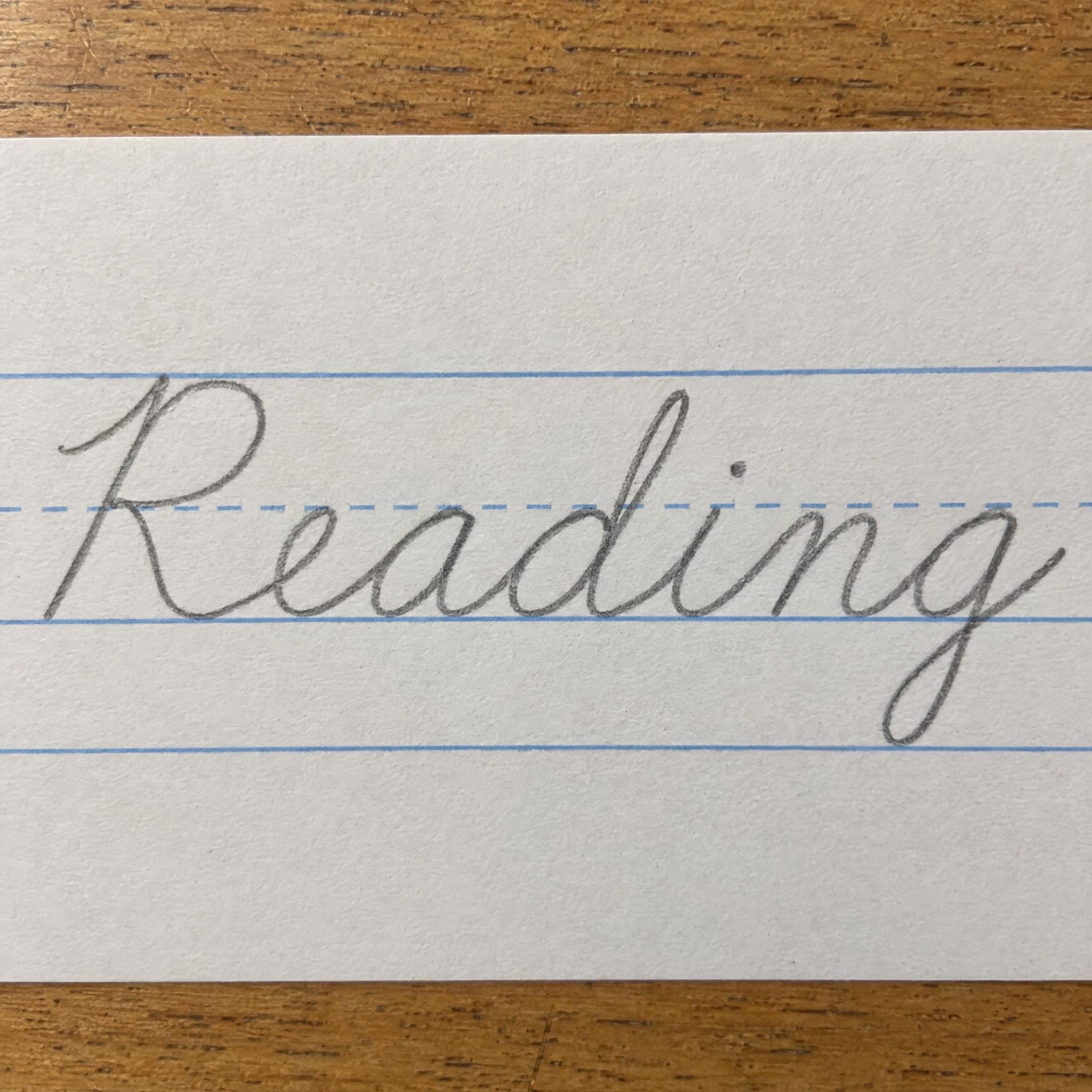
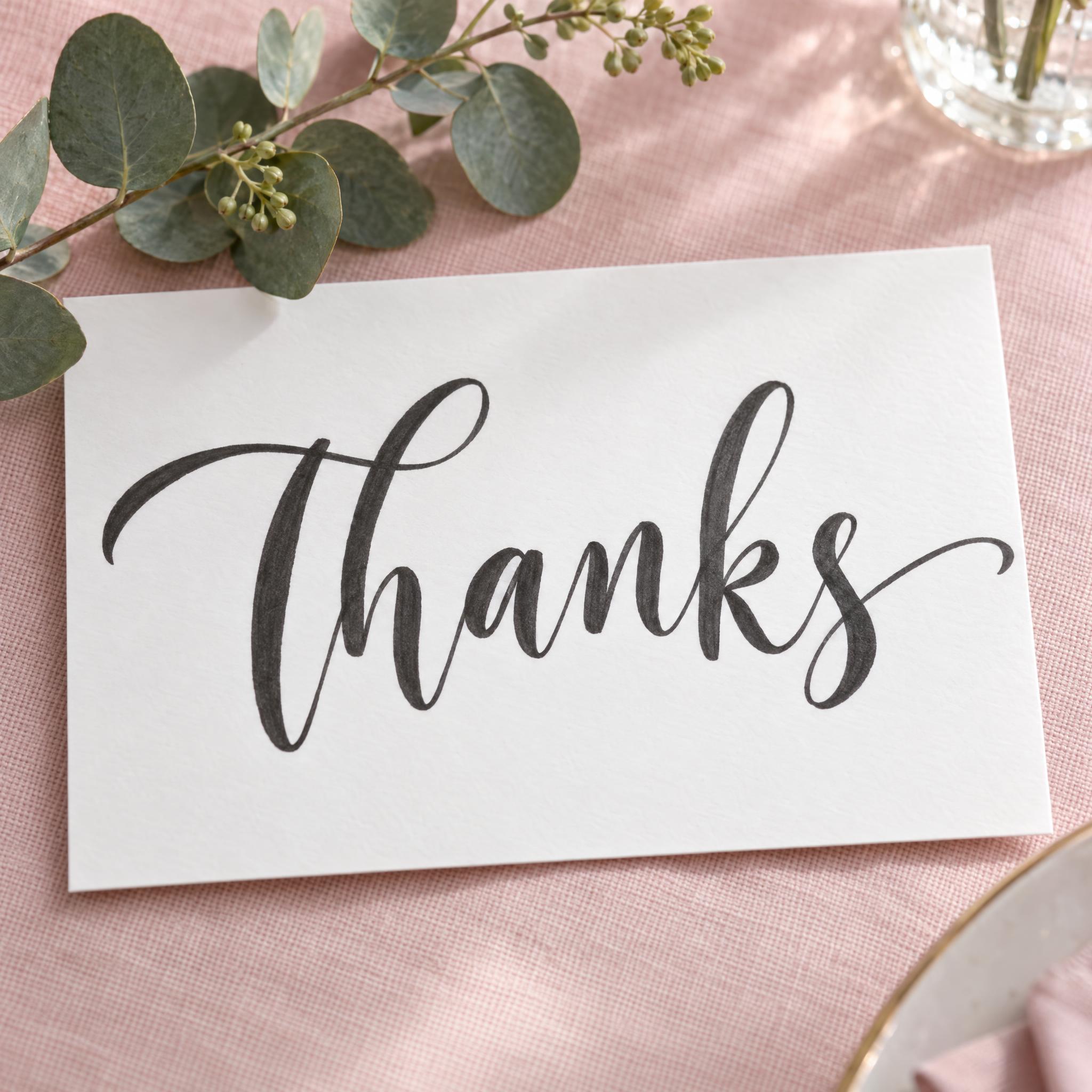
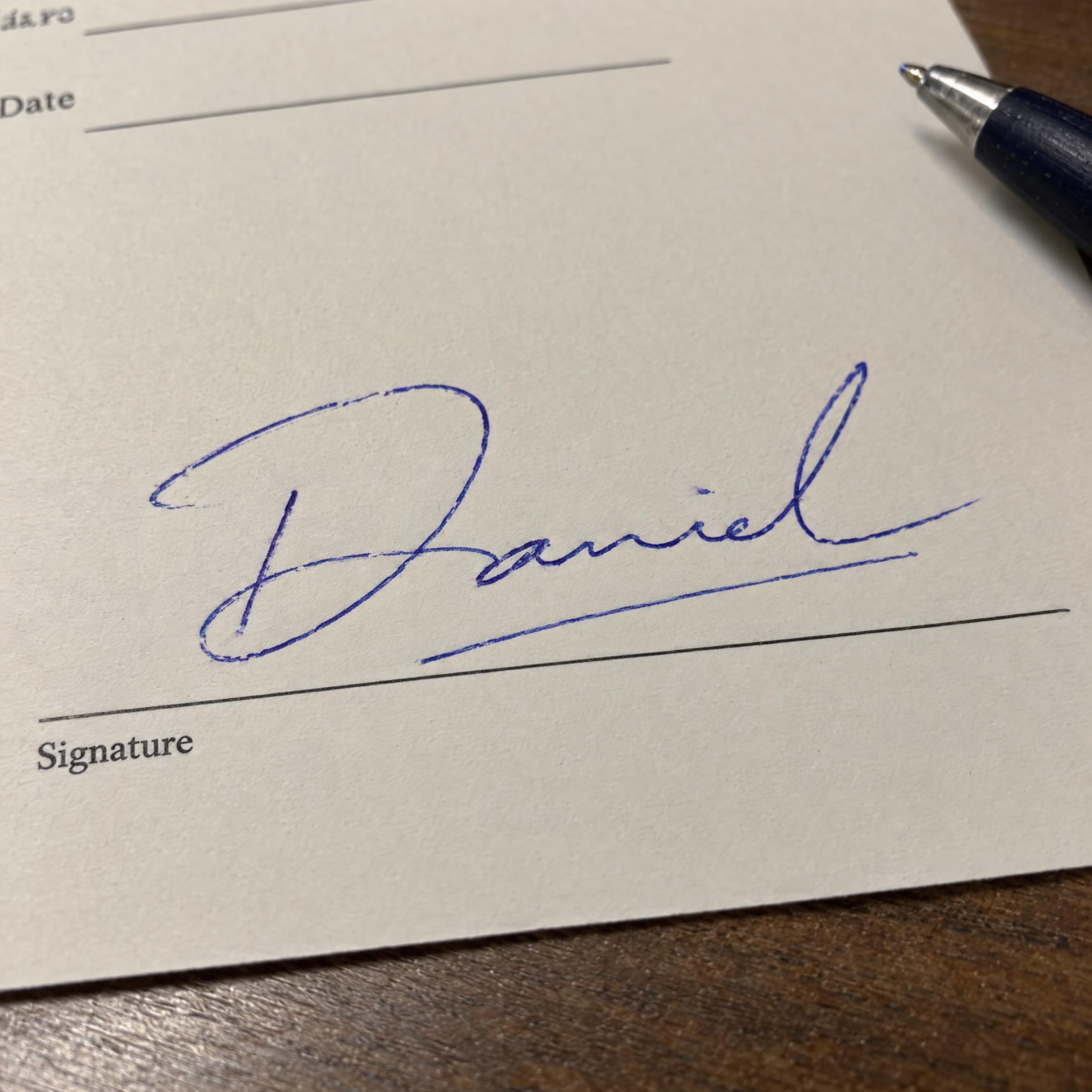
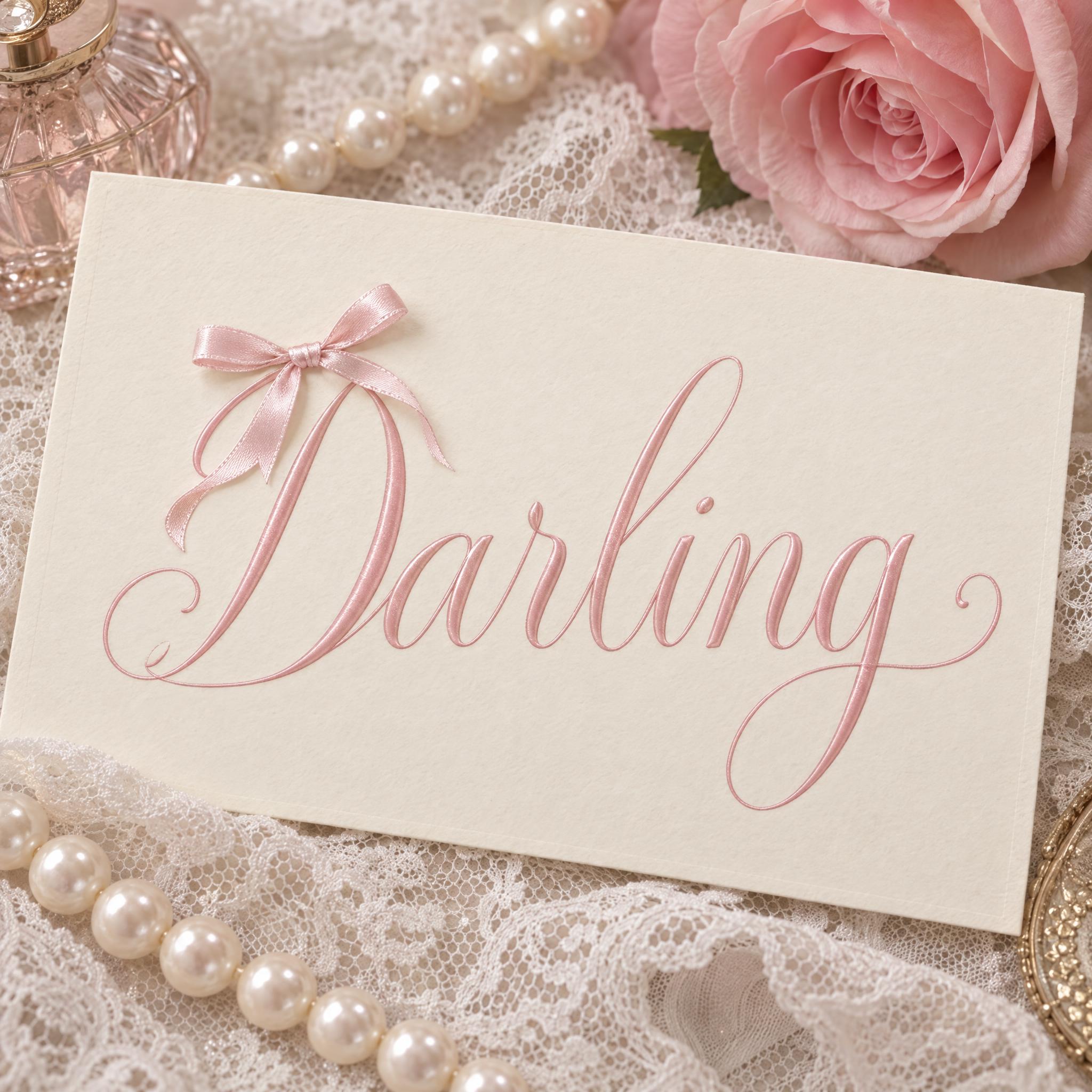
AI fonts for a second line, a logo lock-up or a poster footer.
Cute Cursive Font writes your word the way you would in a journal with a fine round-tip pen: joined letters in one thin line that never gets thicker or thinner, hopping a little above and below the baseline, with small round loops, short rounded ascenders and a curly tail on the last letter. One small heart follows the word. The default ink is soft rose pink, and it is still plain handwriting, not formal calligraphy.
Type your word in the box above the prompt, copy it and paste it into ChatGPT, Gemini, Grok, Qwen or Seedream. The prompt has three parts: the text, the font design and the scene. The font design makes the bouncy pen script; the scene is yours to change. Every image on this page came from pasting the prompt unchanged into each model, with nothing retouched.
Use it for journal and planner headers, scrapbook captions, name stickers and labels, or a soft handwritten line for a social post or a story cover.
Details from the original render. Every one of them is named in the prompt.
A fine round-tip pen line with the same thin width everywhere, no thick and thin.
Joined letters that hop a little above and below the line.
Small round loops, short rounded ascenders and a curl on the last letter.
A single heart right after the last letter, in the same rose pink ink.
Pulled from the render. Handy when you build the rest of the design around the word.
Where this AI font earns its keep.
This look is not a typeface tradition; it is the handwriting people put next to their photos and plans. In scrapbooking, the writing on a page is called journaling: text that describes, explains or accents the photos, and some scrapbookers prefer it handwritten because they see handwriting as valuable for posterity. The hobby became an industry largely through Marielen Christensen of Utah, who had filled more than fifty albums by 1980; in 1981 she and her husband published a how-to booklet, Keeping Memories Alive, and opened a store of the same name in Spanish Fork.
The second source is the bullet journal, a paper method that the digital product designer Ryder Carroll began sharing online in 2013 and turned into a book in 2018. It is meant for planning and note-taking in one notebook, but many people also use it as a creative outlet, with markers, stickers, stencils and coloured tape, and some spend an hour or more a day on a layout. By December 2018 the method had been the subject of more than 3 million Instagram posts, and its popularity has been linked to rising sales of notebooks and pens.
That is the writing this prompt aims for: a header or caption in a notebook, written with a fine pen in one even line. It is different from brush lettering, where pressure swells the downstrokes, and from the bow-and-pink styling of Coquette Font; here the charm comes from the bounce and the little loops of the handwriting itself.
Sources: Wikipedia — Scrapbooking · Wikipedia — Bullet journal
Marielen and A.J. Christensen publish a how-to booklet and open a scrapbook store of the same name in Spanish Fork, Utah.
Ryder Carroll begins sharing his paper method for planning and note-taking online.
Carroll publishes the book; by December the method has been the subject of more than 3 million Instagram posts.
All five models wrote the word correctly in English, Spanish, German, Japanese and Chinese, as rounded pink cursive on peach paper with washi tape. GPT Image gives the brightest, most even pink line and Grok the boldest stroke, while Qwen left out the heart in Spanish and Japanese. In Portuguese Qwen wrote the whole prompt onto the page twice, and in Arabic Qwen and Seedream both failed twice with wrong or extra letters, while GPT Image, Nano Banana and Grok got it right. Compare them side by side above.
People use both words for the same kind of soft, rounded joined writing, so this page covers both. In this prompt, cute comes from three things: one thin, even pen line, letters that bounce off the baseline, and small loops with a curly tail. If you want something more grown-up and flowing, look at Modern Calligraphy or the other styles under cursive fonts.
Coquette Font is about the styling: a hairline-fine, airy script dressed in pink with bows. This one is about the handwriting itself: the even pen line, the bounce and the little loops. If you like this, also try School Cursive for neat classroom joined writing or Realistic Handwriting Font for everyday notes.
Type it in the box next to Prompt above, then copy the full prompt. Check every letter in the result: loops and bounce can merge two letters or add an extra hump, especially in m, n and u.
Yes. Delete "A single small heart sits just after the last letter." for plain handwriting, or change it to "A single small star sits just after the last letter." Keep the decoration after the word: put it on a letter and models may read it as a dot or an accent.
Change only "The ink is soft rose pink.", for example to "The ink is shiny rose gold." or "The ink is pastel blue." The heart takes the same colour.
Yes, names are a good fit: they are short, so the bounce and loops have room. Change the scene to "The word is written on a round white sticker on a pale pink background." and generate one name at a time. For printing, export a transparent PNG (FontVibe can do this) and check the spelling before you order.
Pick the ratio in your app if it has one. If not, add "Tall 9:16 image." or "Wide 16:9 image." at the end of the prompt.
No. It is a prompt that makes a picture of your word in cute cursive with an AI image model, so there is nothing to install and any word works. You cannot type with it in Word or Canva.
Copying the prompt is free. Whether the image costs anything depends on the app you paste it into, and what you may do with the image depends on that app's terms.