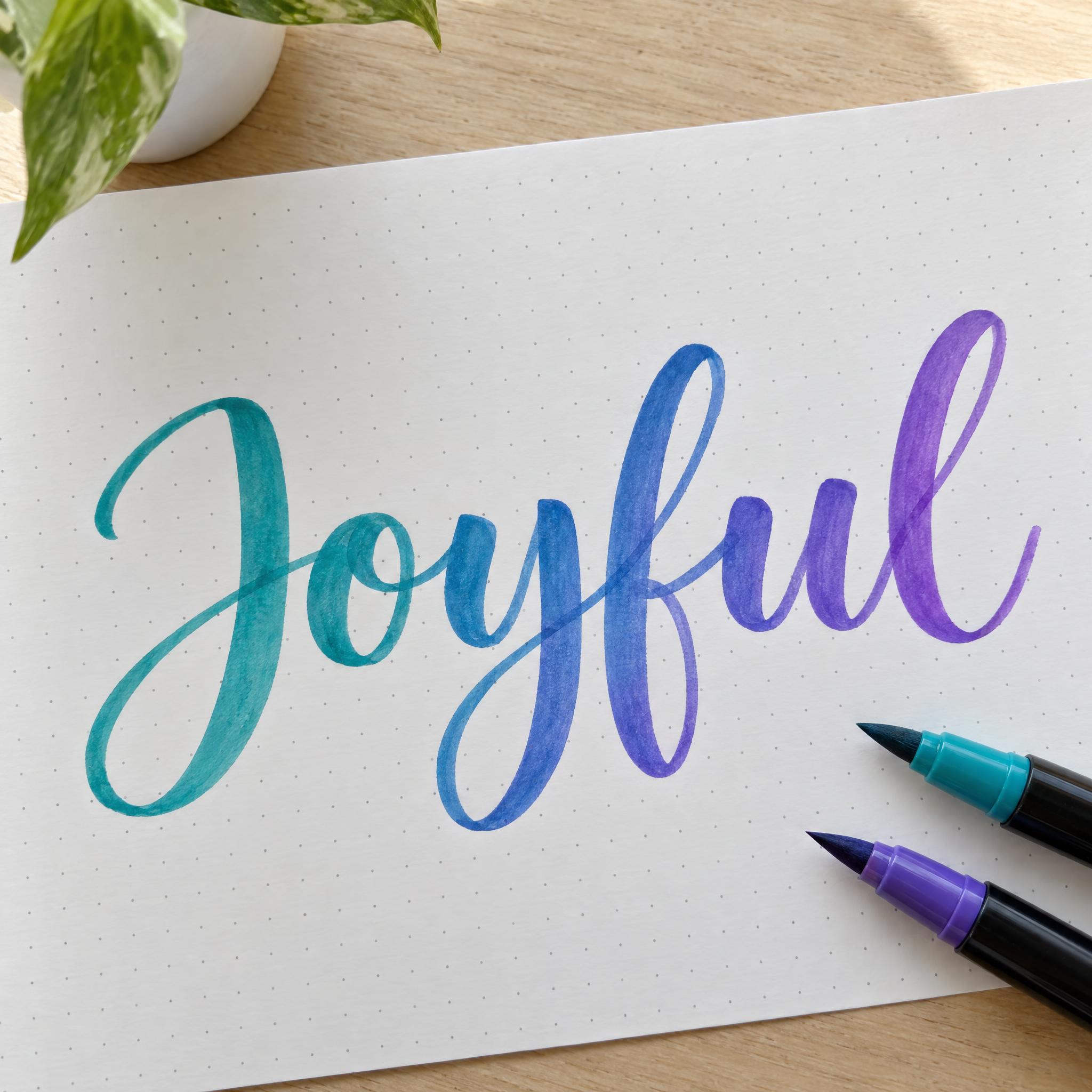
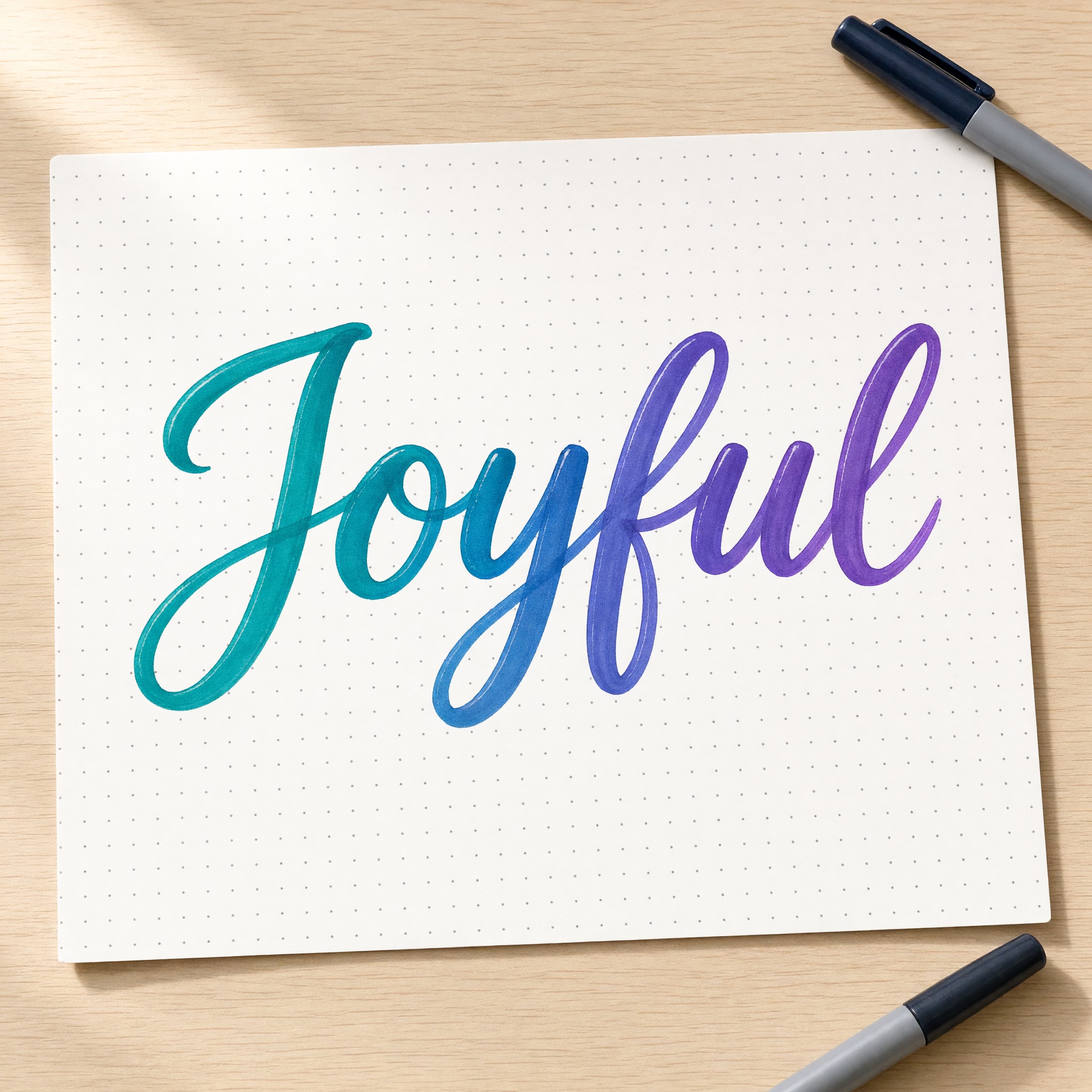
Smooth brush pen script: wide, glossy downstrokes, hairline upstrokes and ink that fades from teal to violet.
TextWrite the word "Joyful". Spell it exactly as written, without adding or changing any letter.
Font designBrush pen lettering: a neat, practiced script written with a soft-tip brush pen, the letters joined and sitting steadily on one baseline with an even forward slant. Every downstroke is pressed into a wide, smooth stroke and every upstroke is a hairline, the width changing gradually through each curve; the loops are compact and the word ends cleanly; every letter clearly readable. The ink fades smoothly from teal into violet along the word. Strokes are glossy and even with soft rounded ends, a little translucent where two strokes overlap. Never a dry, bristly brush texture. Like a hand-lettered quote in a lettering practice journal.
SceneThe word is written on white dot-grid paper on a light wooden desk, with two plain brush pens beside it, in bright daylight. The word is centered, spans most of the width and reads clearly.
154 words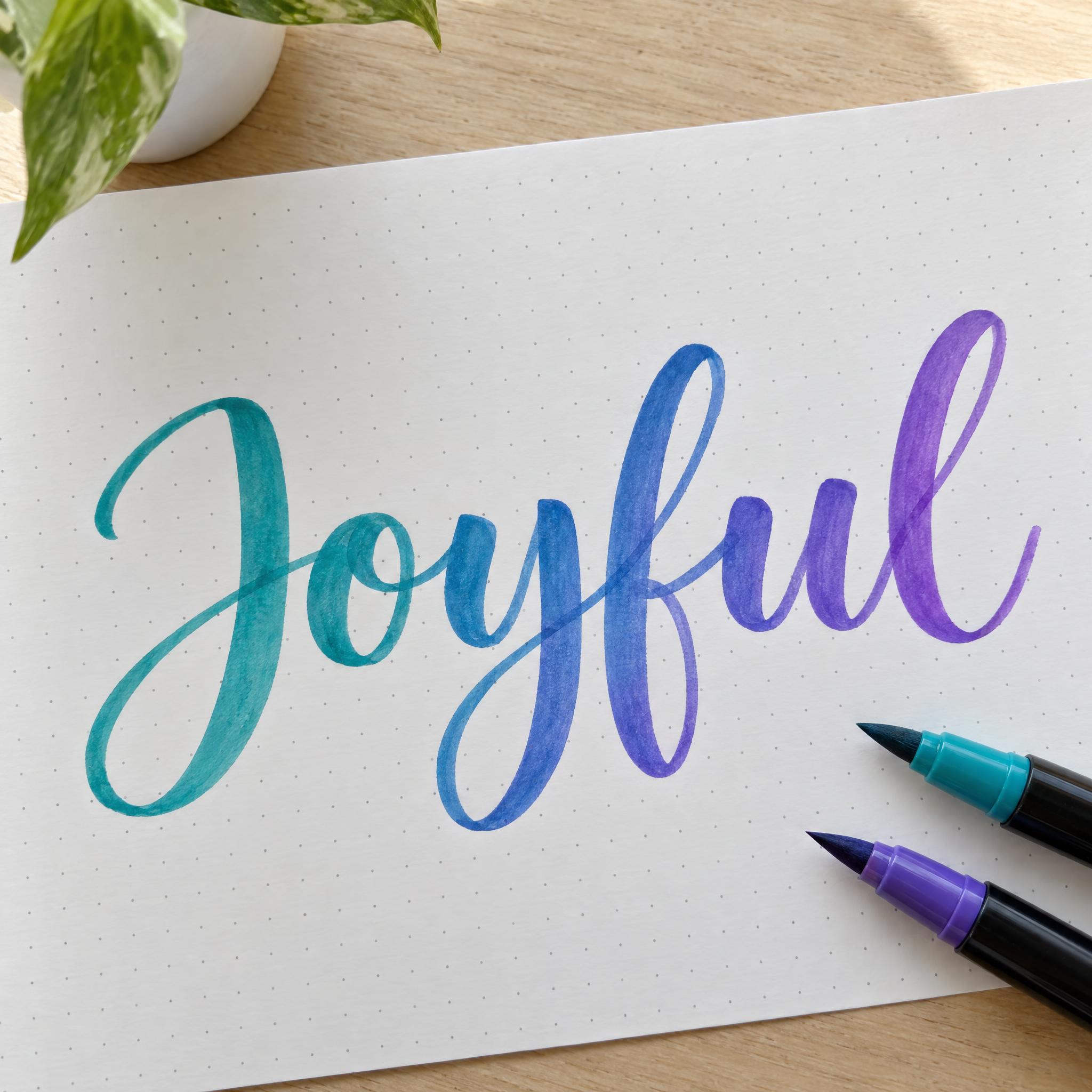
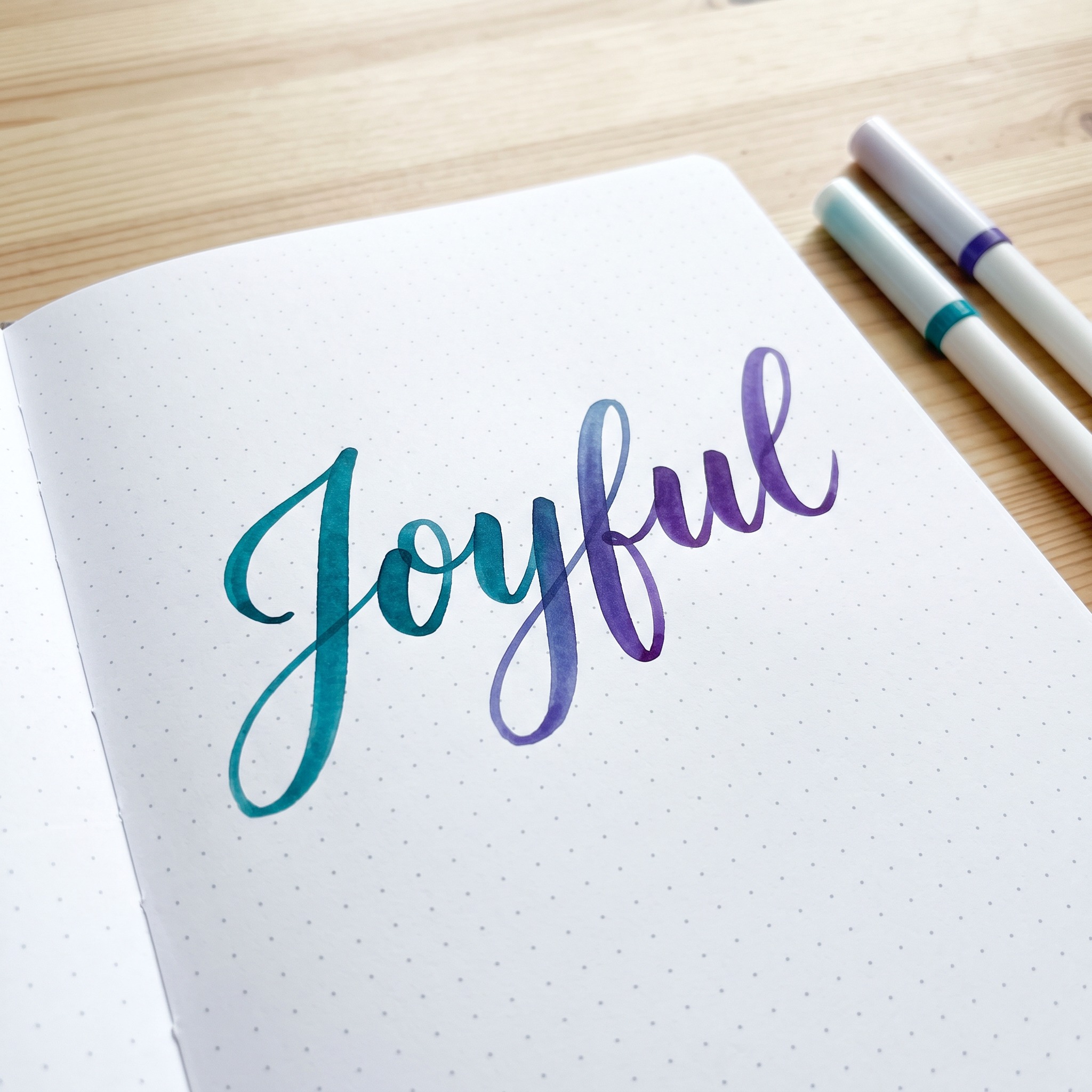
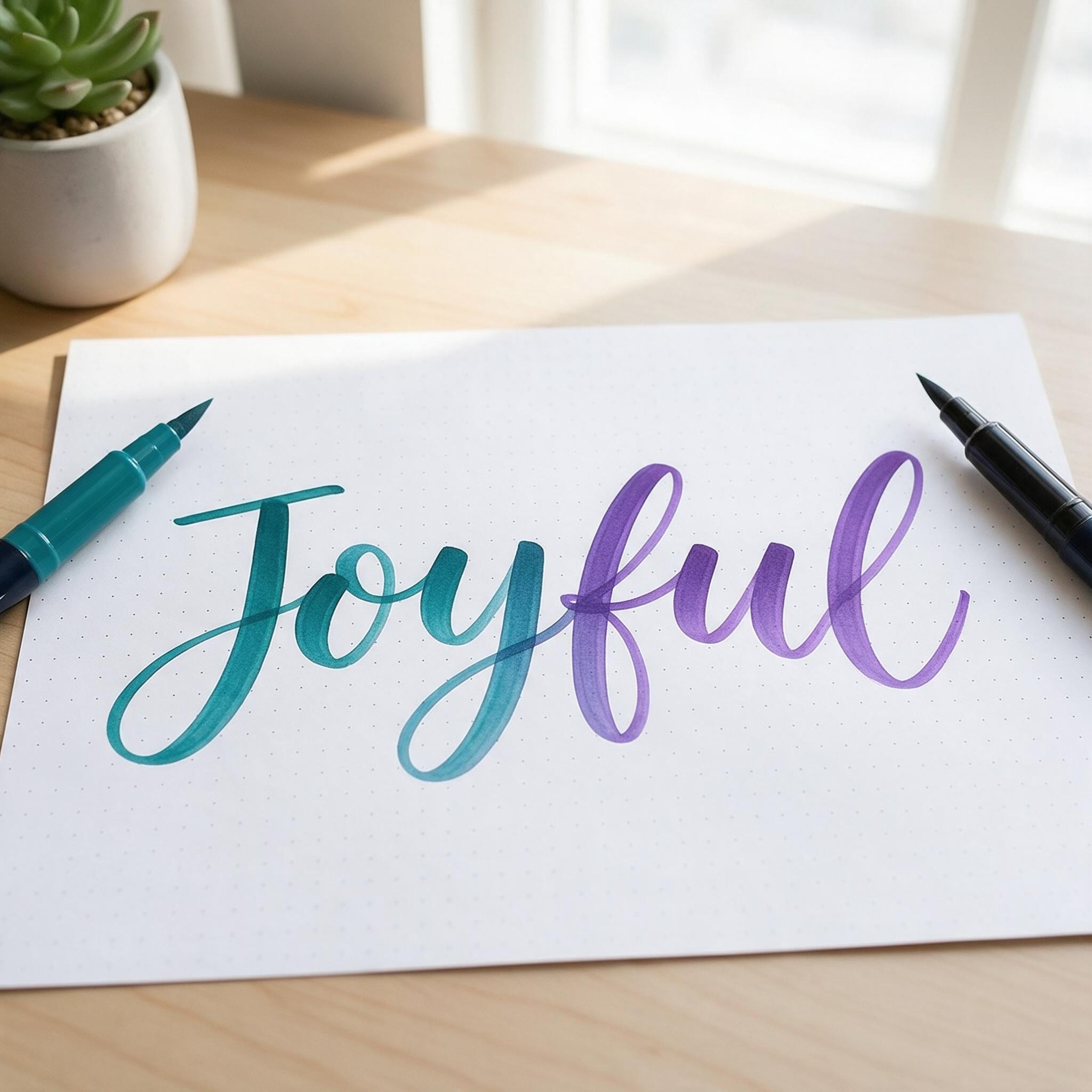
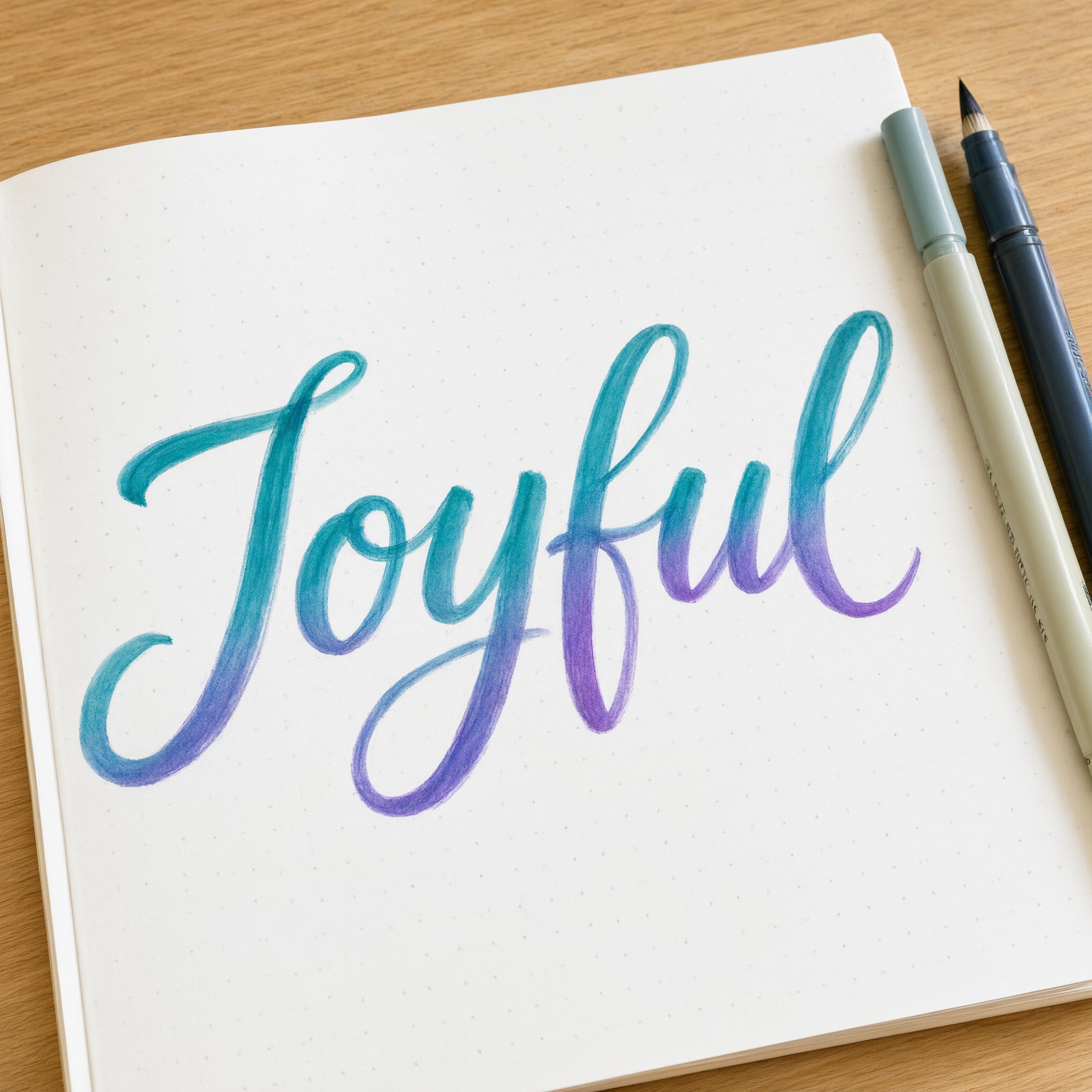
One prompt pasted into each image model as-is. These are the unedited results, so you can pick the model that suits you.
The strongest teal-to-violet fade and the biggest J.
The cleanest, most even fade on a dot-grid card.
Darker, deeper teal with compact letters.
Softer, paler strokes and a long bar across the J.
Big loops, with the colour fading top to bottom.
The button opens FontVibe in DIY mode with this prompt filled in as it is. Type your word, pick a model and generate. GPT Image, Nano Banana, Seedream, Grok and Qwen are all in one account, so you can compare how each one handles the thick and thin strokes without opening five apps. Every account gets free credits each month with no card needed, and you can export a transparent PNG to drop the lettering onto your own card or post.
Layers in the order the prompt states them. Change one layer and the rest keeps working.
Every AIFont prompt opens with the same text part. "Spell it exactly as written, without adding or changing any letter" comes first, because joined letters with hairline connections are where models most often drop or double a letter.
"Brush pen lettering: a neat, practiced script written with a soft-tip brush pen, the letters joined and sitting steadily on one baseline with an even forward slant." sets the tool and the rhythm: a soft brush pen, joined letters, one baseline and one slant. That steadiness is what separates it from the bouncing [Modern Calligraphy](/fonts/modern-calligraphy).
"Every downstroke is pressed into a wide, smooth stroke and every upstroke is a hairline, the width changing gradually through each curve; the loops are compact and the word ends cleanly; every letter clearly readable." is the core of brush lettering: pressure on the way down, a hairline on the way up, and the width changing smoothly inside each curve.
"The ink fades smoothly from teal into violet along the word." is the only colour sentence. Change just this line for another pair of colours or a single ink.
"Strokes are glossy and even with soft rounded ends, a little translucent where two strokes overlap." gives the marker-ink look: even, glossy strokes with soft ends, and a hint of see-through where strokes cross.
"Never a dry, bristly brush texture." stops the model from switching to the ragged bristle texture of [Brush Script](/fonts/brush-script), the other thing the word brush brings to mind.
"Like a hand-lettered quote in a lettering practice journal." points the model at where this style lives: practice pages and journal spreads.
"The word is written on white dot-grid paper on a light wooden desk, with two plain brush pens beside it, in bright daylight." puts the word on the paper letterers practise on. "The word is centered, spans most of the width and reads clearly." keeps the word the star. Swap this part for your own use.
Small edits that stay on-style. Change one thing at a time.
Type it in the box next to Prompt above and copy again. Short words and short quotes look best; one word per line if you need two lines.
Swap "The ink fades smoothly from teal into violet along the word." for "The ink fades smoothly from coral into gold along the word.", "The ink fades smoothly from pink into orange along the word." or "The ink is deep navy blue."
Replace "written on white dot-grid paper on a light wooden desk, with two plain brush pens beside it" with "written on a white greeting card on a pink tablecloth", "written on a kraft paper gift tag" or "written on a white chalkboard-style sign".
The prompt sets no frame size. Pick the ratio in your app, or add "Wide 16:9 image." or "Tall 4:5 image." at the end.
AI fonts that share the most tags with Brush Lettering.
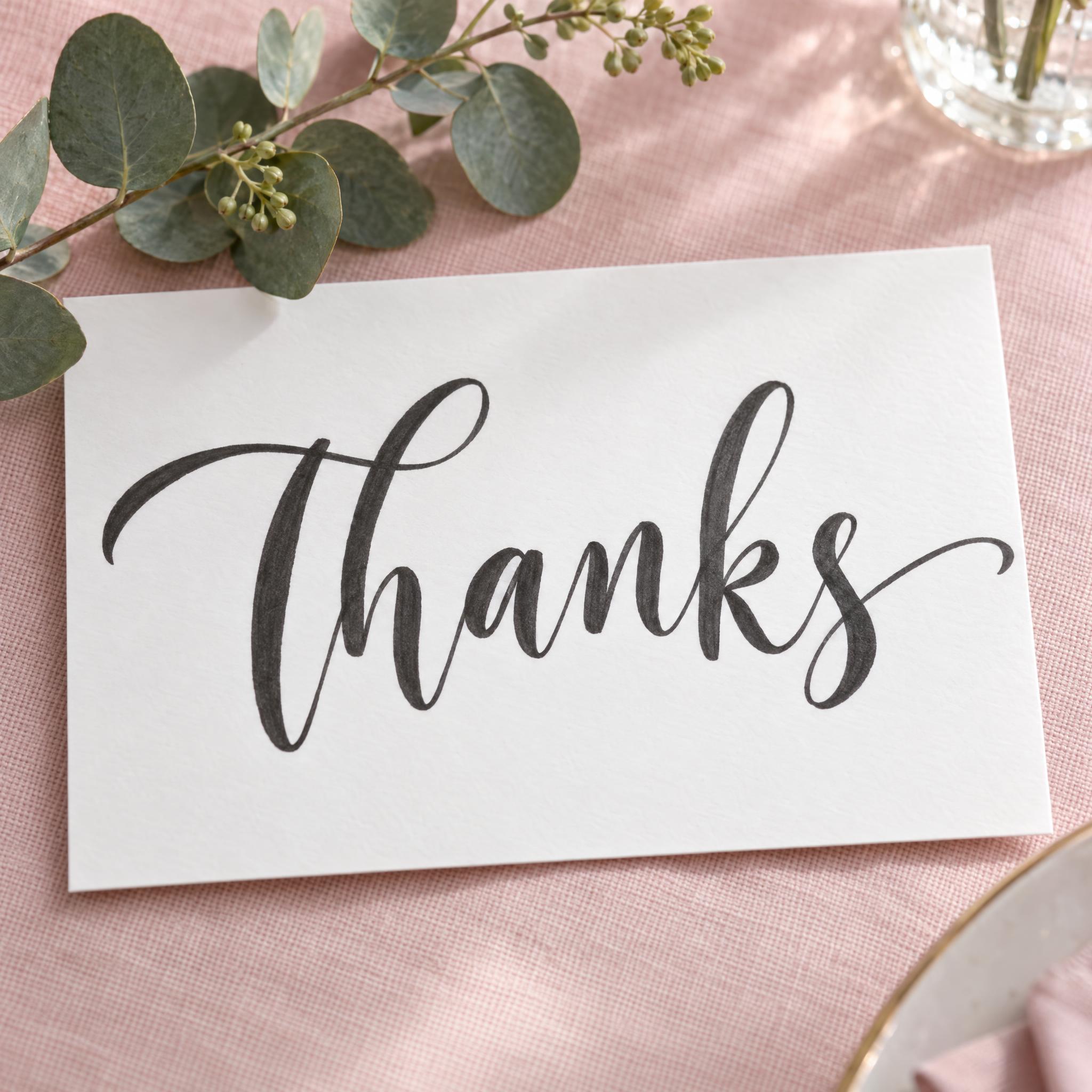
AI fonts for a second line, a logo lock-up or a poster footer.
Brush Lettering writes your word the way a soft-tip brush pen does: the letters join on one steady baseline with an even slant, every downstroke presses out into a wide, glossy stroke and every upstroke thins to a hairline, and the ink fades from teal into violet along the word. It is the clean, practiced look of a lettering journal, not rough dry brush.
Type your word in the box above the prompt, copy it and paste it into ChatGPT, Gemini, Grok, Qwen or Seedream. The prompt has three parts: the text, the font design and the scene. The font design makes the brush pen script; the scene is yours to change. Every image on this page came from pasting the prompt unchanged into each model, with nothing retouched.
Use it for quotes and journal pages, greeting cards, social posts, stickers and small shop signs.
Details from the original render. Every one of them is named in the prompt.
Joined letters at one even slant.
Wide downstrokes, hairline upstrokes.
Teal fading into violet along the word.
Smooth, even strokes, slightly see-through where they cross.
Pulled from the render. Handy when you build the rest of the design around the word.
Where this AI font earns its keep.
Brush lettering is tied to one tool: the brush pen, a marker with a flexible tip that writes thick when pressed and thin when lifted. Sailor made the first fudepen in 1972 for writing in the Japanese brush tradition, and Kuretake made it a commercial success in 1973 by applying felt-tip pen technology.
A pen made for lettering came a decade later. Tombow launched its Dual Brush Pen in 1984 as a "soft lettering pen", under the name AB-T, short for Art Brush Twin, and in its own words it has since become "a favorite for lettering". The colourful, blended look on this page is the look of those markers: water-based ink in many colours, laid down on smooth paper one stroke at a time.
Sources: Wikipedia — Brush pen · Tombow USA — 40 years of the Dual Brush Pen
All five wrote a joined brush pen script with wide downstrokes, hairline upstrokes and a teal-to-violet fade, and every model spelled the word right in the Latin languages, Japanese and Chinese. GPT Image has the strongest fade and contrast, Grok is the cleanest and most even, Seedream the softest and palest. In Arabic, GPT Image, Nano Banana and Grok were right; Seedream and Qwen misspelled the word twice. Compare them side by side above.
Both use a brush pen. Modern Calligraphy bounces the letters above and below the line in black ink, with oversized loops. Brush Lettering keeps every letter on one steady baseline at one slant, with compact loops and ink that fades from one colour to another.
It gives you a finished picture of your word, not a practice sheet. You can use it to preview how a word could look before you letter it by hand: the thick downstrokes and hairline upstrokes in the image are exactly the strokes you would practise.
Type it in the box next to the prompt and copy the full prompt again. Short words and short quotes work best.
Change only "The ink fades smoothly from teal into violet along the word.", for example to "The ink fades smoothly from coral into gold along the word." Write one colour if you want a single ink.
Pick the ratio in your app if it has one. If not, add "Wide 16:9 image." or "Tall 4:5 image." at the end of the prompt.
No. It is a prompt that makes a picture of your word in brush pen lettering with an AI image model, so there is nothing to install and any word works.
Copying the prompt is free. Whether the image costs anything depends on the app you paste it into, and what you may do with the image depends on that app's terms.