Brush fonts as copy-ready AI prompts: dry brush strokes, sign painter scripts, paint splatter, action titles, watercolor and smooth brush pen lettering. These are prompts, not font files: type your word, copy, and paste into ChatGPT or Gemini, or generate it right away on FontVibe.
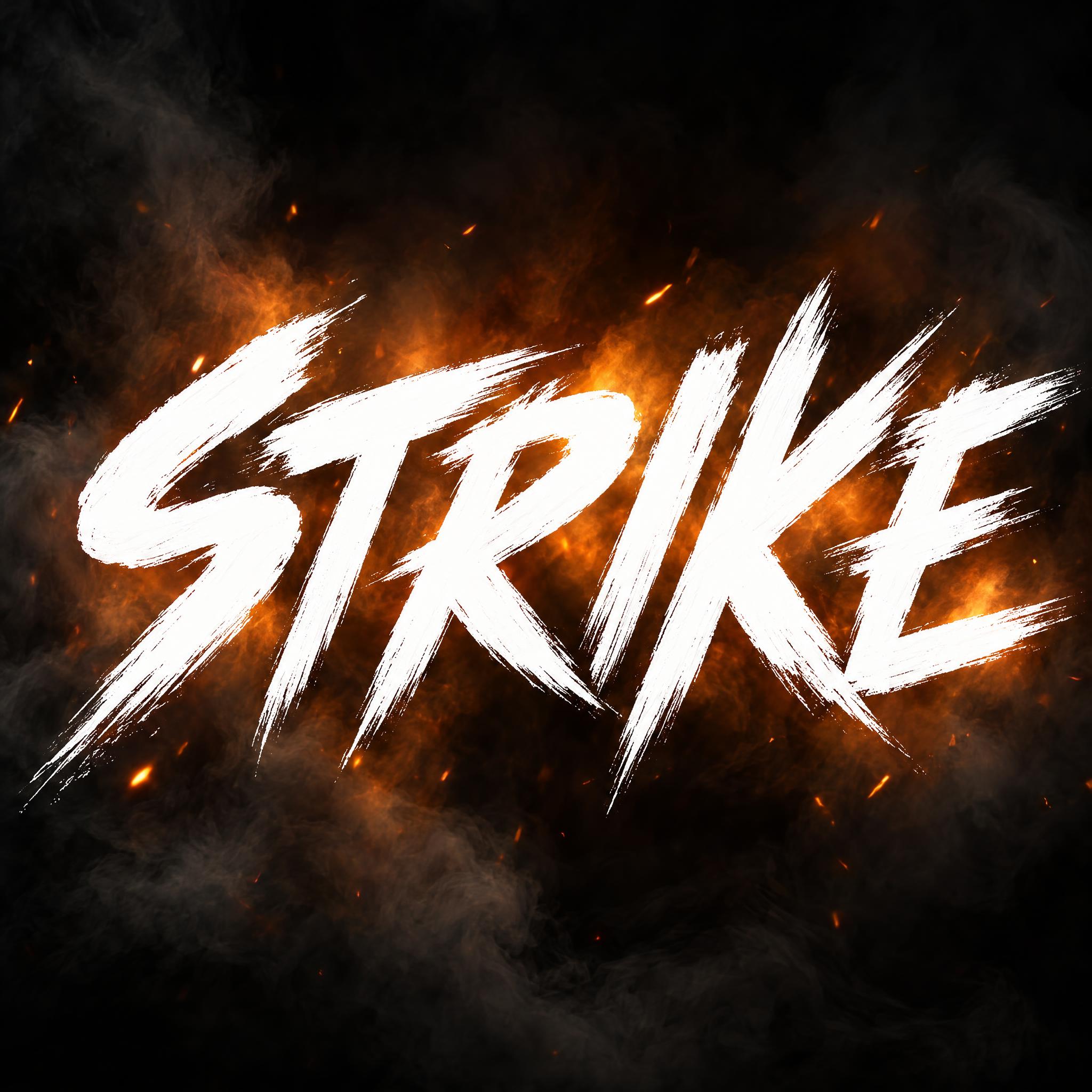
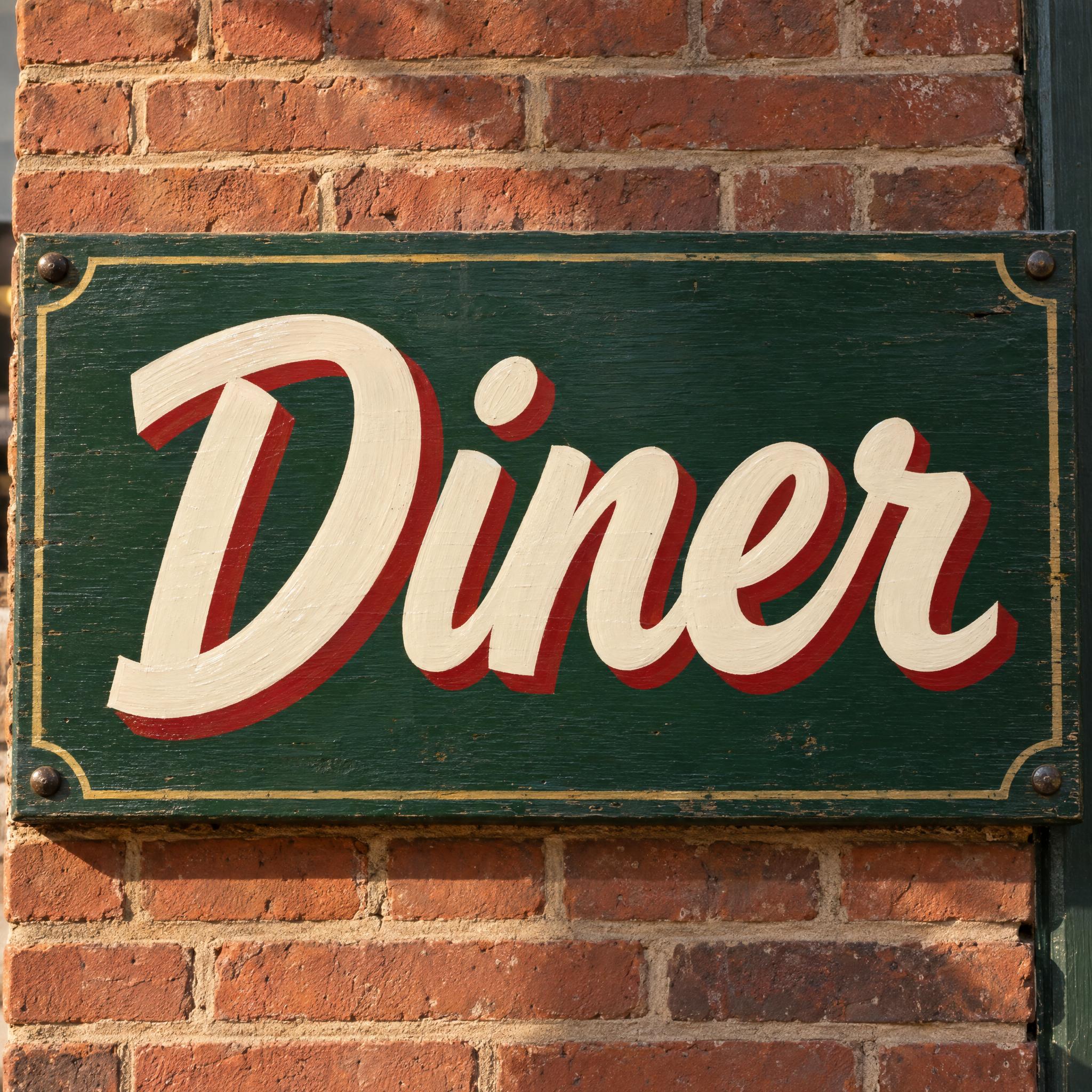
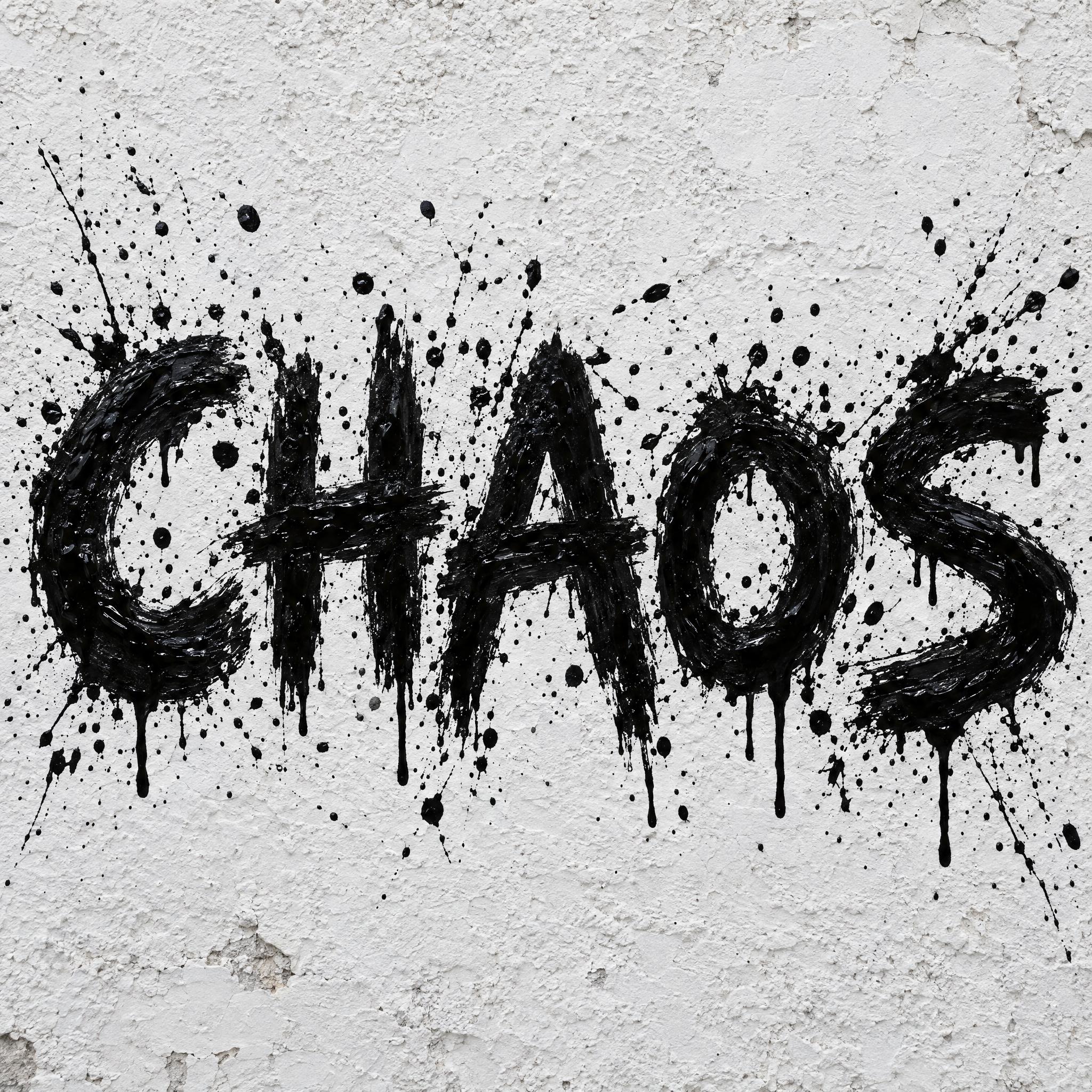
Type your word, copy the full prompt and paste it into ChatGPT, Gemini or any image model.
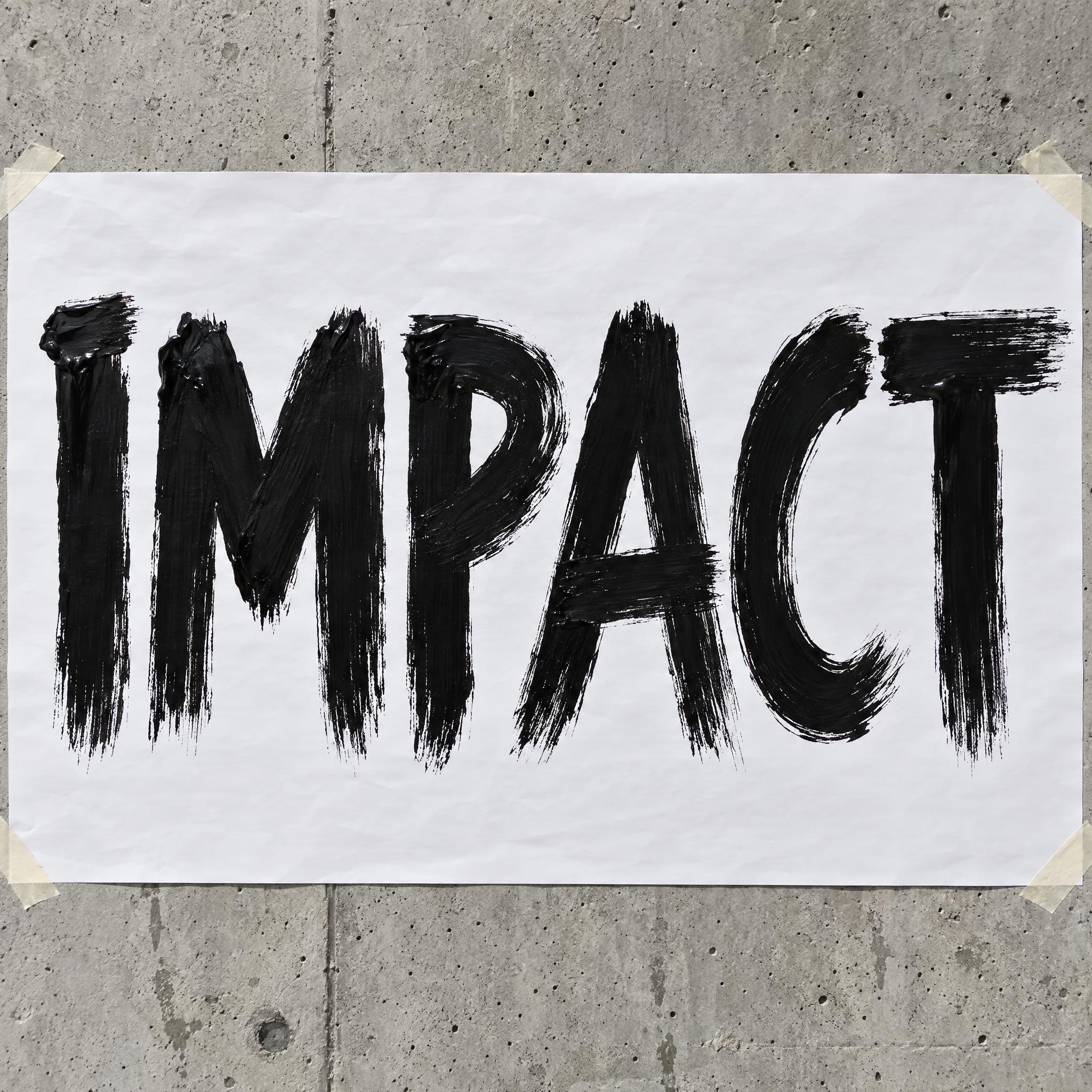
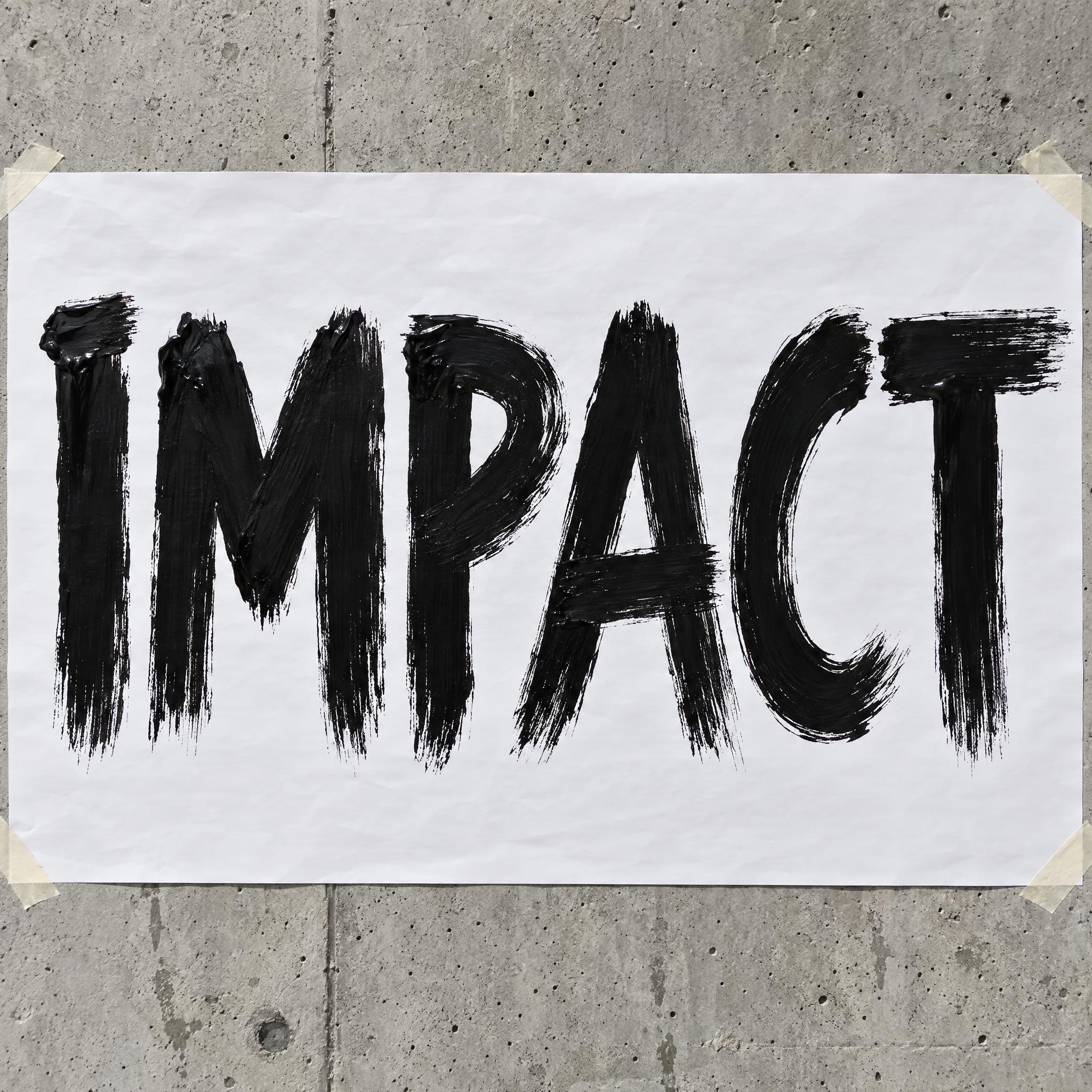
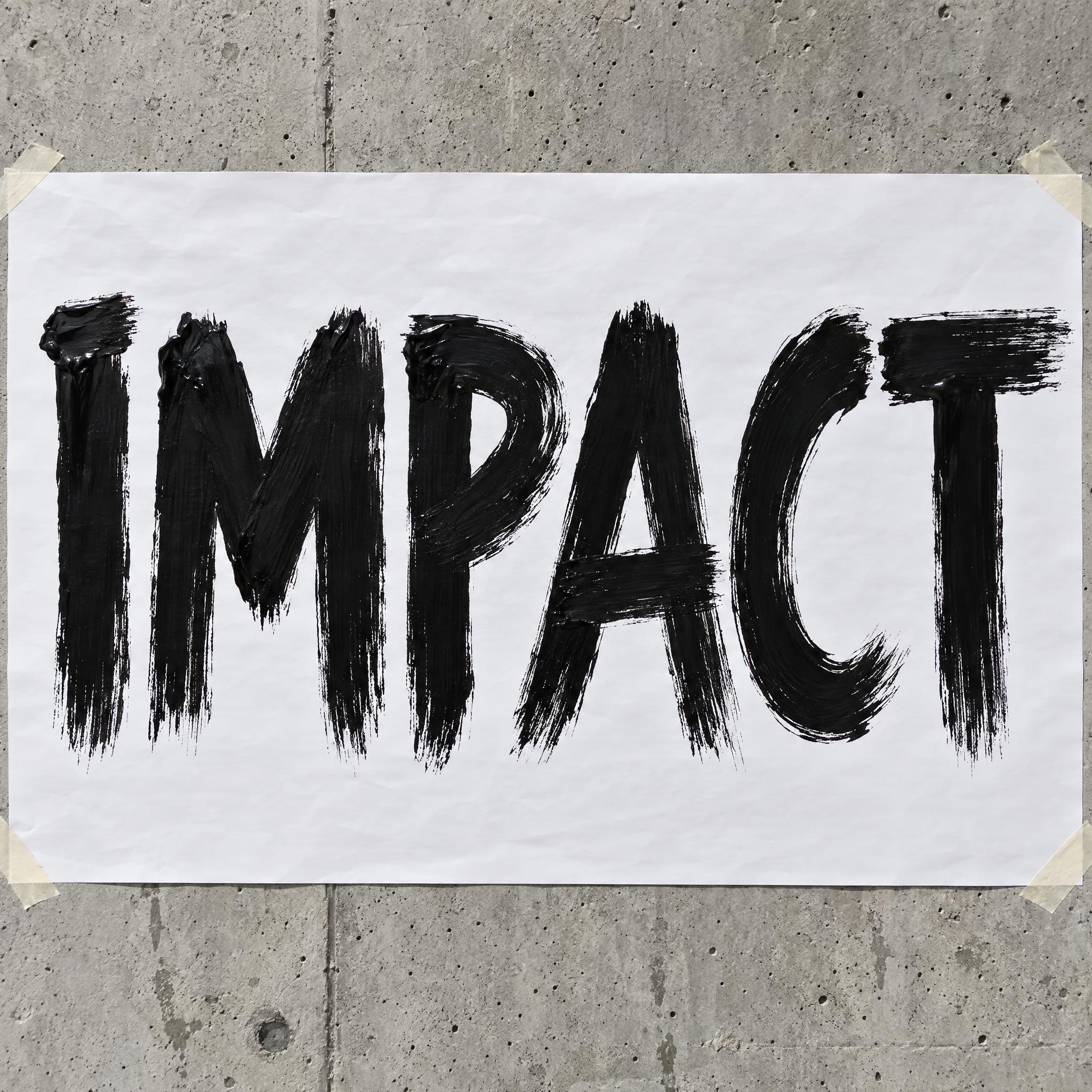
TextWrite the word "IMPACT". Spell it exactly as written, without adding or changing any letter.
Font designBrush stroke lettering: bold capital letters, each stroke painted in one fast sweep of a wide brush loaded with paint, the letters upright and set close together. Every stroke starts thick and flat where the brush lands and thins out where it lifts off, its edges torn and ragged where the bristles split apart, with fine dry streaks dragging out of the end; every letter clearly readable. Paint pools thick and slightly glossy at the start of each stroke. The paint is solid black. Never a joined cursive script. Like the hand-painted headline on a music festival poster.
SceneThe word is painted large on a sheet of white poster paper taped to a grey concrete wall, in bright daylight. The word is centered, spans most of the width and reads clearly.
Open one for the prompt and real results on each image model.
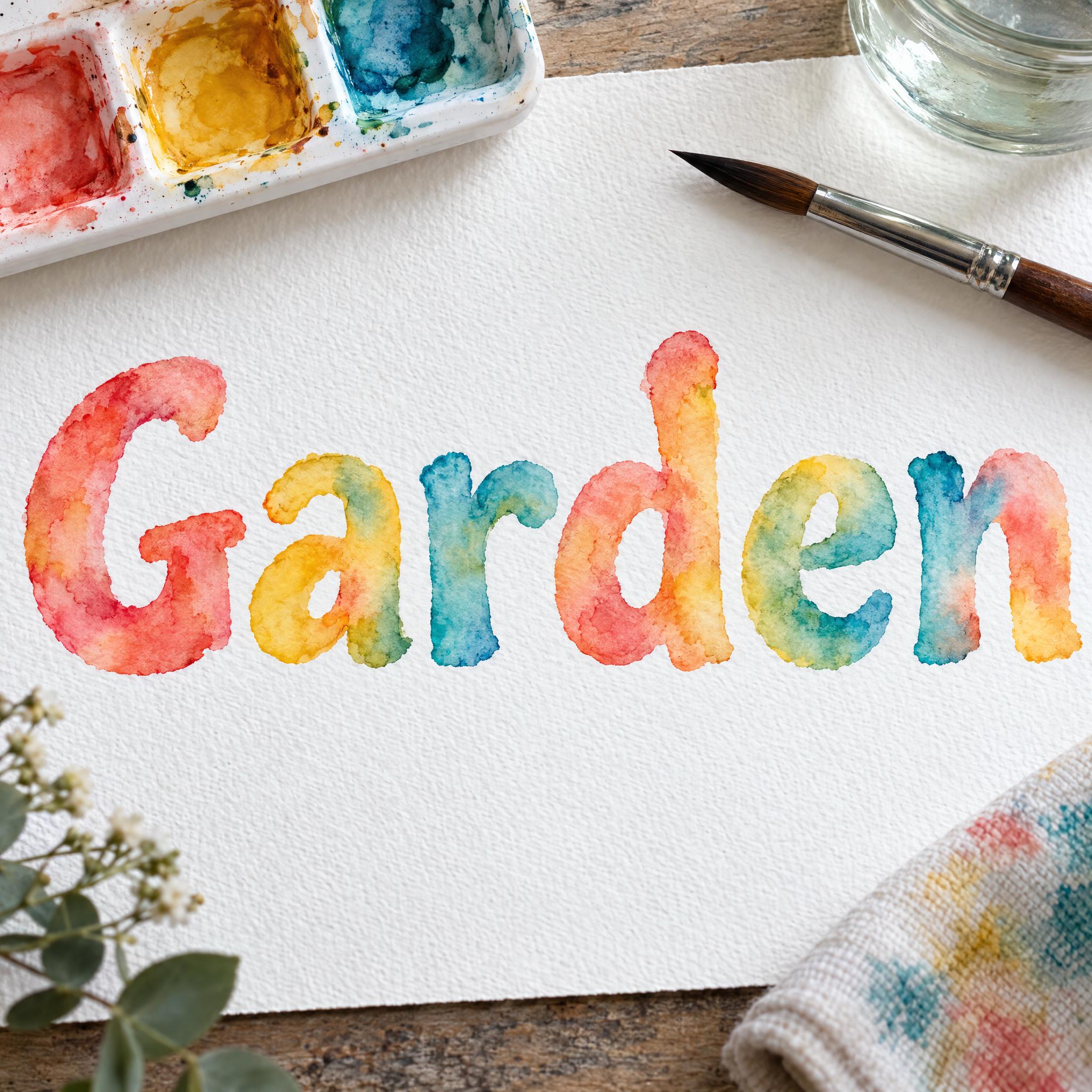
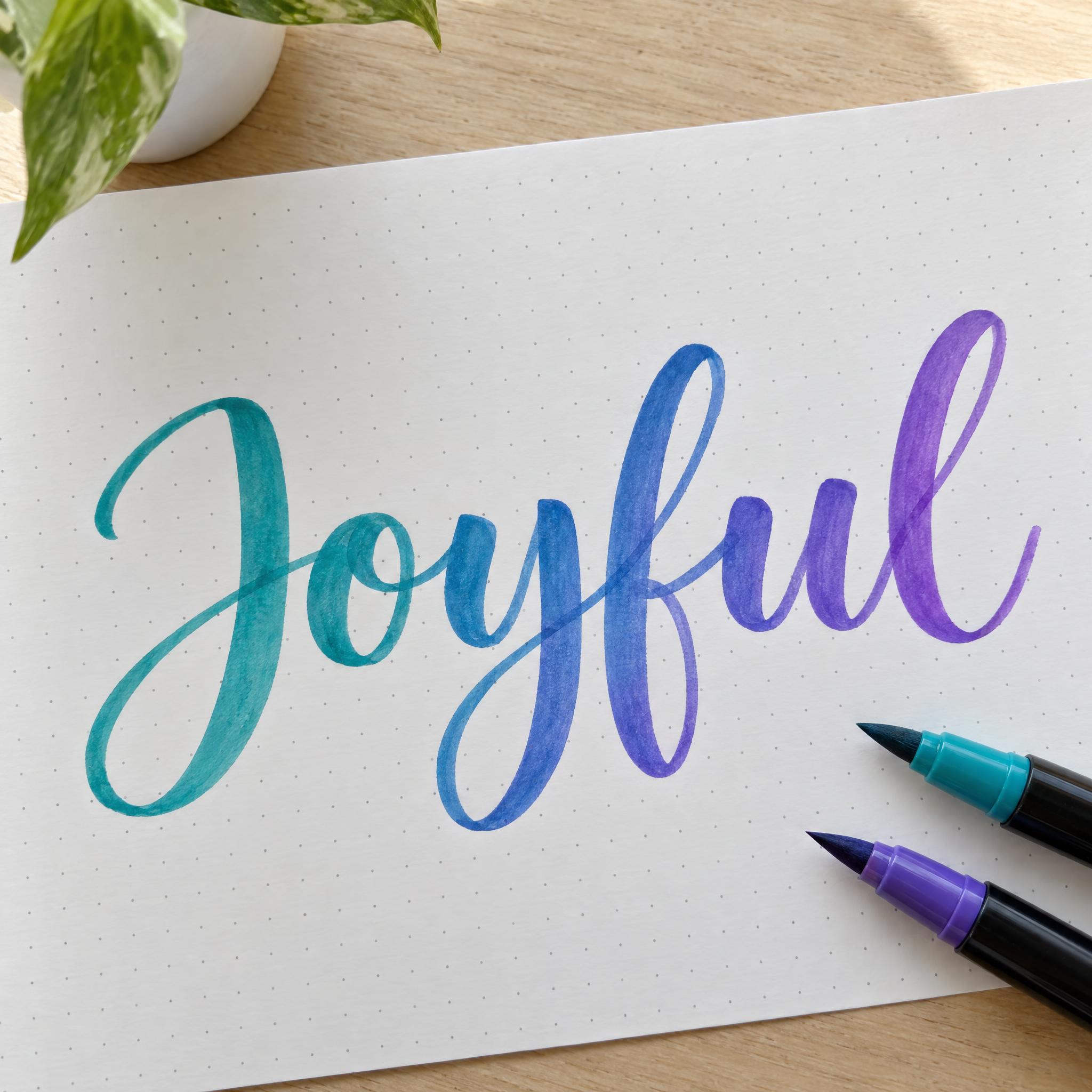
Tested October 2026. First attempts from our test ledger: 256 images, 7 fonts, 7 languages, each one checked by eye.
How to read it: 50 / 51 means 51 images tested and 50 spelled the word right on the first try; the percentage is that share. The Latin, Chinese / Japanese and Arabic columns split the same count by the script of the word.
| Model | Right first time | Latin | Chinese / Japanese | Arabic | Most common issue |
|---|---|---|---|---|---|
| GPT Imagegpt-image-2.5-sunburst · xhigh | 100% 52 / 52 | 100% 29 / 29 | 100% 15 / 15 | 100% 8 / 8 | Text in the background |
| Nano Bananagemini-nano-banana-2.1 | 98% 50 / 51 | 100% 28 / 28 | 93% 14 / 15 | 100% 8 / 8 | Wrong letter |
| Seedreamdola-seedream-5-0-pro-260628 | 78% 40 / 51 | 100% 28 / 28 | 80% 12 / 15 | 0% 0 / 8 | Extra letter |
| Grok Imaginegrok-imagine-image-2.0 · medium | 86% 44 / 51 | 100% 28 / 28 | 73% 11 / 15 | 63% 5 / 8 | Wrong letter |
| Qwen-Imageqwen-image-3.0-pro | 82% 42 / 51 | 96% 27 / 28 | 93% 14 / 15 | 13% 1 / 8 | Wrong case |
How we test: images are made through FontVibe with each model’s API, sending the prompt as is; we count only each model’s first image for every font and language and check the spelling by eye. Apps such as ChatGPT may rewrite prompts, so results there can differ. For the full data, email [email protected].
Every brush prompt on this page is built from the same layers, one sentence each. The examples are quoted word for word from the prompts of the fonts on this page.
A brush font is decided by the brush and the paint. A stiff half-dry brush, a flat lettering brush, a wide house brush and a soft brush pen leave four different kinds of stroke, so the first sentence names the brush and how loaded it is.
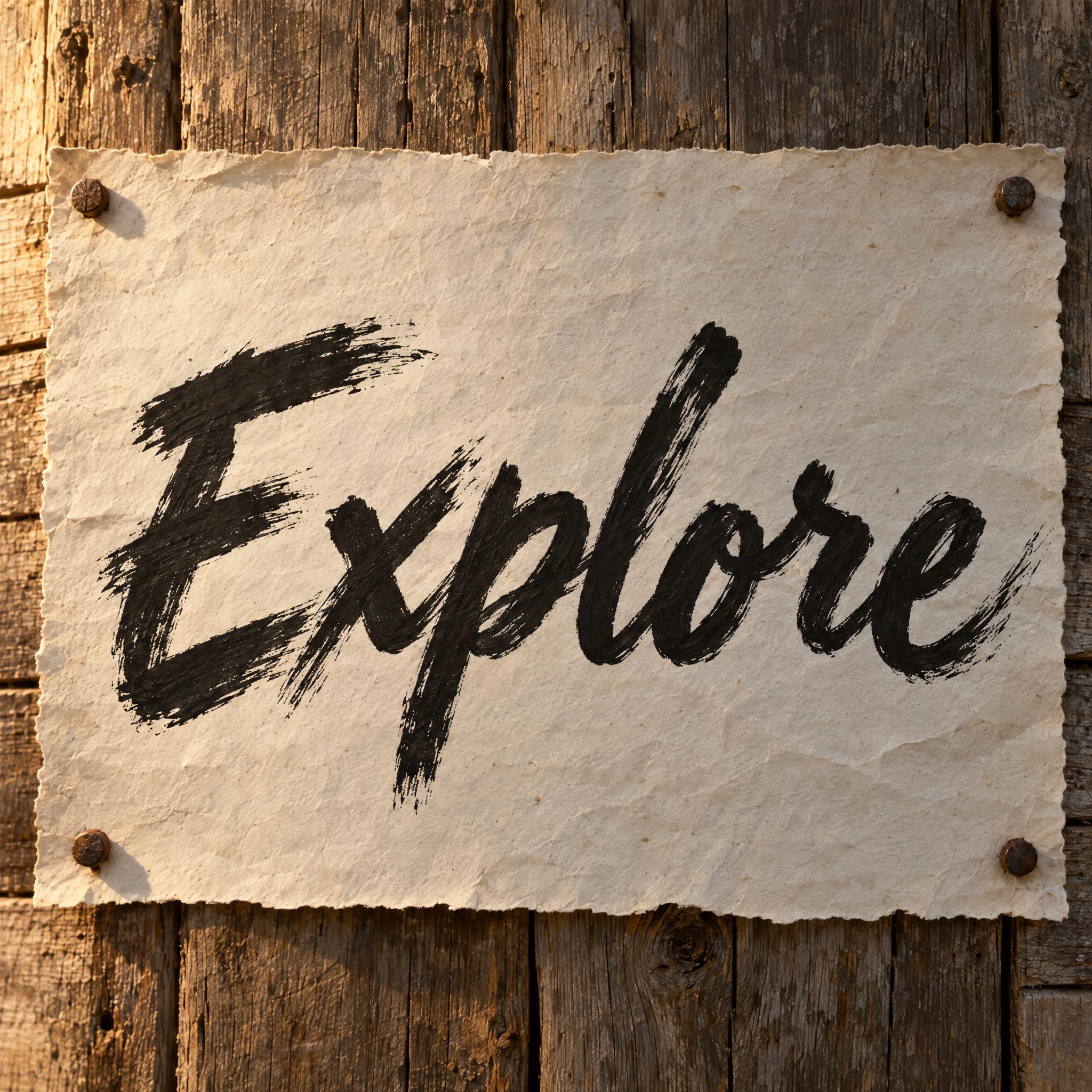
“Brush script lettering: bold cursive painted fast with a stiff, half-dry brush, upper and lowercase mixed, most letters joined and leaning forward.” — Brush Script
Compare this with the dry-brush line: a sign painter's flat brush gives crisp, chisel-cut ends instead of ragged ones. Change the brush in this sentence and every stroke changes with it.
“Sign painter lettering: casual show-card letters painted by hand with a flat lettering brush, upper and lowercase, leaning slightly forward and joined where a sign painter's casual script would join.” — Sign Painter Font
The look of brush lettering lives at the ends of each stroke: where the brush lands, where it lifts, where the bristles split. Describing that is what makes the word look painted rather than drawn.
“Every stroke starts thick and flat where the brush lands and thins out where it lifts off, its edges torn and ragged where the bristles split apart, with fine dry streaks dragging out of the end; every letter clearly readable.” — Brush Stroke Font
Saying watercolor or splatter alone often gets a clean digital effect. Describe what the paint actually does as it dries or flies, and the model draws real paint.
“Each stroke is pale in the middle where the water spread the pigment and darker along its edges where the paint pooled as it dried, with soft blooms and wet bleeds where one color runs into the next.” — Watercolor Font
Keep colour in one sentence, so you can swap black for white, red or a palette without touching the strokes.
“The letters are cream white and the shadow is deep red.” — Sign Painter Font
Rule out the brush style the model is most likely to draw instead. For a dry-brush script that is the smooth, even brush pen script; for brush pen lettering it is the reverse.
“Never a smooth, even brush-pen script.” — Brush Script
Paint goes on paper, walls, wooden signs and posters. A real surface and real light make the strokes look like they were made by hand.
“The word is painted across a black background with a thin haze of smoke and a warm orange glow behind it.” — Action Movie Brush
Brush lettering covers everything from shop signs to film titles. Pick by what the word needs to do.
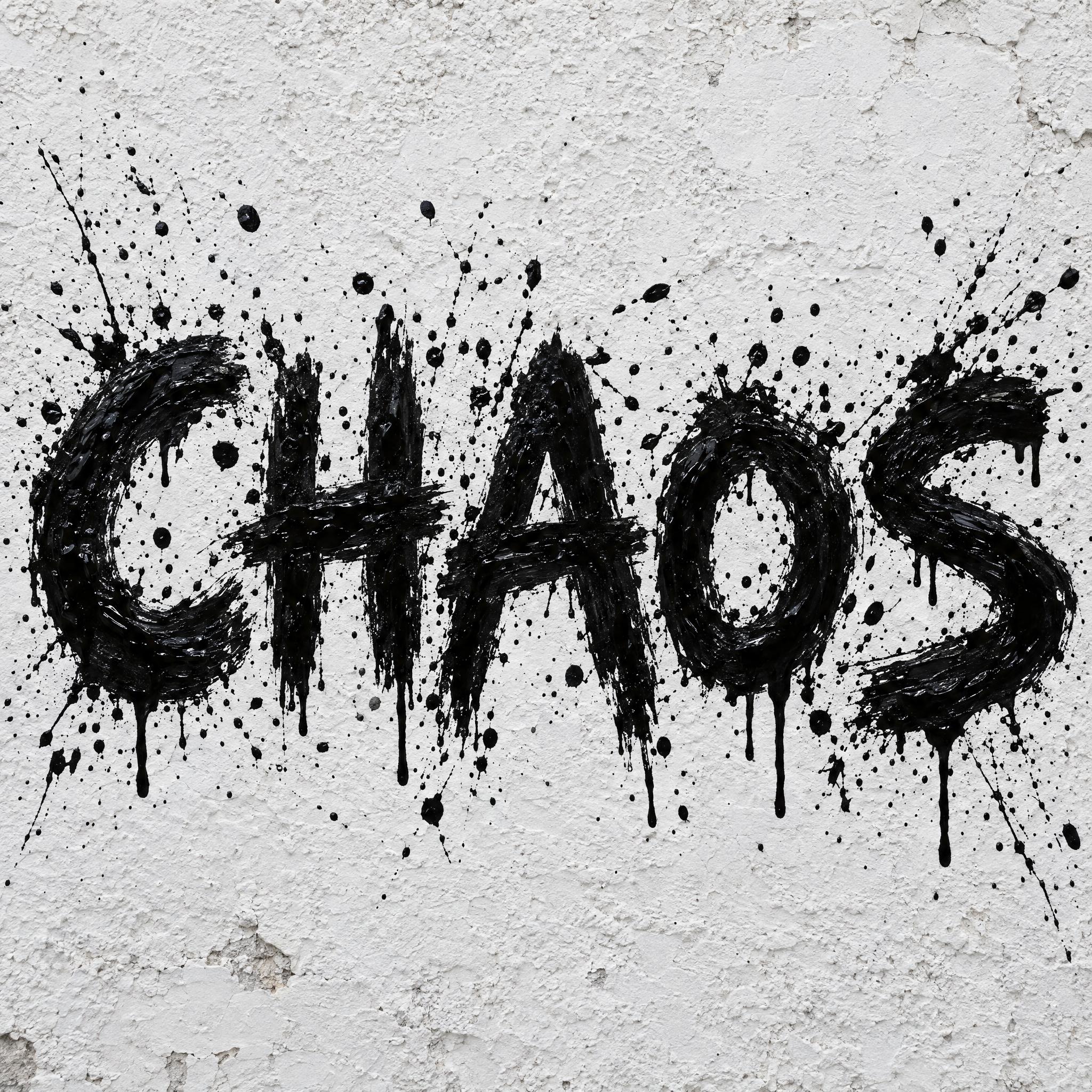
Brush Stroke Font paints bold capitals in one sweep of a wide brush; Paint Splatter Font adds flung paint and drips for a punk or grunge poster.
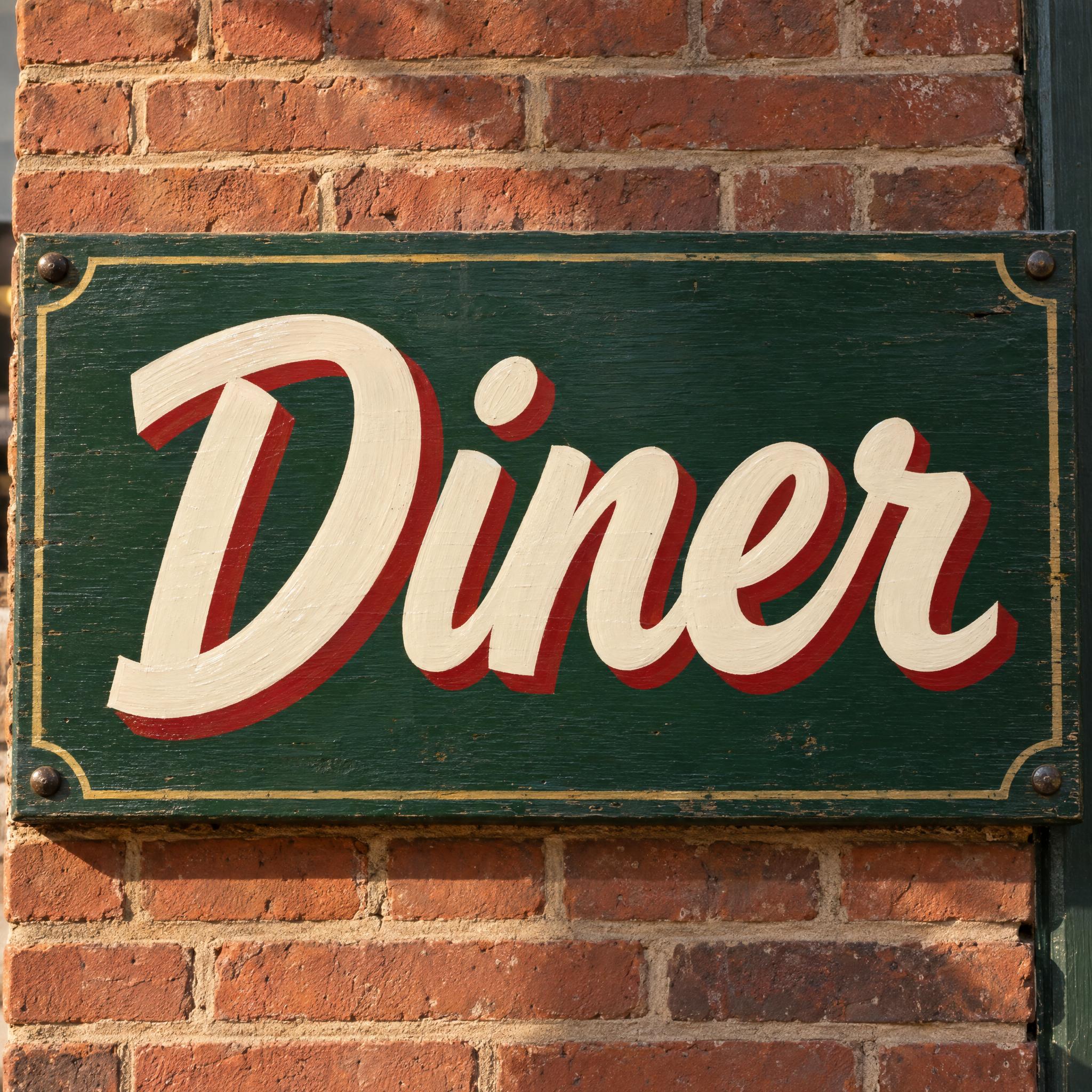
Sign Painter Font is the casual show-card script of hand-painted signs, with a drop shadow that carries from across the street.
Brush Script paints a bold, forward-leaning dry-brush script, the classic brush logo look.
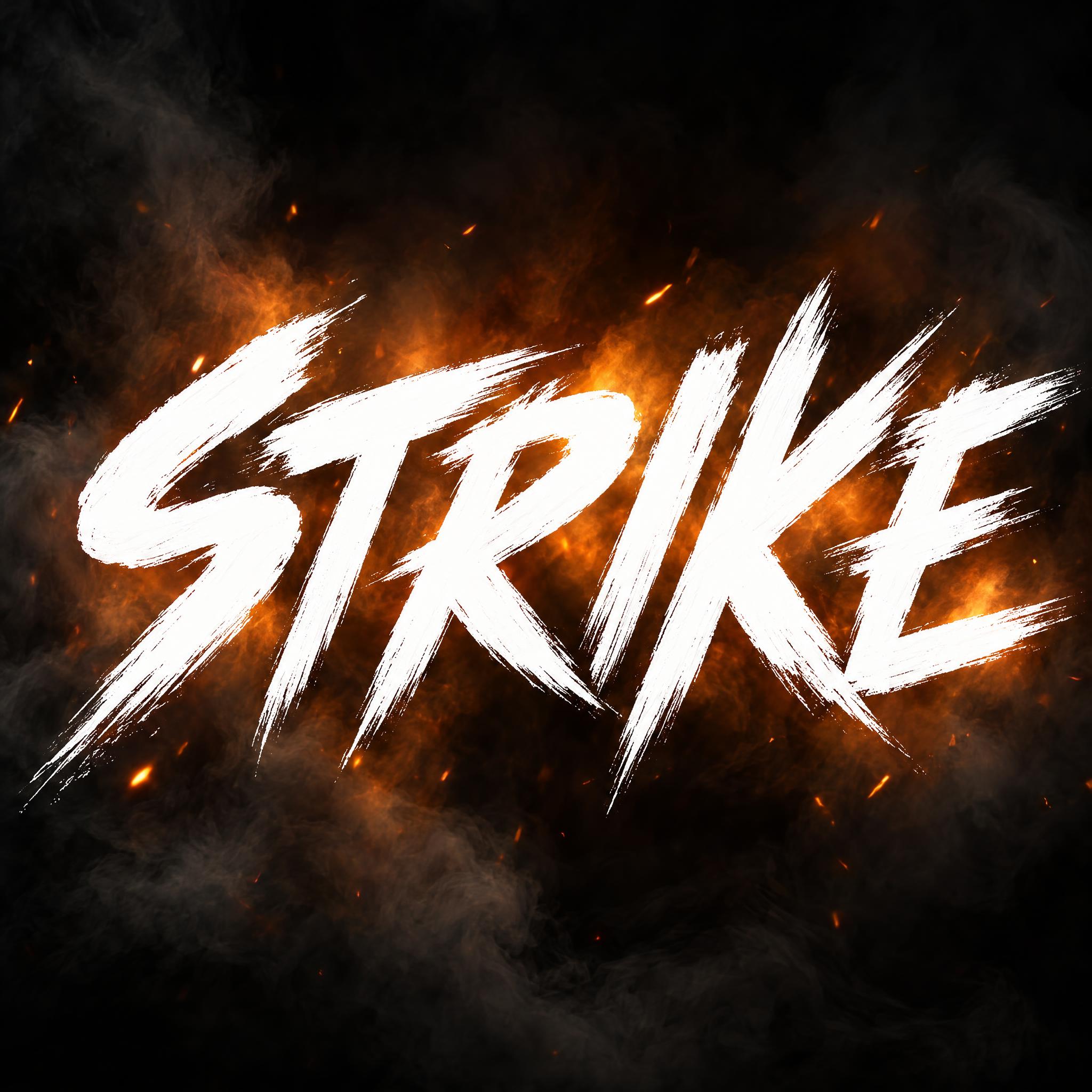
Action Movie Brush slashes white capitals on at full speed, like a martial arts title card.
Brush Lettering is the smooth brush pen script of lettering journals; Watercolor Font paints soft, transparent watercolor letters.
Type your word in the box next to the prompt at the top, copy it and paste it into any image app, or press Generate on FontVibe to try five models in one place. Every style below works the same way from its own page.
| You want | Try | Why |
|---|---|---|
| A bold poster headline | Brush Stroke Font | One wide sweep, torn edges |
| A punk or grunge poster | Paint Splatter Font | Thick paint, splatters and drips |
| A shop sign or menu | Sign Painter Font | Flat-brush script with a shadow |
| A brush logo | Brush Script | Dry-brush script, forward lean |
| A film or game title | Action Movie Brush | Fast, slashing white capitals |
| A card or journal page | Brush Lettering | Smooth brush pen, colour fade |
| A soft art print | Watercolor Font | Transparent watercolor washes |
Brush fonts come from signs and advertising. Before vinyl and printers, sign painters lettered shop names, window menus and delivery trucks by hand with long lettering brushes, a skill Wikipedia notes can take years to master. In the early twentieth century type foundries began casting casual scripts whose strokes look as if made with a wet brush, and they were used heavily in European and North American advertising into the 1970s. The best known, Brush Script, was designed by Robert E. Smith for American Type Founders in 1942.
Painting gave brush lettering its wilder side. In 1952 the critic Harold Rosenberg named action painting: paint dribbled, splashed or smeared on rather than carefully applied. Franz Kline made his big black strokes on white with a house painter's brush. The brush stroke and paint splatter styles on this page borrow that energy.
In the 1980s computer-cut vinyl gave hand lettering stiff competition, and interest waned through the 80s and 90s before a recent resurgence. A new tool helped: the brush pen, invented by Sailor in 1972, put a flexible brush tip into a marker, and Tombow launched its Dual Brush Pen in 1984 as a "soft lettering pen". It is the tool behind the smooth brush lettering on this page.
Sources: Wikipedia — Sign painting · Wikipedia — Script typeface · Wikipedia — Brush Script · Wikipedia — Action painting · Wikipedia — Franz Kline · Wikipedia — Brush pen · Tombow USA — 40 years of the Dual Brush Pen
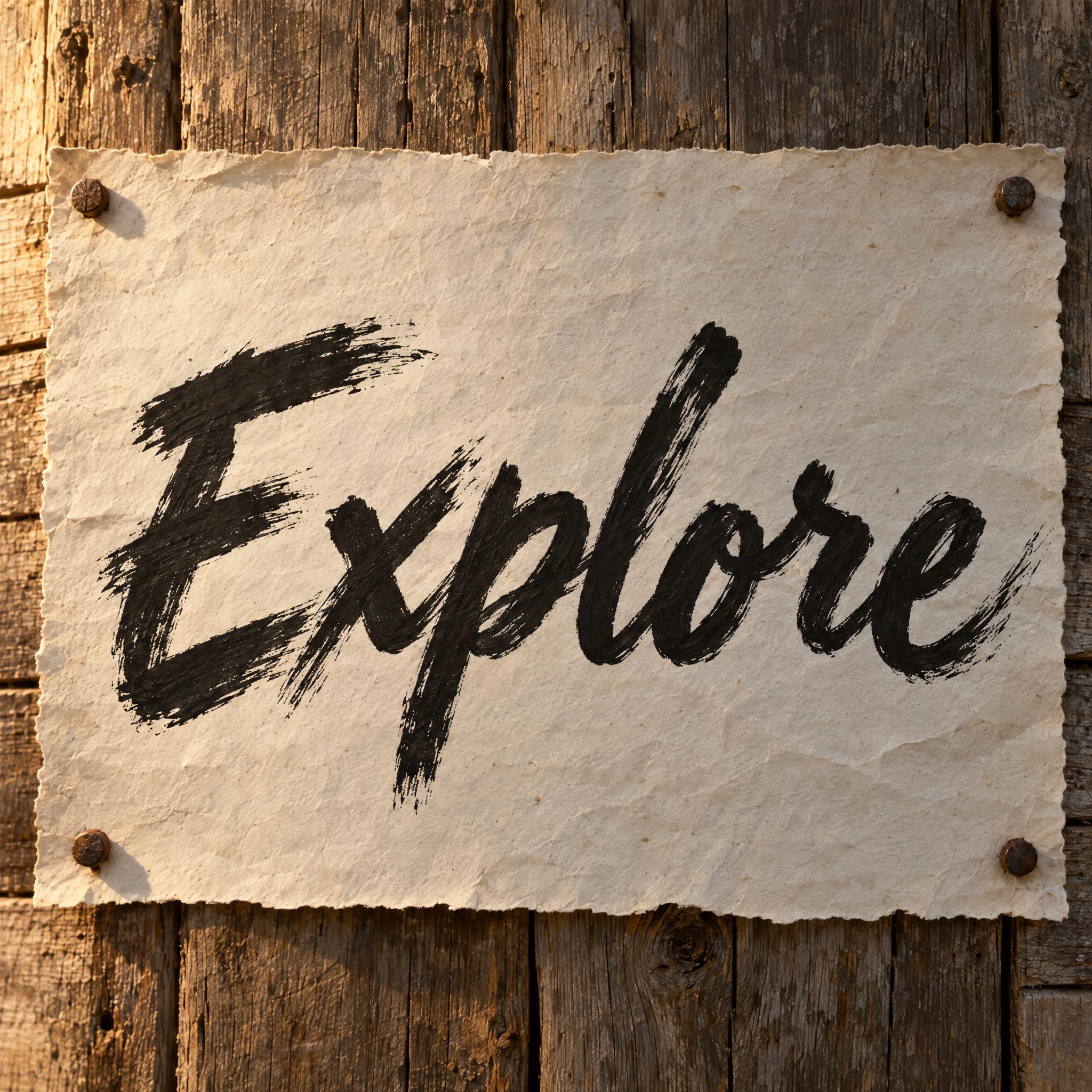
Bold capitals in one sweep of a wide brush, with torn edges.
Thick wet paint flung into splatters and drips.
Flat-brush show-card script with a drop shadow.
Bold forward-leaning script with ragged dry edges.
White capitals slashed on at full speed.
Smooth brush pen script with a colour fade.
Soft transparent letters with pale centres and dark edges.
A brush font looks painted with a brush instead of written with a pen: strokes that swell and thin, ragged or crisp edges, paint texture. Each style on this page is an AI prompt that paints your own word in that style.
This page works as one. Type your word in the box at the top, copy the prompt and paste it into ChatGPT, Gemini, Grok or Seedream, or press Generate on FontVibe to make it right away and compare models. Every style below has the same box on its own page.
No. They are prompts, not .ttf or .otf files. You get your word as a finished image, with the dry streaks, drips and shadows painted for your exact letters, which an installed font can't do.
Brush font is the whole family: capitals, scripts, splatter, watercolor. A brush script is one branch, joined letters painted with a brush. For that look, see Brush Script or Sign Painter Font.
The comparison on this page counts how often each model spelled the word right on the first try across these styles and seven languages. Whichever you use, check every letter: splatters and dry streaks can hide a mistake.
Copying the prompts on AIFont is free. What you may do with the image depends on the terms of the app that generated it, so check that app's rules before you print or sell.