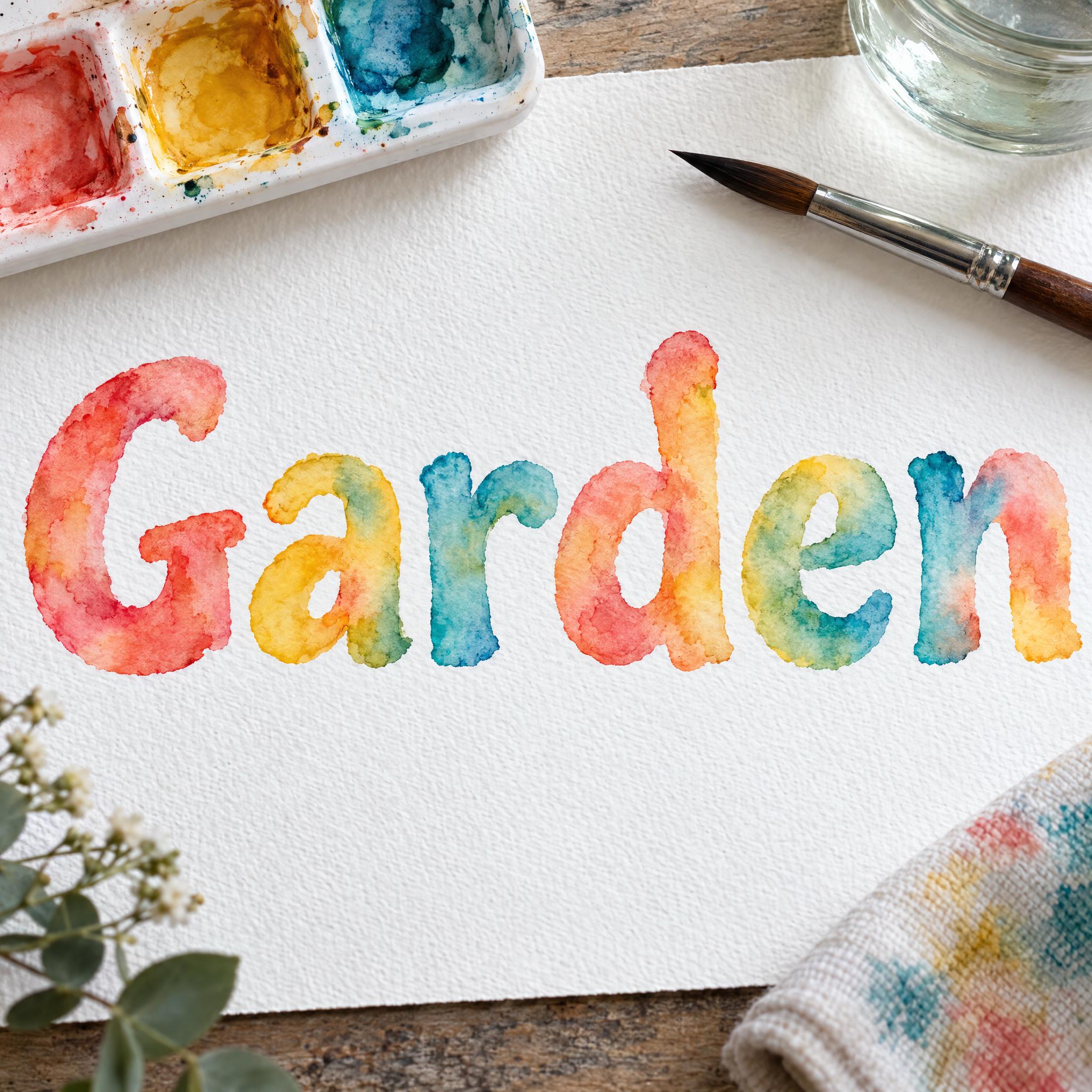
Bold, rounded letters painted in transparent watercolor: pale centres, darker edges and coral, gold and turquoise bleeding together.
TextWrite the word "Garden". Spell it exactly as written, without adding or changing any letter.
Font designWatercolor lettering: bold, rounded letters painted with a soft round brush and transparent watercolor, standing upright and set apart from each other, in loose mixed case; every letter clearly readable. Each stroke is pale in the middle where the water spread the pigment and darker along its edges where the paint pooled as it dried, with soft blooms and wet bleeds where one color runs into the next. The colors are coral, golden yellow and turquoise flowing into one another from letter to letter. The rough grain of the paper shows through the paint. Never flat, opaque digital color. Like a hand-painted title on a botanical art print.
SceneThe word is painted on white cold-press watercolor paper beside a paint palette and a wet brush, in soft daylight. The word is centered, spans most of the width and reads clearly.
155 words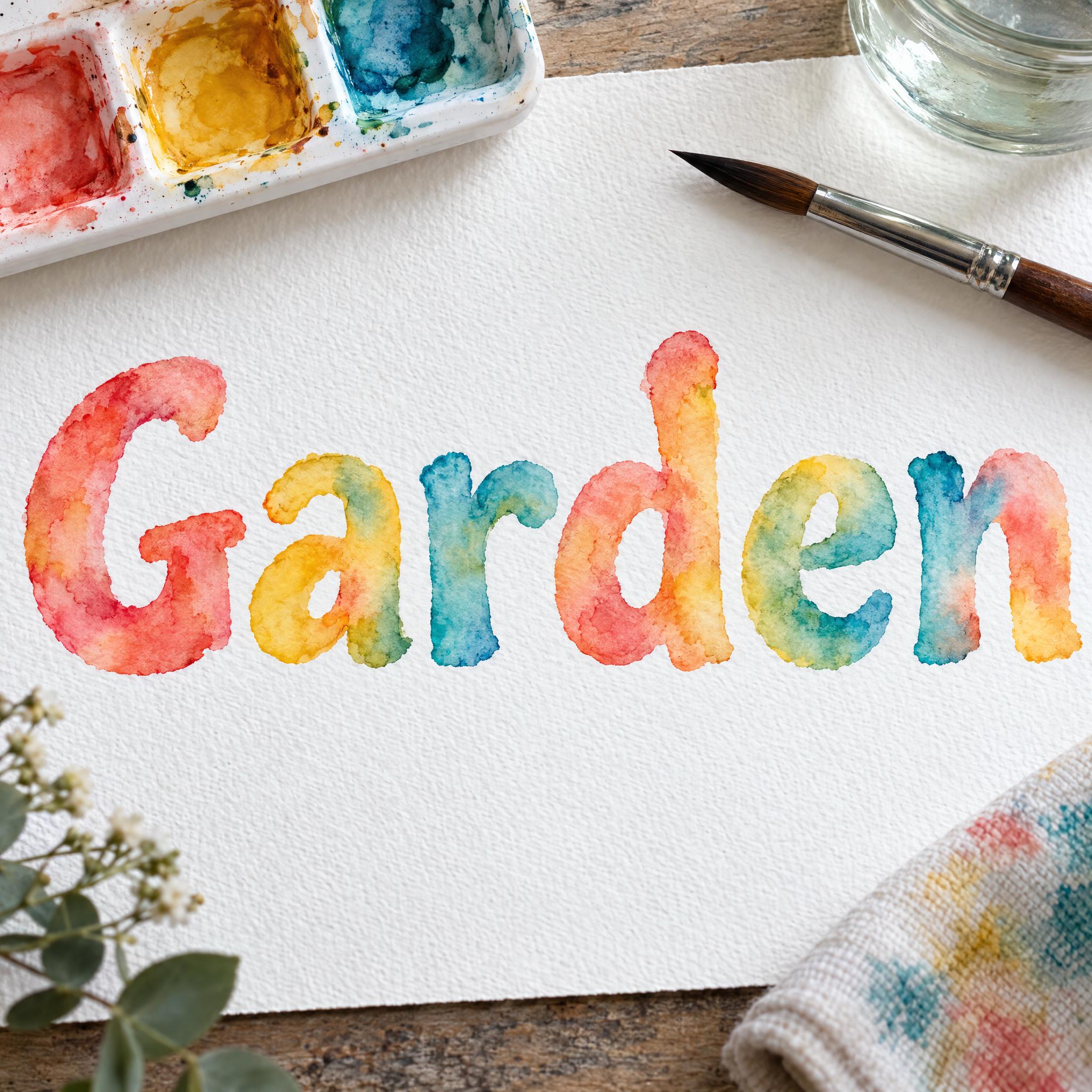
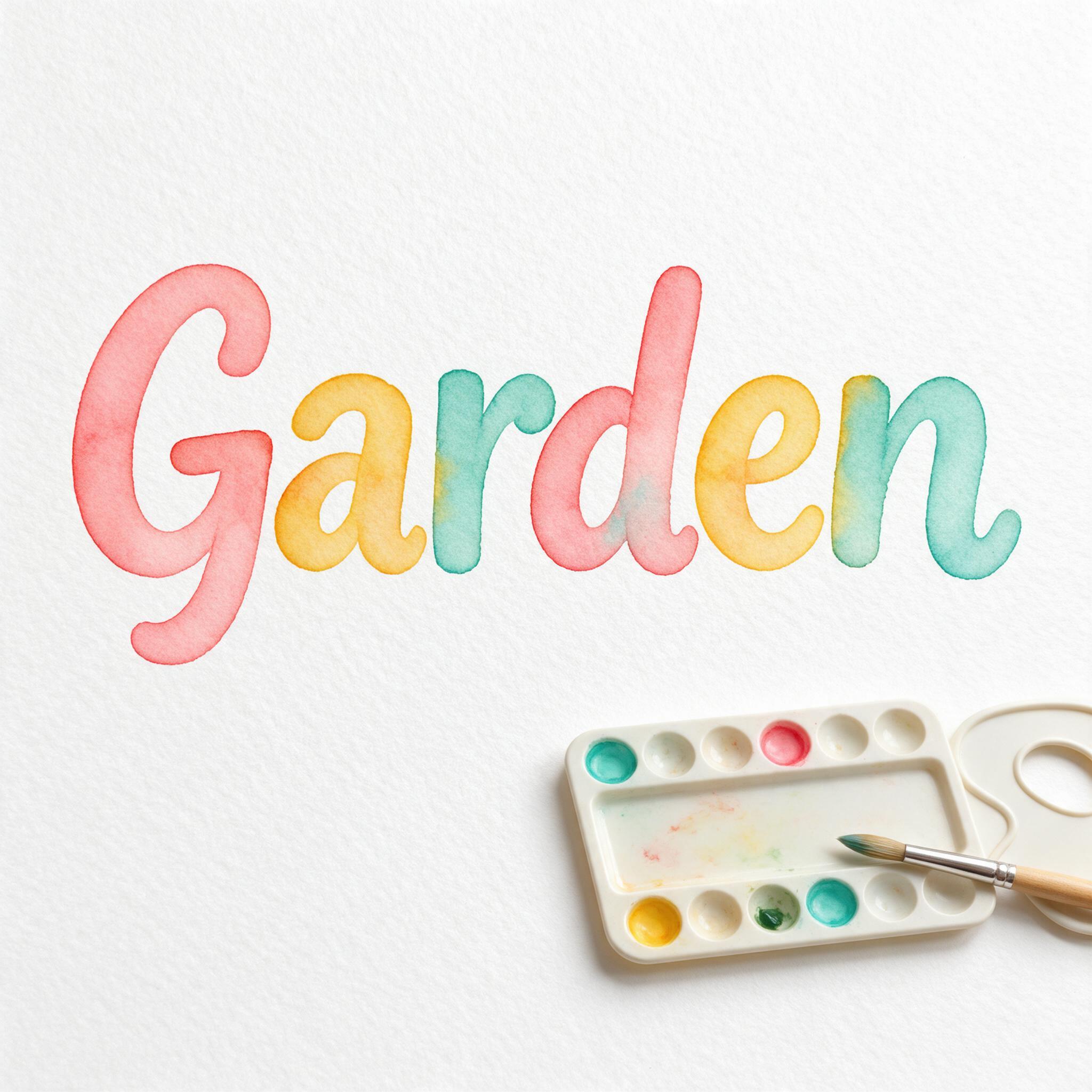
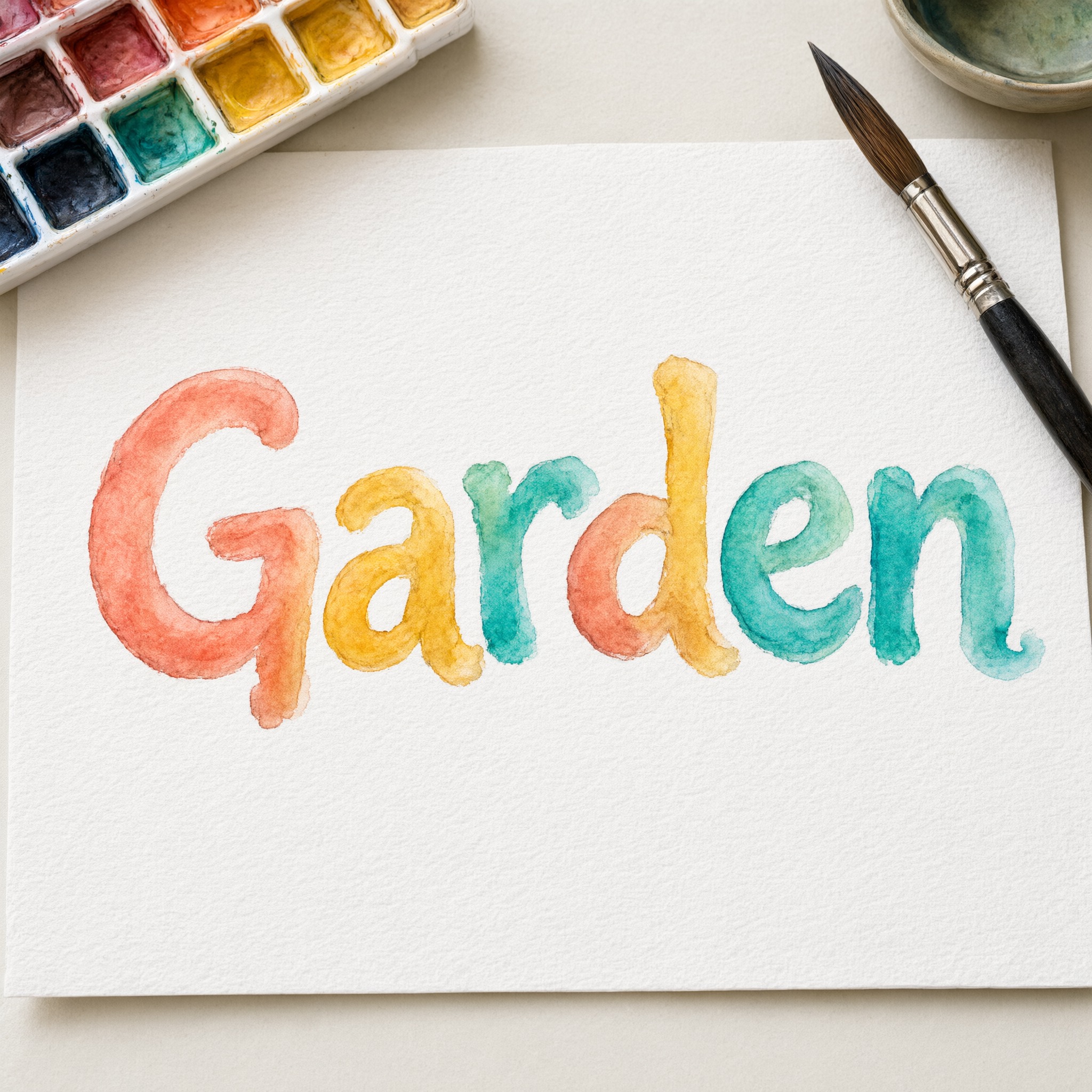
One prompt pasted into each image model as-is. These are the unedited results, so you can pick the model that suits you.
The richest pigment and strongest blooms, with a granular texture.
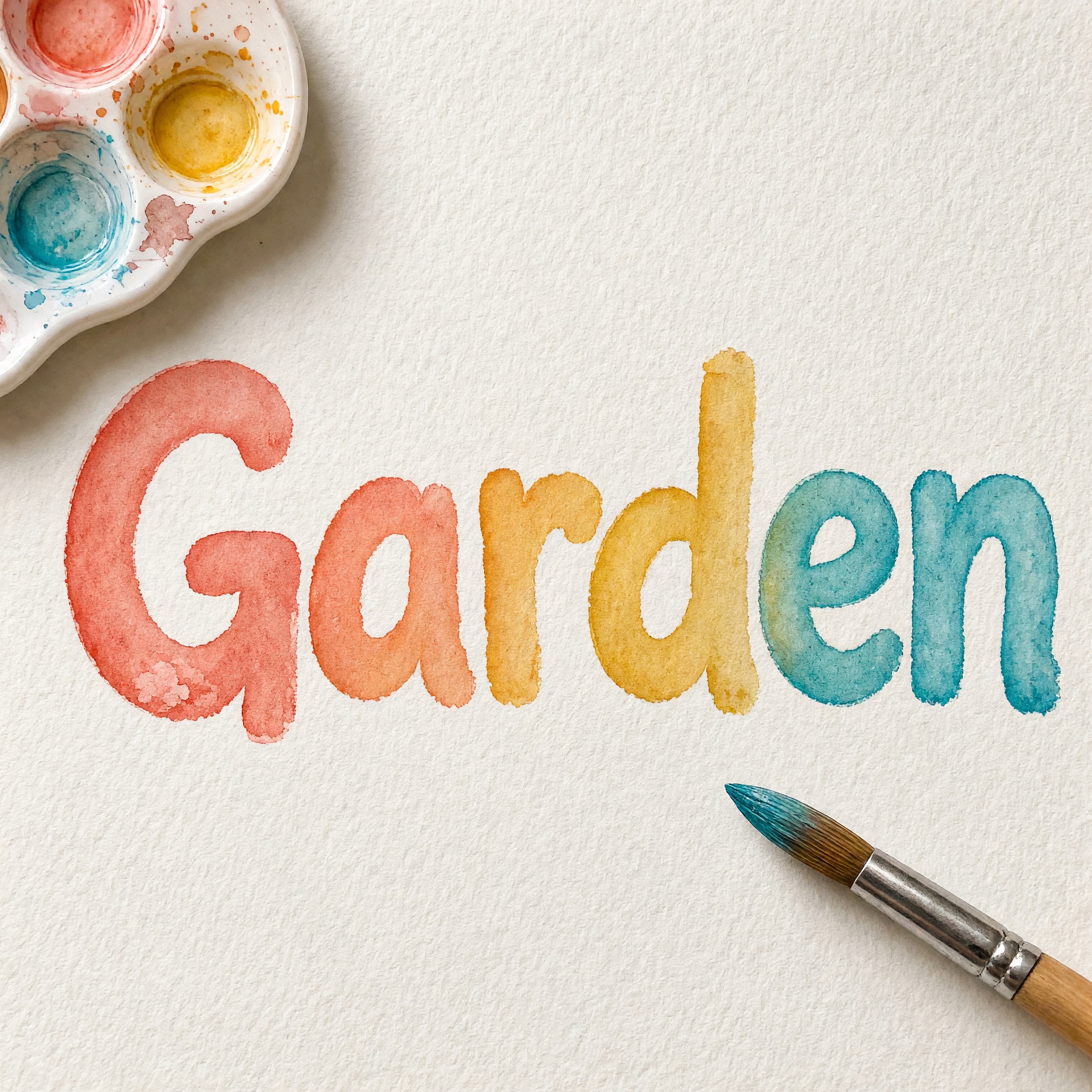
Clear dark edges and a smooth coral-to-teal flow.
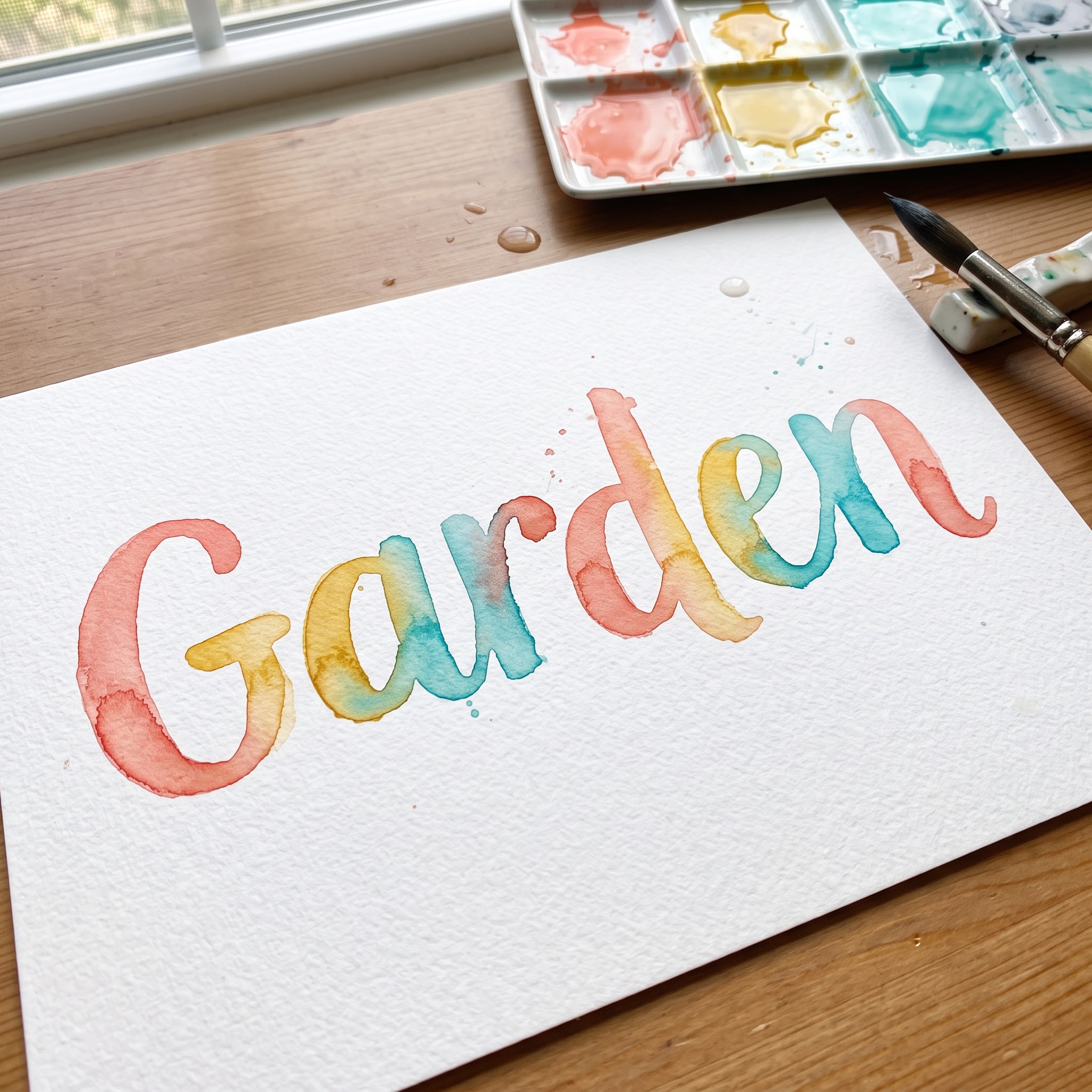
Joined, slanted letters with loose drips and splashes.
The softest pastel washes and the cleanest edges.
Bright, even colour from letter to letter.
The button opens FontVibe in DIY mode with this prompt filled in as it is. Type your word, pick a model and generate. GPT Image, Nano Banana, Seedream, Grok and Qwen are all in one account, so you can compare how each one paints the blooms and edges without opening five apps. Every account gets free credits each month with no card needed, and you can export a transparent PNG to place the painted word on your own card or print.
Layers in the order the prompt states them. Change one layer and the rest keeps working.
Every AIFont prompt opens with the same text part. "Spell it exactly as written, without adding or changing any letter" comes first, because loose, painterly letters give a model room to add or blur one.
"Watercolor lettering: bold, rounded letters painted with a soft round brush and transparent watercolor, standing upright and set apart from each other, in loose mixed case; every letter clearly readable." sets the tool and the shapes: a soft round brush, bold rounded letters, upright and separate, so the paint effect has room to show.
"Each stroke is pale in the middle where the water spread the pigment and darker along its edges where the paint pooled as it dried, with soft blooms and wet bleeds where one color runs into the next." is the core of the look. It describes what watercolor actually does as it dries, rather than just saying watercolor, so the strokes look wet and transparent.
"The colors are coral, golden yellow and turquoise flowing into one another from letter to letter." is the only colour sentence. Change just this line for your own palette.
"The rough grain of the paper shows through the paint." adds the texture that tells the eye this is paint on paper.
"Never flat, opaque digital color." stops the most common miss: a clean vector fill with a gradient, which looks nothing like paint.
"Like a hand-painted title on a botanical art print." points the model at the soft, airy look of a botanical print.
"The word is painted on white cold-press watercolor paper beside a paint palette and a wet brush, in soft daylight." places the word on the artist's table. "The word is centered, spans most of the width and reads clearly." keeps the word the star. Swap this part for your own use.
Small edits that stay on-style. Change one thing at a time.
Type it in the box next to Prompt above and copy again. Names and short words keep the blooms large and visible.
Swap "The colors are coral, golden yellow and turquoise flowing into one another from letter to letter." for "The colors are blush pink, lilac and sky blue flowing into one another from letter to letter.", "The colors are deep green and ochre flowing into one another from letter to letter." or "The color is a single indigo blue."
Replace "painted on white cold-press watercolor paper beside a paint palette and a wet brush" with "painted on a white invitation card scattered with pressed flowers", "painted on the cover of a children's book" or "painted on a cream art print framed on a wall".
The prompt sets no frame size. Pick the ratio in your app, or add "Wide 16:9 image." or "Tall 4:5 image." at the end.
AI fonts that share the most tags with Watercolor Font.
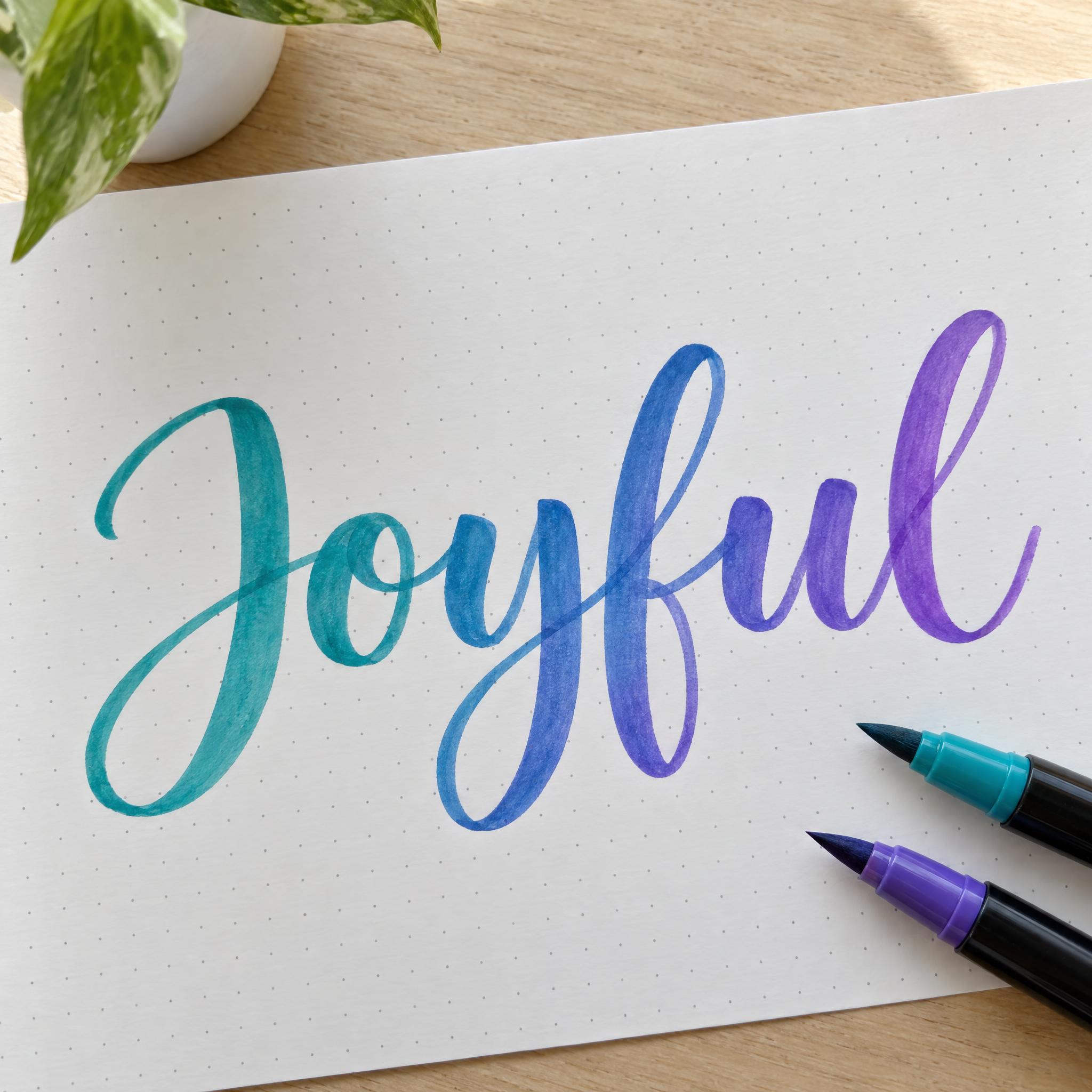
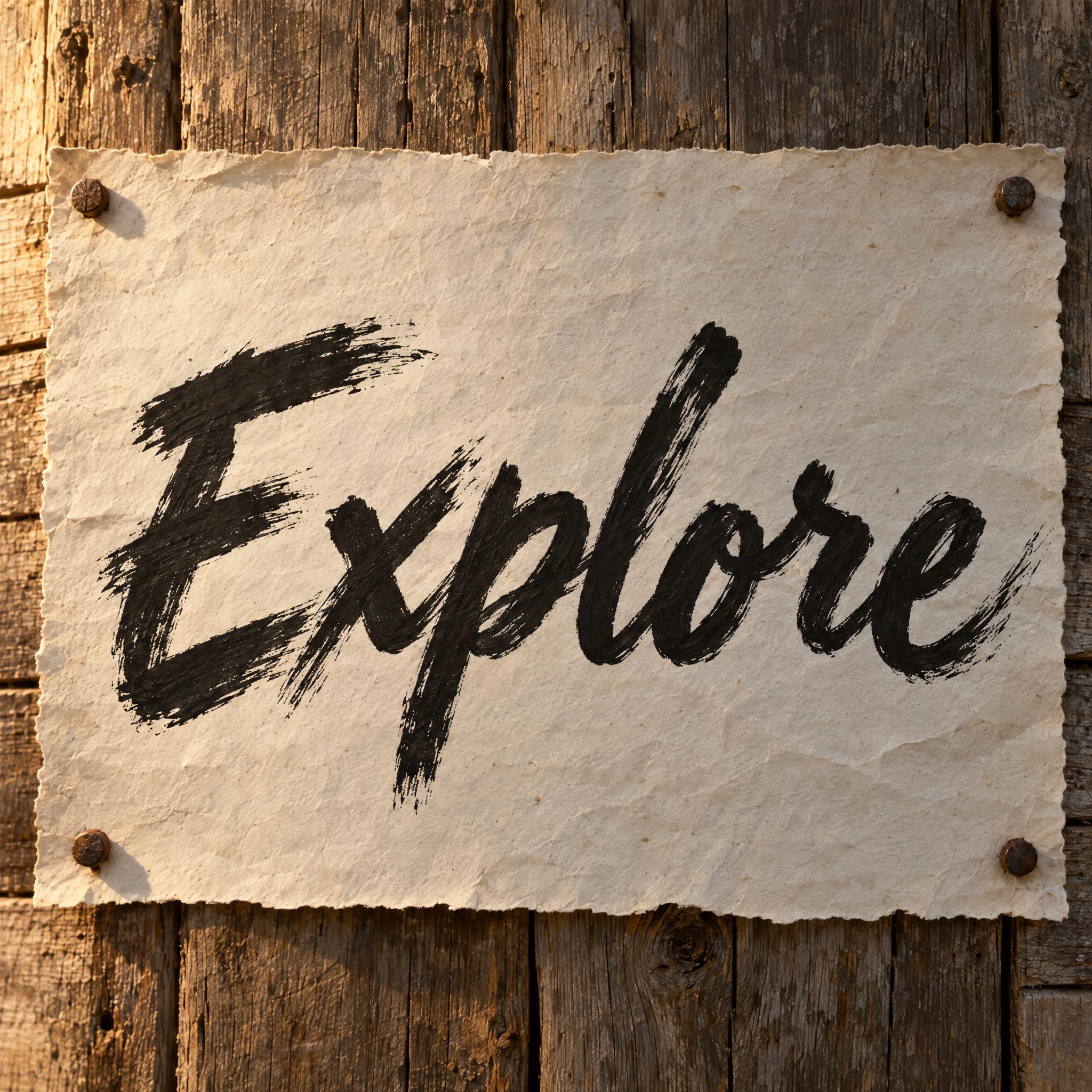

AI fonts for a second line, a logo lock-up or a poster footer.
Watercolor Font paints your word with a soft round brush and real-looking watercolor: bold, rounded letters stand apart from each other, each stroke pale in the middle and darker along its edges where the paint pooled, with soft blooms where coral, golden yellow and turquoise run into one another. The grain of the paper shows through, so it reads as paint, not a digital gradient.
Type your word in the box above the prompt, copy it and paste it into ChatGPT, Gemini, Grok, Qwen or Seedream. The prompt has three parts: the text, the font design and the scene. The font design makes the watercolor letters; the scene is yours to change. Every image on this page came from pasting the prompt unchanged into each model, with nothing retouched.
Use it for invitations and greeting cards, art prints, book covers, nursery and kids' decor, and spring or summer posts.
Details from the original render. Every one of them is named in the prompt.
Water spreads the pigment thin in the middle.
Paint pools along the edges as it dries.
Coral, gold and turquoise run into each other.
The rough paper shows through the paint.
Pulled from the render. Handy when you build the rest of the design around the word.
Where this AI font earns its keep.
Transparency is the main characteristic of watercolor: the paper stays visible between the particles of pigment. Albrecht Dürer is generally considered among the earliest watercolor painters, and the medium spread in the 18th century, particularly in England; the Society of Painters in Water Colours, now the Royal Watercolour Society, was founded in 1804.
Botanical artists have long been some of its most exacting users, and the airy, flower-print feel of watercolor is what this prompt borrows. Watercolor papers are usually cold-pressed, with a grain that holds the paint, so the prompt puts the word on cold-press paper and lets that grain show.
Sources: Wikipedia — Watercolor painting
The medium spreads in the 18th century, particularly in England.
The Society of Painters in Water Colours, now the Royal Watercolour Society, is founded.
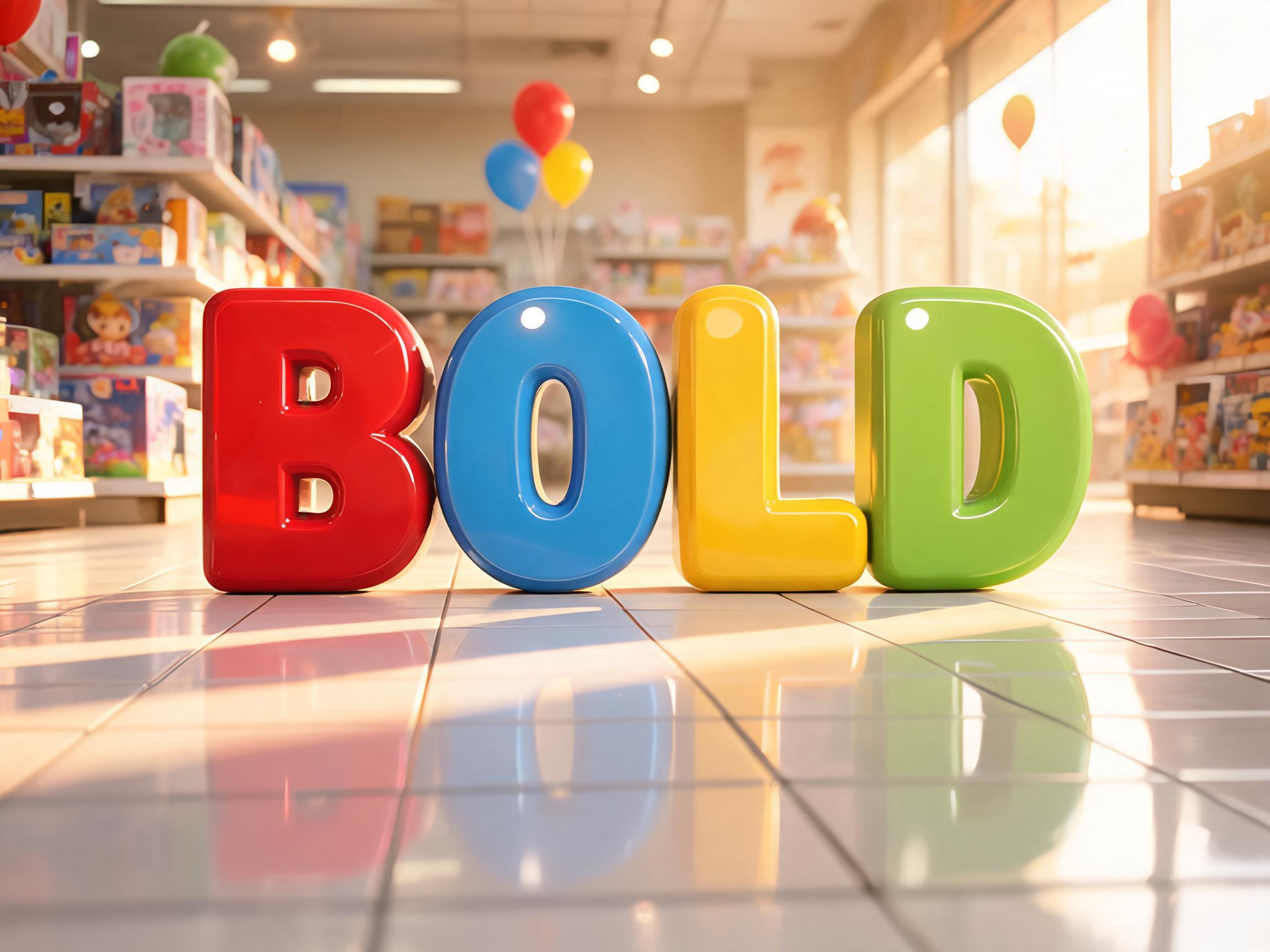
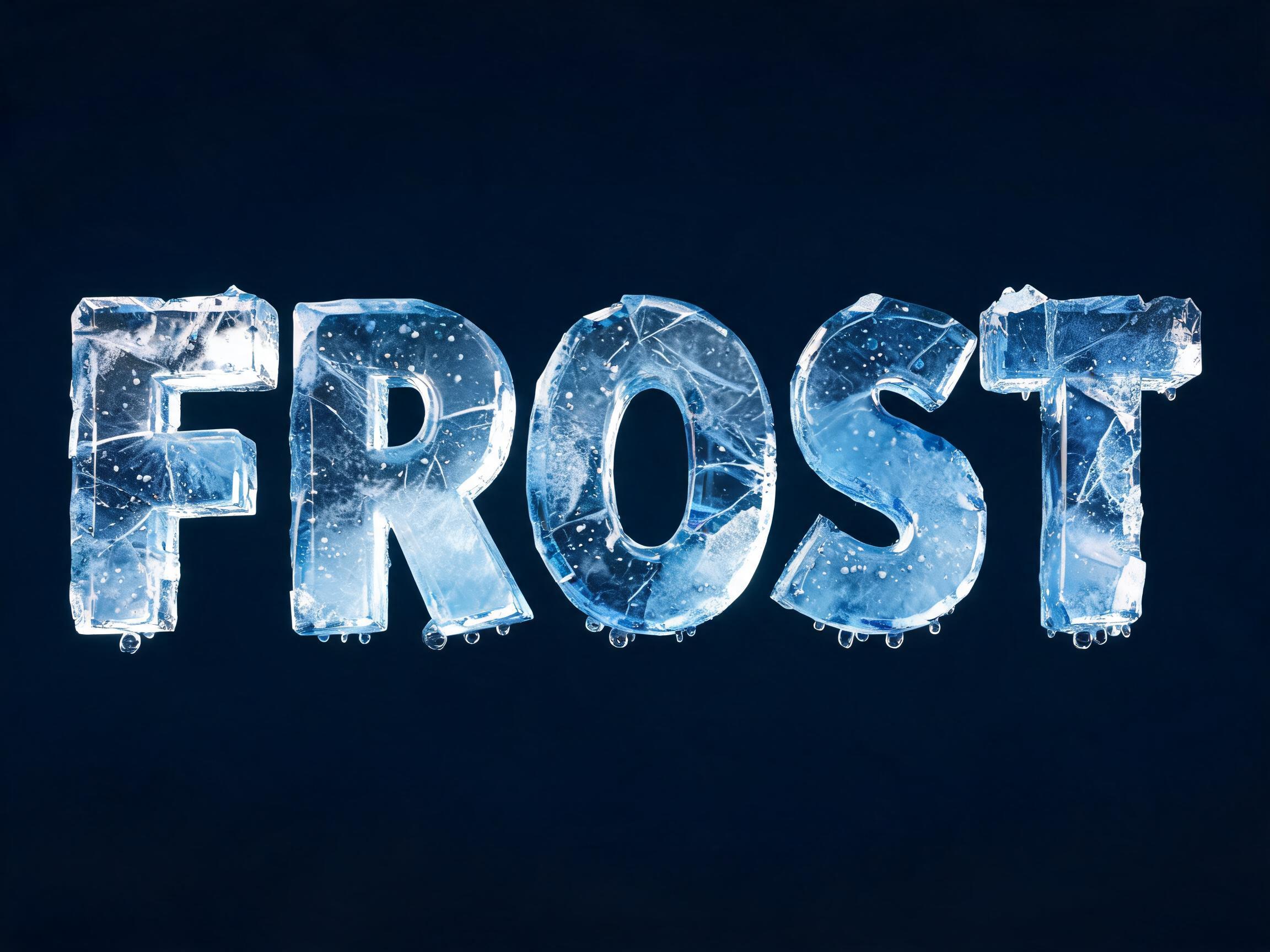
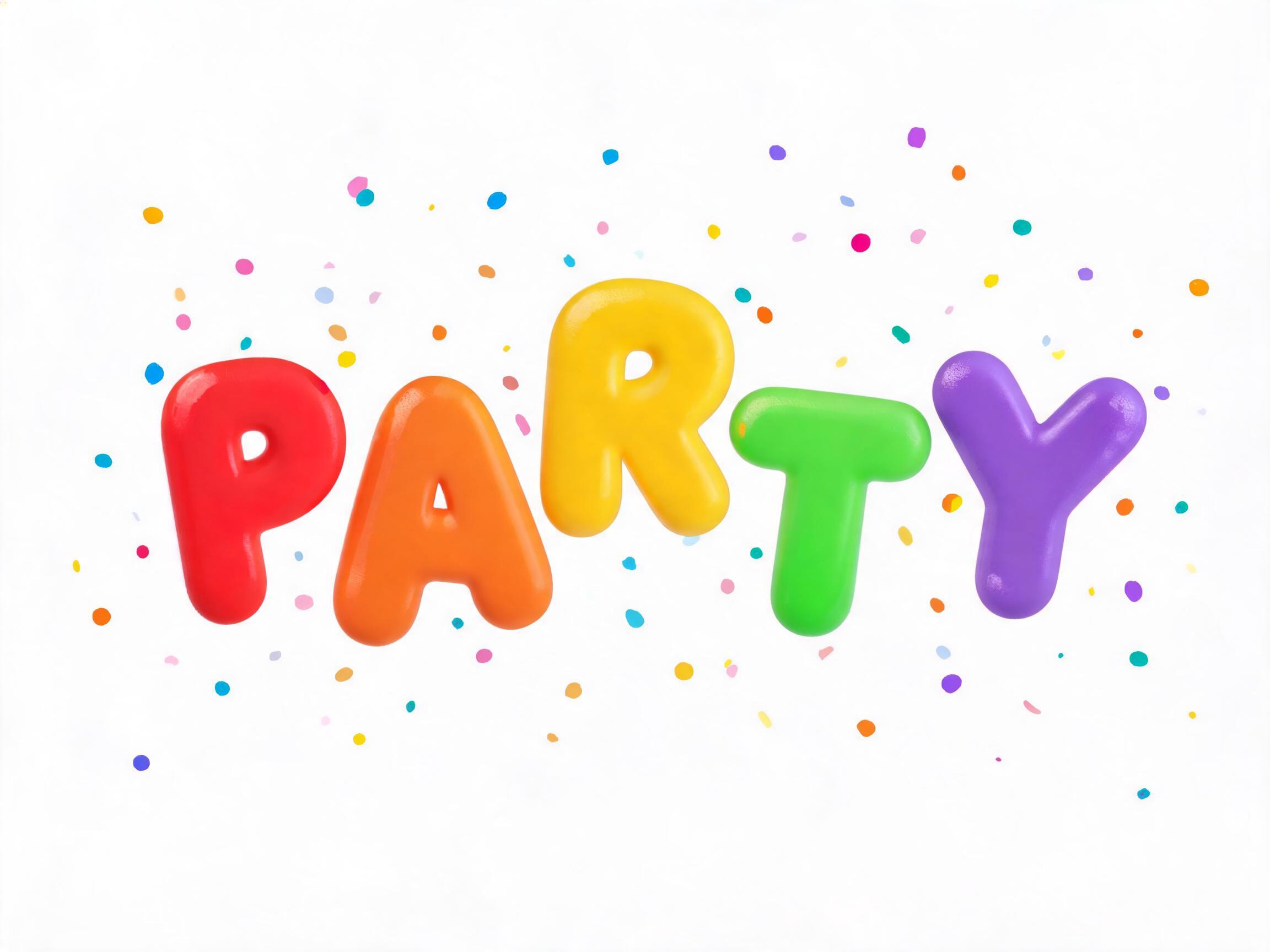
All five painted bold watercolor letters with pale centres, darker edges and colours bleeding together, and every model spelled the word right in the Latin languages, Japanese and Chinese. GPT Image has the richest pigment, Seedream the softest pastels and Grok the clearest dark edges; Nano Banana joined and slanted the letters. In Arabic only GPT Image and Nano Banana placed the dots right: Grok, Seedream and Qwen misspelled the word twice, even after the prompt was changed to keep paint drops away from the letters. Compare them side by side above.
Because the word alone often gets a smooth digital gradient. Describing what watercolor does as it dries (pale where the water spread, dark where the paint pooled, colours running into each other) and letting the paper grain show is what makes the strokes look painted.
Brush Lettering is a joined script written with a brush pen: smooth, glossy strokes on one baseline. Watercolor Font paints separate, rounded letters with a wet brush, so the colour pools, blooms and lets the paper show through.
Type it in the box next to the prompt and copy the full prompt again. Short words keep the paint effect large and easy to see.
Change only "The colors are coral, golden yellow and turquoise flowing into one another from letter to letter.", for example to "The colors are blush pink, lilac and sky blue flowing into one another from letter to letter."
Pick the ratio in your app if it has one. If not, add "Wide 16:9 image." or "Tall 4:5 image." at the end of the prompt.
No. It is a prompt that makes a picture of your word in watercolor letters with an AI image model, so there is nothing to install and any word works.
Copying the prompt is free. Whether the image costs anything depends on the app you paste it into, and what you may do with the image depends on that app's terms.