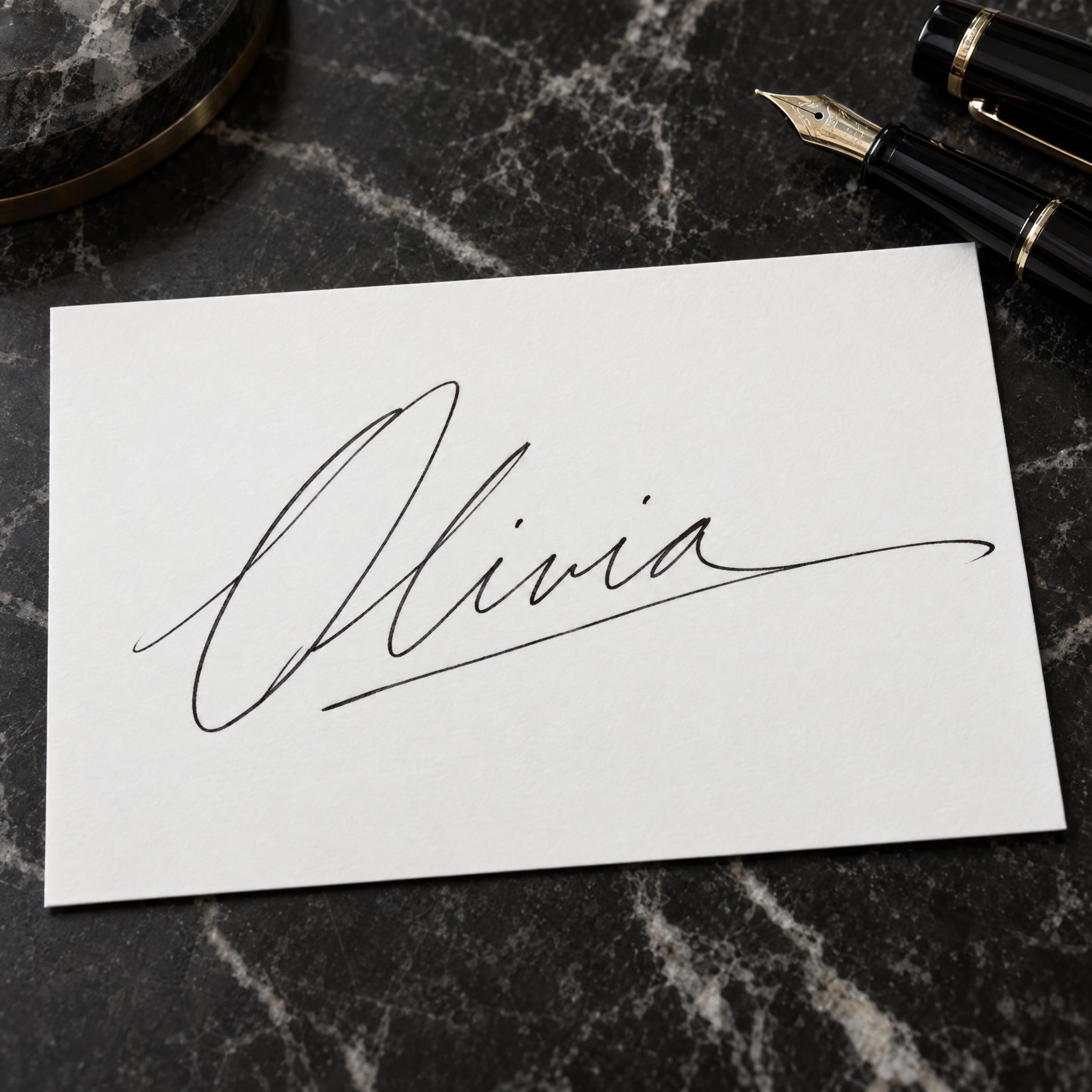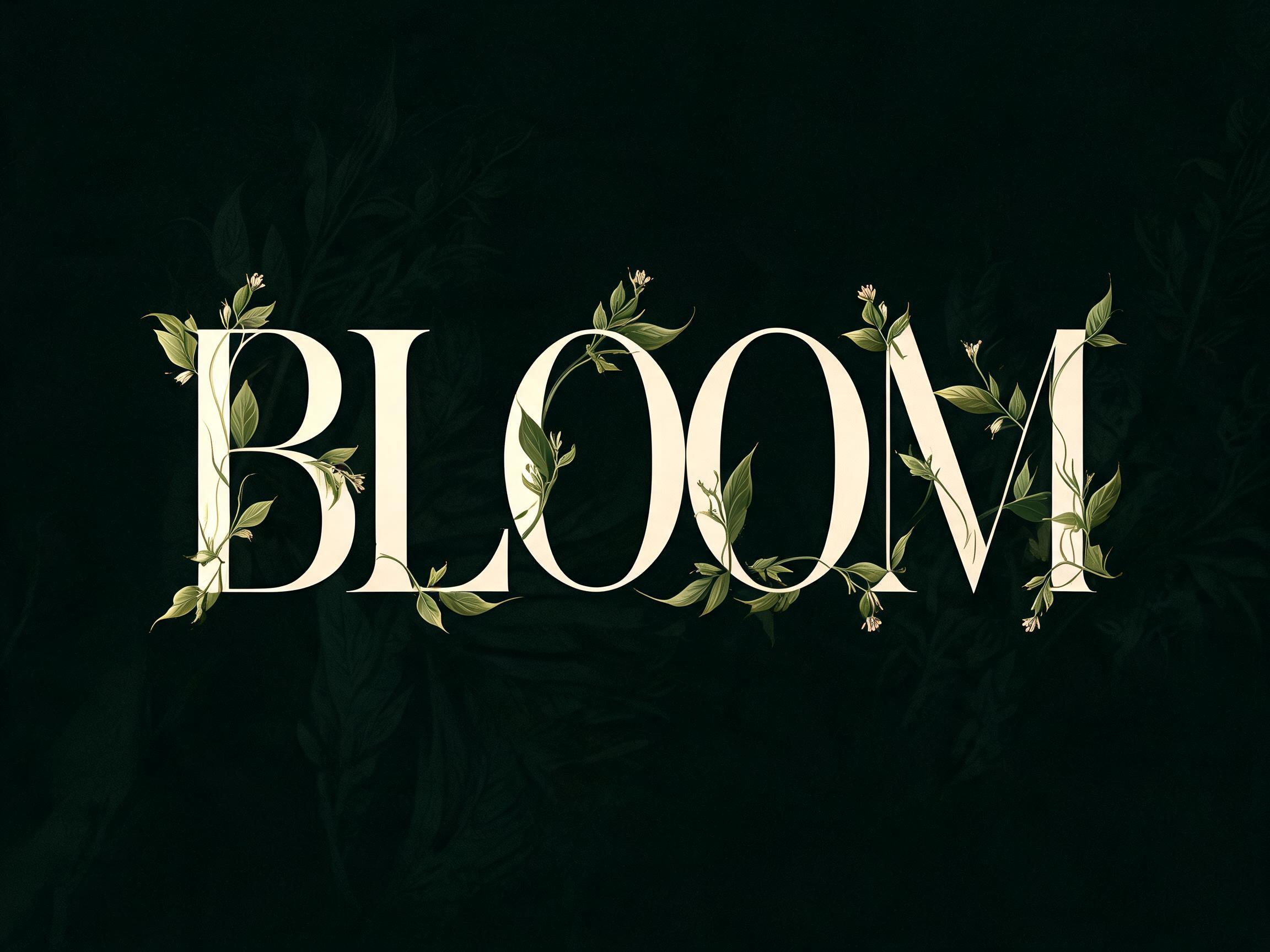
A fast, elegant signature in one line: a tall looped capital, letters run together, slanted hard right, and a long underline swash.
TextWrite the word "Olivia". Spell it exactly as written, without adding or changing any letter.
Font designAutograph signature lettering: a fast, elegant handwritten signature in one continuous line written with a fine-point pen, a tall looped capital, the letters run together and partly simplified the way a real signature is, slanted strongly to the right, and the last stroke extending into a long underline swash; the name still reads at a glance. The ink is black. The stroke is thin and varies slightly in width, sharpest where the pen moved fastest. Never a neat, evenly spaced calligraphy script. Like the autograph on a signed photograph.
SceneThe word is signed on a white card on a dark marble desk beside a fountain pen. The word is centered, spans most of the width and reads clearly.
133 words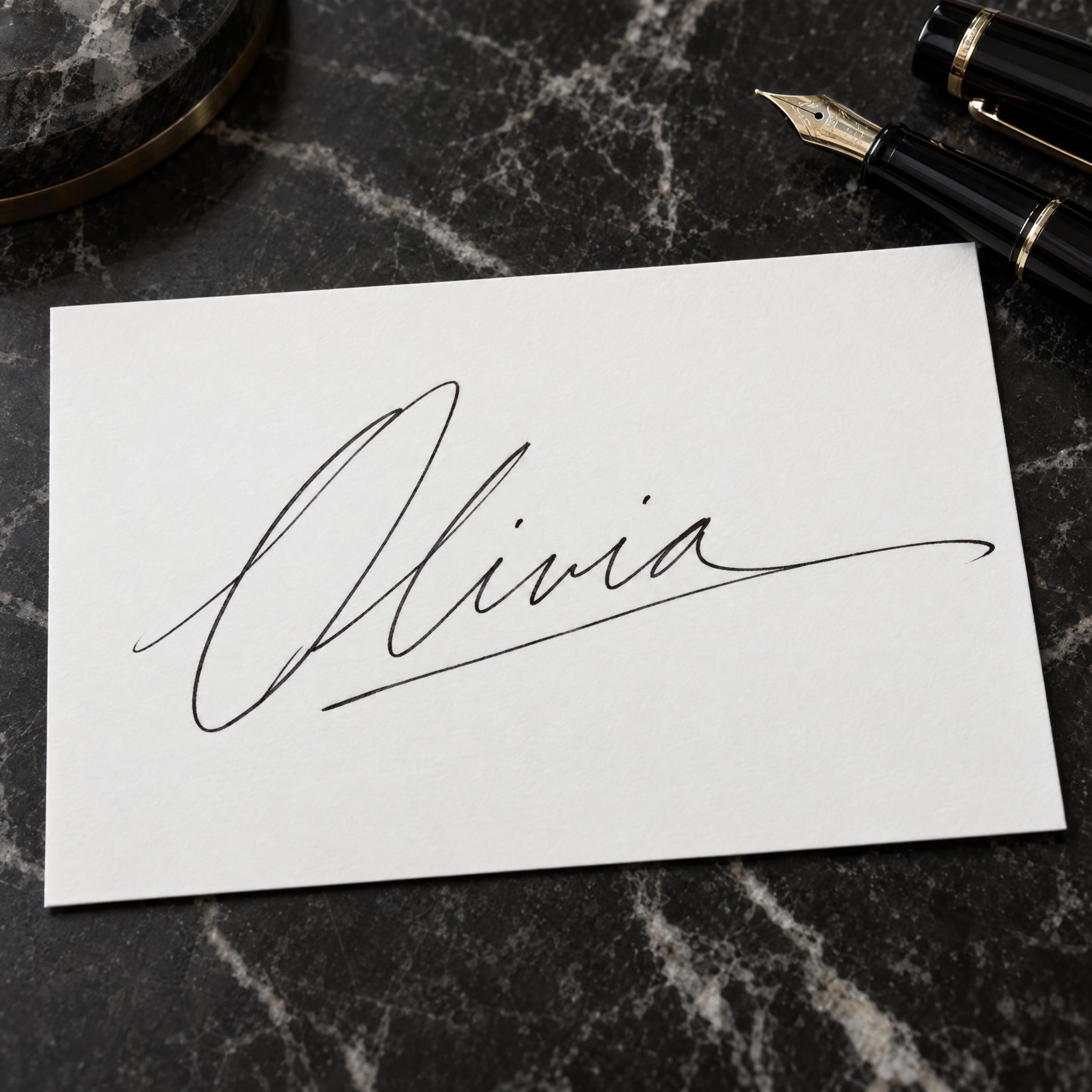
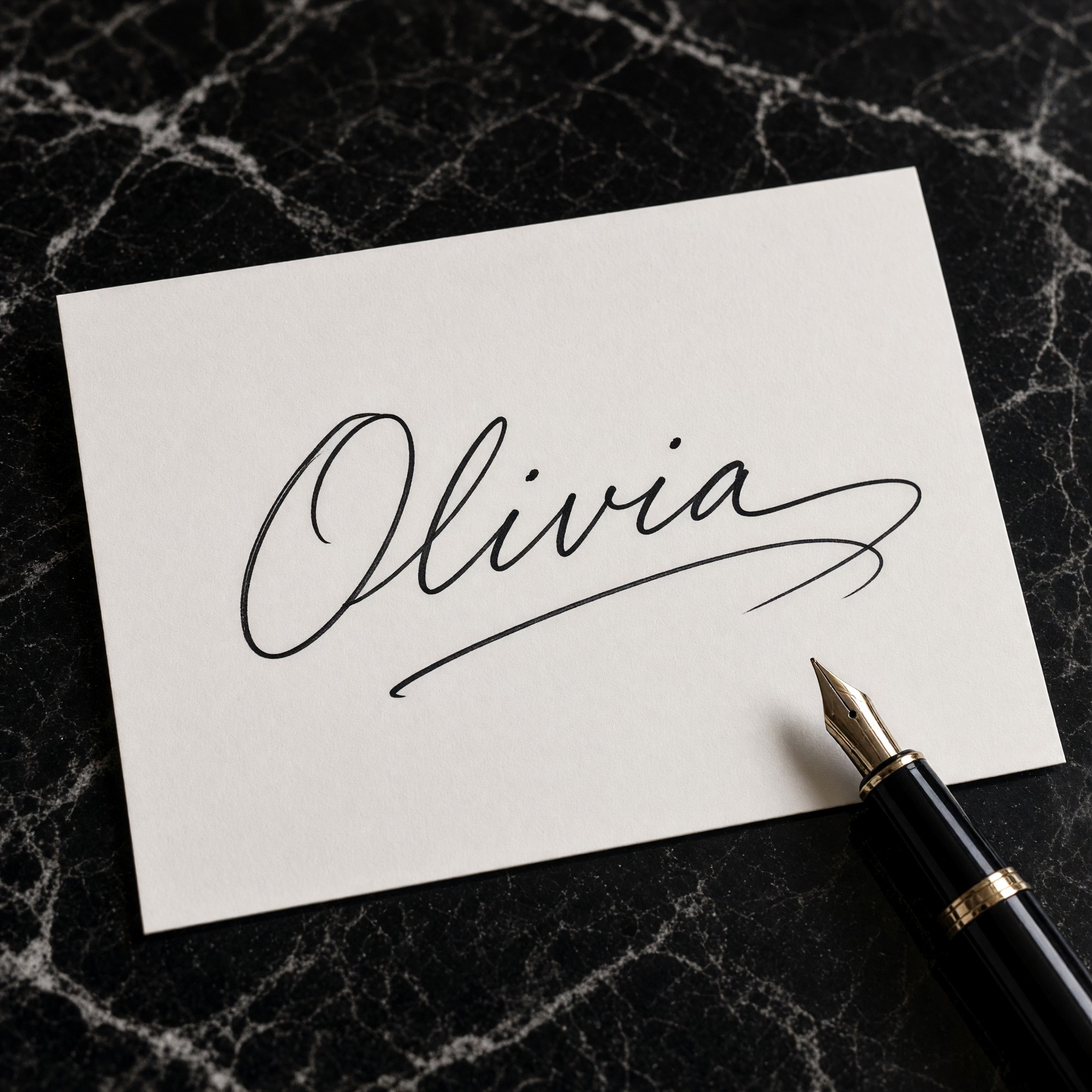
One prompt pasted into each image model as-is. These are the unedited results, so you can pick the model that suits you.
The finest hairline strokes, with a wide looping capital and a long tail.
Medium-weight strokes on a cream card, ending in a swooping underline.
Darker, bolder ink on a tilted card, with a separate underline.
Thin strokes and a smaller signature, with the pen resting on the card.
Greyer ink and a tall capital, with a faded underline.
The button opens FontVibe in DIY mode with this prompt filled in as it is. Type your name, pick a model and generate. GPT Image, Nano Banana, Seedream, Grok and Qwen are all in one account instead of five apps, so you can see which one gives your name the cleanest loop and the longest swash. Every account gets free credits each month with no card needed, and you can export a transparent PNG, which is what a signature logo on your photos needs.
Layers in the order the prompt states them. Change one layer and the rest keeps working.
Every AIFont prompt opens with the same text part. "Spell it exactly as written, without adding or changing any letter" matters more than usual here, because the design asks for simplified letters, and a model that simplifies too far starts dropping them.
"Autograph signature lettering" and "a fast, elegant handwritten signature in one continuous line written with a fine-point pen" set the whole idea: one quick line from a fine pen, not lettering built letter by letter.
"a tall looped capital" is what makes a signature look signed. Without it the name runs on at one height and reads like ordinary handwriting.
"the letters run together and partly simplified the way a real signature is, slanted strongly to the right" gives the speed. Real signatures flatten the small letters; this line allows that without losing the name.
"the last stroke extending into a long underline swash" is the signature move. "the name still reads at a glance" keeps the flourish from eating the letters.
"The ink is black." is the only colour sentence. Change just this line for gold, white or navy.
"The stroke is thin and varies slightly in width, sharpest where the pen moved fastest." is what makes the line look written at speed rather than drawn with a ruler-even pen.
"Never a neat, evenly spaced calligraphy script." stops the model from turning the name into tidy wedding lettering, the nearest look it knows.
"Like the autograph on a signed photograph." points the model at the confident, fast signature people ask celebrities for.
"The word is signed on a white card on a dark marble desk beside a fountain pen." shows the signature where it looks best. "The word is centered, spans most of the width and reads clearly." keeps the name the star. Swap this part for your own use.
Small edits that stay on-style. Change one thing at a time.
Type it in the box next to Prompt above and copy again. A first name, or an initial and a surname, signs best; a full name with three or four words gets crowded.
Swap "The ink is black." for "The ink is shiny gold foil.", "The ink is white." (use a dark card) or "The ink is navy blue."
Replace "signed on a white card on a dark marble desk beside a fountain pen" with "signed in the lower corner of a black-and-white photo print", "printed in gold foil on a black business card" or "signed across the front of a white T-shirt".
The prompt sets no frame size. Pick the ratio in your app, or add "Wide 16:9 image." or "Tall 4:5 image." at the end. A wide frame gives the underline swash more room.
AI fonts that share the most tags with Autograph Font.
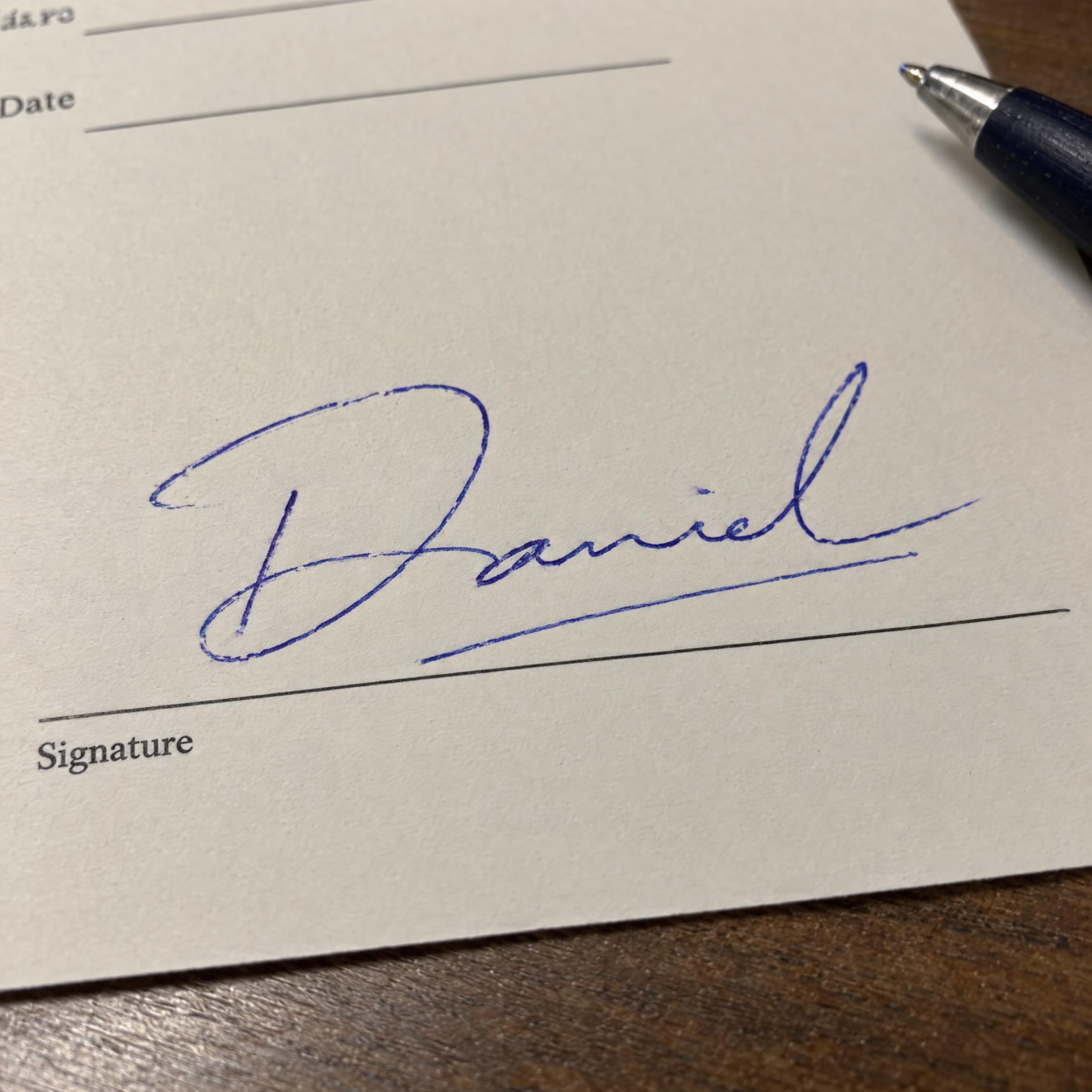
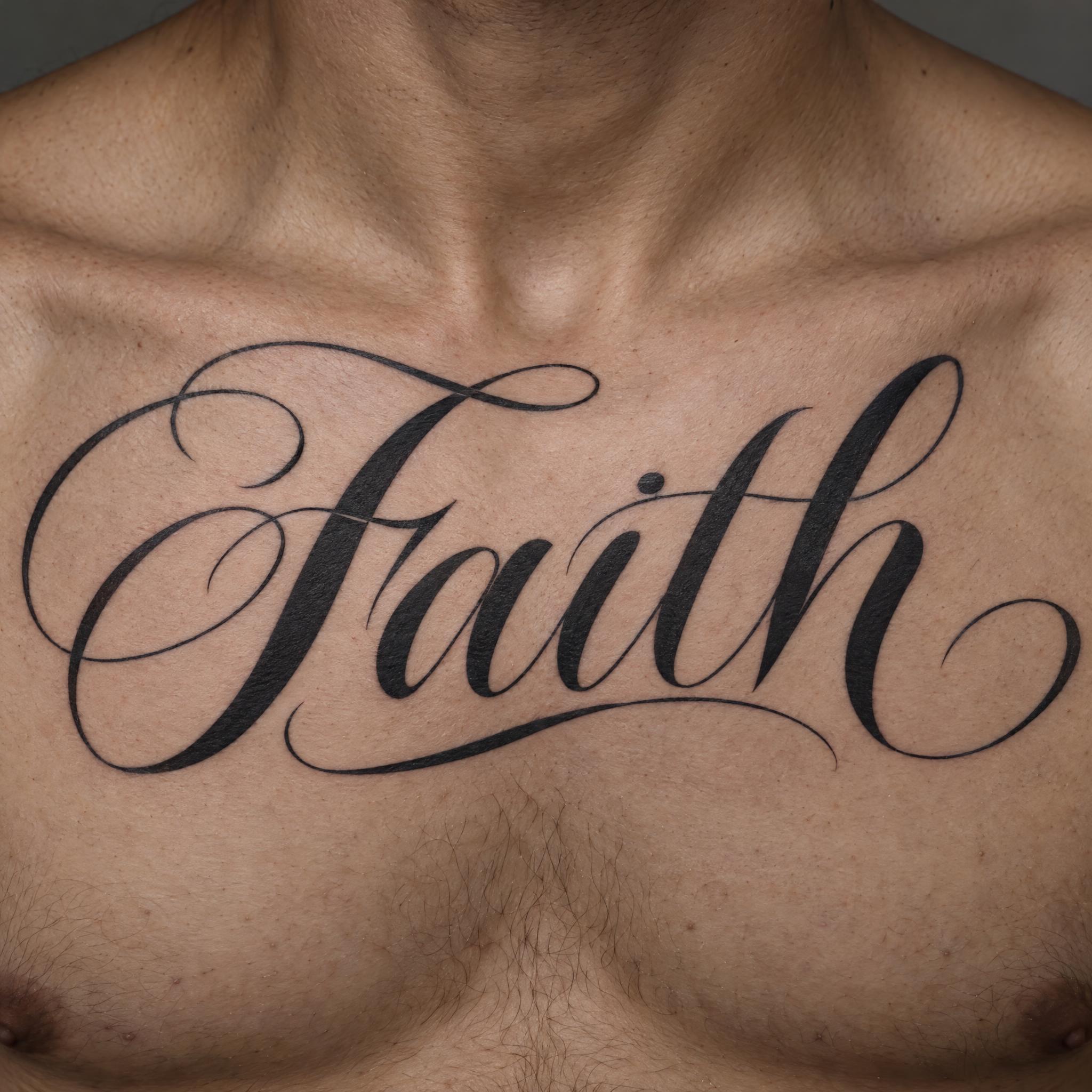
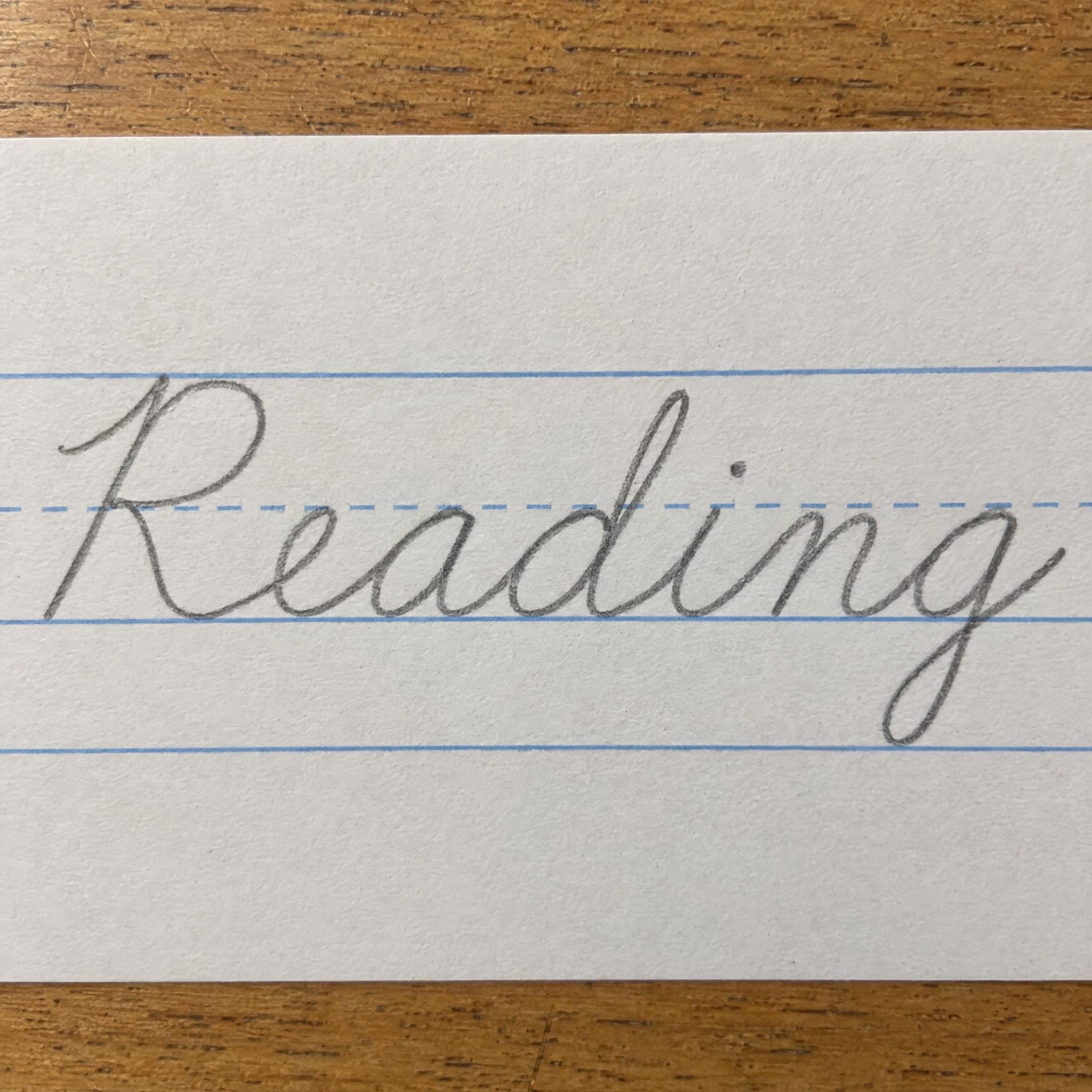
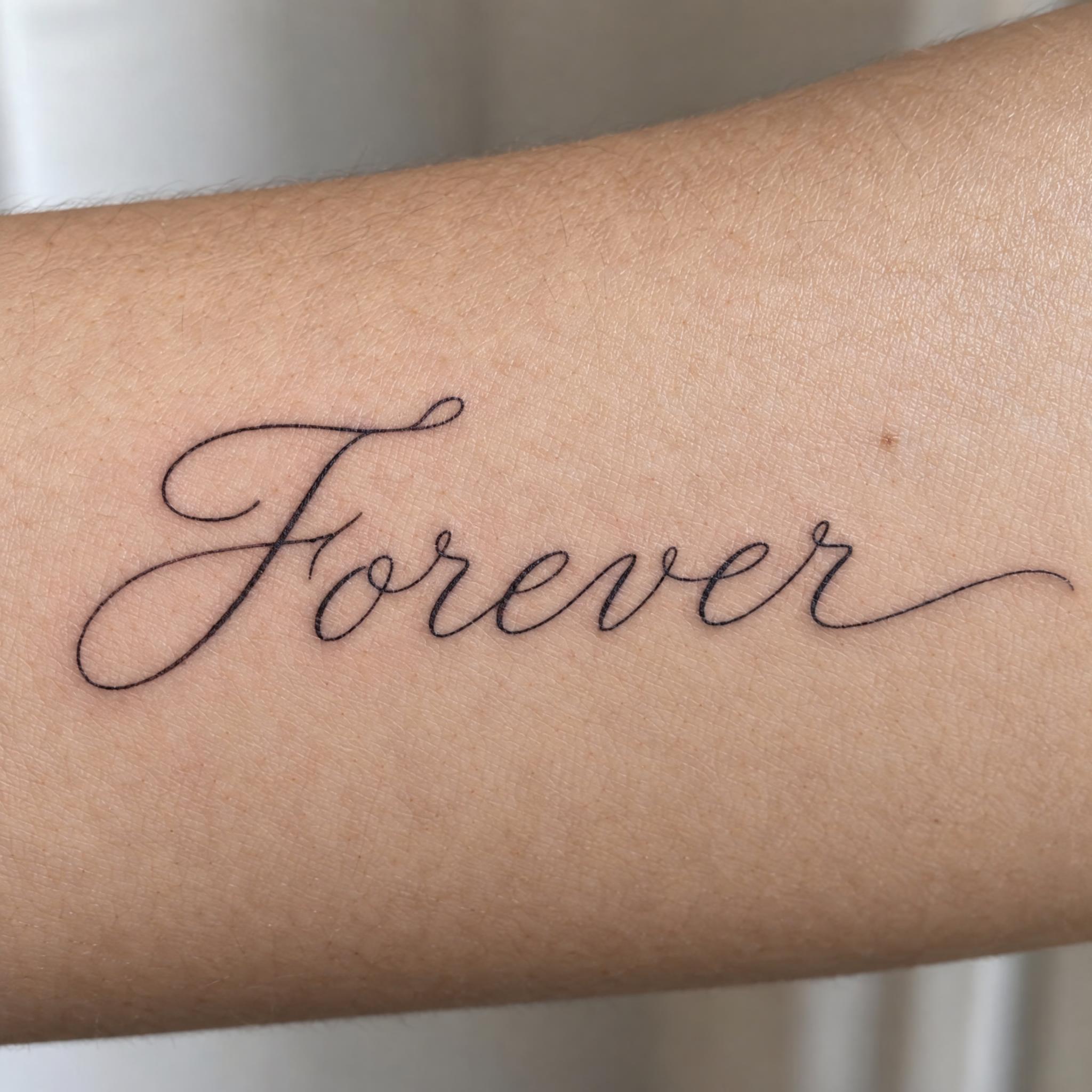
AI fonts for a second line, a logo lock-up or a poster footer.
Autograph Font writes your name the way a practised hand signs it: one continuous line from a fine-point pen, a tall looped capital, the letters run together and partly simplified, slanted strongly to the right, with the last stroke pulled out into a long underline swash. The ink is black and the line is thin, sharpest where the pen moved fastest, yet the name still reads at a glance. It is the kind of signature font you see on a signed photograph, not a neat script.
Type your name in the box above the prompt, copy it and paste it into ChatGPT, Gemini, Grok, Qwen or Seedream. The prompt has three parts: the text, the font design and the scene. The font design makes the autograph; the scene is yours to change. Every image on this page came from pasting the prompt unchanged into each model, with nothing retouched.
Use it for a signature logo on your photos, email and business-card signatures, and autographs on merch.
Details from the original render. Every one of them is named in the prompt.
The first letter rises high and closes in a loop.
Letters run together and are partly simplified, like a real signature.
The last stroke runs on into a long line under the name.
A thin line that varies slightly, sharpest where the pen moved fastest.
Pulled from the render. Handy when you build the rest of the design around the word.
Where this AI font earns its keep.
Autograph comes from the Greek autógraphon, a writing in one's own hand, built from autós, self, and gráphō, to write. Today the word mostly means a famous person's signature, and collecting them is a hobby of its own, with presidents, athletes and movie stars among the most wanted names. A signature and an autograph are not quite the same thing. A signature is a mark of identity and intent; an autograph is chiefly an artistic signature, and some people in the public eye keep the first private while giving the second away freely. This font is the second kind: a signature made to be seen.
The best-known show signature is John Hancock's. On the engrossed copy of the Declaration of Independence, signed on 2 August 1776, his name is visibly larger than the others, and the final k loops back to underline it. That kind of flourish has a name, the paraph, a French term meaning flourish, initial or signature. Hancock's signature stood out so much that John Hancock became an informal American word for a signature. The long underline swash in this prompt is the same move: one last stroke that closes the name and sits under it.
Sources: Wiktionary — autograph · Wikipedia — Autograph · Wikipedia — Signature · Wikipedia — John Hancock
The Schøyen Collection says an archaic Sumerian clay tablet from about 3100 BC carries the world's oldest autograph signature.
John Hancock signs the Declaration of Independence large, with the final k looping back under his name.
All five models signed the name correctly in English, Spanish, Portuguese, German, Japanese and Chinese. GPT Image draws the finest, fastest-looking strokes, Nano Banana uses darker, bolder ink, and Qwen writes Japanese kana almost like print. In Arabic, Seedream added extra letters and Qwen wrote other words, both of them twice. Some of the Arabic verdicts are disputed and wait for a native reader. Compare them side by side above.
Type it in the box next to the prompt and copy the full prompt again. Short names sign best. Check the result letter by letter: the design simplifies letters on purpose, and now and then a model drops or merges one.
Yes. Generate it on a plain background, for example by changing the scene to "The word is signed in black ink on plain white paper.", then remove the white or have it traced as vector art so you can lay it over your photos. White ink works well on dark images.
No. This makes a design image of your name, not your signature. A signature counts because you make it yourself as a mark of your identity and intent, and a picture made by a model does not do that. Sign contracts, cheques and forms the way you normally do, and use this for logos, cards and merch.
Handwritten Signature looks like a real signature on paper: blue ballpoint, uneven pressure, signed on the line of a form. Autograph Font is the show version: a clean black line, a tall looped capital and a long underline swash, made to be displayed.
Change only "The ink is black.", for example to "The ink is shiny gold foil." for a business card or "The ink is white." on a dark photo.
Pick the ratio in your app if it has one. If not, add "Wide 16:9 image." or "Tall 4:5 image." at the end of the prompt.
No. It is a prompt that makes a picture of your name as a signature with an AI image model, so there is nothing to install and any name works.
Copying the prompt is free. Whether the image costs anything depends on the app you paste it into, and what you may do with the image depends on that app's terms.