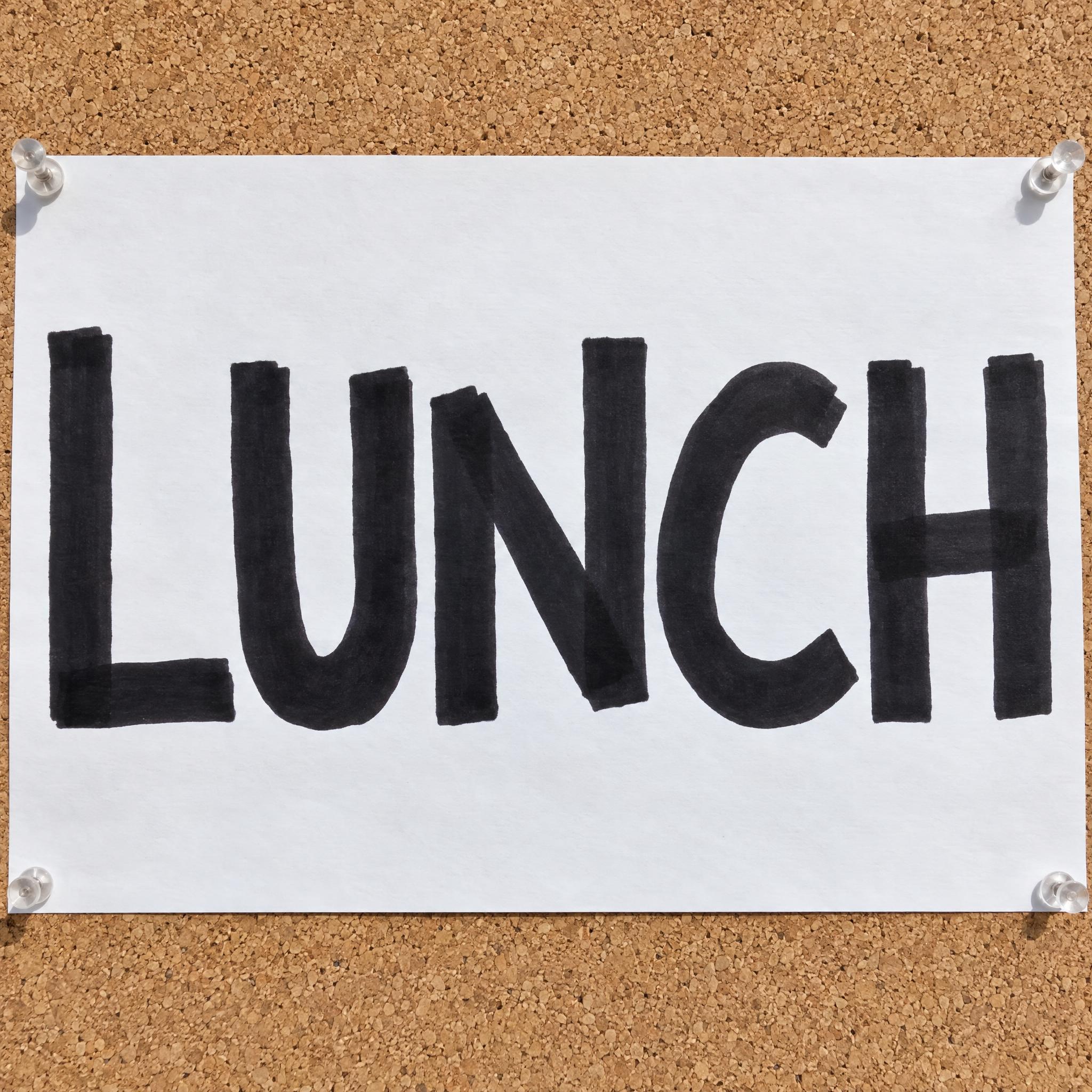
Bold capitals drawn with a chisel-tip permanent marker: one heavy stroke width, squared-off ends and letters a little uneven in height.
TextWrite the word "LUNCH". Spell it exactly as written, without adding or changing any letter.
Font designMarker lettering: bold capital letters hand-drawn with a thick chisel-tip permanent marker, each letter separate, every stroke the same heavy width with squared-off ends where the chisel tip started and stopped, and letters a little uneven in height like quick handwriting; every letter reads at a glance. The ink is black. Where strokes cross the ink is a shade darker, and the stroke edges are slightly soft where the ink soaked into the paper. Like a handwritten sign taped up in a shop window.
SceneThe word is written large on white poster paper pinned to a corkboard, in bright daylight. The word is centered, spans most of the width and reads clearly.
127 words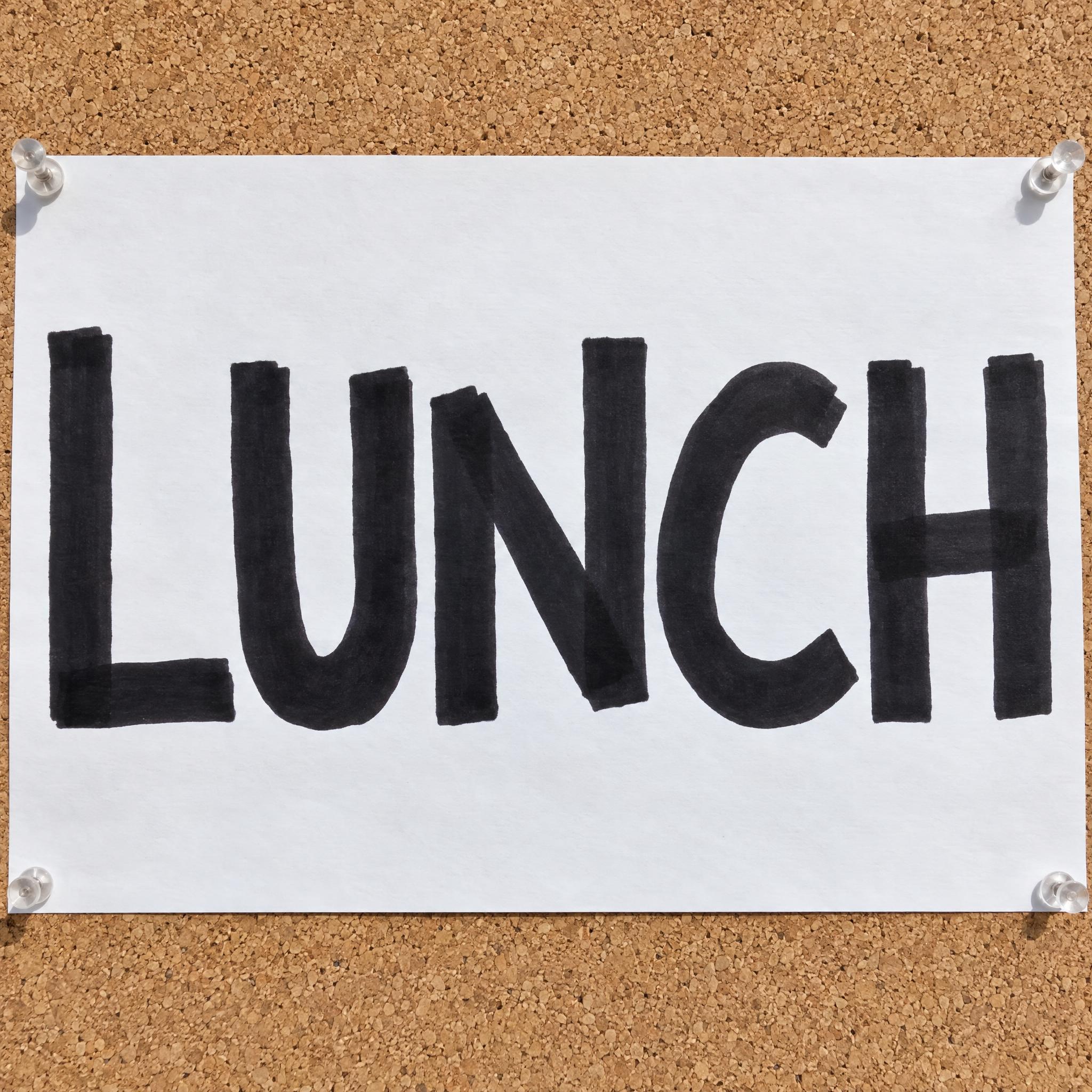
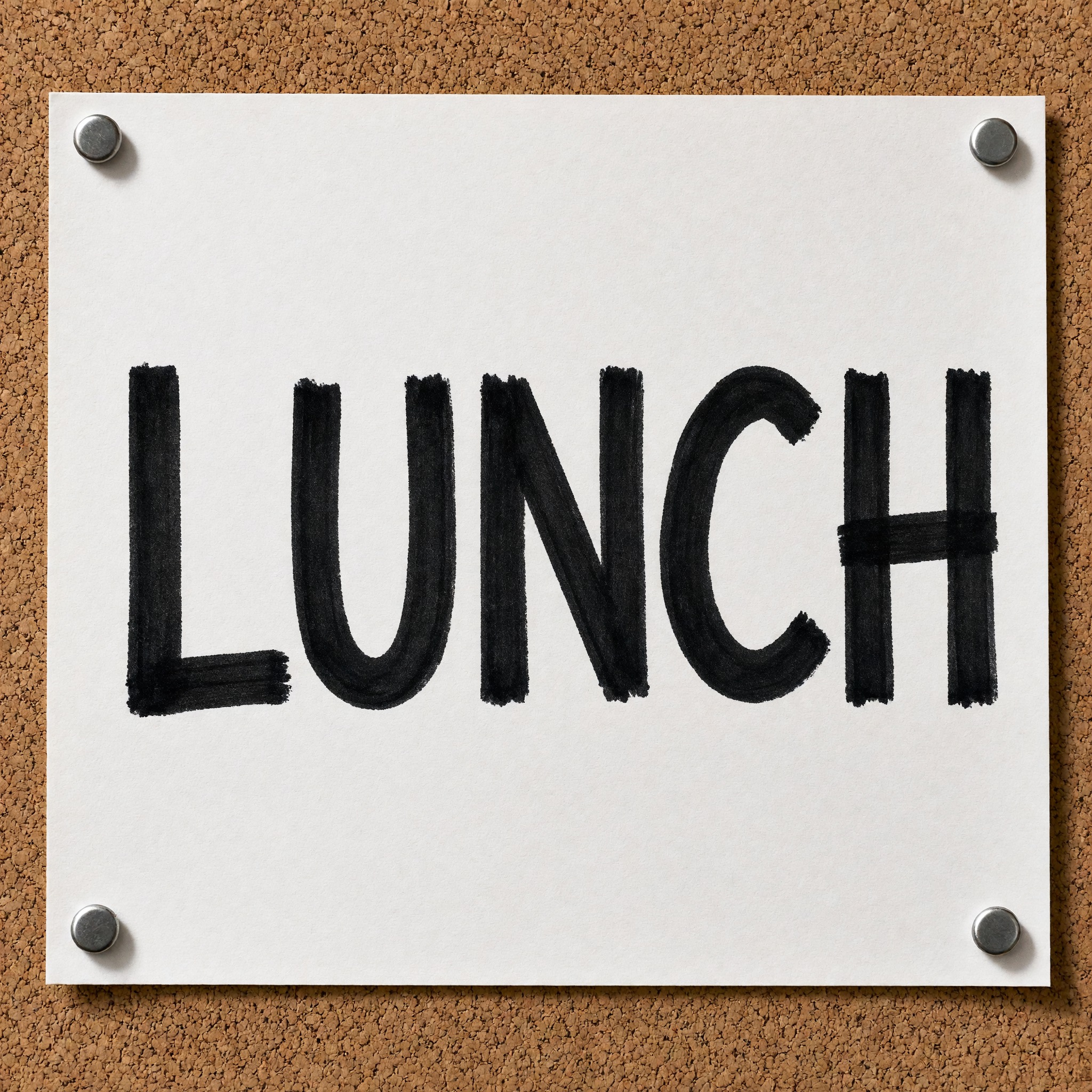
One prompt pasted into each image model as-is. These are the unedited results, so you can pick the model that suits you.
The heaviest strokes, and the word runs edge to edge.
Even, bold letters with clear margins around them.
Thinner strokes and taller, narrower letters.
Visibly darker ink where strokes cross, as on the H.
Streaky strokes that show the marker lines.
The button opens FontVibe in DIY mode with this prompt filled in as it is. Type your word, pick a model and generate. GPT Image, Nano Banana, Seedream, Grok and Qwen are all in one account instead of five apps, so you can check which one keeps the strokes even and the chisel ends square. Every account gets free credits each month with no card needed, and you can export a transparent PNG to drop the word onto a thumbnail, a label or a poster.
Layers in the order the prompt states them. Change one layer and the rest keeps working.
Every AIFont prompt opens with the same text part. "Spell it exactly as written, without adding or changing any letter" comes first, because quick, uneven handwriting gives the model room to drop or double a letter.
"Marker lettering: bold capital letters hand-drawn with a thick chisel-tip permanent marker" names the tool, and the tool decides most of the look. A chisel tip is flat and wide; a bullet tip is round and gives round stroke ends instead.
"every stroke the same heavy width with squared-off ends where the chisel tip started and stopped" is what separates a marker from a brush or a pen: no thick-and-thin, and a square end at every start and stop. Leave it out and the letters drift toward brush script.
"letters a little uneven in height like quick handwriting" keeps it human, and "every letter reads at a glance" stops that bounce from turning into a scrawl.
"The ink is black." is the only colour sentence. Change just this line for a red, blue or highlighter marker.
"Where strokes cross the ink is a shade darker" and "the stroke edges are slightly soft where the ink soaked into the paper" are the two small details that make it look drawn rather than typed: overlaps get a second layer of ink, and paper drinks a little at the edges.
"Like a handwritten sign taped up in a shop window." points the model at the plainest, most familiar use of a marker: a sign written fast for people walking past.
"The word is written large on white poster paper pinned to a corkboard, in bright daylight." shows the letters where a marker sign lives. "The word is centered, spans most of the width and reads clearly." keeps the word the star. Swap this part for your own use.
Small edits that stay on-style. Change one thing at a time.
Type it in the box next to Prompt above and copy again. Short words, prices and dates read best, the same things people write on a real sign.
Swap "The ink is black." for "The ink is bright red.", "The ink is royal blue." or "The ink is fluorescent yellow, like a highlighter."
Replace "written large on white poster paper pinned to a corkboard" with "written large on a flattened brown cardboard box", "written large on an office whiteboard" or "written large on a brown kraft paper label".
The prompt sets no frame size. Pick the ratio in your app, or add "Wide 16:9 image." for a YouTube thumbnail or "Tall 4:5 image." for a poster at the end.
AI fonts that share the most tags with Marker Font.
Marker Font writes your word the way you would on a quick sign: bold, separate capital letters drawn with a thick chisel-tip permanent marker. Every stroke has the same heavy width and ends square where the tip started and stopped, the letters sit a little uneven in height, and the black ink goes darker where strokes cross and soft at the edges where it soaked into the paper. Of all the handwriting fonts, it is the one meant to be read from across the room.
Type your word in the box above the prompt, copy it and paste it into ChatGPT, Gemini, Grok, Qwen or Seedream. The prompt has three parts: the text, the font design and the scene. The font design makes the marker letters; the scene is yours to change. Every image on this page came from pasting the prompt unchanged into each model, with nothing retouched.
Use it for handwritten shop signs and price cards, protest and event posters, packaging labels and YouTube thumbnails.
Details from the original render. Every one of them is named in the prompt.
Strokes start and stop square, where the flat tip met the paper.
Every stroke is equally thick, with no thick-and-thin.
Separate capitals, a little uneven in height.
Darker where strokes cross, soft at the edges.
Pulled from the render. Handy when you build the rest of the design around the word.
Where this AI font earns its keep.
In 1953 Sidney Rosenthal, an inventor from Richmond Hill, New York, put a felt tip on a small, stout bottle of permanent ink: the Magic Marker. His company, Speedry Chemical Products, first aimed it at the art supplies market, then saw a far bigger one in poster-making and sign-lettering. The ink was strong enough to need heavier paper so it would not soak straight through, the same soak this prompt asks for at the stroke edges. By 1958 felt-tip markers were commonplace for lettering, labeling and posters, and in 1966 Rosenthal renamed his company Magic Marker Corporation, a name that came to stand for any felt-tip marker.
In 1964 the Sanford Ink Company launched the Sharpie, the first pen-style permanent marker; its range today includes a chisel tip. That flat tip is where this font gets its squared-off stroke ends. A marker nib cannot swell or taper the way a brush does in Sign Painter Font, so every stroke stays one heavy width, the look of a sign someone wrote in a minute and taped to the glass.
Sources: How Products Are Made — Marker · Wikipedia — Marker pen · Wikipedia — Sharpie (marker)
Sidney Rosenthal's Magic Marker, a glass tube of ink with a felt wick, makes felt-tip markers popular.
Felt-tip markers are commonplace for lettering, labeling and posters.
The Sanford Ink Company launches the Sharpie, the first pen-style permanent marker.
All five models spelled the word right in every language, in black marker on white paper pinned to a corkboard. GPT Image draws the heaviest strokes and fills the sheet, Qwen shows streaky marker lines, and Nano Banana tends toward thinner, brush-like strokes. The only miss was Qwen in Japanese, which first wrote thin pen handwriting and got the thick marker look on the second try. Compare them side by side above.
Sharpie is a brand: the first pen-style permanent marker, launched by the Sanford Ink Company in 1964. People who search for a Sharpie font usually want this look, letters written with a permanent marker. The prompt asks for a chisel tip because it gives thick sign strokes. For the thinner line of an everyday fine-point Sharpie, change "a thick chisel-tip permanent marker" to "a fine-point permanent marker".
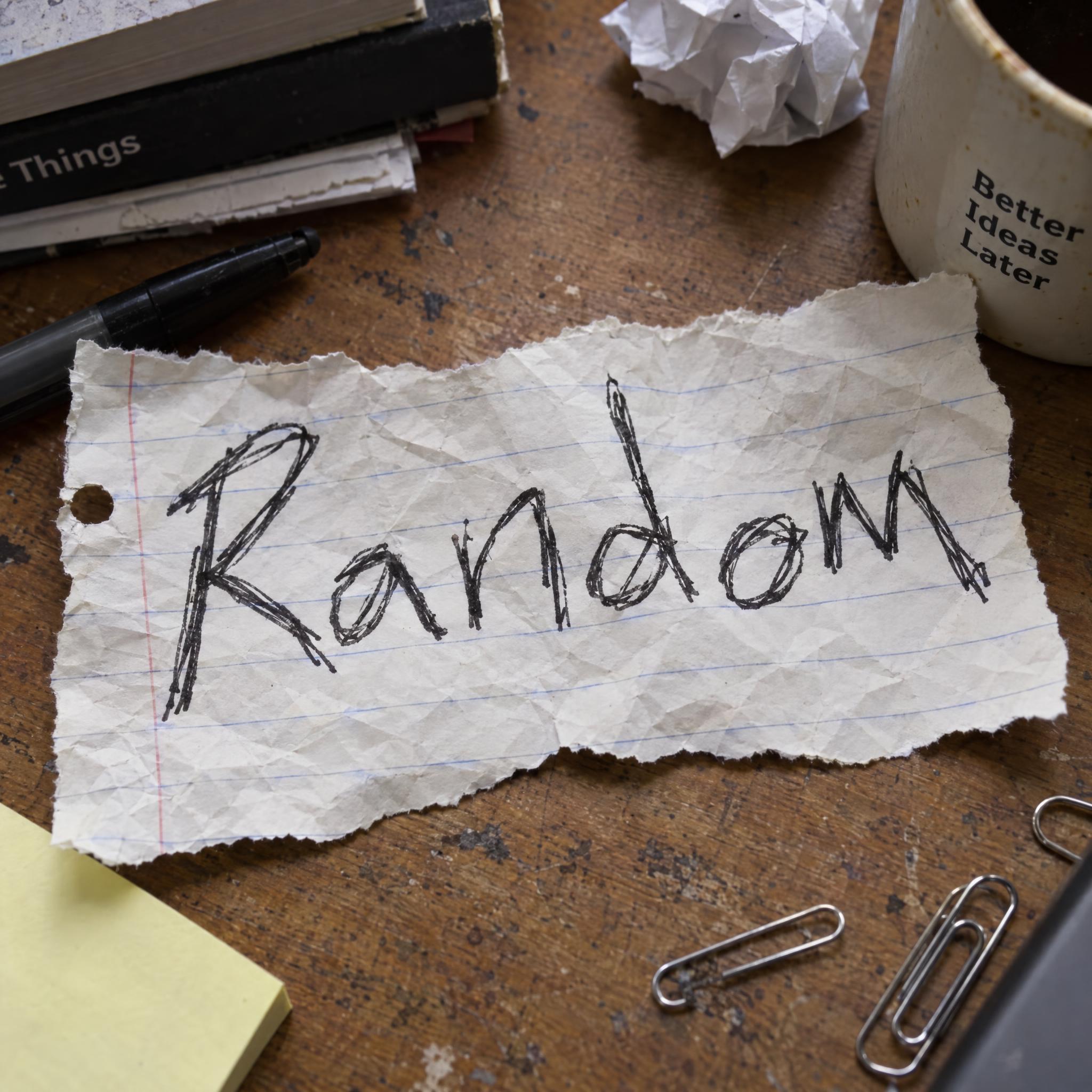
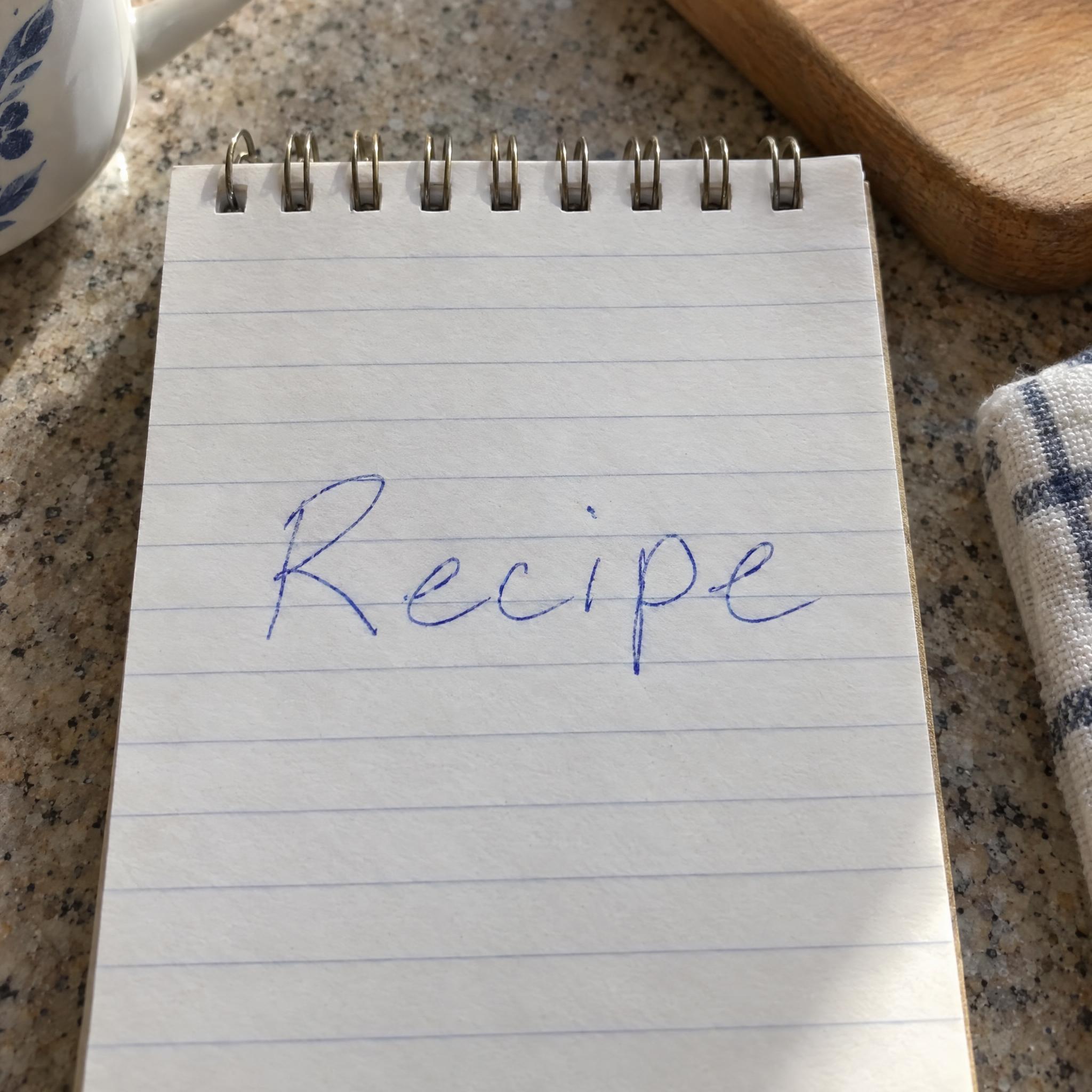
Messy Handwriting Font is everyday pen handwriting, rushed and loose. Sign Painter Font is painted with a brush, so its strokes swell and taper. Marker Font sits between them: separate capitals with one heavy stroke width and square chisel-tip ends, written fast but made to be read from a distance.
Yes. Change "bold capital letters" to "bold lowercase letters". Capitals are the default because they read best from a distance, which is why most marker signs use them.
Yes, change the scene, for example to "written large on a flattened brown cardboard box" or "written large on an office whiteboard". Ink sits on top of a whiteboard instead of soaking in, so for that one you can also delete "and the stroke edges are slightly soft where the ink soaked into the paper".
Type it in the box next to the prompt and copy the full prompt again. Check the result letter by letter: the quick, uneven hand sometimes drops or doubles a letter in long words.
Change only "The ink is black.", for example to "The ink is bright red." or "The ink is fluorescent yellow, like a highlighter." Light colours like highlighter yellow show up better on darker paper or cardboard.
Pick the ratio in your app if it has one. If not, add "Wide 16:9 image." or "Tall 4:5 image." at the end of the prompt. Wide suits a YouTube thumbnail.
No. It is a prompt that makes a picture of your word in marker lettering with an AI image model, so there is nothing to install and any word works.
Copying the prompt is free. Whether the image costs anything depends on the app you paste it into, and what you may do with the image depends on that app's terms.