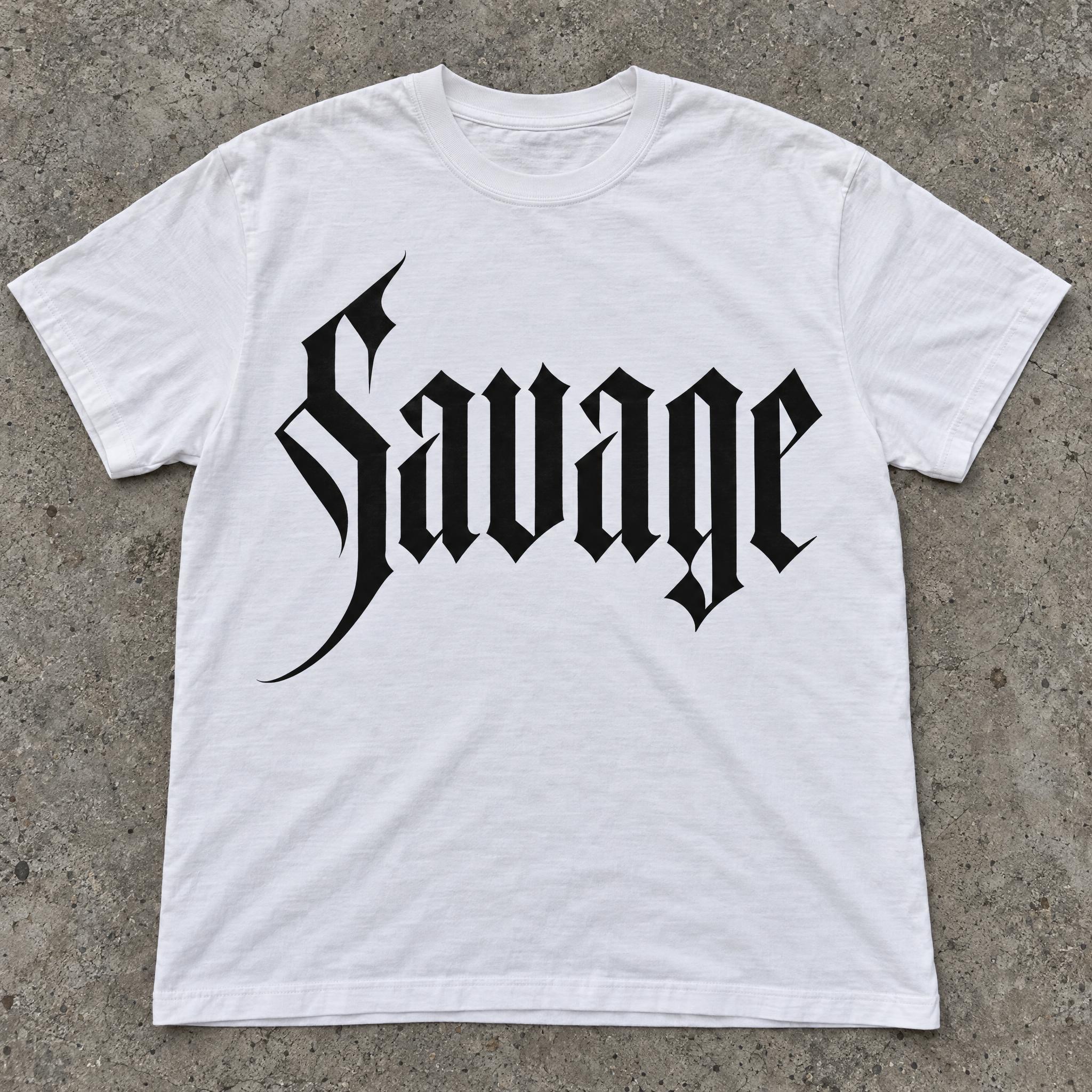
Blackletter cut clean and sharp: thick straight stems, razor-thin hairlines and pointed angles, crisp as vector art.
TextWrite the word "Savage". Spell it exactly as written, without adding or changing any letter.
Font designModern blackletter: a clean, sharpened take on Gothic script with tall, narrow letters, thick straight vertical stems and razor-thin diagonal hairlines, pointed angular cuts where curves would be, and one long sharp swash on the capital; every letter reads at a glance. The letters are solid black. The edges are perfectly crisp and smooth, like vector artwork. Never an aged, ornate medieval blackletter with faded ink. Like the logo on a high-end streetwear label.
SceneThe word is screen-printed on a white T-shirt laid flat on concrete. The word is centered, spans most of the width and reads clearly.
113 words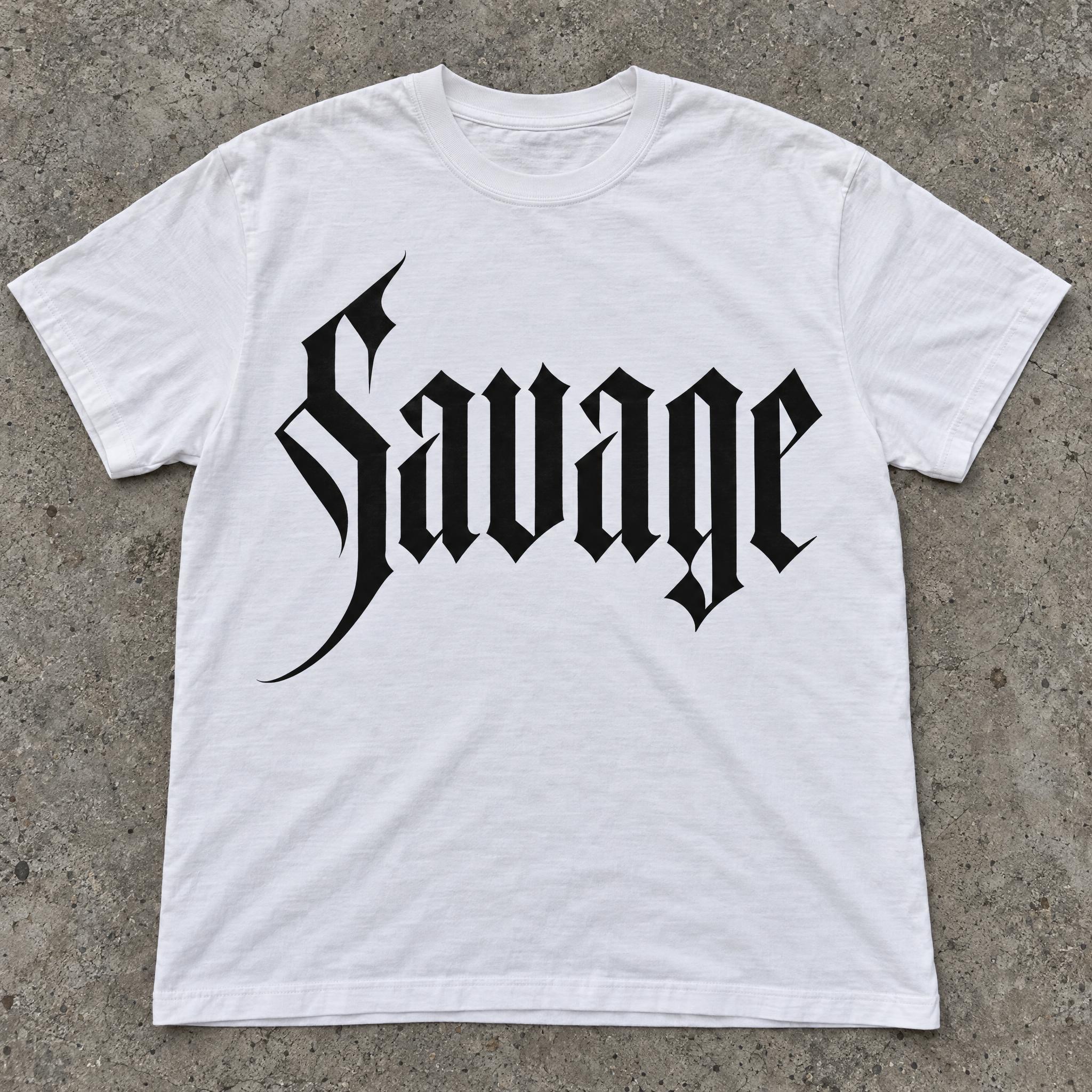
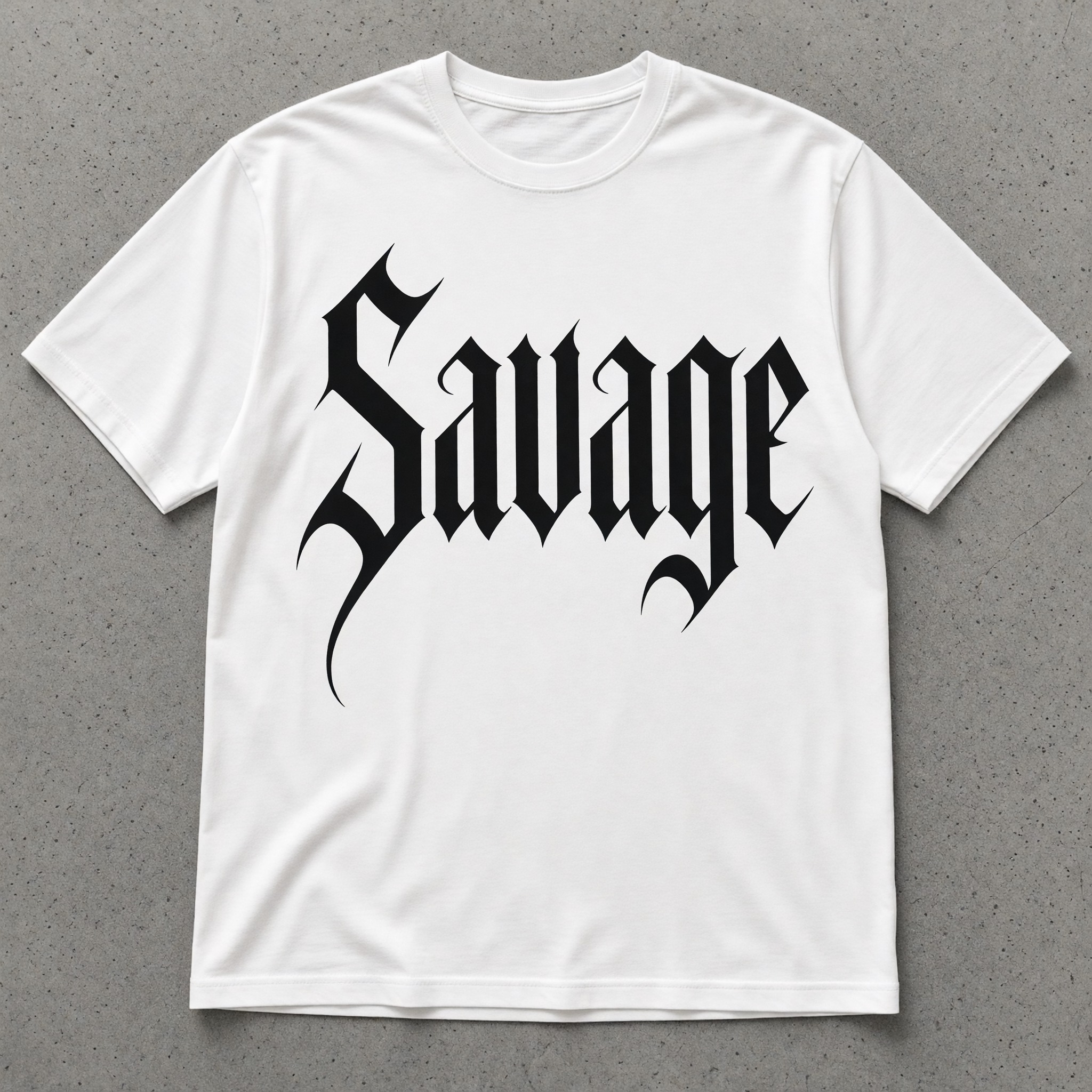
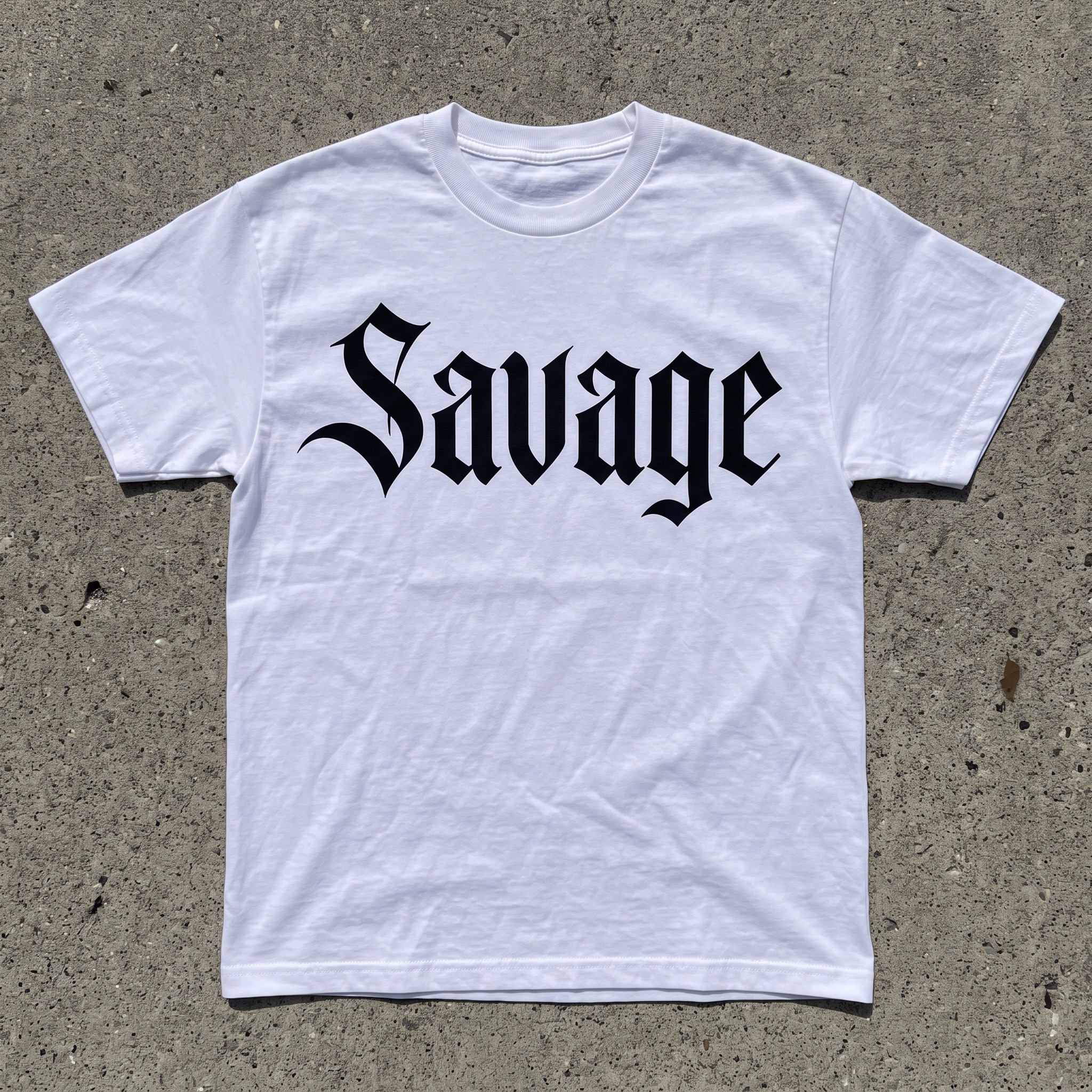
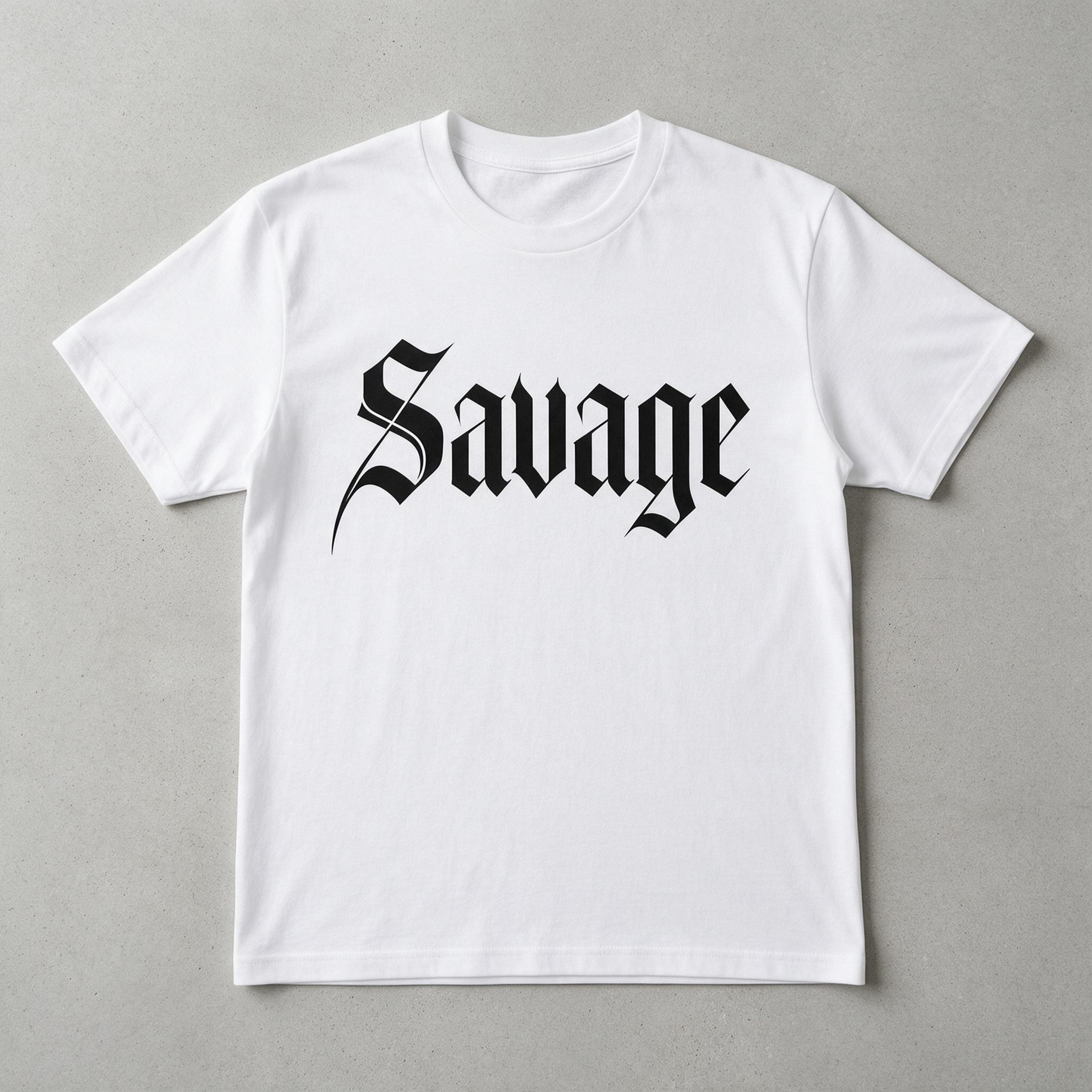
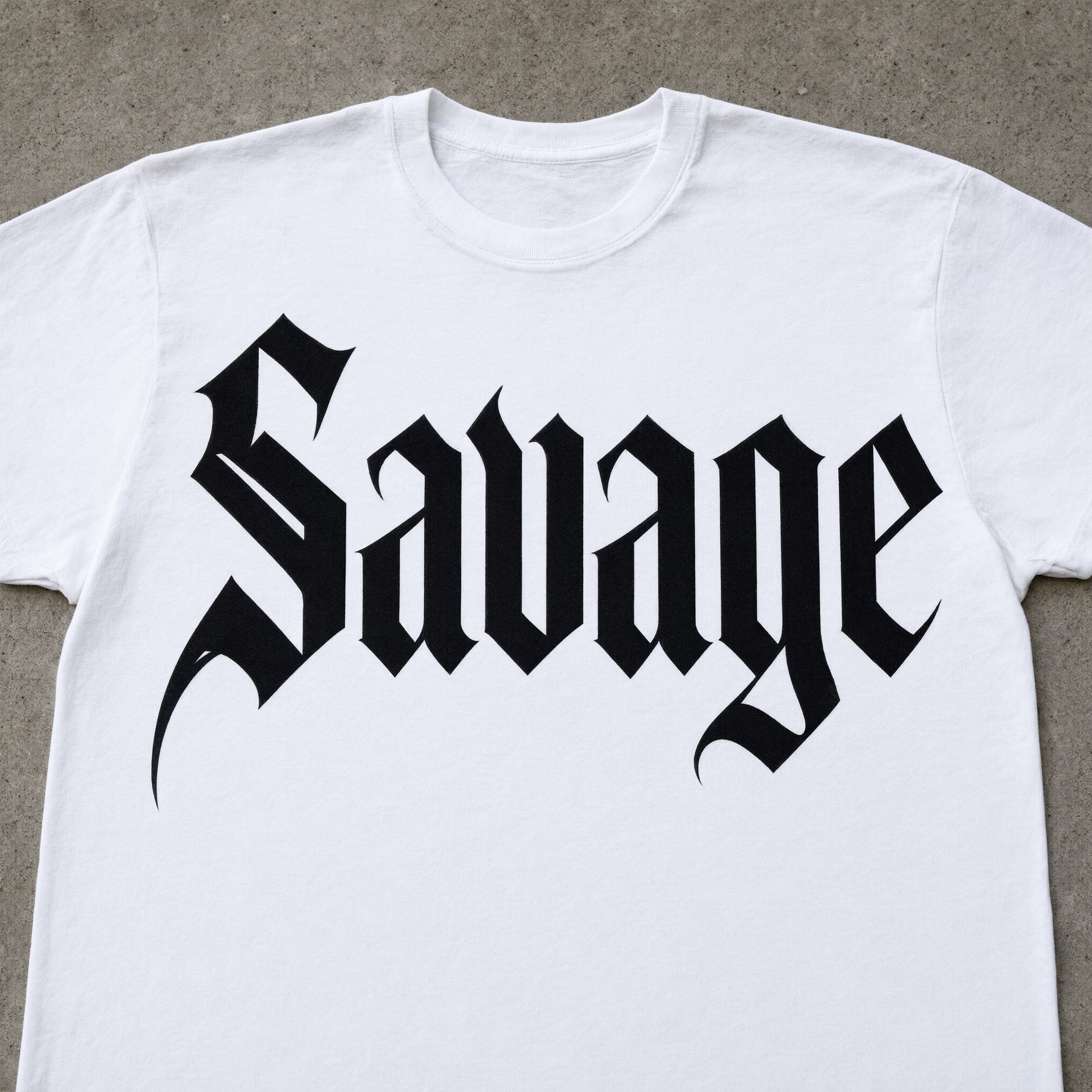
One prompt pasted into each image model as-is. These are the unedited results, so you can pick the model that suits you.
The sharpest cuts and a long swash sweeping off the capital.
Tall, narrow letters with long tails dropping below the line.
Smaller, more compact letters with shorter swashes.
Slim strokes with fine hairline tails, smaller on the shirt.
A close crop: the word fills the shirt with the boldest swashes.
The button opens FontVibe in DIY mode with this prompt filled in as it is. Type your word, pick a model and generate. GPT Image, Nano Banana, Seedream, Grok and Qwen are all in one account instead of five apps, so you can see which one keeps the hairlines thinnest and the cuts sharpest. Every account gets free credits each month with no card needed, and you can export a transparent PNG to put the word on your own shirt or cover.
Layers in the order the prompt states them. Change one layer and the rest keeps working.
Every AIFont prompt opens with the same text part. "Spell it exactly as written, without adding or changing any letter" comes first, because in blackletter n, u and m are built from the same stems and are easy to swap.
"Modern blackletter: a clean, sharpened take on Gothic script" names the family and the twist: the shapes of Gothic script, redrawn clean.
"tall, narrow letters, thick straight vertical stems and razor-thin diagonal hairlines" is the core of the look. Without the hairlines the letters turn into a plain heavy condensed font.
"pointed angular cuts where curves would be, and one long sharp swash on the capital" gives the broken Gothic shapes and a single flourish. "every letter reads at a glance" keeps the cuts from making the word unreadable.
"The letters are solid black." is the only colour sentence. Change just this line for white, red or silver letters.
"The edges are perfectly crisp and smooth, like vector artwork." is what makes it modern: no rough ink, no texture, edges you could cut from vinyl.
"Never an aged, ornate medieval blackletter with faded ink." stops the model from falling back to the old manuscript look it knows best.
"Like the logo on a high-end streetwear label." points the model at the clean, expensive blackletter of fashion labels.
"The word is screen-printed on a white T-shirt laid flat on concrete." shows the letters where they are used most. "The word is centered, spans most of the width and reads clearly." keeps the word the star. Swap this part for your own use.
Small edits that stay on-style. Change one thing at a time.
Type it in the box next to Prompt above and copy again. Short words and names read best; long lines of blackletter get hard to read.
Swap "The letters are solid black." for "The letters are bright white." (use a dark shirt), "The letters are deep red." or "The letters are metallic silver."
Replace "screen-printed on a white T-shirt laid flat on concrete" with "screen-printed on a black hoodie laid flat on concrete", "printed on the cover of a vinyl record" or "embroidered on the front of a black cap".
The prompt sets no frame size. Pick the ratio in your app, or add "Wide 16:9 image." or "Tall 4:5 image." at the end.
AI fonts that share the most tags with Modern Gothic Font.
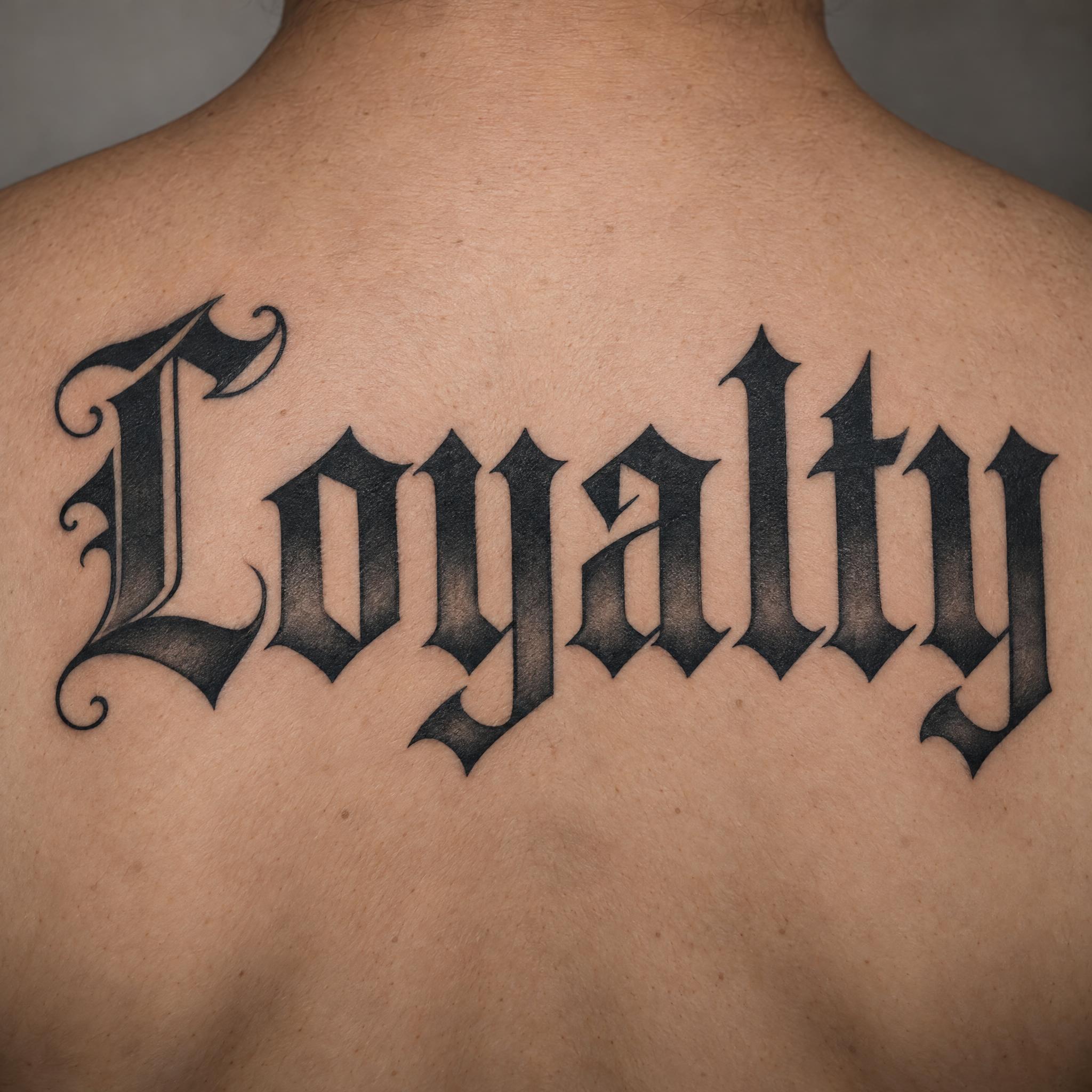
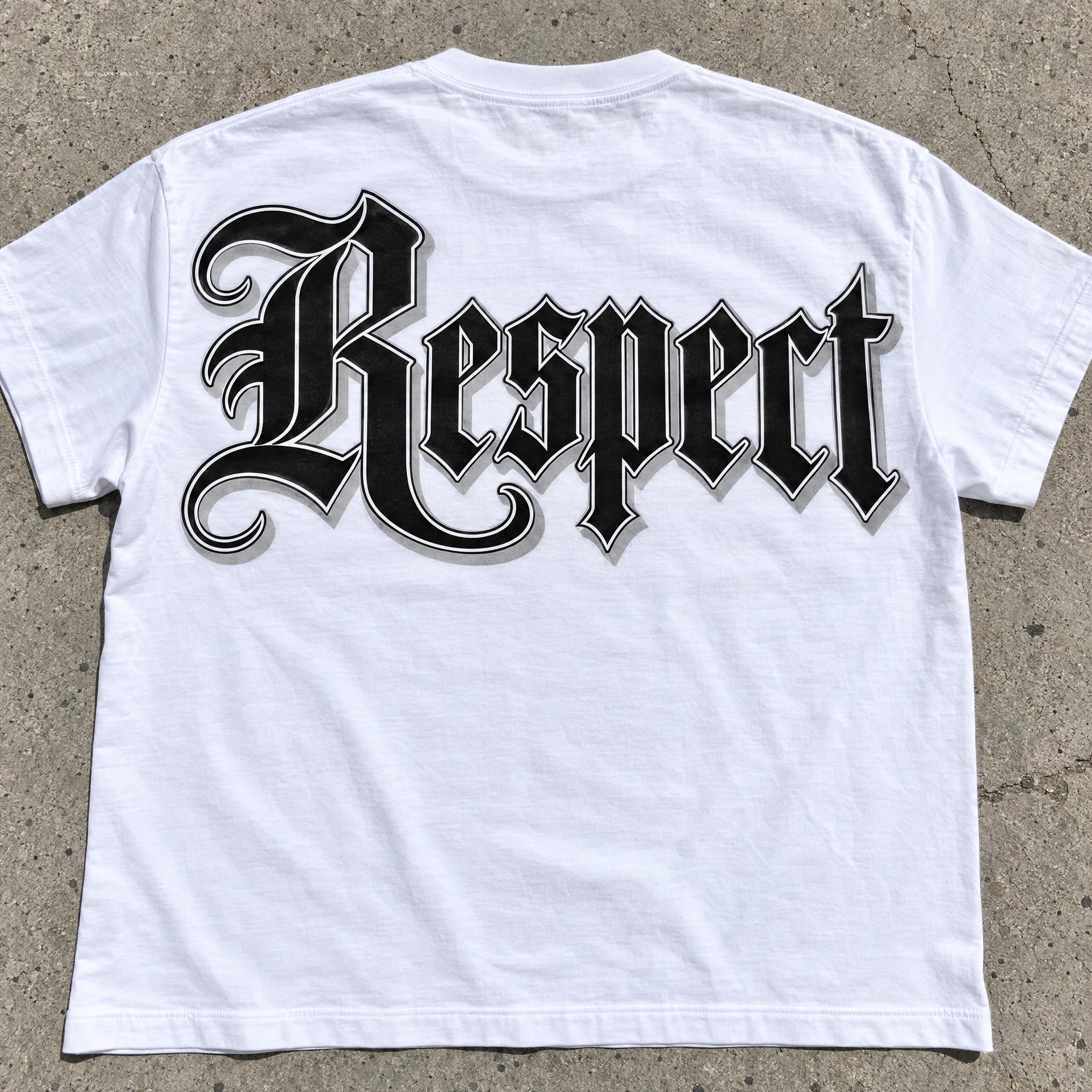
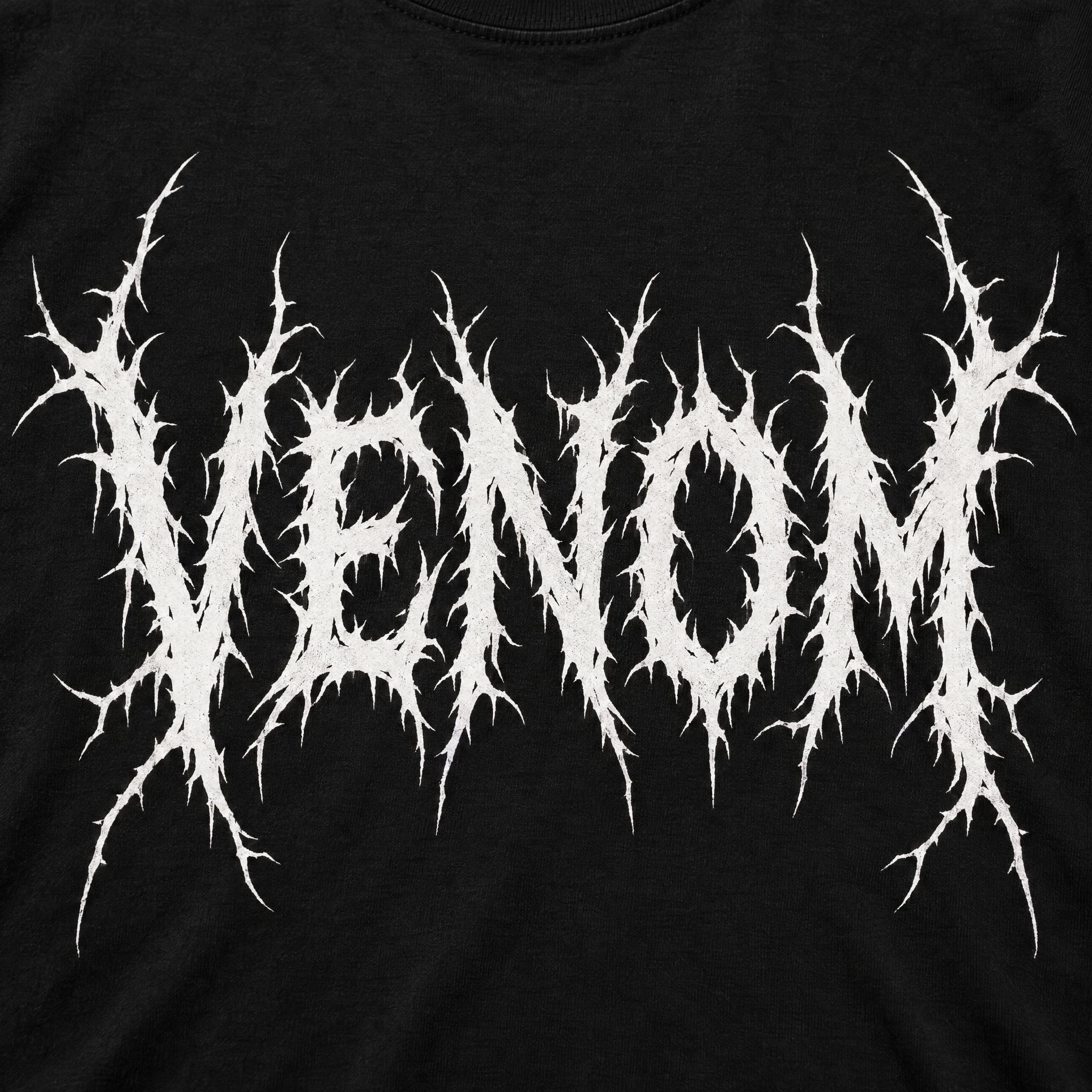
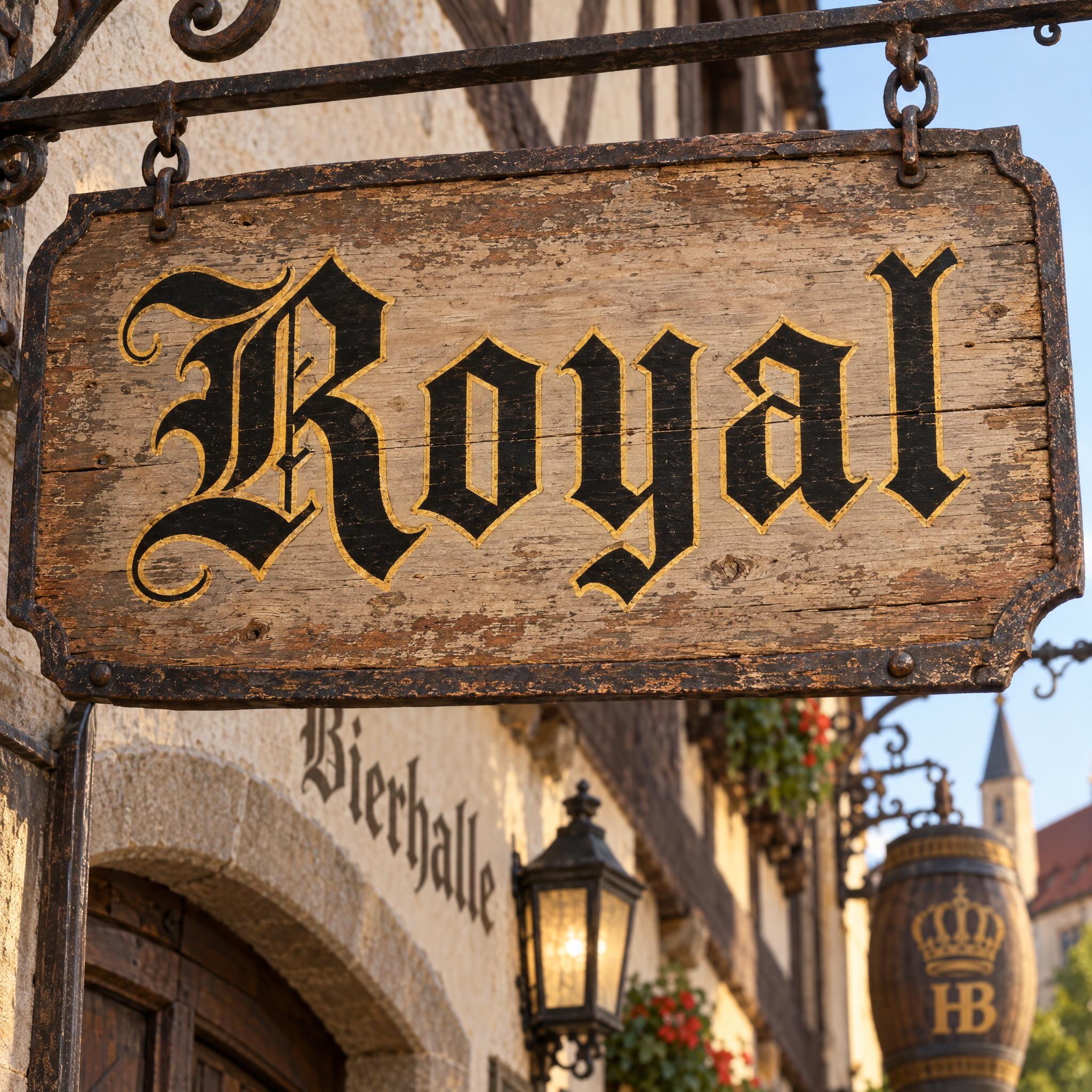
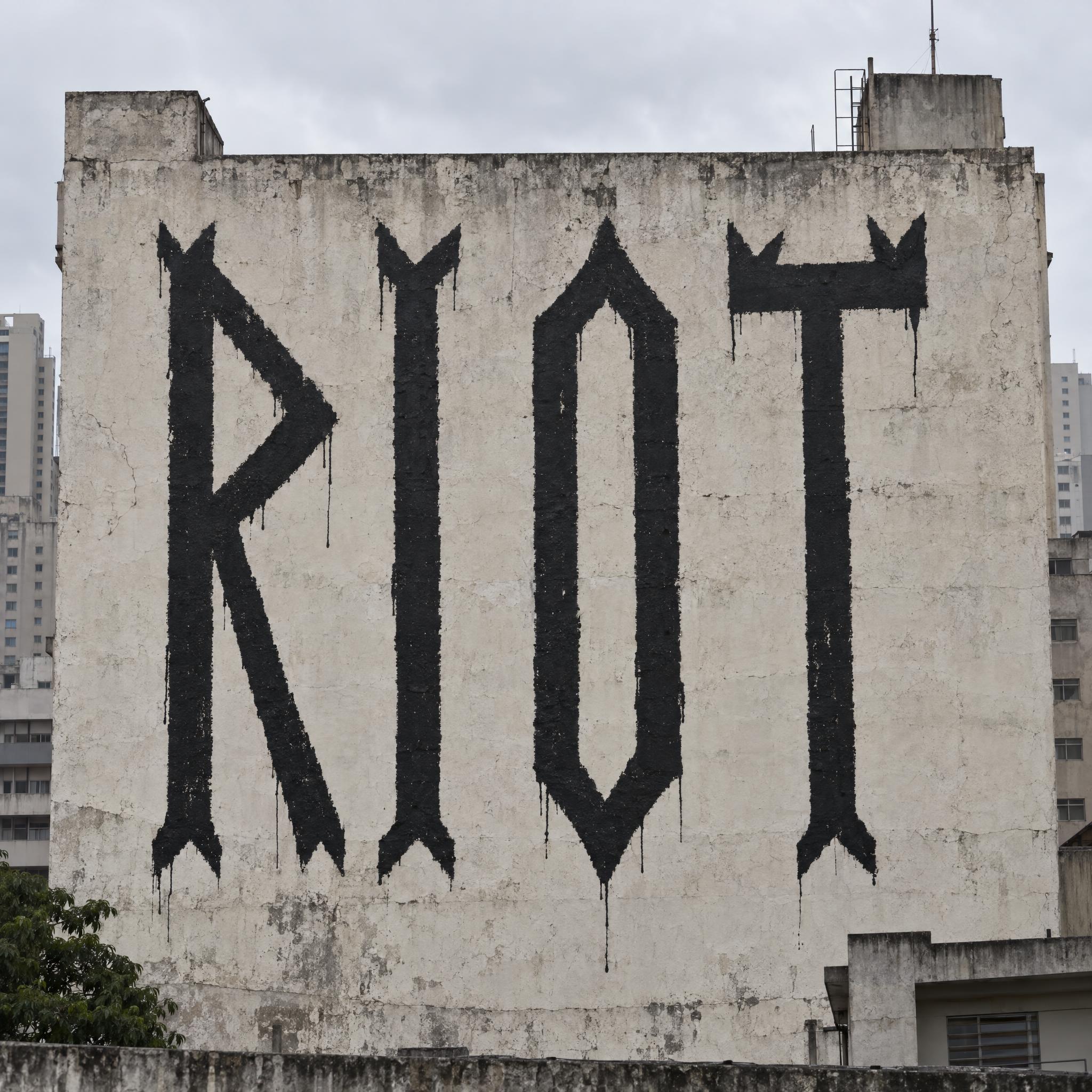
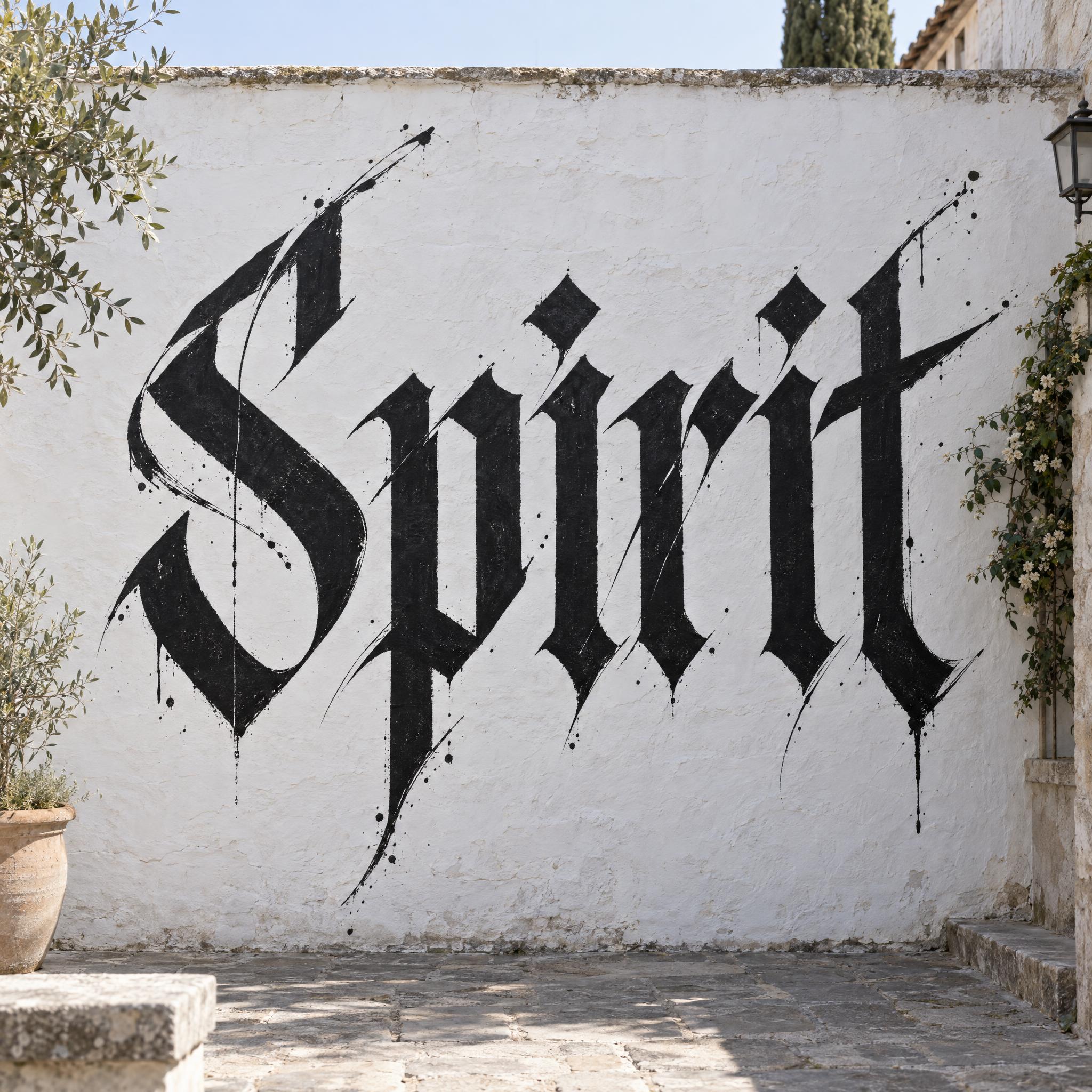
AI fonts for a second line, a logo lock-up or a poster footer.
Modern Gothic Font writes your word in blackletter redrawn for today: tall, narrow letters with thick straight stems and razor-thin diagonal hairlines, pointed angular cuts where the curves would be, and one long sharp swash on the capital. The letters are solid black, and the edges are crisp and smooth like vector artwork, with nothing aged or worn.
Type your word in the box above the prompt, copy it and paste it into ChatGPT, Gemini, Grok, Qwen or Seedream. The prompt has three parts: the text, the font design and the scene. The font design makes the modern blackletter; the scene is yours to change. Every image on this page came from pasting the prompt unchanged into each model, with nothing retouched.
Use it for streetwear logos and T-shirts, tattoo lettering, album covers and posters.
Details from the original render. Every one of them is named in the prompt.
Heavy straight stems against razor-thin diagonal hairlines.
Pointed corners where the curves would be.
A single sharp stroke sweeps off the capital.
Crisp, smooth and solid black, nothing aged.
Pulled from the render. Handy when you build the rest of the design around the word.
Where this AI font earns its keep.
Blackletter never really left; it changed jobs. Newspapers kept it for their names: The New York Times, the Los Angeles Times and The Sydney Morning Herald still use it in their nameplates, where it lends the paper gravitas. The Times took its first nameplate from The Times of London, set in textura. On 21 February 1967 the type designer Ed Benguiat redrew it, turning the arrow ornament into a diamond and dropping the period after Times, and it has not changed since.
The street took it next. From the early 1970s to the late 1980s a few shops in New York sold iron-on flock letters that people called Old English, Gothic or Blackletter, worn by motorcycle and street gangs, hip-hop artists, b-boy crews and punks. In 2016 fashion caught up: Kanye West's Life of Pablo merch and the Vetements SS16 sleeves made blackletter so common that Dazed asked why fashion was obsessed with gothic fonts. This font is that branch: the old broken shapes, cut clean and sharp for a logo or a shirt.
Sources: Wikipedia — Blackletter · Wikipedia — The New York Times · Eye Magazine — Mutant letters trickle down · Dazed — Why is fashion so obsessed with gothic fonts?
Ed Benguiat redraws The New York Times nameplate and drops the period after Times.
New York shops sell iron-on blackletter letters, worn by gangs, hip-hop artists, b-boys and punks.
Life of Pablo merch and Vetements SS16 put blackletter on streetwear everywhere.
Every model spelled the word right in English, Spanish, Portuguese, German and Chinese, all as solid black letters on a white T-shirt. GPT Image has the sharpest cuts and the longest swash, and Qwen fills the shirt with the boldest letters. Kana and Arabic have no pointed cuts of their own: in Japanese Grok came out close to a plain bold and Qwen fully plain twice, and in Arabic Qwen wrote a long phrase instead of the word, while Grok got it on the second try. Compare them side by side above.
Textura Font is the printed type of old books: even, close-set strokes pressed into paper. Fraktur Font is the German broken script with curling capitals. Modern Gothic Font keeps the blackletter shapes but cuts them clean, with extreme contrast between thick stems and hairlines and no aged texture.
Yes, as a design to start from. For a logo, generate it on a plain background, for example by changing the scene to "The word is printed in black on plain white paper.", then have it traced as vector art. For a tattoo, bring the image to your artist and check every letter first. For blackletter made for skin, see Old English Tattoo.
Type it in the box next to the prompt and copy the full prompt again. Check the result letter by letter: in blackletter, n, u and m are easy to mix up.
Change only "The letters are solid black.", for example to "The letters are bright white." on a dark shirt.
Pick the ratio in your app if it has one. If not, add "Wide 16:9 image." or "Tall 4:5 image." at the end of the prompt.
No. It is a prompt that makes a picture of your word in modern blackletter with an AI image model, so there is nothing to install and any word works.
Copying the prompt is free. Whether the image costs anything depends on the app you paste it into, and what you may do with the image depends on that app's terms.