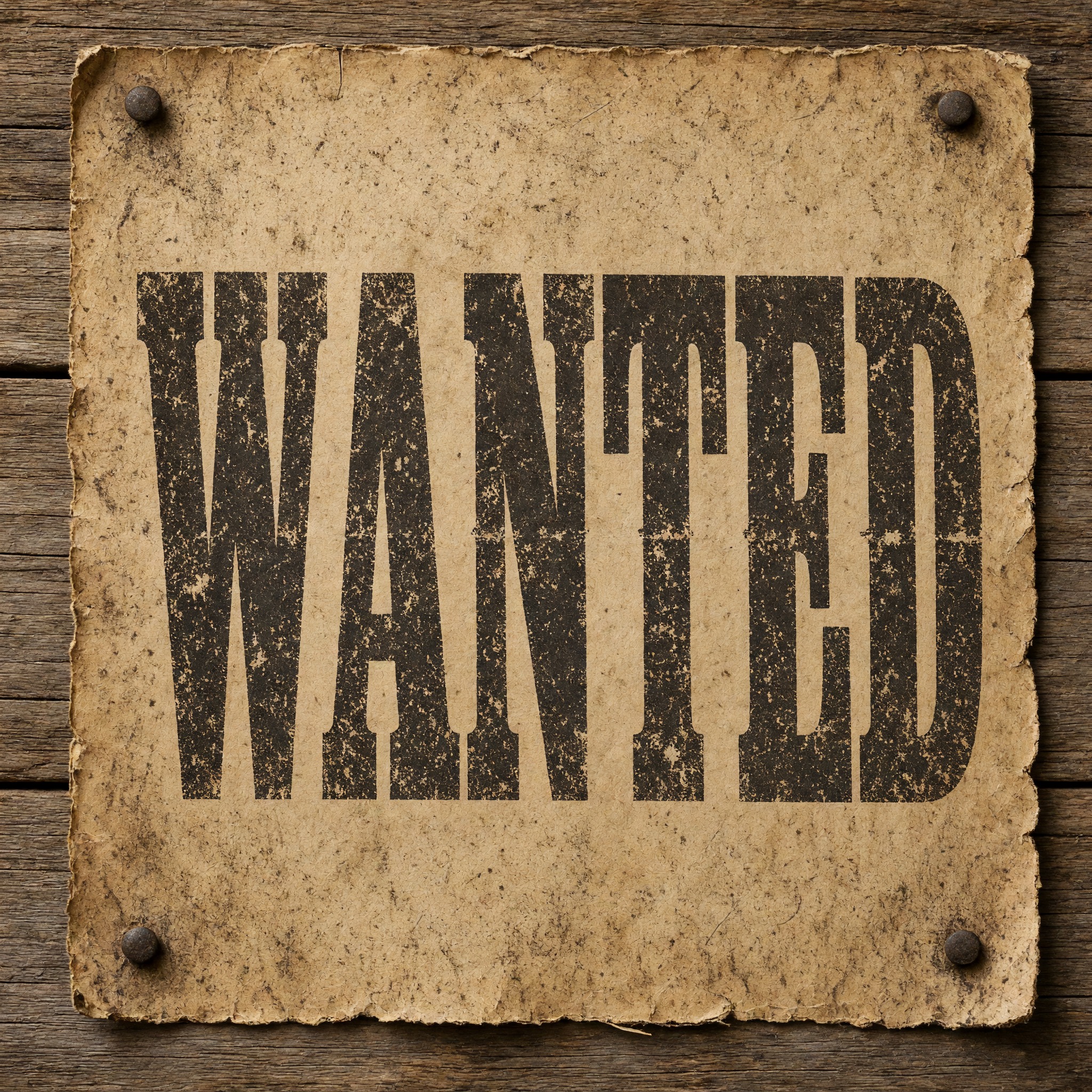
Heavy wood-type capitals with thick slab serifs, printed in dark brown-black ink that is uneven, chipped and worn like an old letterpress poster.
TextWrite the word "WANTED". Spell it exactly as written, without adding or changing any letter.
Font designWanted-poster lettering: heavy wood-type capitals with thick slab serifs, like nineteenth-century Clarendon poster type, set tight and slightly condensed, every letter reads at a glance. The letters are printed in ink pressed into the paper, with uneven coverage, small worn gaps and rough edges where the old wooden blocks have chipped. Every letter is dark brown-black ink. Like the headline on an Old West wanted poster.
ScenePrinted on a yellowed poster nailed to a plank wall, with no other text; the word is centered, fills most of the width and reads clearly.
107 words
One prompt pasted into each image model as-is. These are the unedited results, so you can pick the model that suits you.
Heavy Clarendon capitals with notched serifs and the roughest, most chipped ink, on a torn-edged poster.
Tall condensed letters under heavy speckle and scuffing, on a deckled poster.
Very tall, condensed letters that fill the poster, with strong speckled wear.
Notched serifs and lighter brown ink, but the word takes only about two thirds of the width.
The tallest and cleanest letters; the slab serifs are there but the ink is almost even, with little wear.
The button opens FontVibe in DIY mode with this prompt already in it, unchanged. Type your word or a friend's name, pick a model and generate. GPT Image, Nano Banana, Seedream, Grok and Qwen are all in one account, so you can compare which one keeps the serifs heavy and the ink worn without signing up to five apps. Every account gets free credits each month with no card needed, and you can export a transparent PNG to drop the headline onto your own poster or invitation.
Layers in the order the prompt states them. Change one layer and the rest keeps working.
Every AIFont prompt opens with the same text part. "Spell it exactly as written, without adding or changing any letter" matters more than usual here, because a wanted poster is a page full of words in a model's memory: without it, the model is tempted to add DEAD OR ALIVE or a reward line.
"Wanted-poster lettering:" tells the model which old printed look you mean, before it reaches for a generic western font or a cowboy script.
"heavy wood-type capitals with thick slab serifs, like nineteenth-century Clarendon poster type" is the shape. Clarendon is the slab serif most often linked to wanted posters, and naming it gives every model the same heavy, bracketed serifs to aim at.
"set tight and slightly condensed, every letter reads at a glance" fits a long word across the poster the way printers did, and keeps the heavy letters from closing up into blobs.
"The letters are printed in ink pressed into the paper" makes the letters part of the paper surface. Without it, models tend to draw clean black letters floating on top of an old-paper texture.
"with uneven coverage, small worn gaps and rough edges where the old wooden blocks have chipped" is the second half of the look. Real wood type wore down with use, so the ink never sat evenly; this sentence asks for that wear inside the letters, not a stain over the whole picture.
"Every letter is dark brown-black ink." is the only colour line, so you can change it on its own: a deep red or a faded navy still reads as old poster type.
"Like the headline on an Old West wanted poster." gives every model the same picture: the big top line of the poster, not a whole movie prop.
"Printed on a yellowed poster nailed to a plank wall, with no other text" puts the word where it belongs and blocks the extra poster lines models like to add; "the word is centered, fills most of the width and reads clearly" keeps the word the star. Swap this part for your own use.
Small edits that stay on-style. Change one thing at a time.
Type it in the box next to Prompt above and copy again. A name, WANTED or REWARD all work; one or two short words keep the letters big.
Swap "Every letter is dark brown-black ink." for "Every letter is deep red ink.", "Every letter is faded navy ink." or "Every letter is black ink."
Replace "with uneven coverage, small worn gaps and rough edges where the old wooden blocks have chipped" with "with crisp, even coverage and clean edges" for a freshly printed look, or with "with heavy, patchy coverage and deep cracks through every letter" for a poster that has hung in the sun for years.
Replace "Printed on a yellowed poster nailed to a plank wall, with no other text" with "Printed on a cream party invitation lying on a wooden table, with no other text", "Printed on a torn paper notice pinned to a saloon door, with no other text" or "Printed across a beige T-shirt laid flat, with no other text".
The prompt sets no frame size. Pick the ratio in your app, or add "Wide 16:9 image." or "Tall 4:5 image." at the end. A real wanted poster is tall, so 4:5 or 2:3 suits a poster mock-up.
AI fonts that share the most tags with Wanted Poster Font.
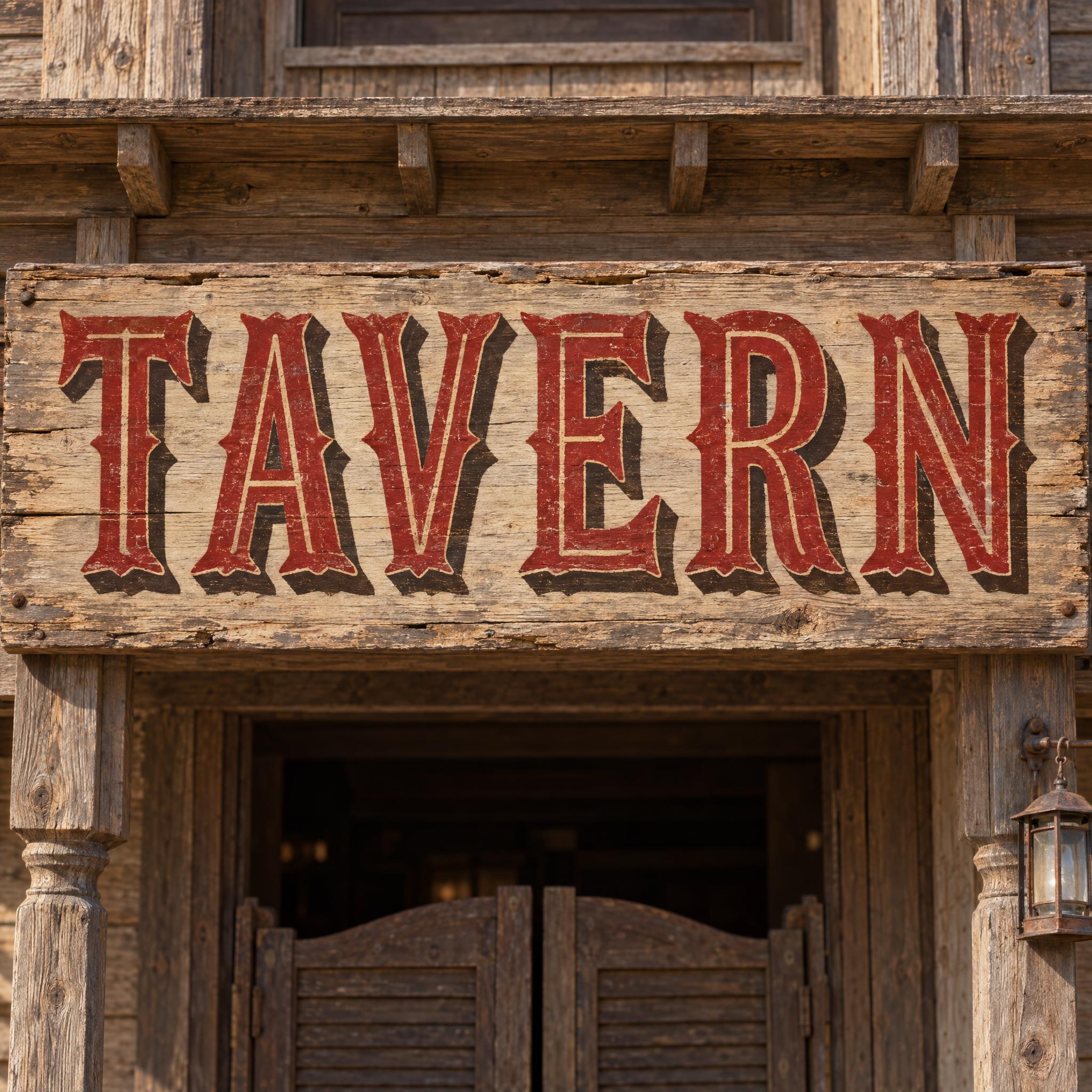
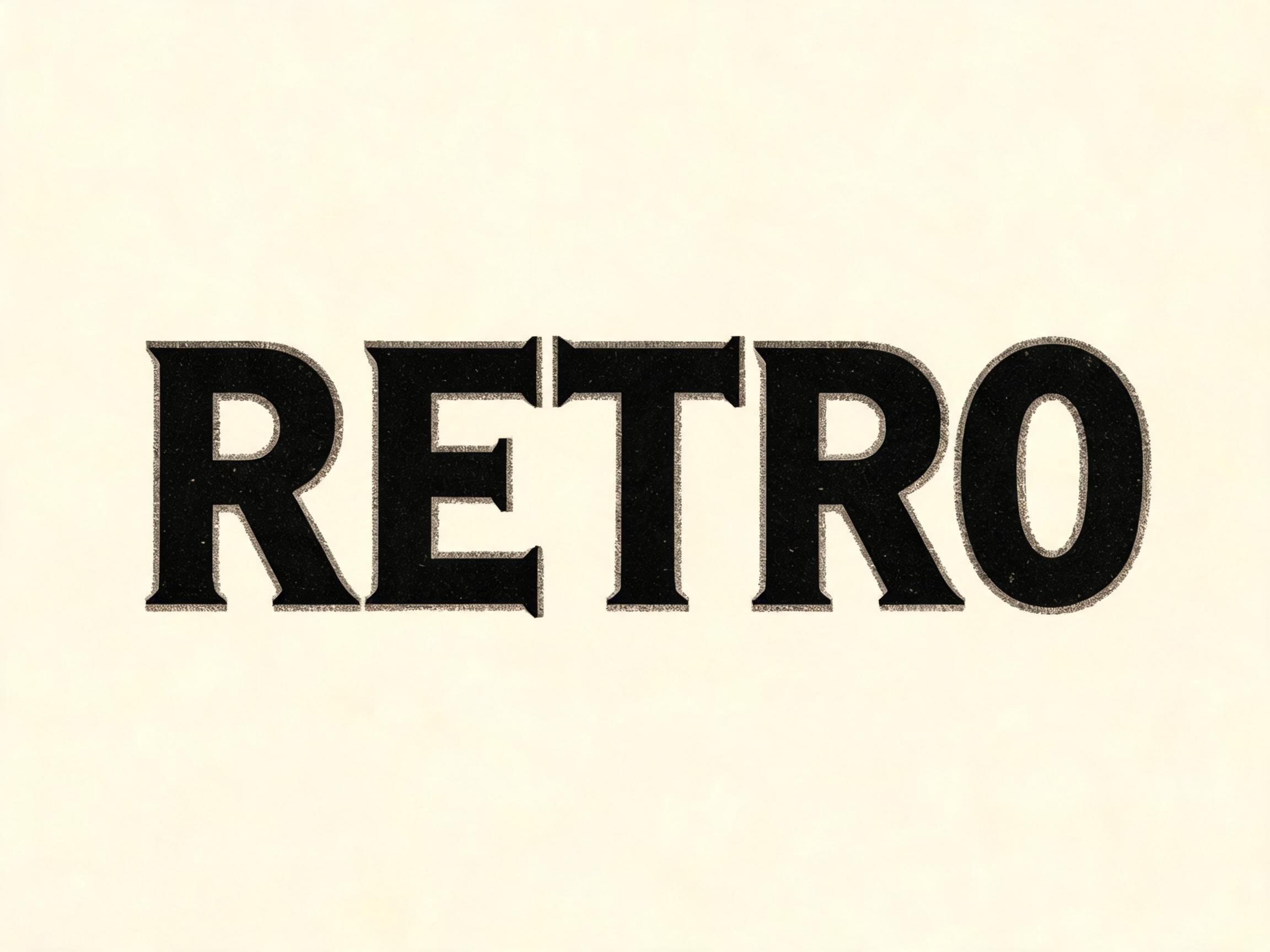
AI fonts for a second line, a logo lock-up or a poster footer.
Wanted Poster Font draws your word the way an Old West wanted poster shouted its headline: heavy wood-type capitals with thick slab serifs in the Clarendon style, set tight and slightly condensed. The letters look printed rather than drawn, with ink pressed into the paper, uneven coverage, small worn gaps and rough edges where the old wooden blocks have chipped, all in a dark brown-black.
Type your word in the box above the prompt, copy it and paste it into ChatGPT, Gemini, Grok, Qwen or Seedream. The prompt has three parts: the text, the font design and the scene. The font design makes the letters and the worn ink; the scene puts the word on a yellowed poster nailed to a plank wall, and you can swap it for your own. Every image on this page is what each model returned from the unchanged prompt, with no retouching.
Use it for western party invitations and signs, rodeo and ranch posters, saloon-style menus and bar signs, T-shirts, and joke wanted posters with a friend's name in the headline.
Details from the original render. Every one of them is named in the prompt.
Thick, bracketed slab serifs in the Clarendon style.
Heavy wood-type capitals, set tight and slightly condensed.
The letters look pressed into the paper, not drawn on top.
Uneven coverage, small gaps and chipped, rough edges.
Pulled from the render. Handy when you build the rest of the design around the word.
The look comes from how big letters were printed in the 1800s. Large metal type was heavy and expensive, so poster headlines were set in wood type, which was lighter and cheaper. Darius Wells mechanised its production with a router in the 1820s and published his first known catalogue in New York in 1828; in 1834 William Leavenworth added the pantograph, which let one pattern be copied again and again. By the end of the century J. E. Hamilton's company in Two Rivers, Wisconsin, founded in 1880, dominated American wood type.
The typeface behind the look is Clarendon, designed by Robert Besley and released in 1845 by the Fann Street Foundry in London. It is a slab serif with bracketed serifs that widen where they meet the stroke, and it was copied so often that it became almost a genre of its own. Wood type versions appeared from the mid-1840s, and Clarendon is the style most commonly associated with wanted posters and the American Old West.
A wanted poster described the fugitive, the crime and a reward, sometimes with the words "dead or alive", and was put up in public places such as post offices. They were printed in black and white for a long time: the FBI did not use colour photographs on printed posters until 2009. This prompt copies no particular poster. It asks for what makes the headline read as one: heavy slab-serif wood type and ink that wore unevenly as the blocks were used.
Sources: Wikipedia — Wood type · Wikipedia — Clarendon (typeface) · Wikipedia — Wanted poster
Wells' first known catalogue of machine-cut wood type is published in New York.
William Leavenworth introduces the pantograph, letting one letter pattern be cut again and again.
Robert Besley's slab serif is released by the Fann Street Foundry in London; wood type copies follow.
J. E. Hamilton founds the company that grows to dominate American wood type.
In English all five models wrote WANTED correctly and all kept the heavy slab-serif wood type. GPT Image and Grok give the most worn, chipped ink; Nano Banana fills the poster with the tallest letters; Seedream sets the word smaller; Qwen's letters are the cleanest, with little wear. In other languages the weak spots were Qwen in Spanish and Portuguese, which drew a plain sans without slab serifs twice, and Qwen and Seedream in Arabic, which wrote the last letter wrong twice. Compare them side by side above.
No. It is a prompt that makes a picture of your word in wanted-poster lettering with an AI image model. There is no font file to install and no special characters to paste into a bio. If you need to type a whole poster in a real font, look for a western slab-serif font file; this page is for when you want the headline drawn as a finished, worn print.
This prompt makes the headline lettering only, and the scene deliberately says "with no other text" so models do not invent extra lines that come out misspelled. For a full poster, make the headline here and add the photo, name and reward in an editor or a poster template.
Type it in the box next to the prompt and copy the full prompt again. One or two short words work best; a long name makes every letter smaller and narrower.
Change only "Every letter is dark brown-black ink.", for example to "Every letter is deep red ink." The worn texture and the slab serifs stay the same.
Pick the ratio in your app if it has one. If not, add "Wide 16:9 image." or "Tall 4:5 image." at the end of the prompt.
Replace the scene with a plain one, for example "The word is on a plain white background.", and remove the background in any editor. Or use the FontVibe button above: it can export a transparent PNG.
Copying the prompt is free. Whether the image costs anything depends on the app you paste it into, and what you may do with the image depends on that app's terms.