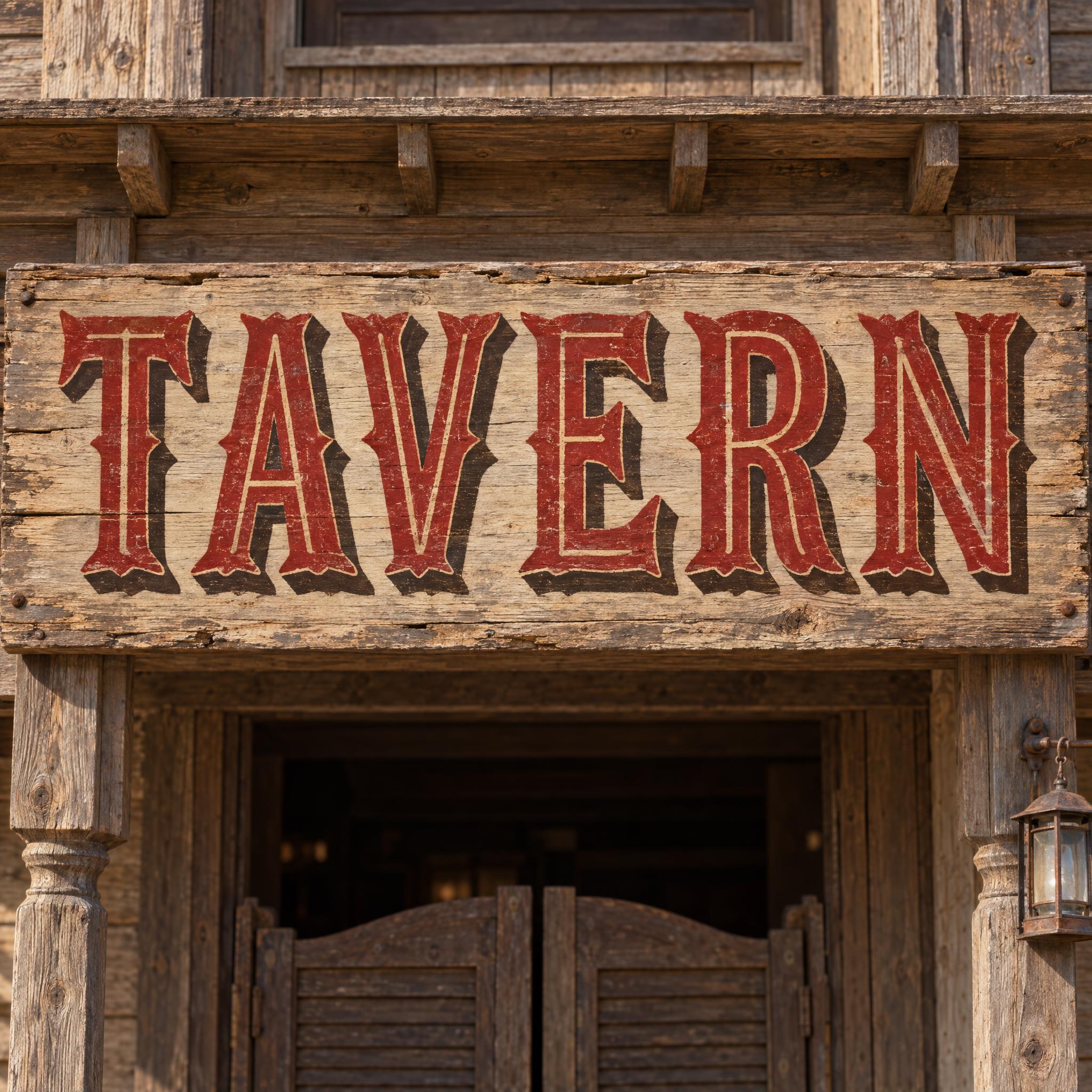
Bold Tuscan wood-type capitals with forked, pointed serifs and mid-stem spurs, in deep red with a cream centre line and a dark brown drop shadow.
TextWrite the word "TAVERN". Spell it exactly as written, without adding or changing any letter.
Font designSaloon lettering: bold Tuscan wood-type capitals, where every stroke ends in a forked, pointed serif and each upright has a small spur at its middle, every letter reads at a glance. A thin line runs down the middle of every stroke, and each letter has a solid drop shadow offset to the lower right. Every letter is deep red, with a cream centre line and a dark brown shadow. The letters are brush-painted, with slightly faded paint. Like the sign over the door of an Old West saloon.
ScenePainted on a long weathered wooden sign board on a saloon front, with no other text; the word is centered, fills most of the width and reads clearly.
131 words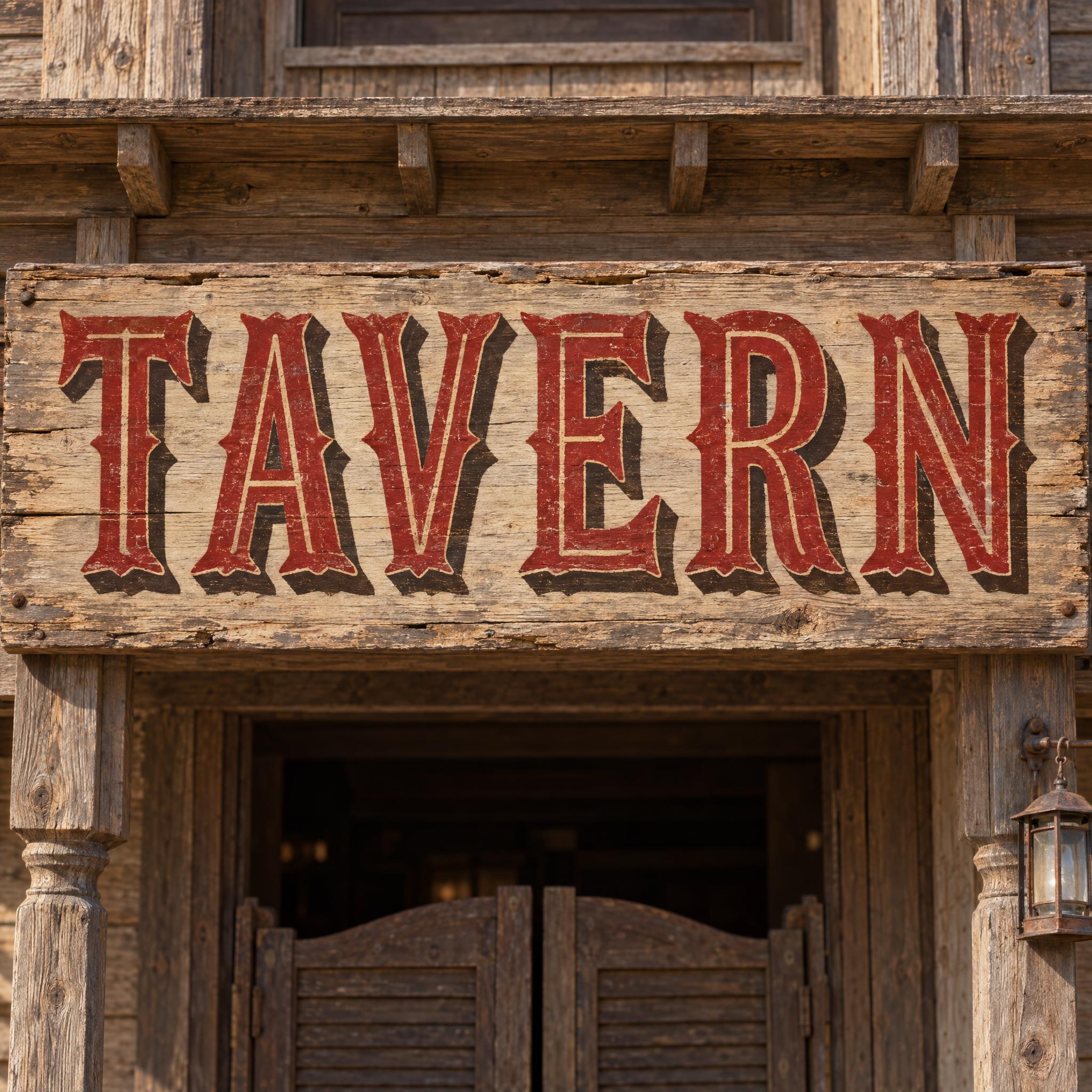
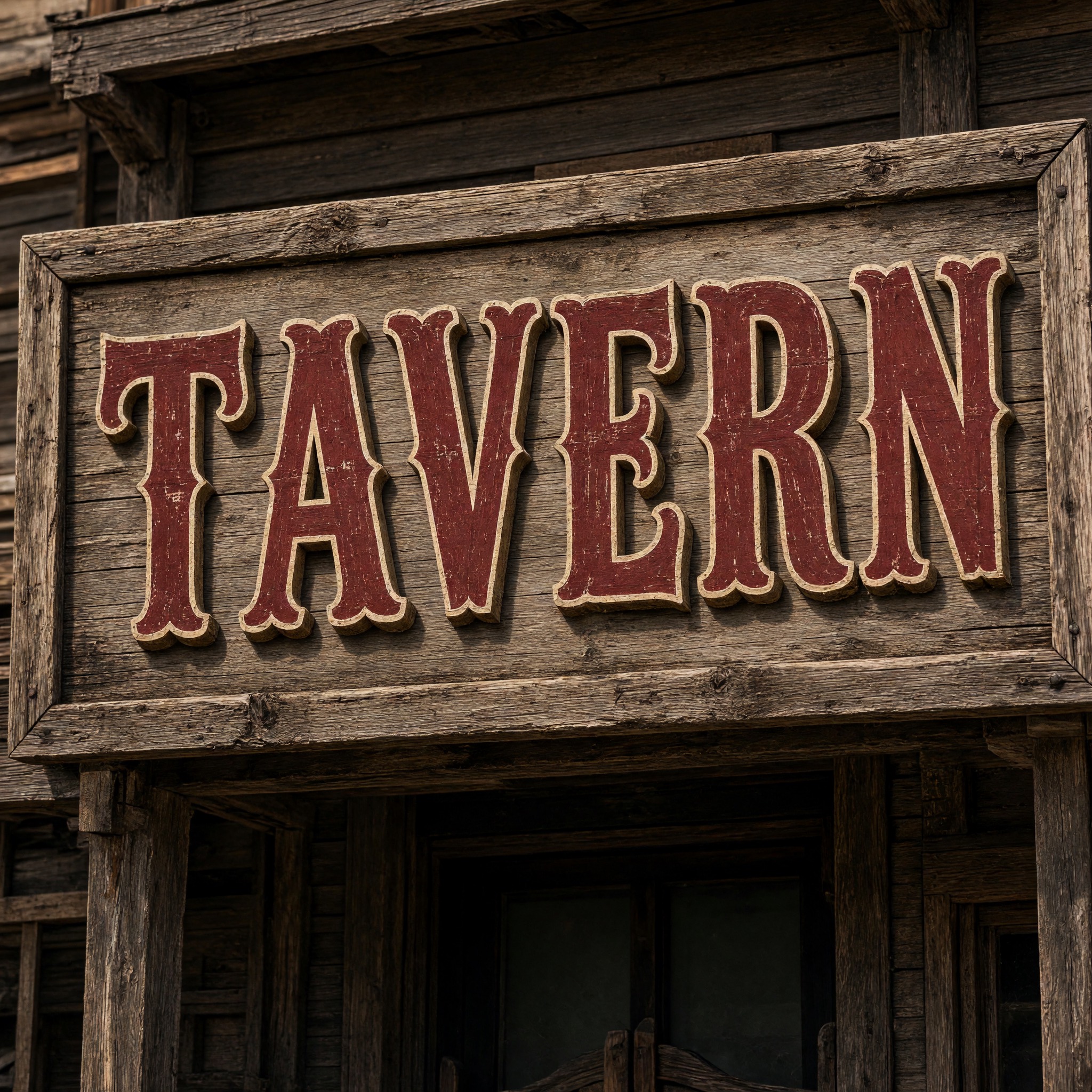
One prompt pasted into each image model as-is. These are the unedited results, so you can pick the model that suits you.
Clean forked serifs and a solid shadow on a sign above swinging saloon doors.
Heavier, rounder letters on a framed board, with the most faded paint.
Crisp cream inlines and spurs on a grey weathered board over a doorway.
Red letters on a board painted red, so the cream inline does most of the work.
The most ornate forks and spurs, on a sign tilted on a plank wall.
The button opens FontVibe in DIY mode with this prompt already in it, unchanged. Type your bar or family name, pick a model and generate. GPT Image, Nano Banana, Seedream, Grok and Qwen are all in one account, so you can see which one draws the forked serifs most cleanly without signing up to five apps. Every account gets free credits each month with no card needed, and you can export a transparent PNG to put the sign lettering on your own label or menu.
Layers in the order the prompt states them. Change one layer and the rest keeps working.
Every AIFont prompt opens with the same text part. "Spell it exactly as written, without adding or changing any letter" matters here because forked serifs and spurs add extra points to every letter, and a model can turn a spur into a stroke and a stroke into a different letter.
"Saloon lettering:" tells the model which western look you mean: the decorative painted sign, not a plain cowboy slab or a rope script.
"bold Tuscan wood-type capitals, where every stroke ends in a forked, pointed serif and each upright has a small spur at its middle, every letter reads at a glance" is the shape. Tuscan is the nineteenth-century wood type with split, ornamental serifs; naming the forks and the mid-stem spur as facts gives every model the same details, and the last clause keeps the ornament from swallowing the letters.
"A thin line runs down the middle of every stroke, and each letter has a solid drop shadow offset to the lower right" adds the two finishing touches sign painters used to make letters read from across the street: an inline that splits each stroke and a block shadow that lifts the word off the board.
"Every letter is deep red, with a cream centre line and a dark brown shadow." is the only colour line, so you can change it on its own: gold on black for a whiskey label, or cream on dark green for a bar.
"The letters are brush-painted, with slightly faded paint." makes the sign look hand-painted and old. Without it, models tend to give the letters a clean, printed, vector look.
"Like the sign over the door of an Old West saloon." gives every model the same reference picture.
"Painted on a long weathered wooden sign board on a saloon front, with no other text" puts the word where this lettering lived and stops models from adding a second line such as EST. 1880; "the word is centered, fills most of the width and reads clearly" keeps the word the star. Swap this part for your own use.
Small edits that stay on-style. Change one thing at a time.
Type it in the box next to Prompt above and copy again. Short words in capitals work best: a bar name, SALOON, a family name or a town.
Swap "Every letter is deep red, with a cream centre line and a dark brown shadow." for "Every letter is gold, with a black centre line and a dark brown shadow.", "Every letter is cream, with a red centre line and a black shadow." or "Every letter is dark green, with a gold centre line and a black shadow."
Replace "The letters are brush-painted, with slightly faded paint." with "The letters are freshly painted, with glossy, even paint." for a brand-new sign, or with "The letters are brush-painted, with peeling, sun-bleached paint." for a ghost-town look.
Replace "Painted on a long weathered wooden sign board on a saloon front, with no other text" with "Printed on a cream whiskey bottle label, with no other text", "Printed at the top of a rustic paper menu, with no other text" or "Painted on a dark barn wall, with no other text".
The prompt sets no frame size. Pick the ratio in your app, or add "Wide 16:9 image." or "Tall 4:5 image." at the end. A long shop sign suits 16:9; a bottle label suits 4:5.
AI fonts that share the most tags with Saloon Font.

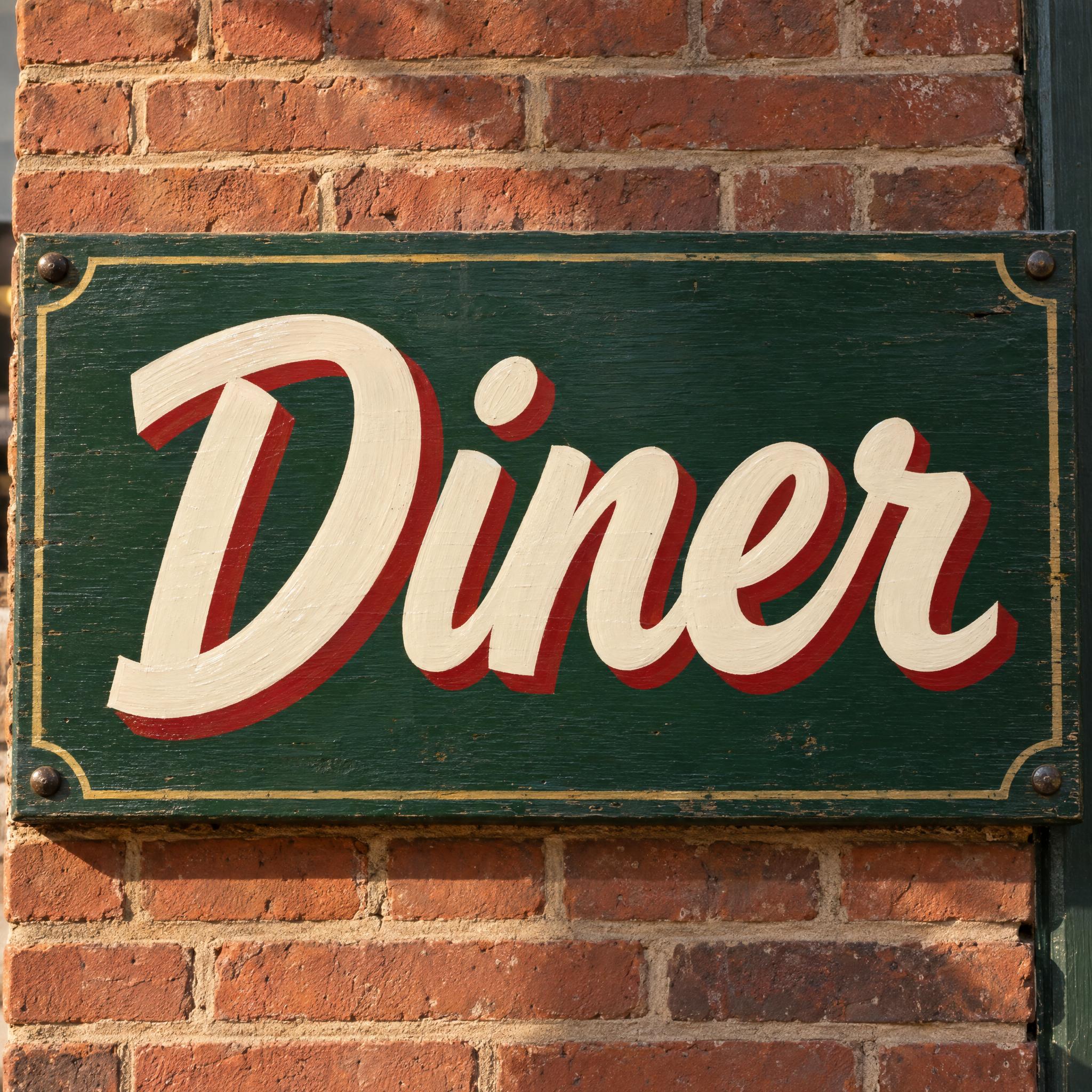
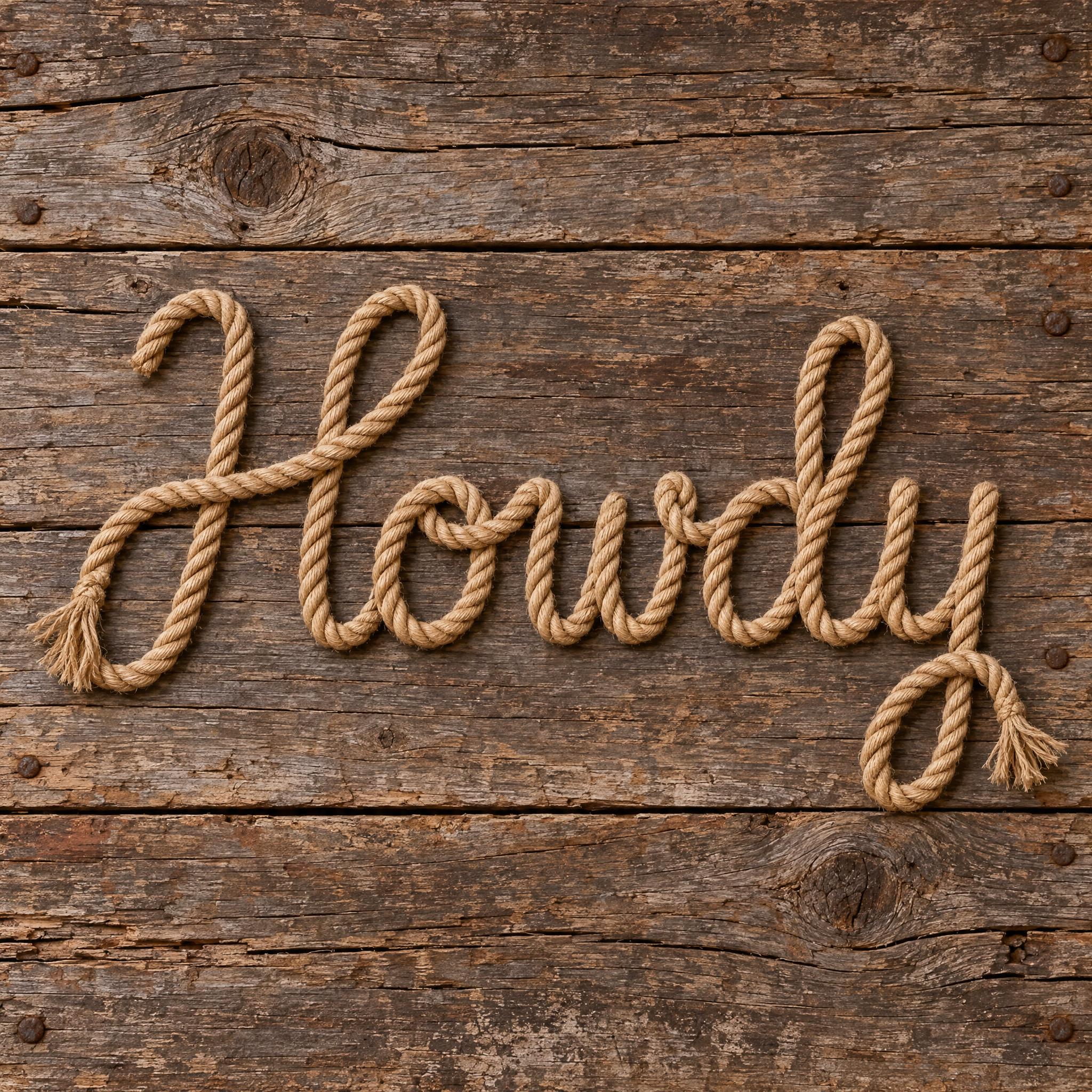
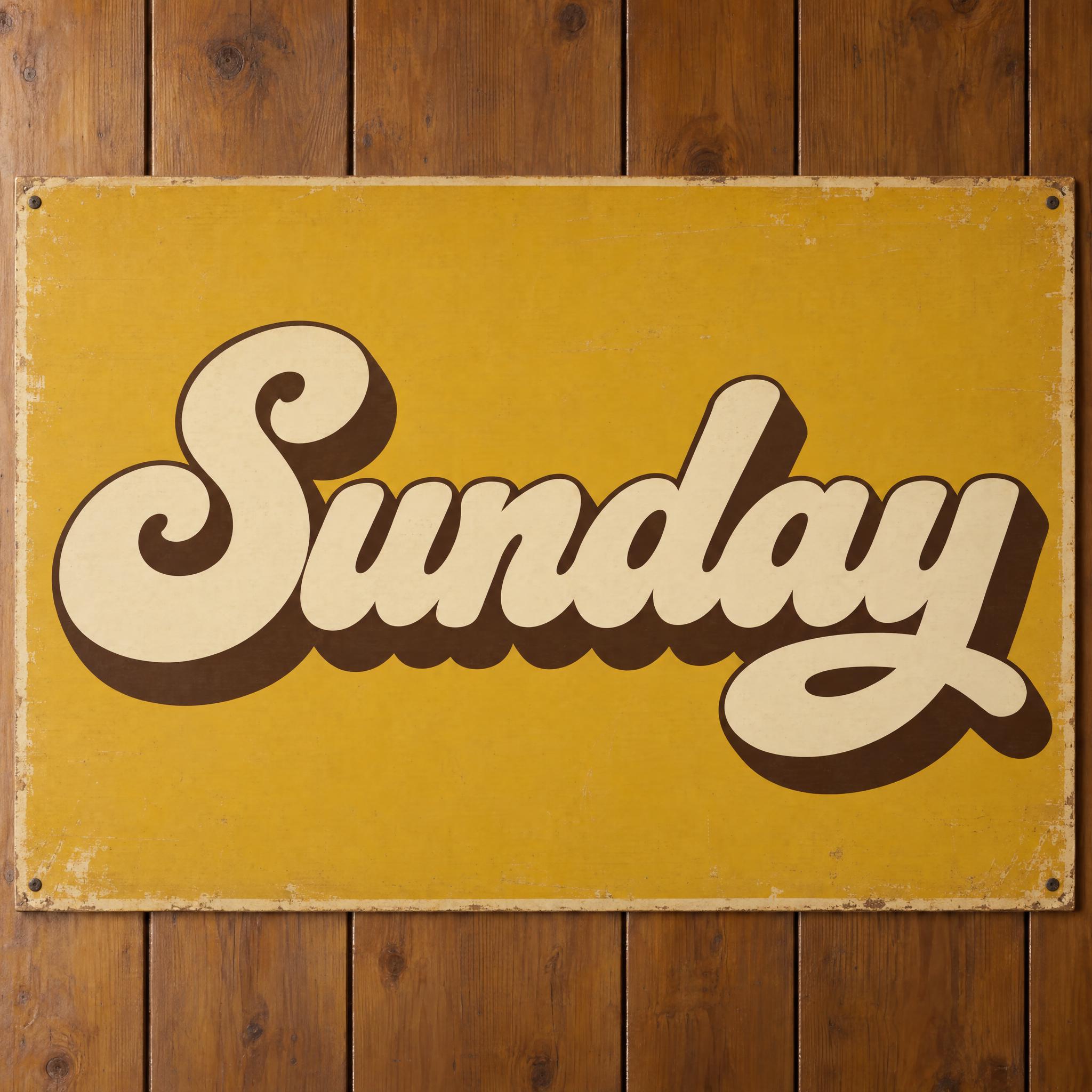
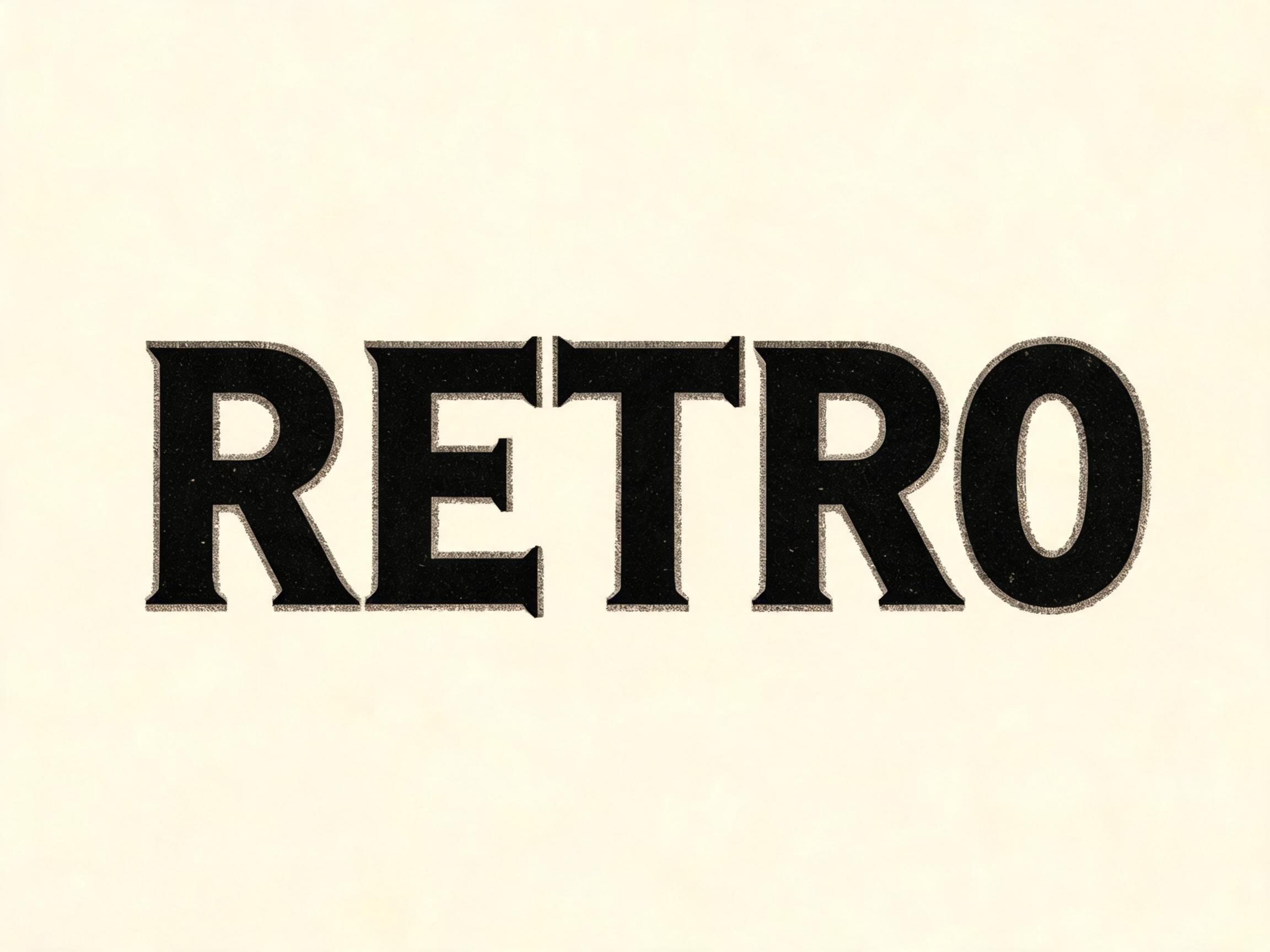
AI fonts for a second line, a logo lock-up or a poster footer.
Saloon Font draws your word like the painted sign over an Old West saloon door: bold Tuscan wood-type capitals, where every stroke ends in a forked, pointed serif and each upright has a small spur at its middle. A thin cream line runs down the middle of every stroke, each letter casts a solid dark brown shadow to the lower right, and the deep red paint is brush-painted and slightly faded.
Type your word in the box above the prompt, copy it and paste it into ChatGPT, Gemini, Grok, Qwen or Seedream. The prompt has three parts: the text, the font design and the scene. The font design makes the forked serifs, the centre line, the shadow and the paint; the scene puts the word on a long weathered sign board on a saloon front, and you can swap it for your own. Every image on this page is what each model returned from the unchanged prompt, with no retouching.
Use it for bar and restaurant signs, western party invitations, whiskey and craft beer labels, barbecue and steakhouse menus, and country music and rodeo posters.
Details from the original render. Every one of them is named in the prompt.
Every stroke ends in a split, pointed Tuscan serif.
A small spur at the middle of each upright.
A thin cream line down the middle of every stroke.
A solid dark brown shadow to the lower right.
Pulled from the render. Handy when you build the rest of the design around the word.
The look comes from the ornamental display types of the nineteenth century, made to shout from posters and shop fronts. Printers sold wood types under names such as Tuscan, Etruscan and Aldine; Tuscan faces are known for pointed, diamond-like tips and ornate, split serifs, the forked ends this prompt asks for.
A close cousin is reverse-contrast type, where the horizontal strokes are thicker than the verticals. The earliest known example came from the Caslon foundry in London around 1821, which called it Italian; by 1826 a version had appeared in an American specimen. In the mid nineteenth century it was combined with heavy Clarendon serifs to make French Clarendon, first shown by Robert Besley and Co. in 1854 and cut in wood by William Hamilton Page in 1865. These faces became so tied to wild-west printing, circus bills and western-movie wanted notices that one was nicknamed the circus letter.
Sign painters borrowed the same ornaments and added their own tricks for legibility at a distance: a thin inline down each stroke and a solid drop shadow. This prompt copies no particular sign. It asks for those parts together: Tuscan forked serifs and spurs, a centre line, a block shadow and brush-painted, slightly faded paint.
Sources: Wikipedia — Reverse-contrast typeface · Wikipedia — Wood type
The Caslon foundry in London shows the earliest known reverse-contrast type, calling it Italian.
Robert Besley and Co. show a French Antique face, the first of the French Clarendon genre.
William Hamilton Page issues the first known wood French Clarendon.
In English all five models wrote TAVERN correctly with forked Tuscan serifs, a centre line and a drop shadow. GPT Image and Nano Banana give the cleanest sign; Qwen the most ornate forks; Grok the heaviest letters. In other languages, Qwen in Japanese twice wrote トスカン, a word from inside the prompt, instead of the requested word, and Seedream in Arabic twice added a dot over the ع. Compare them side by side above.
No. It is a prompt that makes a picture of your word as a painted saloon sign with an AI image model. There is no font file to install. If you need to set long text in this style, look for a Tuscan or western display font file; this page is for when you want the finished, painted sign as an image.
Wanted Poster Font is heavy slab-serif type printed in worn ink, like a paper notice. This one is ornamental Tuscan lettering with forked serifs, a centre line and a shadow, painted by hand on a sign. Both are western; use Wanted Poster for posters and this one for signs, labels and menus.
It is one kind of western font: the decorative sign-painting kind. For other western looks, see the wanted poster and rope styles on the western font page.
Type it in the box next to the prompt and copy the full prompt again. Short words in capitals keep the forked serifs big enough to see.
Change only "Every letter is deep red, with a cream centre line and a dark brown shadow.", for example to "Every letter is gold, with a black centre line and a dark brown shadow."
Pick the ratio in your app if it has one. If not, add "Wide 16:9 image." or "Tall 4:5 image." at the end of the prompt.
Replace the scene with a plain one, for example "The word is on a plain white background.", and remove the background in any editor. Or use the FontVibe button above: it can export a transparent PNG.
Copying the prompt is free. Whether the image costs anything depends on the app you paste it into, and what you may do with the image depends on that app's terms.