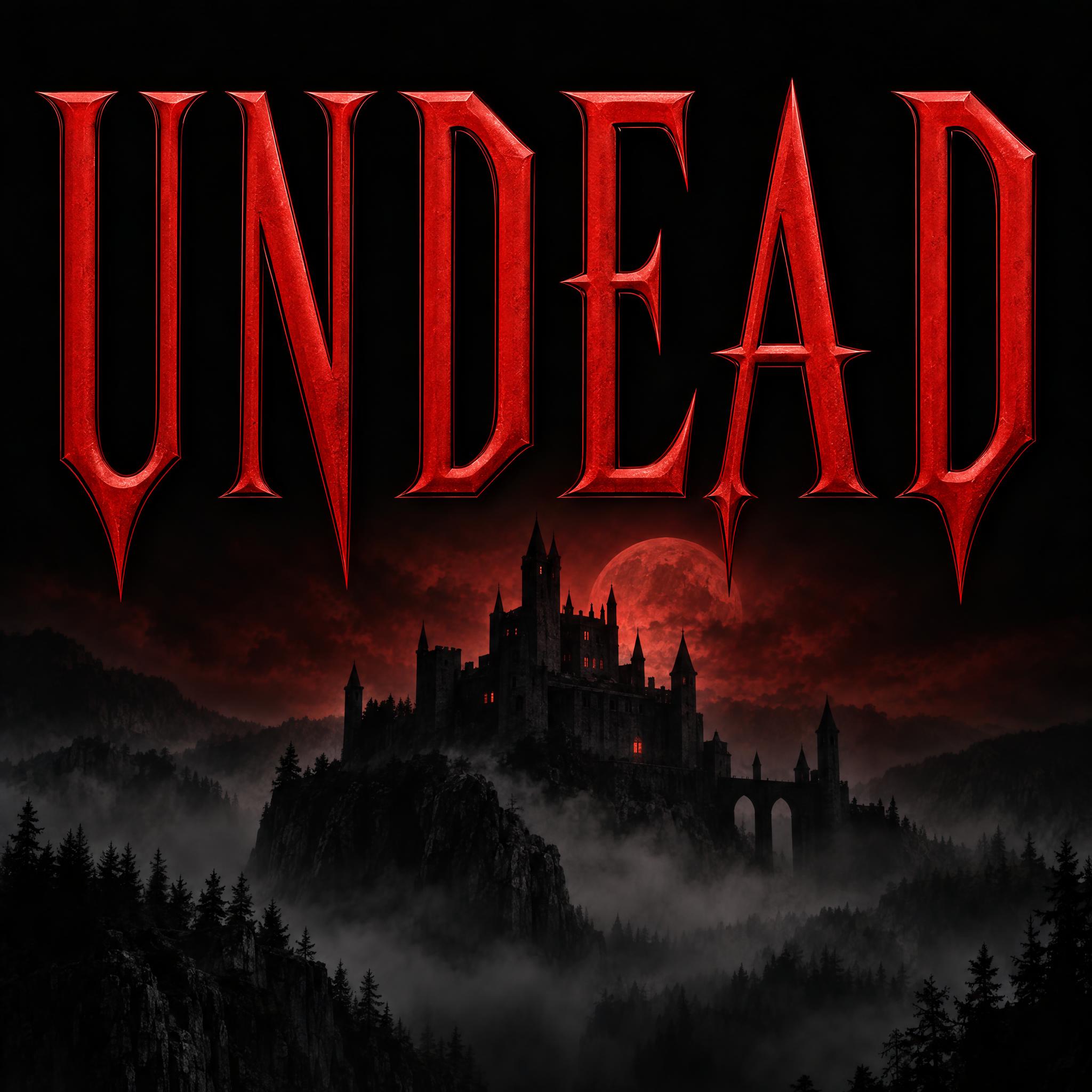
Tall, narrow blood-red capitals with fang-sharp serifs, perfectly symmetrical, like a classic Dracula film title.
TextWrite the word "UNDEAD". Spell it exactly as written, without adding or changing any letter.
Font designVampire horror title lettering: tall, narrow capital letters with sharp wedge serifs that taper into fang-like points, long pointed tips on the crossbars and a slight flare at the top of each stem, evenly spaced and perfectly symmetrical; every letter reads at a glance. The letters are deep blood red. A thin black inner bevel gives each stroke a cut edge, and the surface has a soft satin sheen. Never dripping or splattered. Like the title of a classic Dracula film poster.
SceneThe title sits on a black poster above a faint castle silhouette in mist, under a dim red glow. The word is centered, spans most of the width and reads clearly.
128 words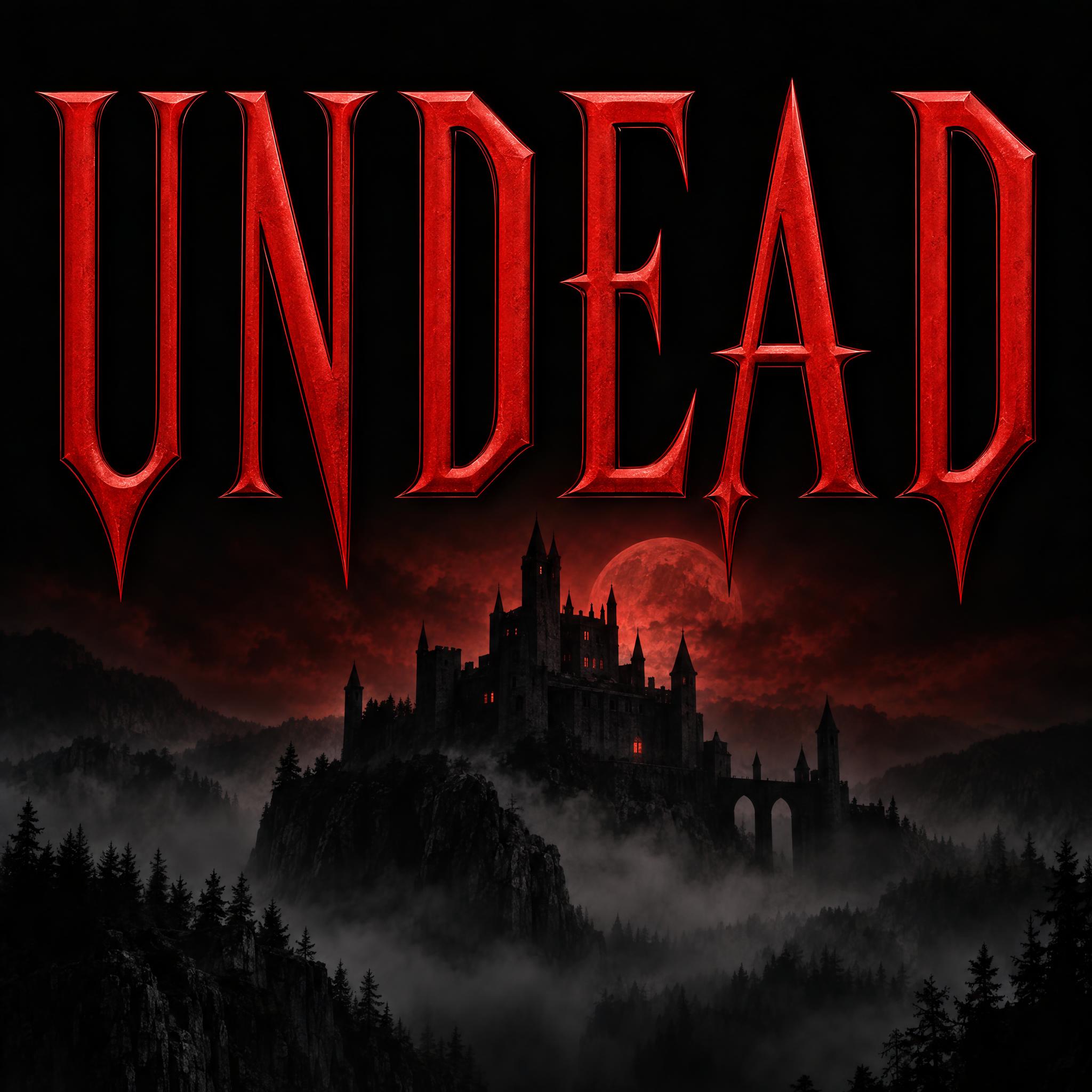
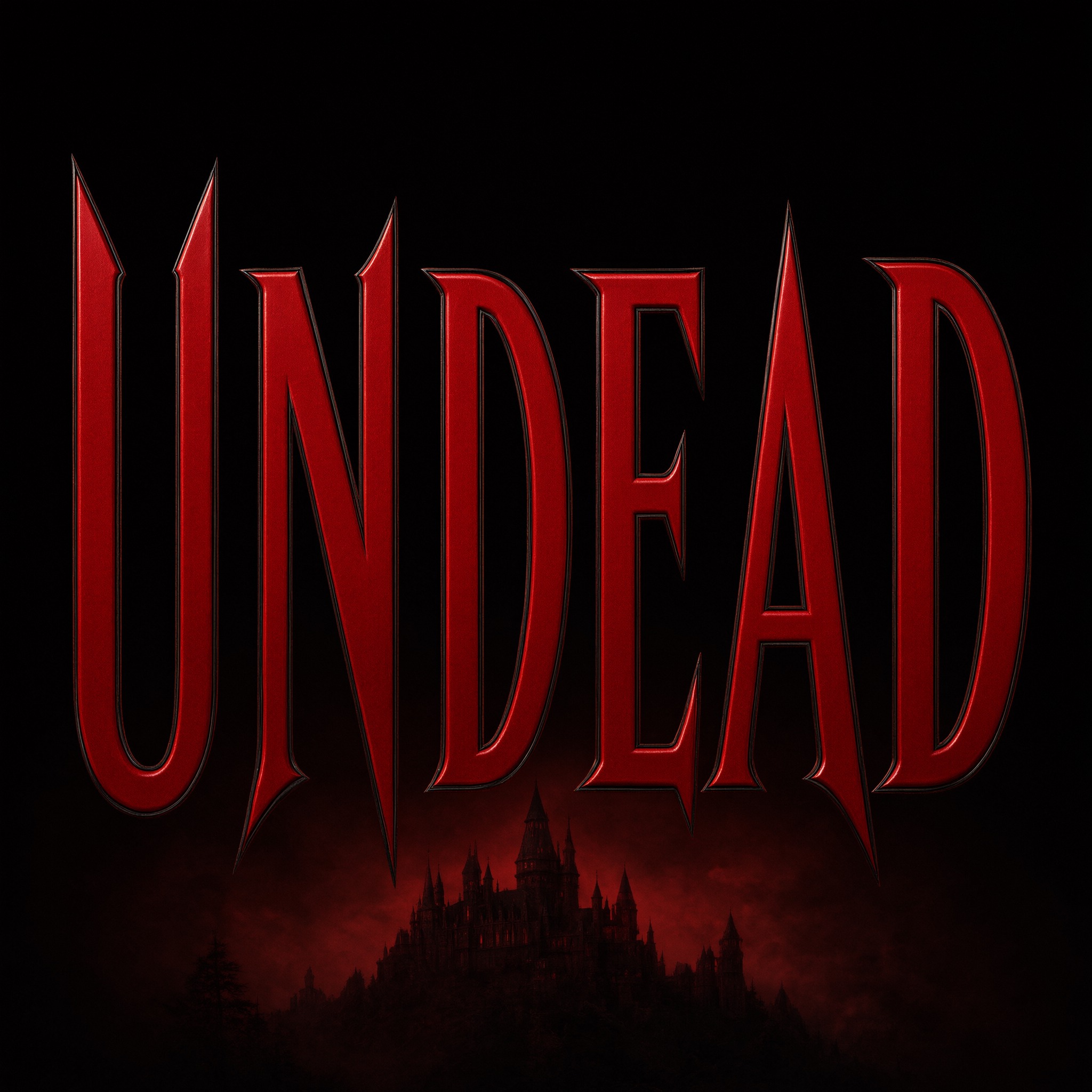
One prompt pasted into each image model as-is. These are the unedited results, so you can pick the model that suits you.
The brightest red over a detailed castle on a hill.
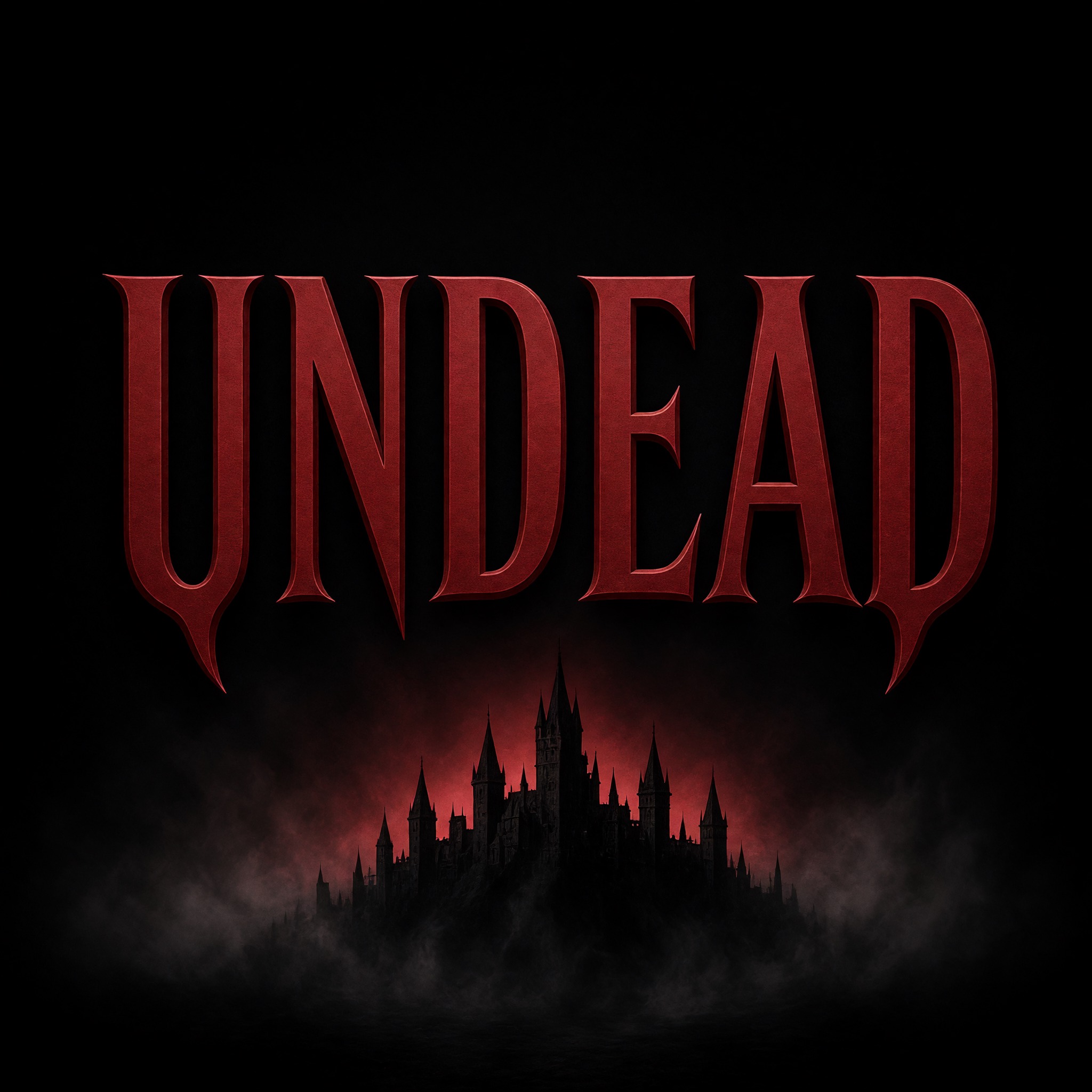
Deep crimson on near-black, the castle only a silhouette.
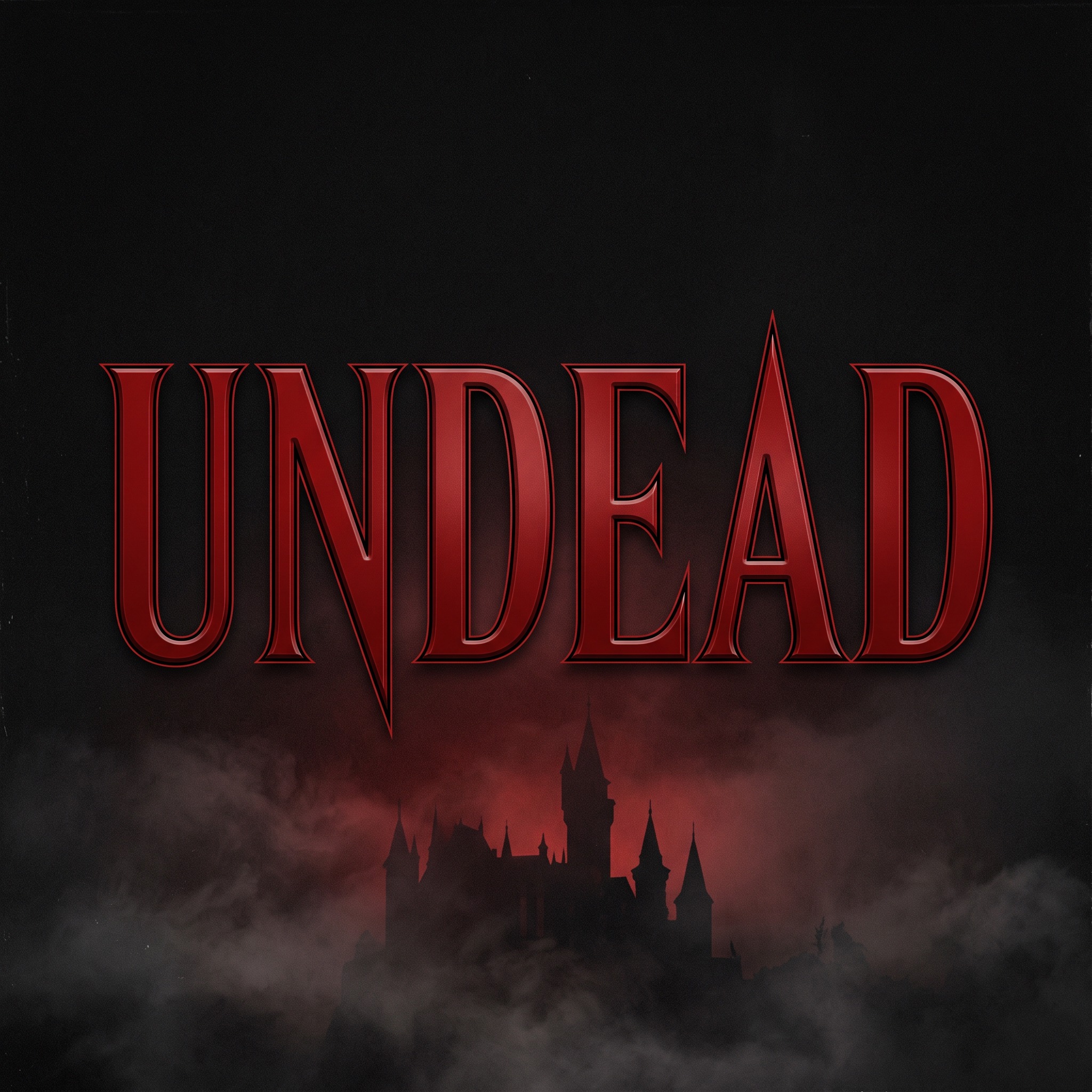
Glossy, deeply beveled letters in a darker red.
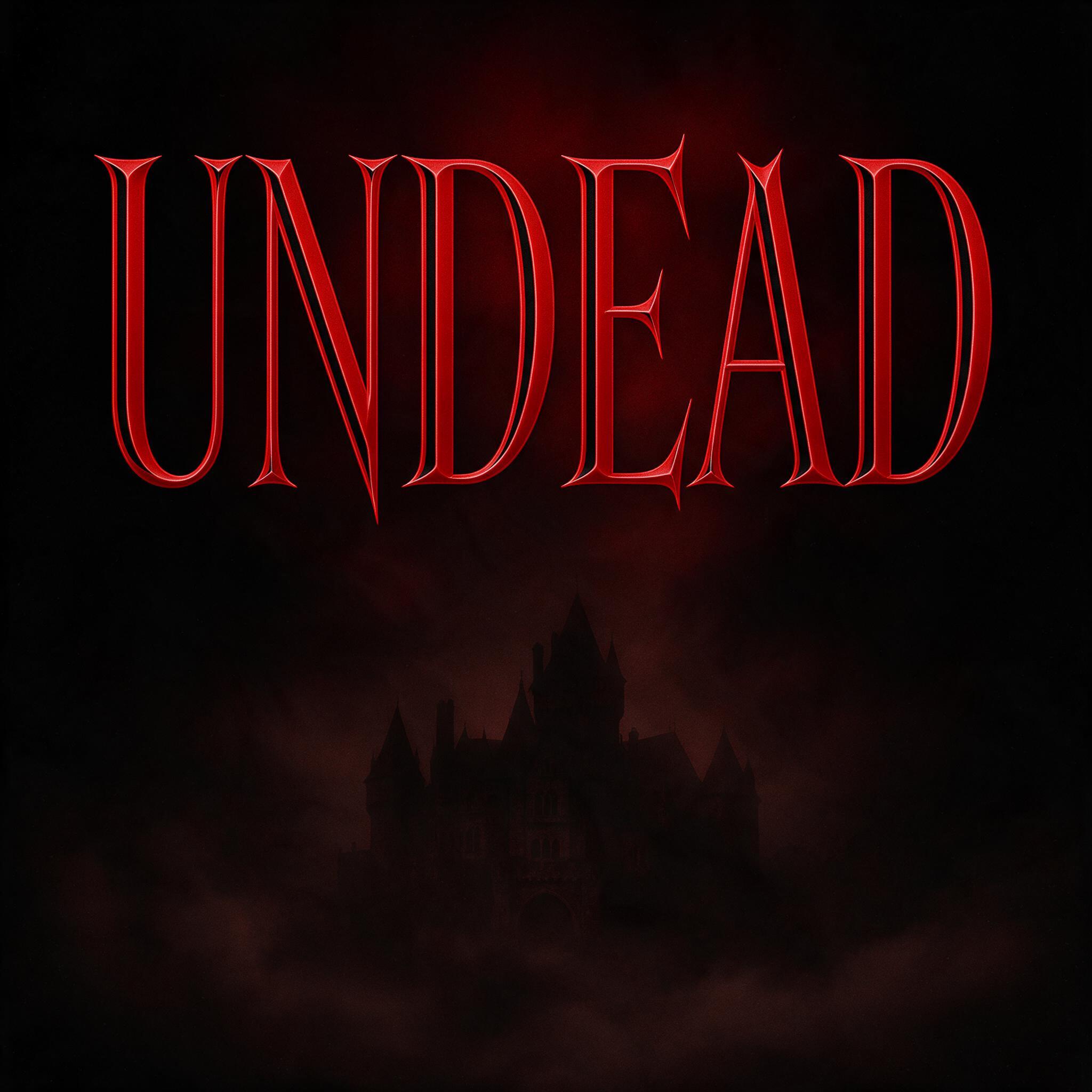
The thinnest, sharpest strokes over a fog-shrouded castle.
The tallest letters with the longest fang points, filling the frame.
The button opens FontVibe in DIY mode with this prompt filled in as it is. Type your word, pick a model and generate. GPT Image, Nano Banana, Seedream, Grok and Qwen are all in one account, so you can see which one gives the sharpest fangs without signing up for five apps. Every account gets free credits each month with no card needed, and you can export a transparent PNG to set the title on your own poster or invitation.
Layers in the order the prompt states them. Change one layer and the rest keeps working.
Every AIFont prompt opens with the same text part. "Spell it exactly as written, without adding or changing any letter" comes first, because sharp tips and flared stems can be misread as extra strokes.
"Vampire horror title lettering" tells the model what it is drawing: the title of a vampire film, not a gothic book hand or a bloody wall.
"tall, narrow capital letters with sharp wedge serifs that taper into fang-like points" is the core of the font. "long pointed tips on the crossbars and a slight flare at the top of each stem" adds the extra points that make every letter look like it could bite.
"evenly spaced and perfectly symmetrical" keeps it formal, the way a title card is set. "every letter reads at a glance" stops the points from turning the word into a row of thorns.
"The letters are deep blood red." is the colour sentence, on its own so you can change just this line.
"A thin black inner bevel gives each stroke a cut edge" makes the letters look carved rather than printed flat, and the black line keeps the red sharp on a dark background.
"the surface has a soft satin sheen" gives the red some depth without turning it into glossy wet blood. "Never dripping or splattered." is the one negative: without it, a red horror title tends to start dripping and drifts into another font.
"Like the title of a classic Dracula film poster." gives every model the same reference for the shapes, the red and the mood.
"The title sits on a black poster above a faint castle silhouette in mist, under a dim red glow" puts the word where this lettering usually lives. "The word is centered, spans most of the width and reads clearly" keeps the title the star. Swap this part for your own use.
Small edits that stay on-style. Change one thing at a time.
Type it in the box next to Prompt above and copy again. Short titles and names work best: one or two words in capitals.
Change "The letters are deep blood red." to "The letters are bone white.", "The letters are antique gold." or "The letters are deep violet."
Replace "sits on a black poster above a faint castle silhouette in mist, under a dim red glow" with "is printed on a black Halloween party invitation", "is printed on the cover of a black paperback novel" or "is printed across a black band T-shirt".
The prompt sets no frame size. Pick the ratio in your app, or add "Tall 2:3 image." for a film poster or "Wide 16:9 image." for a thumbnail at the end.
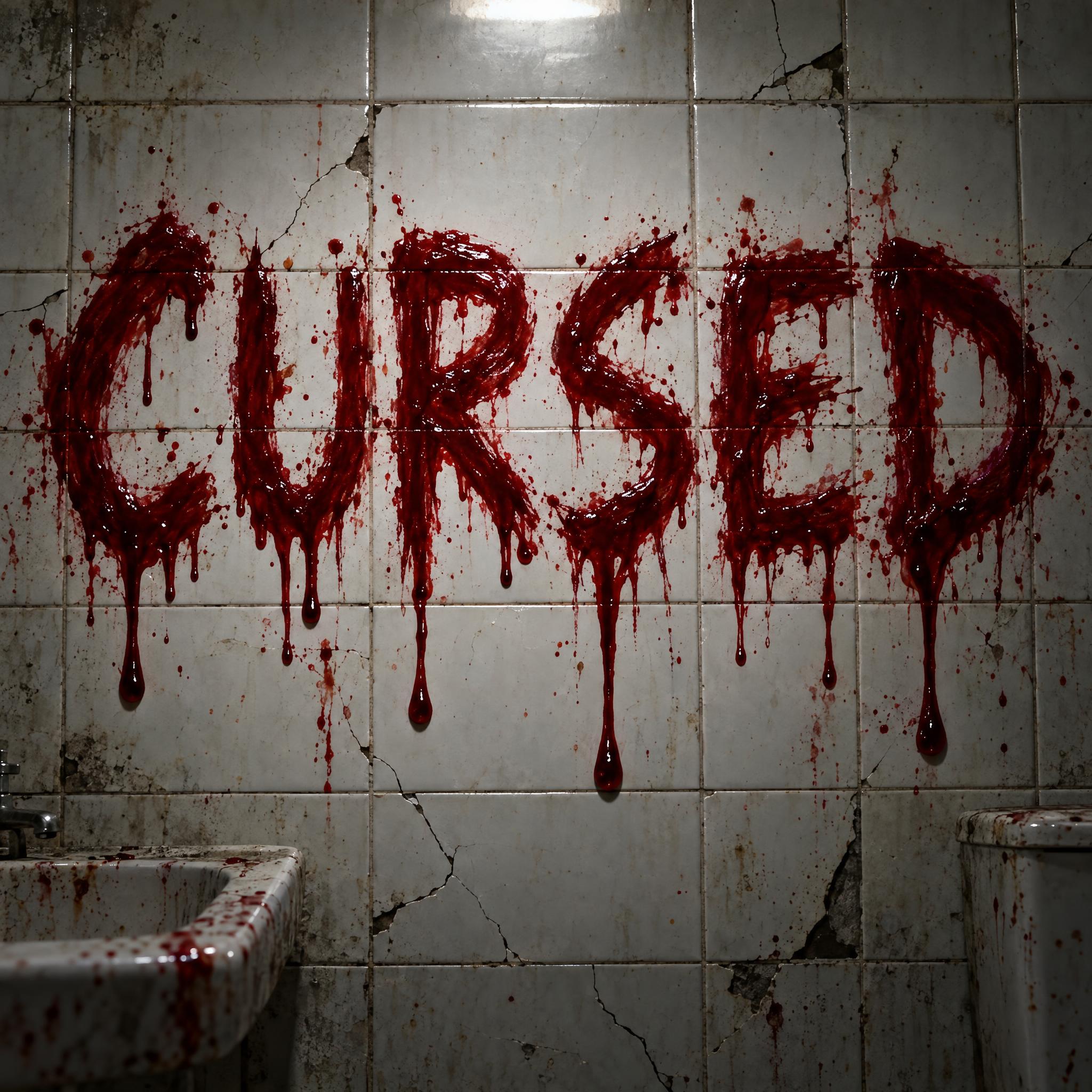
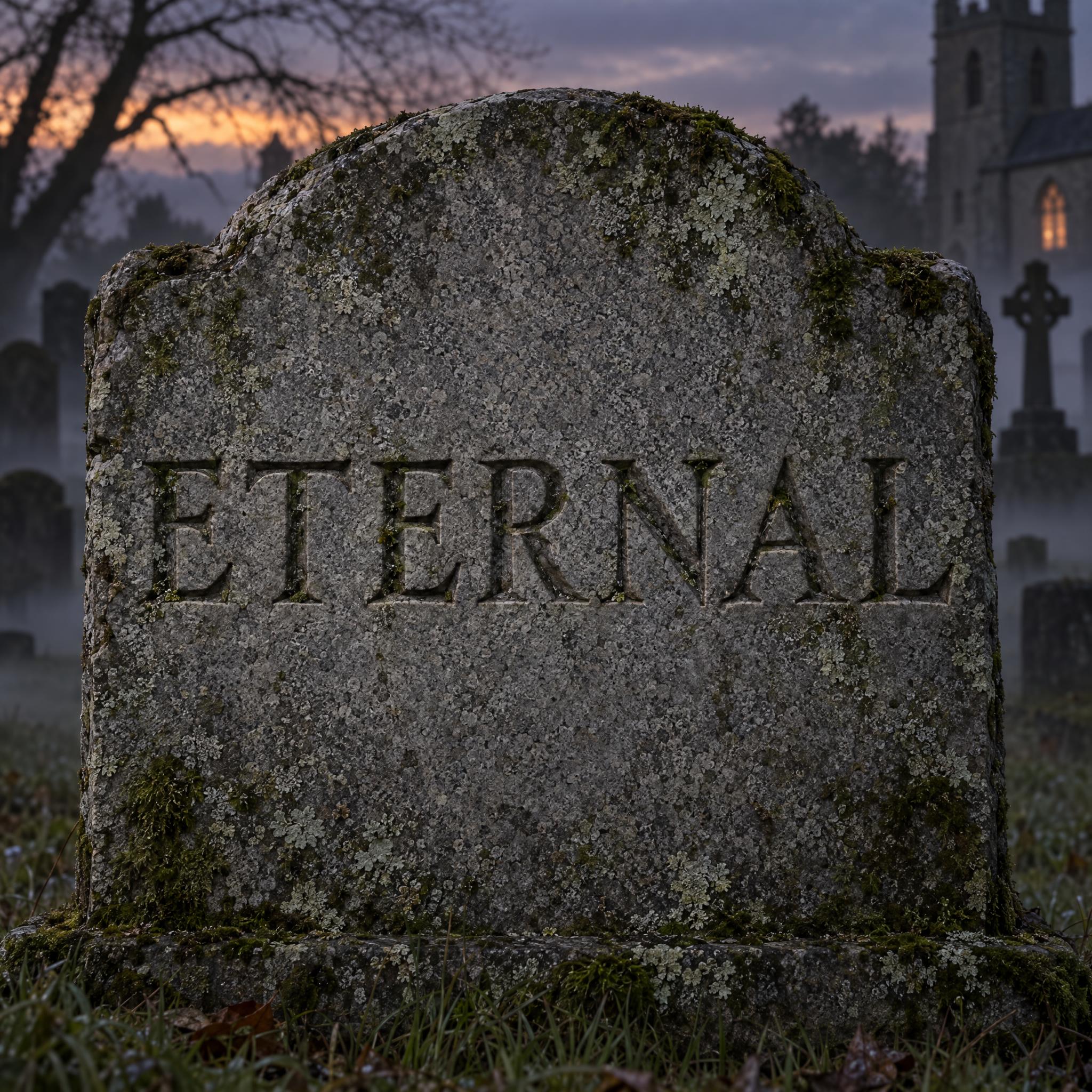
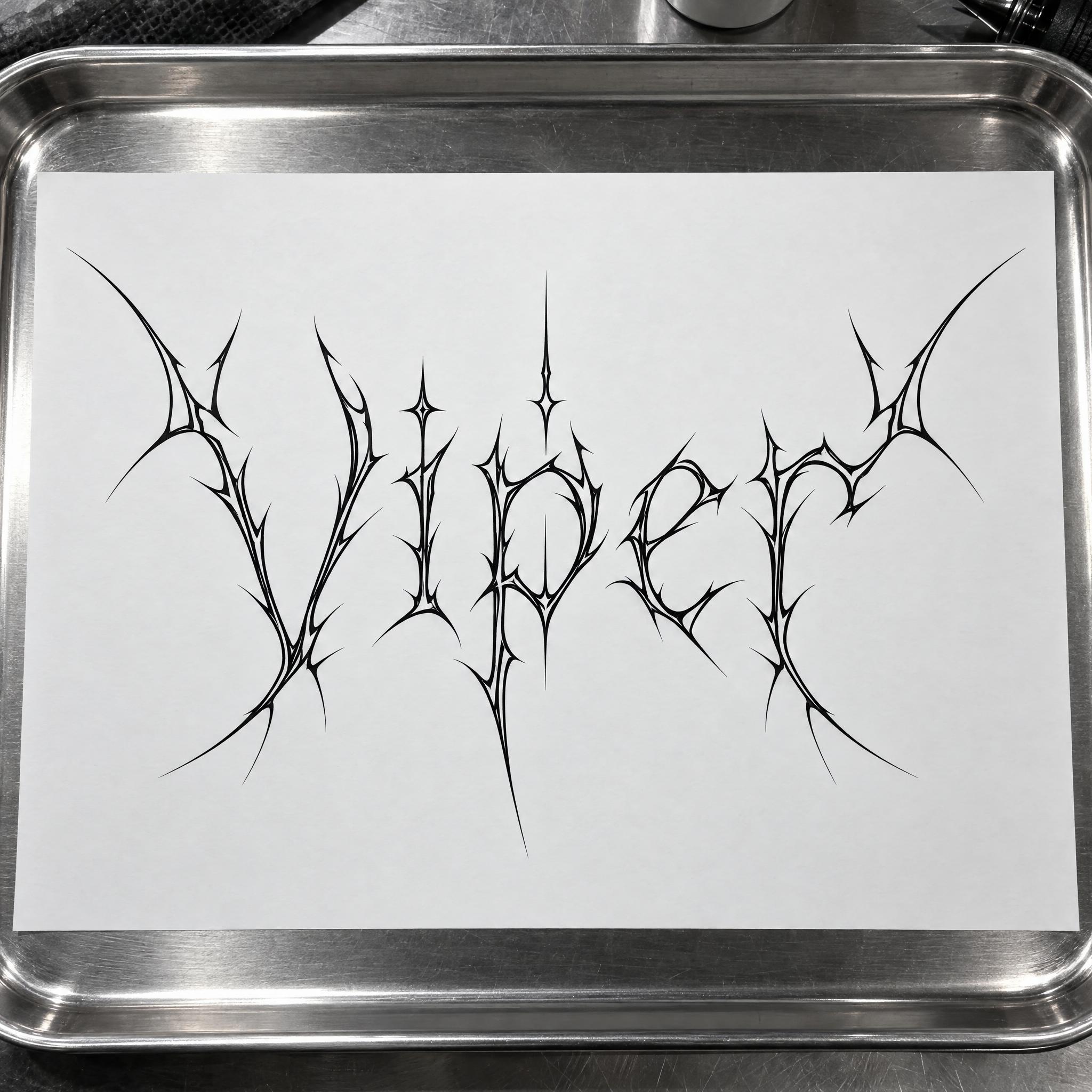
AI fonts that share the most tags with Vampire Font.
 Premium
 Premium
 Premium
AI fonts for a second line, a logo lock-up or a poster footer.
Vampire Font writes your word as the title of an old vampire film: tall, narrow capitals whose wedge serifs taper into fang-like points, long sharp tips on the crossbars and a slight flare at the top of every stem. The letters are evenly spaced and perfectly symmetrical, in deep blood red with a thin black inner bevel that makes each stroke look cut, and a soft satin sheen. Nothing drips: it is a clean film title, not a bloody wall.
Type your word in the box above the prompt, copy it and paste it into ChatGPT, Gemini, Grok or any other AI image app. The prompt has three parts: the text, the font design and the scene. The font design makes the vampire lettering; the scene is yours to change. Every image on this page came from pasting the prompt unchanged into each model, with nothing retouched.
Use it for horror movie posters, Halloween party invitations, gothic band merch and covers for vampire novels.
Details from the original render. Every one of them is named in the prompt.
Wedge serifs taper into sharp points.
Long sharp tips at both ends of the bars.
Tall, narrow capitals, evenly spaced.
Deep red with a thin black inner bevel.
Pulled from the render. Handy when you build the rest of the design around the word.
Where this AI font earns its keep.
The look starts with one book. Bram Stoker's Dracula was published in May 1897, told through letters, diary entries and newspaper articles, and its Count still shapes how most people picture a vampire. Film took it from there. F. W. Murnau's Nosferatu (1922), a German Expressionist film, was an unauthorized adaptation that renamed the Count as Orlok; Stoker's widow sued, and a court ordered every copy destroyed. In 1931 Universal released Tod Browning's Dracula, and Bela Lugosi's performance turned the Count into a cultural icon.
The red came with Hammer. Its Dracula (1958), with Christopher Lee and Peter Cushing, was the first vampire film shot in colour, and Christopher Frayling credits it with bringing in fangs and red contact lenses. This prompt keeps to the poster side of that history: tall, symmetrical capitals with serifs sharpened into fangs, blood red on black. It does not drip; for running blood, use Blood Font.
Sources: Wikipedia — Dracula · Wikipedia — Nosferatu · Wikipedia — Dracula (1931 English-language film) · Wikipedia — Dracula (1958 film)
Bram Stoker's novel is published in May by Archibald Constable and Company.
Tod Browning directs Bela Lugosi, whose Count becomes a cultural icon.
Christopher Lee plays the Count in the first vampire film shot in colour.
Every model spelled the word right in English, Spanish, Portuguese, German, Japanese and Chinese, all in blood-red capitals with fang points over a castle. GPT Image has the brightest red and the most detailed scene, Seedream the thinnest, sharpest strokes, and Qwen the tallest letters. Arabic is where they split: Nano Banana, Seedream and Grok wrote it right, GPT Image drew the last letter with a tall stem and then dropped a dot, and Qwen wrote a long phrase instead. Compare them side by side above.
Blood Font smears the word in fresh blood with long drips running down. Vampire Font is a clean, symmetric film title: tall capitals with fang-like serifs, a black bevel and nothing dripping. If you want drips, use Blood Font.
Yes. It works for Halloween party invitations, costume party posters and haunted house signs. Keep the font design part and change the scene, for example to "is printed on a black Halloween party invitation".
No single film's title is copied here. The prompt describes the general look of classic vampire film titles, so every model draws its own version with your word.
Type it in the box next to the prompt and copy the full prompt again. Check the spelling in the image: a sharp tip can look like an extra stroke.
Change only "The letters are deep blood red.", for example to "The letters are bone white."
Pick the ratio in your app if it has one. If not, add "Tall 2:3 image." or "Wide 16:9 image." at the end of the prompt.
No. It is a prompt that makes a picture of your word as a vampire film title with an AI image model, so there is nothing to install and any word works.
Copying the prompt is free. Whether the image costs anything depends on the app you paste it into, and what you may do with the image depends on that app's terms.