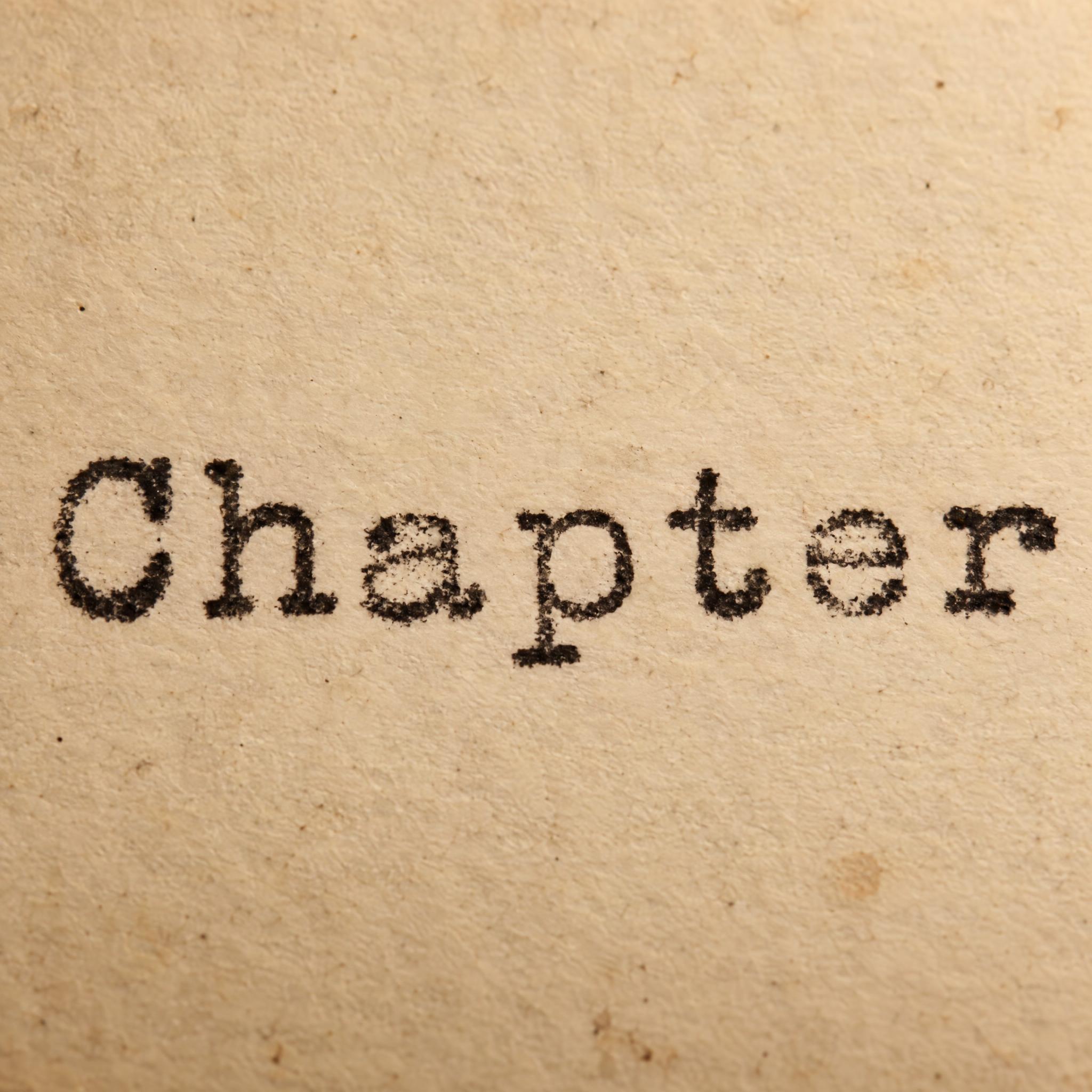
Monospaced slab-serif letters struck into paper, in slightly uneven black ink: darker edges, faded bits and letters a little off the line.
TextWrite the word "Chapter". Spell it exactly as written, without adding or changing any letter.
Font designTypewriter lettering: monospaced letters with slab serifs, a capital first letter and lowercase after it, every letter taking the same width with even gaps, like the face of an old manual typewriter. Each letter is struck into the paper, so the ink is slightly uneven: some edges are darker, small parts fade, and letters sit a little above or below the line. The ink is black. Like a line typed on a vintage typewriter.
SceneThe word is typed on aged cream paper in a vintage typewriter, in warm desk-lamp light. The word is centered, spans most of the width and reads clearly.
117 words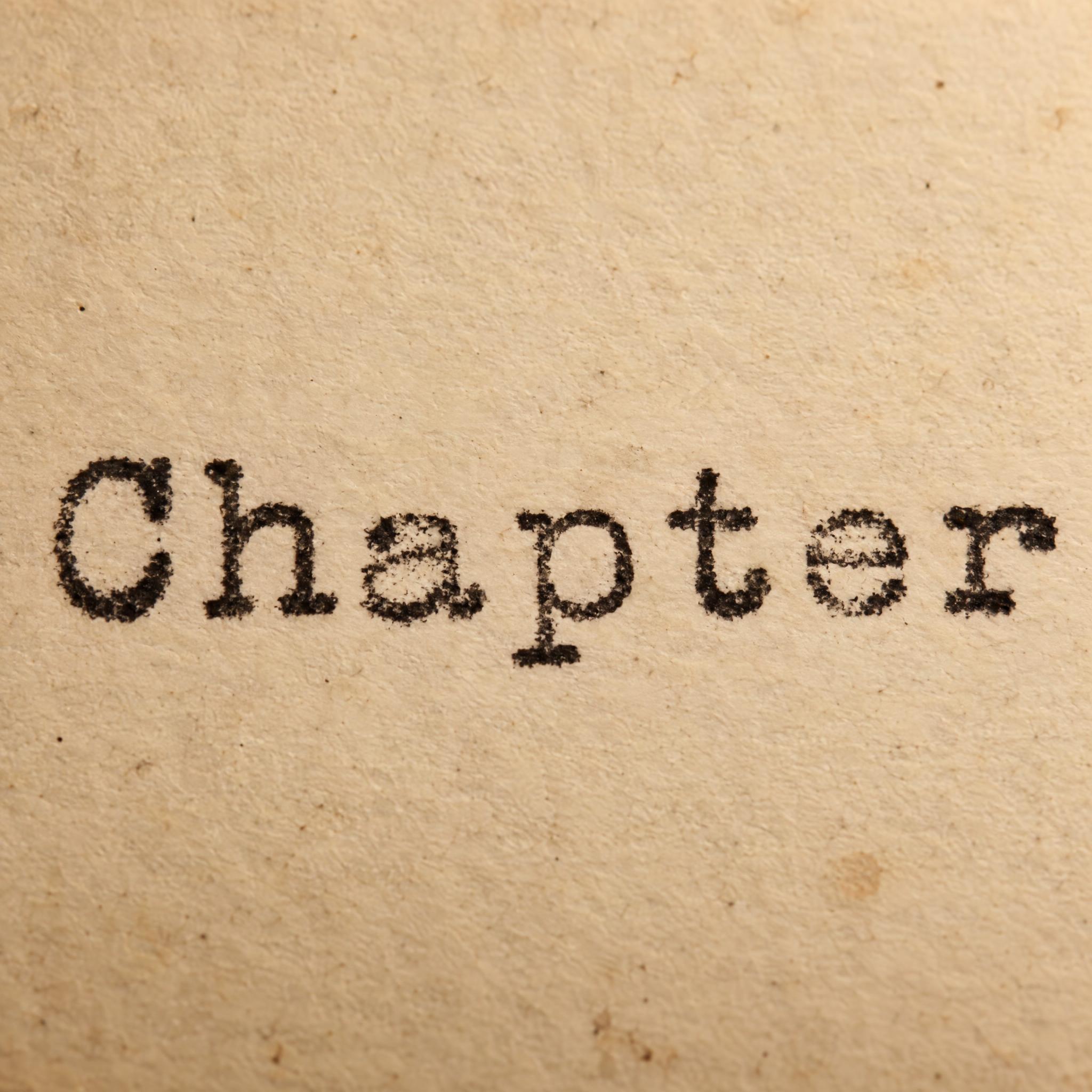
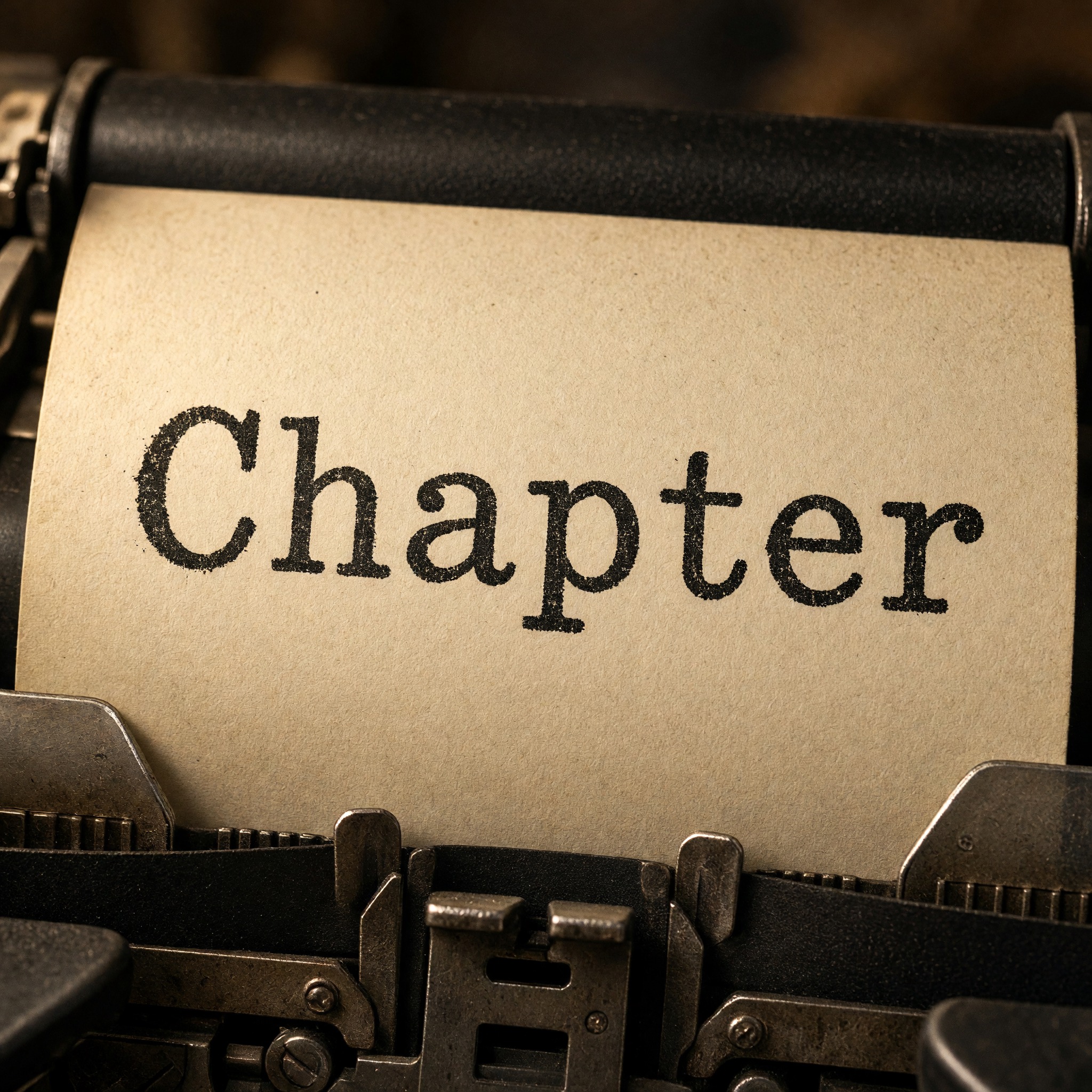
One prompt pasted into each image model as-is. These are the unedited results, so you can pick the model that suits you.
A close-up of stained paper with no machine in view; the most worn, blotchy ink.
A sheet rolled into the platen with the type guide below; dark, solid ink.
The paper still in the machine, paper bail above and ribbon below; the word sits slightly tilted.
Plain paper under a spotlight, no machine; crisp, even letters.
Plain cream paper, the cleanest and darkest letters with almost no fading.
The button opens FontVibe in DIY mode with this prompt already in it, unchanged. Type your word, pick a model and generate. GPT Image, Nano Banana, Seedream, Grok and Qwen are all in one account, so you can see which one keeps the letters evenly spaced and the ink believably uneven without signing up to five apps. Every account gets free credits each month with no card needed, and you can export a transparent PNG to drop the typed word onto your own cover, quote image or card.
Layers in the order the prompt states them. Change one layer and the rest keeps working.
Every AIFont prompt opens with the same text part. "Spell it exactly as written, without adding or changing any letter" comes first because a sheet in a typewriter invites more typing: without it, models like to add a second line of made-up words.
"Typewriter lettering:" names the style up front, so the model reaches for a typewriter rather than a modern code font or a newspaper serif.
"monospaced letters with slab serifs, a capital first letter and lowercase after it, every letter taking the same width with even gaps, like the face of an old manual typewriter" is the shape. Monospaced means a narrow i gets as much room as a wide m, which is why typed words look evenly spaced and a little gappy; the slab serifs help the narrow letters fill their space.
"Each letter is struck into the paper, so the ink is slightly uneven: some edges are darker, small parts fade, and letters sit a little above or below the line." is the other half of the look. A real typebar hits an inked ribbon, so no two letters print quite the same. Leave it out and you get a clean digital monospace font.
"The ink is black." is the only colour line, so it is easy to change on its own: red, navy or brown ink all still read as typed.
"Like a line typed on a vintage typewriter." gives every model the same picture to aim for: one typed line, not a page of text.
"The word is typed on aged cream paper in a vintage typewriter, in warm desk-lamp light." puts the word where typewriter type lives, and "The word is centered, spans most of the width and reads clearly." keeps the word the star even with the machine in frame. Swap this part for your own use.
Small edits that stay on-style. Change one thing at a time.
Type it in the box next to Prompt above and copy again. One word or a short phrase works best; a full sentence makes every letter smaller.
Swap "The ink is black." for "The ink is red.", "The ink is navy blue." or "The ink is dark brown."
Replace "Each letter is struck into the paper, so the ink is slightly uneven: some edges are darker, small parts fade, and letters sit a little above or below the line." with "Each letter is struck cleanly into the paper, so the ink is crisp and even." for a fresh ribbon, or "Each letter is struck hard into the paper, so the ink is worn and patchy: edges are dark, whole parts fade, and letters jump above or below the line." for an old one.
Replace "typed on aged cream paper in a vintage typewriter, in warm desk-lamp light" with "typed on a white index card lying on a wooden desk", "typed on a torn sheet pinned to a corkboard" or "typed on a brown kraft paper label".
The prompt sets no frame size. Pick the ratio in your app, or add "Wide 16:9 image." or "Tall 4:5 image." at the end.
AI fonts that share the most tags with Typewriter Font.
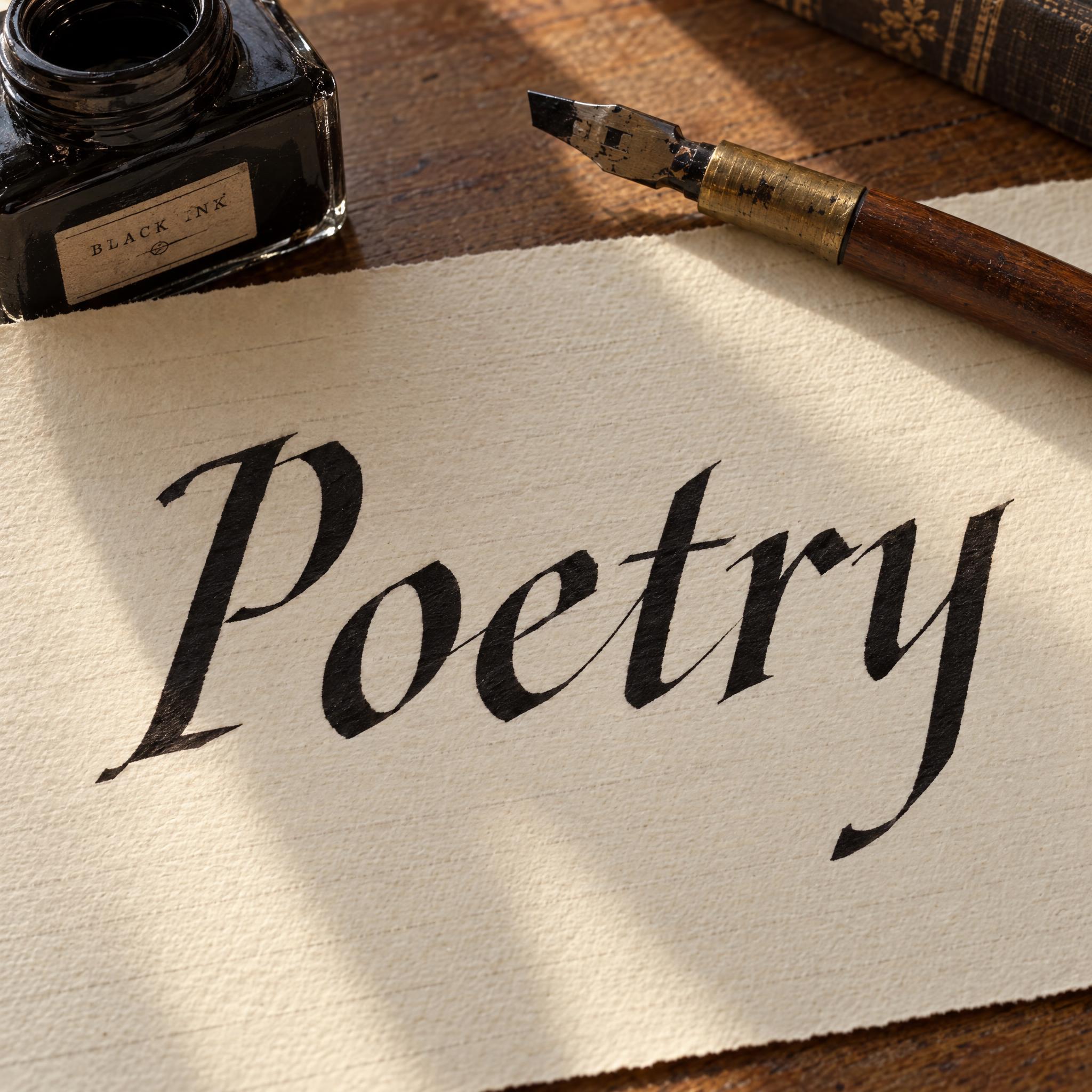
AI fonts for a second line, a logo lock-up or a poster footer.
Typewriter Font types your word the way an old manual typewriter put it on paper: monospaced letters with slab serifs, every letter the same width with even gaps, a capital first letter and lowercase after it. Each letter looks struck into the page, so the black ink is slightly uneven: some edges darker, small parts faded, and letters sitting a little above or below the line. Courier is the best-known typewriter typeface; this is not Courier, but a prompt that draws the typed look as a picture.
Type your word in the box above the prompt, copy it and paste it into ChatGPT, Gemini, Grok, Qwen or Seedream. The prompt has three parts: the text, the font design and the scene. The font design makes the monospaced slab-serif letters and the uneven ink; the scene puts the word on aged paper in a vintage typewriter, and you can swap it for your own. Every image on this page is what each model returned from the unchanged prompt, with no retouching.
Use it for book covers and chapter titles, quote and poem images, letters, notes and journals, and small text tattoos. For a hand-painted vintage look instead, try Sign Painter Font.
Details from the original render. Every one of them is named in the prompt.
Every letter takes the same width, so the gaps stay even.
Square block serifs on the stroke ends.
Darker edges and small faded patches where the type hit.
Letters sit a little above or below the line.
Pulled from the render. Handy when you build the rest of the design around the word.
Where this AI font earns its keep.
On a manual typewriter each key swings a typebar that hits an inked fabric ribbon, which leaves the mark on the paper. Typewriters were monospaced: every character and every space got the same width on the page, so a narrow i takes as much room as a wide m, and slab serifs help the narrow letters fill it. The strike is also why no two letters print quite the same: how hard the key was hit and how fresh the ribbon was decide how dark each one comes out.
Monospaced type outlived the machine. Courier, designed by Howard Kettler for IBM in the mid-1950s, was never trademarked, so its name and design are now in the public domain, and versions of it are installed on most computers. Twelve-point Courier New was the U.S. State Department's standard typeface until January 2004, and screenplays are still written in 12-point Courier or a close variant.
Other scripts needed other machines. Kyota Sugimoto's 1915 Japanese typewriter held 2,400 characters on a tray that the typist searched one by one; the Chinese Double Pigeon, mass-produced from 1919, worked the same way with 2,450 character slugs. On an Arabic typewriter the carriage moves the other way, to the right after each keystroke. This prompt copies no particular machine or typeface. It asks for what makes text look typed: equal widths, slab serifs and ink that is a little uneven.
Sources: Wikipedia — Typewriter · Wikipedia — Courier (typeface) · Wikipedia — Japanese typewriter · Wikipedia — Chinese typewriter
E. Remington and Sons begins making its first typewriter, the Sholes and Glidden design.
Kyota Sugimoto invents the first practical Japanese typewriter.
The Commercial Press puts a Chinese typewriter with 2,450 character slugs into mass production.
In English all five models typed Chapter in black monospaced slab serifs. Nano Banana and Grok show the typewriter itself, GPT Image and Seedream crop in on the paper, GPT Image has the most worn ink and Qwen the cleanest. In the other languages, Qwen added made-up words on its first try in Spanish and Portuguese and was right on the second; in German its letters came out close to a plain sans with barely any serifs. In Japanese no model showed the machine, and Seedream added an extra ギ, then wrote で for て on the second try. In Arabic Seedream misspelled the word twice, and the last letter in Qwen's image is disputed and waits for a native reader. Compare them side by side above.
No. Courier, which Howard Kettler designed for IBM in the mid-1950s, is the best-known typewriter typeface, and versions of it come installed on most computers, so if you need to type text in Courier, use that font. This page is a prompt that draws your word as a typed picture, with the uneven ink a real machine leaves and a digital font does not.
Change only the ink sentence. For an old, worn ribbon use "Each letter is struck hard into the paper, so the ink is worn and patchy: edges are dark, whole parts fade, and letters jump above or below the line." For a fresh one use "Each letter is struck cleanly into the paper, so the ink is crisp and even."
Type it in the box next to the prompt and copy the full prompt again. Short words and phrases work best; check that the model did not add a second line of text.
Change only "The ink is black.", for example to "The ink is red." Keep the paper light so the letters still stand out.
Pick the ratio in your app if it has one. If not, add "Wide 16:9 image." or "Tall 4:5 image." at the end of the prompt.
As a design to show your artist, yes: typewriter lettering is a popular choice for short quotes, names and dates. An AI image is not a stencil, so the artist will redraw it; tell them whether you want the faded, uneven ink kept or the letters clean.
No. It is a prompt that makes a picture of your word in typewriter lettering with an AI image model, so there is nothing to install and you cannot type with it in a word processor.
Copying the prompt is free. Whether the image costs anything depends on the app you paste it into, and what you may do with the image depends on that app's terms.