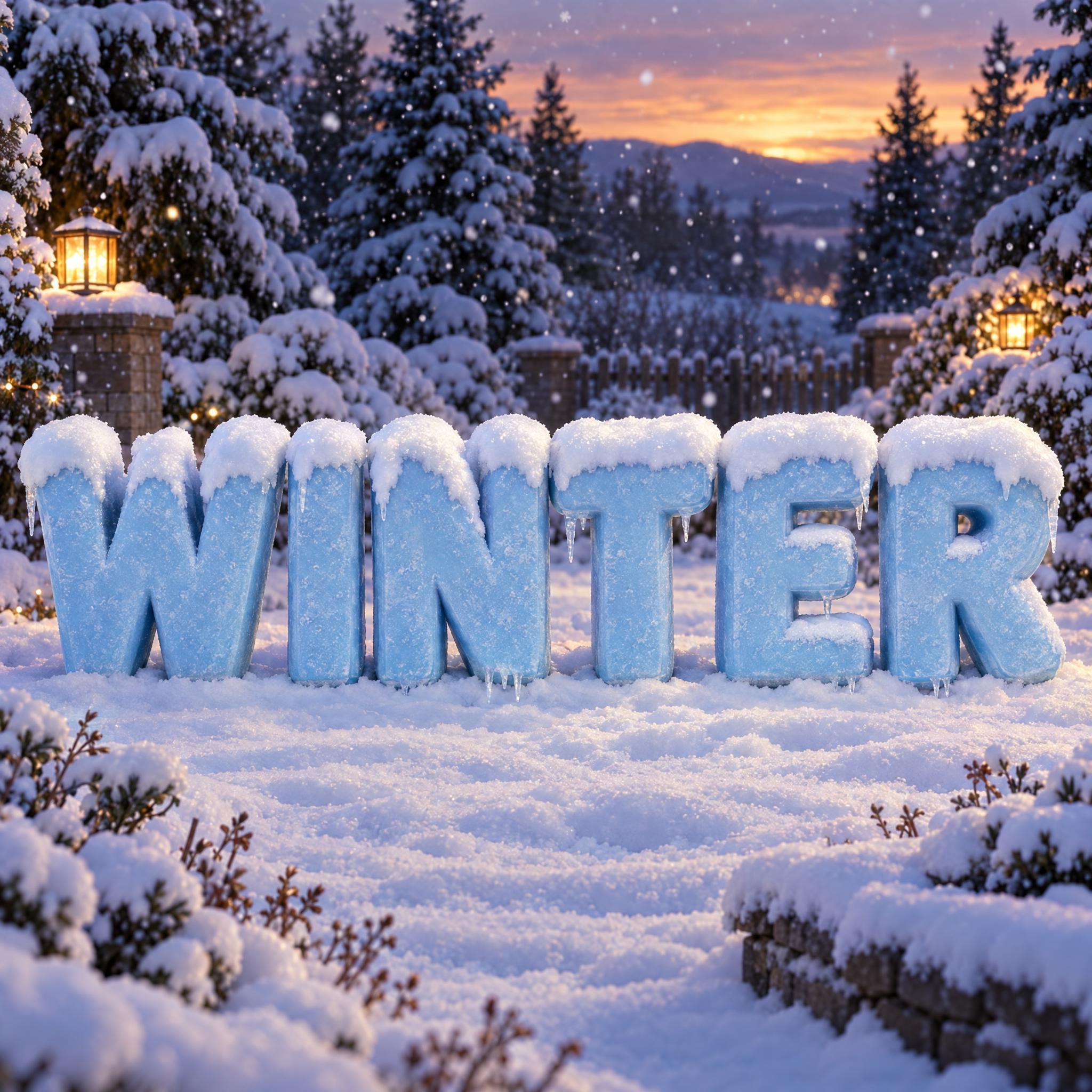
Chunky, rounded ice-blue capitals with real depth, each topped with a fluffy cap of fresh snow and a few short icicles underneath.
TextWrite the word "WINTER". Spell it exactly as written, without adding or changing any letter.
Font designSnow-capped lettering: chunky rounded capital letters with soft corners, letters clearly separated, every letter reading at a glance. Each letter is a thick solid block with visible depth. A fluffy cap of fresh snow sits only on the top edge of every letter and spills a little over the upper corners, never covering or changing the letter shape. The letters are icy light blue and the snow is bright white. A few short icicles hang from the lower edges. The snow is soft and powdery with a fine sparkle. Like a winter sign after a night of snowfall.
SceneThe letters stand in a snowy garden at dusk, with snow-covered pine trees and soft falling snow behind them. The word is centered, spans most of the width and reads clearly.
144 words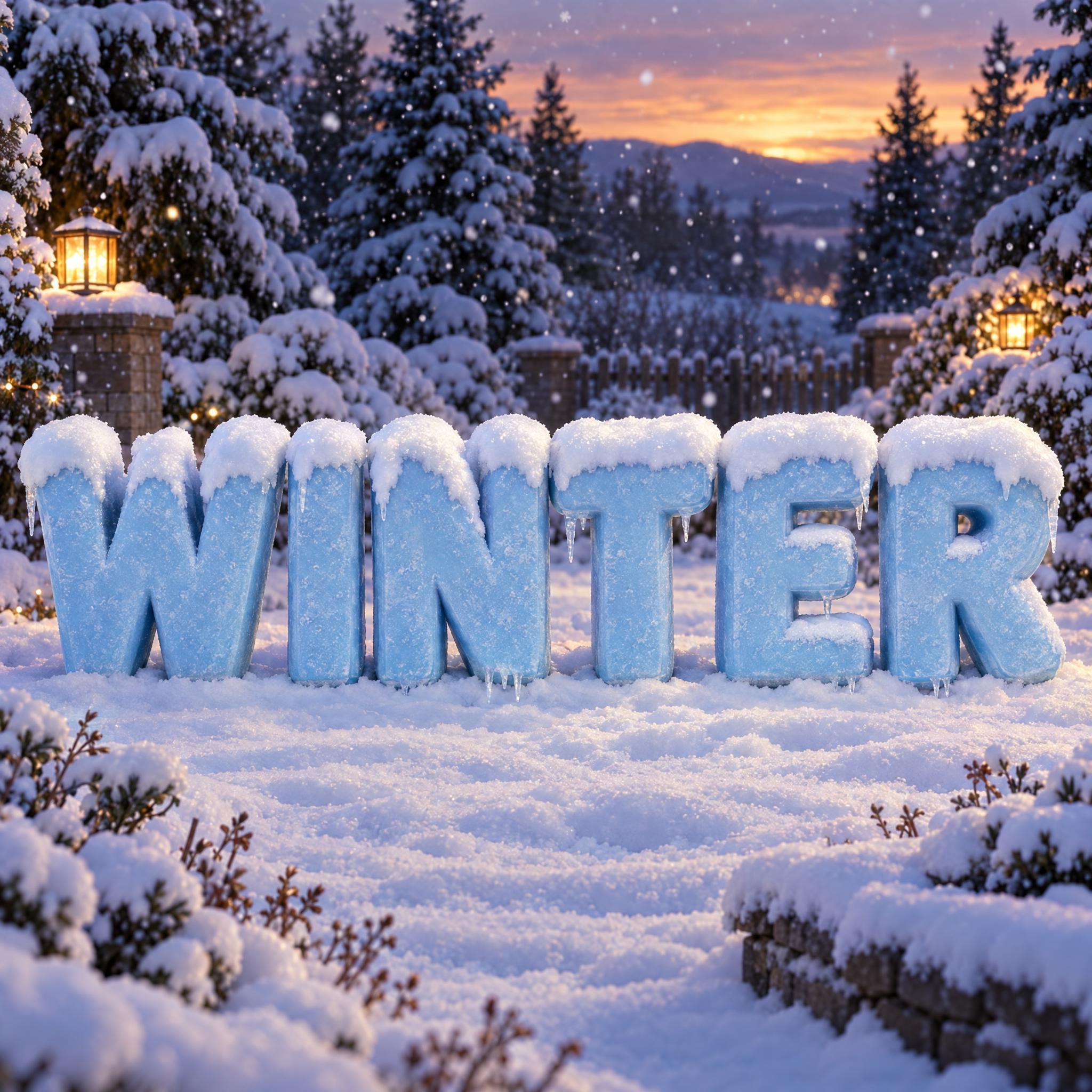
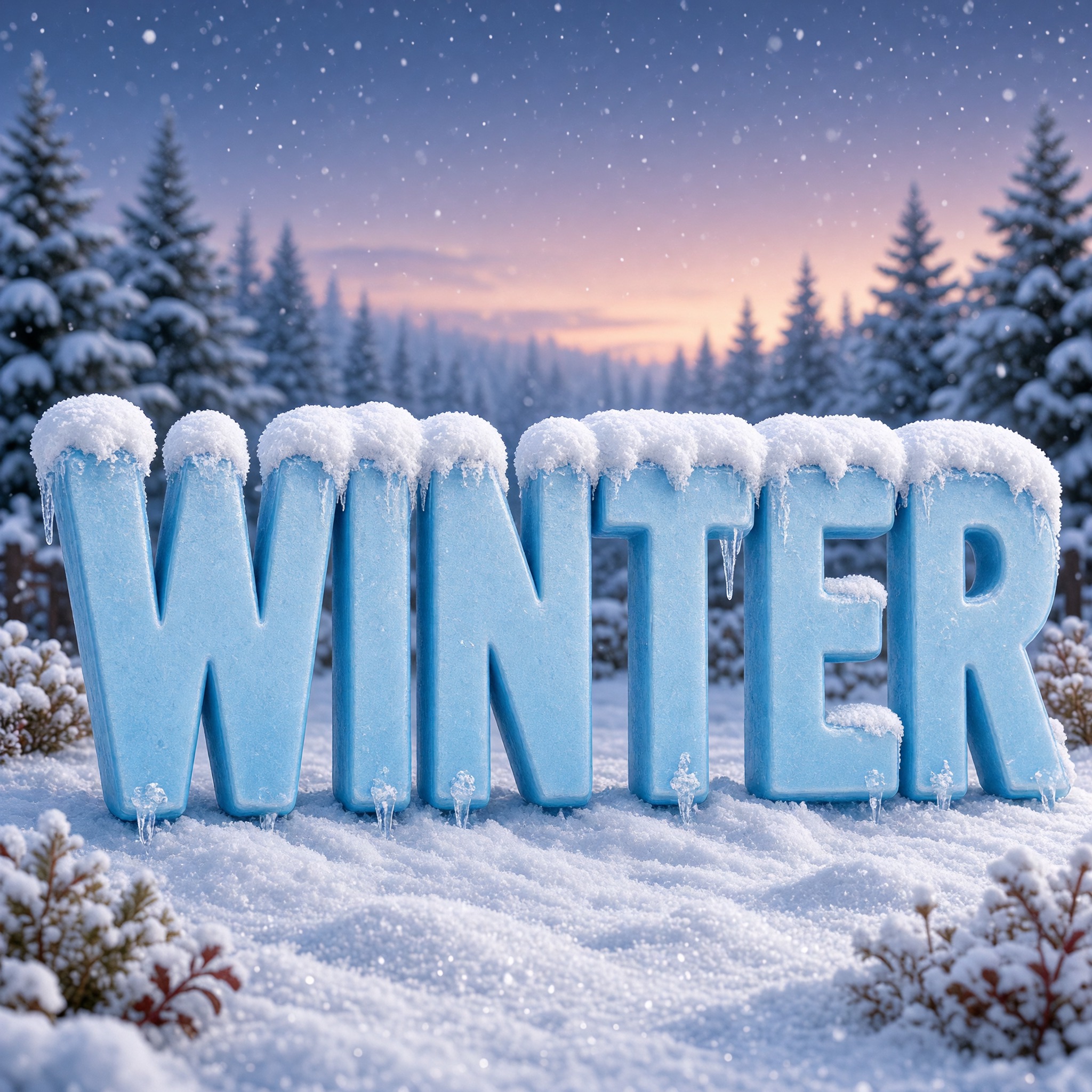
One prompt pasted into each image model as-is. These are the unedited results, so you can pick the model that suits you.
Crystal-textured ice letters in a garden lit by lanterns and an orange sunset.
Letters fill the frame, with a sparkling frosted surface under a pink dusk sky.
Smooth, matte blue letters on an open snowfield, icicles standing under them like legs.
See-through glassy ice letters with thin snow caps, in pale daylight.
Night scene; snow sits on the inner ledges too, such as the arms of the E.
The button opens FontVibe in DIY mode with this prompt already in it, unchanged. Type your word, pick a model and generate. GPT Image, Nano Banana, Seedream, Grok and Qwen are all in one account, so you can compare who draws glassy ice, who draws frost and who keeps the snow off every letter, without signing up to five apps. Every account gets free credits each month with no card needed, and you can export a transparent PNG to drop the snowy word onto your own sign or poster.
Layers in the order the prompt states them. Change one layer and the rest keeps working.
Every AIFont prompt opens with the same text part. "Spell it exactly as written, without adding or changing any letter" comes before the snow because snow is the easiest way to lose a letter: a cap that grows too big can swallow an I or turn an E into an F.
"Snow-capped lettering" tells the model the snow sits on the letters, not that the letters are made of snow or ice.
"chunky rounded capital letters with soft corners, letters clearly separated, every letter reading at a glance" sets shapes that look good under snow. Round corners let the snow drape; space between letters gives each one its own cap instead of one long drift.
"Each letter is a thick solid block with visible depth." is what makes the snow believable. Flat letters have no top surface, and the model ends up painting snow on the face of the letter.
"A fluffy cap of fresh snow sits only on the top edge of every letter and spills a little over the upper corners, never covering or changing the letter shape." is the core of this font. Only and never are the important words: without them, snow spreads down the letters until the word is hard to read.
"The letters are icy light blue and the snow is bright white." is the sentence to change. Keep the snow white and pick a colour that stands out from it.
"A few short icicles hang from the lower edges." adds the second winter sign. A few and short keep them from turning into a curtain under the word.
"The snow is soft and powdery with a fine sparkle." makes the caps look freshly fallen rather than like white plastic.
"Like a winter sign after a night of snowfall." gives every model the same picture: a solid sign outdoors that the weather has decorated, not a frozen ice sculpture.
"The letters stand in a snowy garden at dusk, with snow-covered pine trees and soft falling snow behind them." sets the place and the light. "The word is centered, spans most of the width and reads clearly." keeps the word the hero. Change this part for your own use: a cabin porch, a ski slope, a plain background.
Small edits that stay on-style. Change one thing at a time.
Type it in the box next to Prompt above and copy again. One short word in capitals works best: SNOW, NOEL, a name. The prompt asks for capital letters, so long words make every block thin and every cap tiny.
Swap "The letters are icy light blue and the snow is bright white." for "The letters are deep red and the snow is bright white.", "The letters are forest green and the snow is bright white." or "The letters are warm gold and the snow is bright white." Red and green look more like Christmas, blue more like winter.
Replace "The letters stand in a snowy garden at dusk, with snow-covered pine trees and soft falling snow behind them." with "The letters stand on a snowy cabin porch with warm light from the window behind them.", "The letters stand at the top of a ski slope on a bright, clear morning." or "The letters stand on a plain pale blue background."
The prompt sets no frame size. A row of block letters suits 16:9: pick it in your app or add "Wide 16:9 image." at the end, or "Tall 3:4 image." for a poster.
AI fonts that share the most tags with Snow Font.

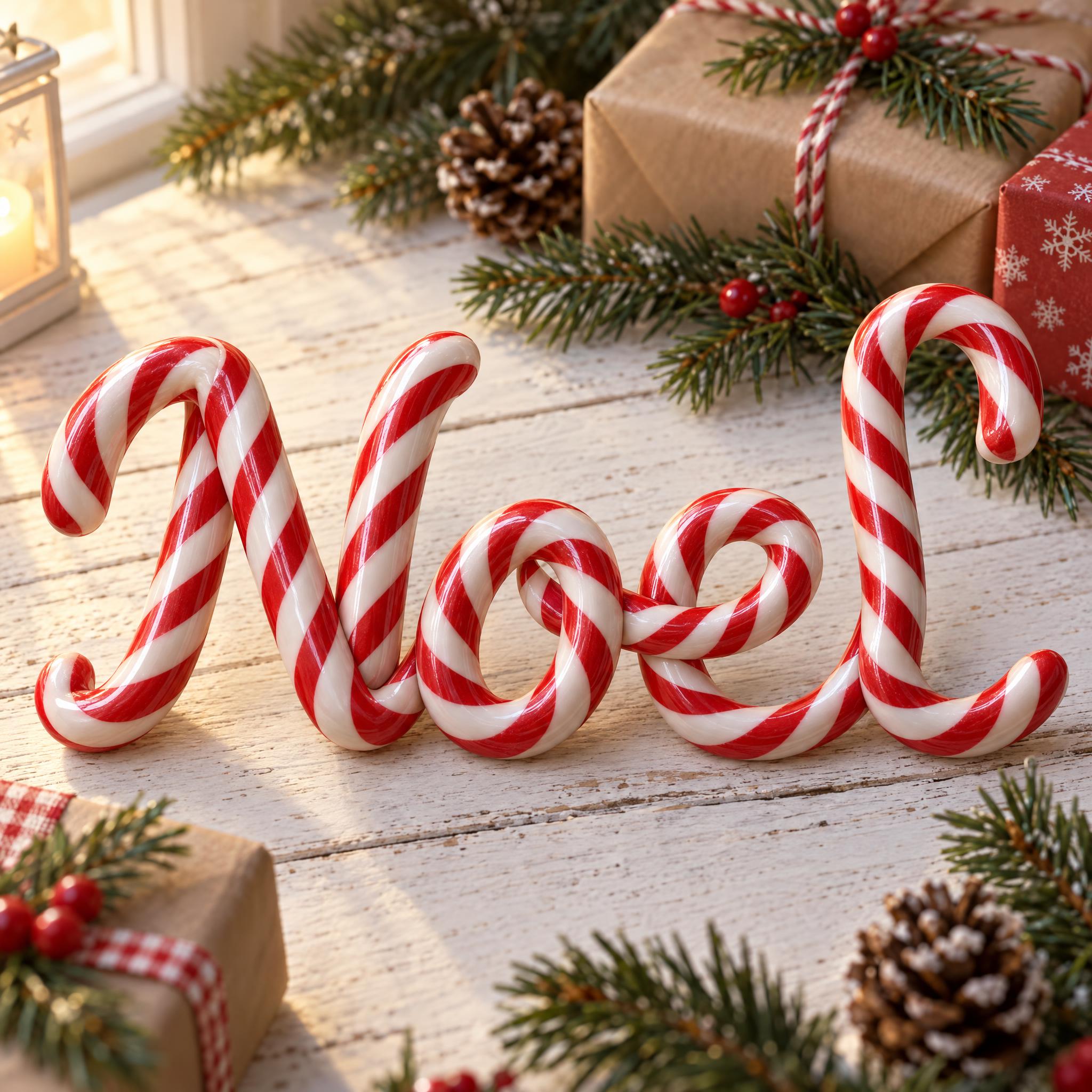
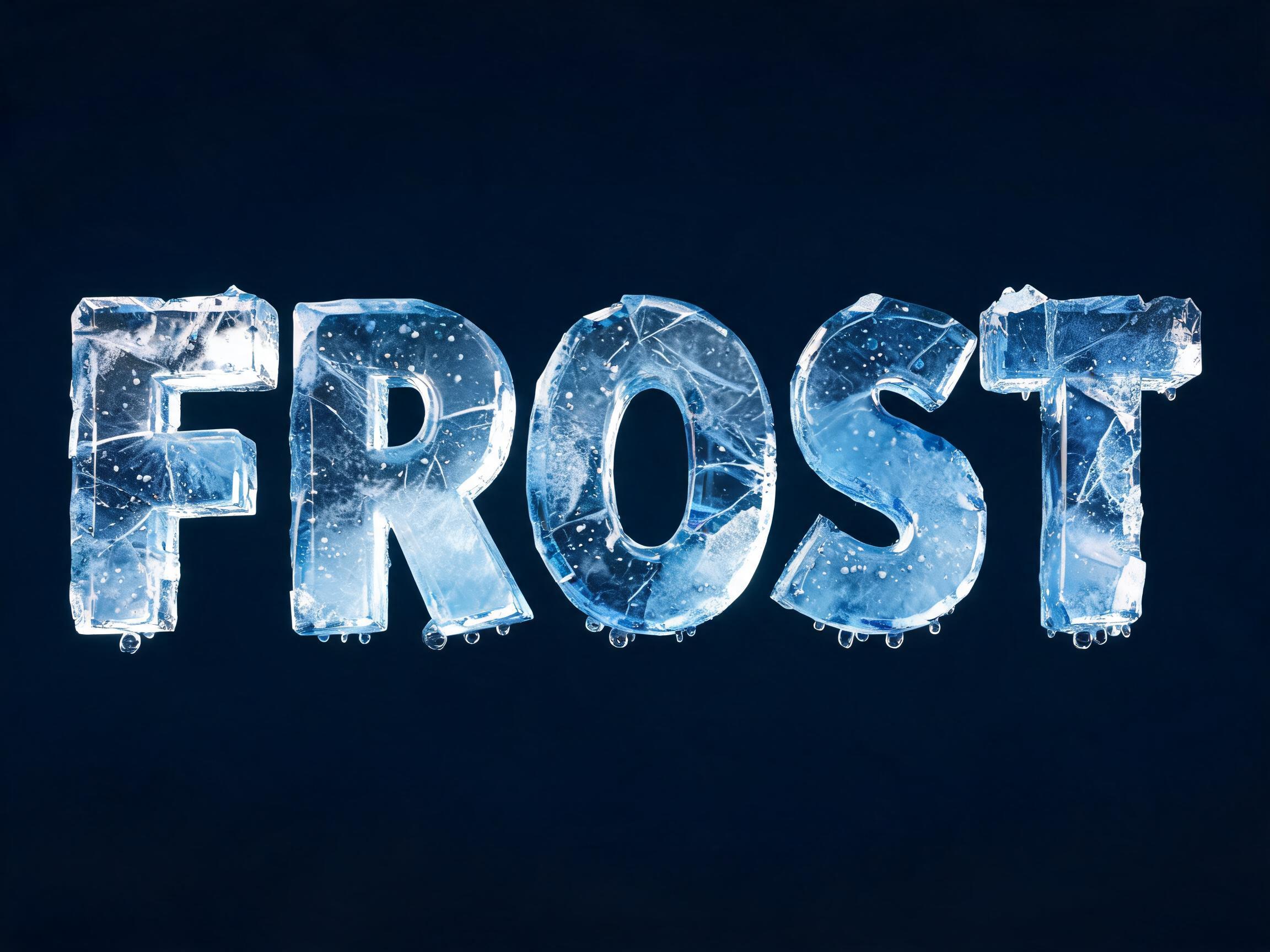
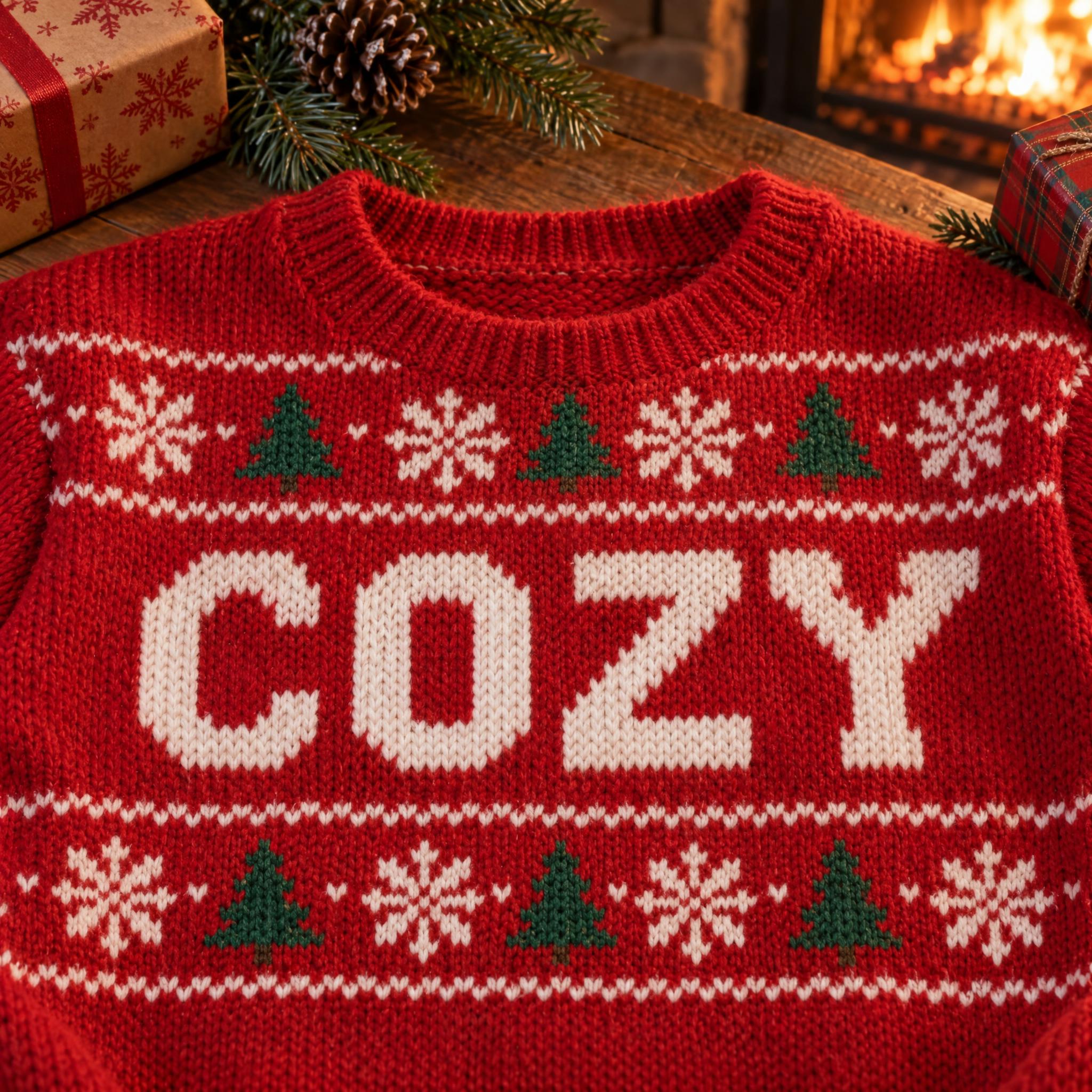
AI fonts for a second line, a logo lock-up or a poster footer.
Snow Font builds your word as if it stood outside all night while it snowed: chunky, rounded capital letters with soft corners, each one a thick block in icy light blue. A fluffy cap of fresh snow sits only on the top edge of every letter and spills a little over the upper corners, and a few short icicles hang underneath. The snow never covers the letters, so the word still reads at a glance. Among the Christmas fonts on AIFont, it is the snowy one, and it works as a winter font well past December.
Type your word in the box above the prompt, copy it and paste it into ChatGPT, Gemini, Grok, Qwen or Seedream. The prompt has three parts: the text, the font design and the scene. The font design makes the blocks, the snow caps and the icicles; the scene stands the letters in a snowy garden at dusk, and you can swap it for your own. Every image on this page is what each model returned from the unchanged prompt, with no retouching.
Use it for winter and Christmas signs, holiday sale banners, ski trip and snow day posters, or a snowy title on a card or a post.
Details from the original render. Every one of them is named in the prompt.
Heavy capital letters with soft corners, clearly spaced apart.
Each letter is a thick block with visible depth, so it has a top for the snow.
A fluffy cap sits on the top edge and spills a little over the corners.
Light ice-blue letters under bright white snow.
Pulled from the render. Handy when you build the rest of the design around the word.
Where this AI font earns its keep.
Snow on letters means Christmas largely because of a song. Irving Berlin wrote White Christmas for the 1942 film Holiday Inn, and Bing Crosby recorded it that year. His version is counted as the world's best-selling single in physical copies, with an estimated 50 million sold, so the picture of a snowy Christmas reached far more people than ever see one.
People have also been shaping snow into display for a long time. The Sapporo Snow Festival in Japan began in 1950, when six local high school students built six snow statues in Odori Park; in 1955 soldiers from a nearby base joined in and built the first massive snow sculptures. It grew into one of the best-known winter events in the world, and snow became something to look at, not just to clear away.
This prompt borrows something smaller: what a real sign looks like the morning after a snowfall. Snow settles only on surfaces that face up, so the letters are made thick enough to have a top; it drifts a little over the corners; and meltwater freezes into icicles along the lower edges. The one thing the prompt forbids is snow covering a letter, because a word that disappears under the snow is no longer a word.
Sources: Wikipedia — White Christmas (song) · Wikipedia — Sapporo Snow Festival
Bing Crosby records Irving Berlin's song for the film Holiday Inn.
Six high school students build six snow statues in Odori Park.
Soldiers from a nearby base build the festival's first massive snow sculptures.
All five kept the snow on top of the letters in every language and spelled every word correctly, so pick by look. GPT Image gives the warmest scenes, with lanterns and sunsets, and crystal-textured ice. Seedream makes the letters see-through, like clear glass ice. Gemini makes them smooth and matte, and once ran the snow across all the letters as one drift. Grok draws the longest icicles. Qwen often goes for a night scene and frosts the whole letter, not just the top. Compare them side by side above.
Yes, with rewritten prompts. In Japanese and Chinese the prompt says the snow must not hide any stroke or dot, since a dot lost under snow changes the character, and the Chinese prompt adds space between strokes because 雪 has many. In Arabic the dots of ش and ت sit exactly where snow falls, so the prompt makes every dot and the hamza a separate blue shape that the snow does not cover. All five models followed that, each in its own way: ice cubes, discs, glass bubbles, cylinders or balls. The Arabic verdicts are not from a native speaker.
A snow font: solid letters with snow on top. The letters are ice-blue, and some models make them look like glassy ice, but the identity is the snow cap and the icicles. For lettering made of ice itself, look for an ice or frozen style.
Type it in the box next to Prompt above, then copy the full prompt. Check that the snow has not grown over a thin part of a letter, such as the middle bar of an E.
Change only "The letters are icy light blue and the snow is bright white.", for example to "The letters are deep red and the snow is bright white." Keep the snow white so it still reads as snow.
Pick the ratio in your app if it has one. If not, add "Wide 16:9 image." or "Tall 3:4 image." at the end of the prompt.
No. It is a prompt that makes a picture of your word as snow-capped letters with an AI image model, so there is nothing to install and you cannot type with it.
Copying the prompt is free. Whether the image costs anything depends on the app you paste it into, and what you may do with the image depends on that app's terms.