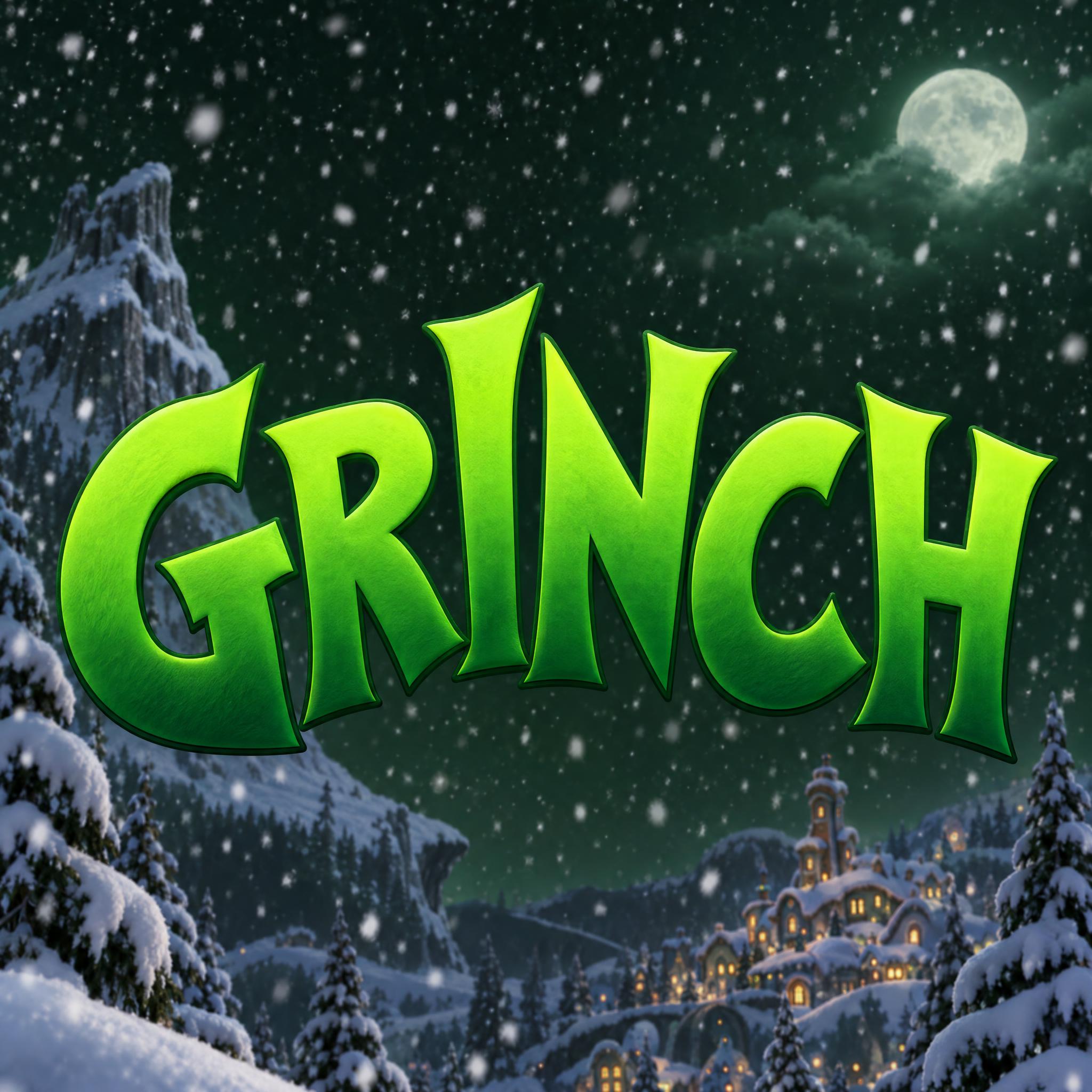
Tall, heavy capitals that flare into cupped wedge tips, each tilted a little off-axis, rising into an arch in lime-to-forest green with a thin dark outline.
TextWrite the word "GRINCH". Spell it exactly as written, without adding or changing any letter.
Font designGrinch movie title lettering: tall, heavy capital letters whose strokes flare wider toward their ends, with slightly cupped, wedge-shaped tips. Each letter tilts a little off-axis, so the word looks mischievous and uneven. The letters grow taller toward the middle of the word, so the top edge forms a gentle arch over a flat baseline. The letters are bright lime green at the top fading to deep forest green at the bottom, with a thin dark green outline. Like the title on a Grinch Christmas movie poster.
SceneThe word is the title on a snowy Christmas movie poster, with soft falling snow over a dark green night background. The word is centered, spans most of the width and reads clearly.
135 words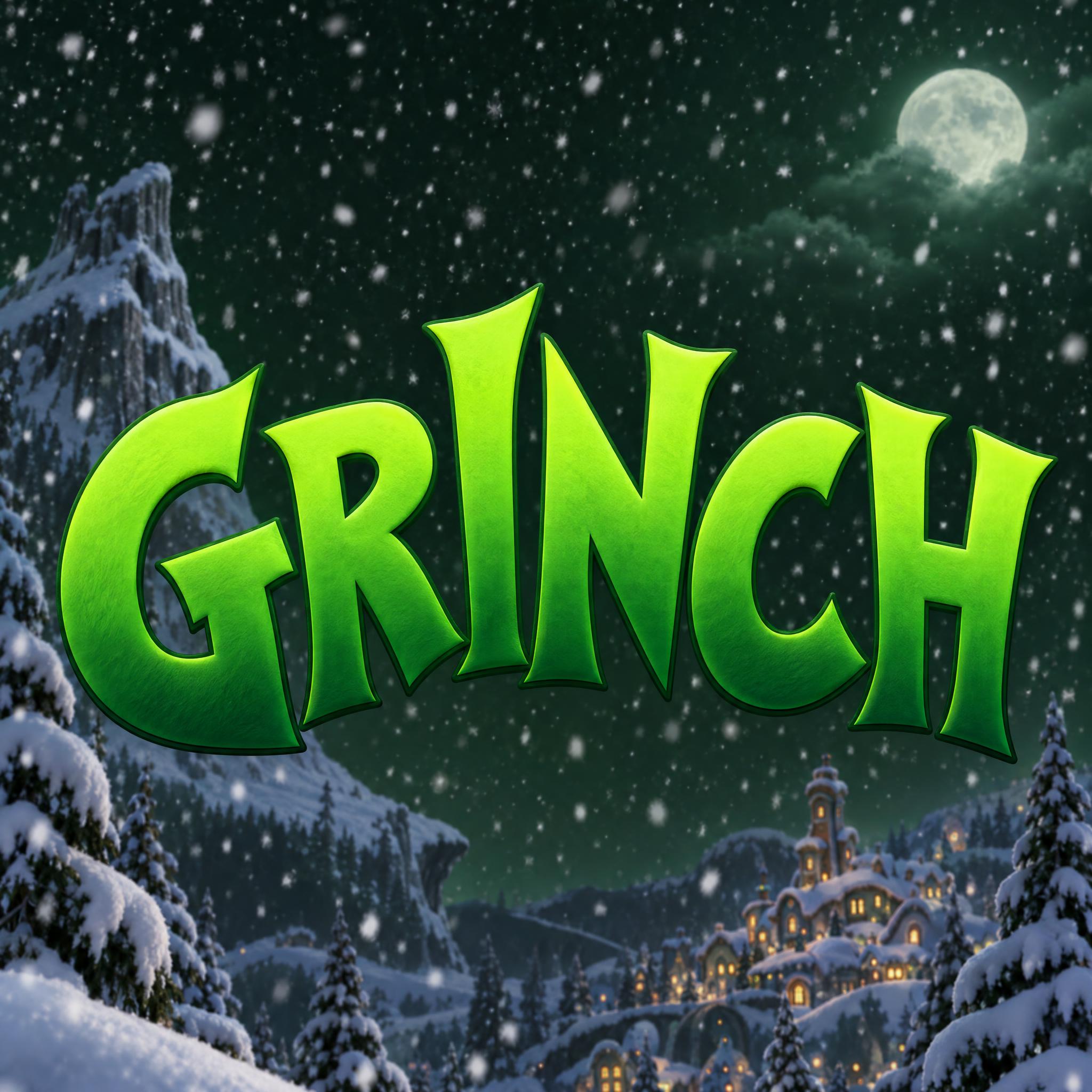
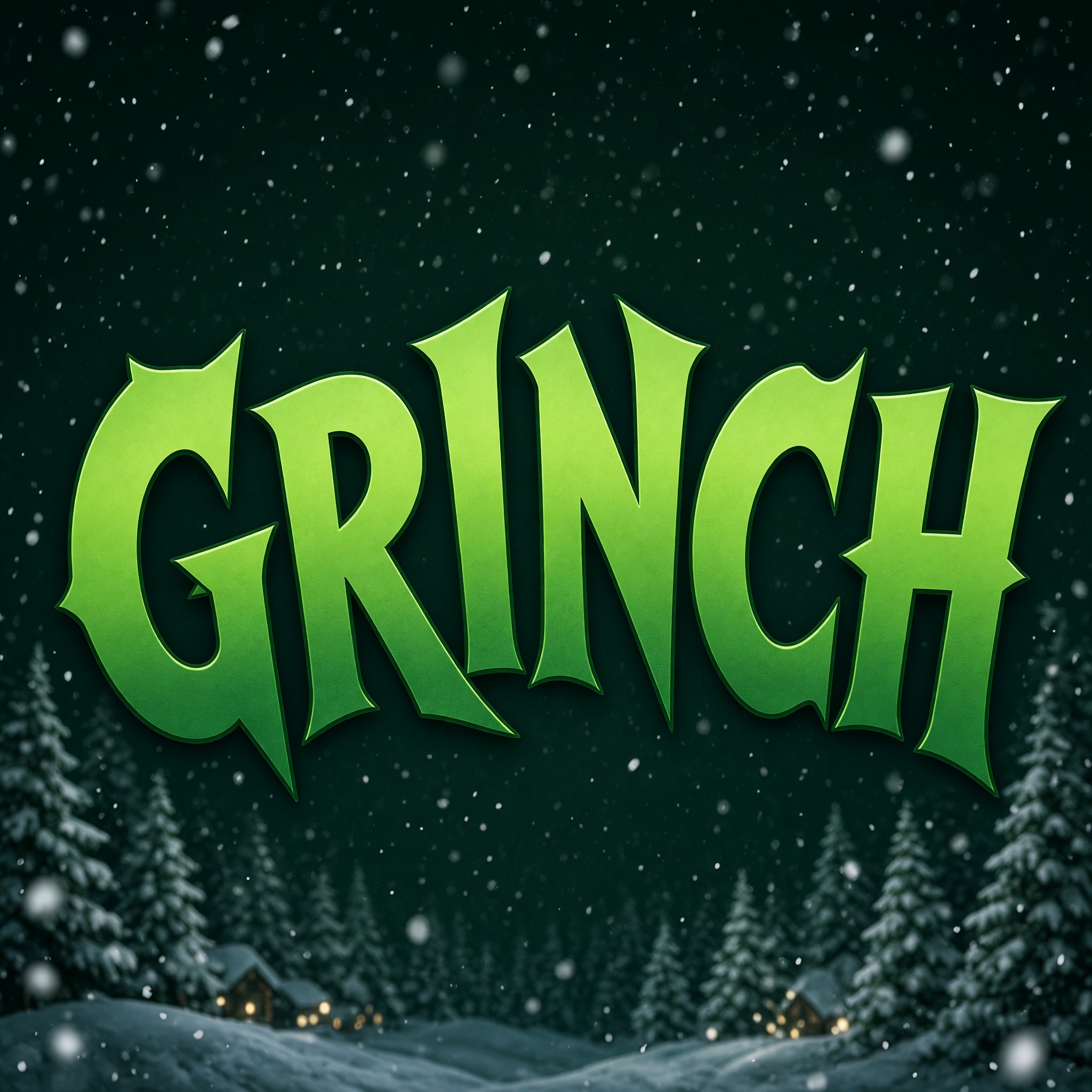
One prompt pasted into each image model as-is. These are the unedited results, so you can pick the model that suits you.
A lit-up Whoville in the valley below, a full moon and a rocky peak behind.
Rougher, textured green, with a snowy forest and village along the bottom.
Taller, narrower letters with snow on their tops and string lights behind.
Laid out like a real poster: a tagline above, a glowing cabin below and small-print credits at the bottom.
The brightest yellow-lime of the five, on a plain dark teal background with falling snow.
The button opens FontVibe in DIY mode with this prompt already in it, unchanged. Type your word, pick a model and generate. GPT Image, Nano Banana, Seedream, Grok and Qwen are all in one account, so you can see which one gives the best flare, tilt and arch without signing up to five apps. Every account gets free credits each month with no card needed, and you can export a transparent PNG to put the green title on your own movie-night poster or invite.
Layers in the order the prompt states them. Change one layer and the rest keeps working.
Every AIFont prompt opens with the same text part. "Spell it exactly as written, without adding or changing any letter" matters here because tilted, flared letters are easy to misread: an R can lose its leg, an I can grow a hook.
"Grinch movie title lettering" points the model at a title, not at the character: you get lettering, not a green furry face next to the word.
"tall, heavy capital letters whose strokes flare wider toward their ends, with slightly cupped, wedge-shaped tips" is the core shape. The swelling ends and cupped tips are what make it look drawn for a cartoon rather than set in a bold typeface.
"Each letter tilts a little off-axis, so the word looks mischievous and uneven." gives the character. A little matters: tilt too far and the word stops reading as a title.
"The letters grow taller toward the middle of the word, so the top edge forms a gentle arch over a flat baseline." makes the title shape. The flat baseline keeps it readable while the top rises.
"The letters are bright lime green at the top fading to deep forest green at the bottom" is the Grinch's own colour as a gradient. It sits in its own sentence, so you can swap it for red or gold.
"with a thin dark green outline" holds the bright letters together against a dark poster, without the thick black outline of a comic.
"Like the title on a Grinch Christmas movie poster." gives every model the same picture to aim for: a big title, centred, meant to be read from across a room.
"The word is the title on a snowy Christmas movie poster, with soft falling snow over a dark green night background." gives the lime letters a dark ground to glow on. "The word is centered, spans most of the width and reads clearly." keeps it the hero; some models still add a village, a moon or a tagline. Change this part for your own use: a party invite, a plain background.
Small edits that stay on-style. Change one thing at a time.
Type it in the box next to Prompt above and copy again. One word in capitals works best, five to eight letters, so the arch has a middle: GRINCH, HUMBUG, a family name. Two words make the arch hard to read.
Swap "The letters are bright lime green at the top fading to deep forest green at the bottom, with a thin dark green outline." for "The letters are bright red at the top fading to deep burgundy at the bottom, with a thin gold outline." or "The letters are bright gold at the top fading to deep amber at the bottom, with a thin dark brown outline." Green is what makes it read as Grinch; other colours keep the shape for any cheeky title.
Replace "The word is the title on a snowy Christmas movie poster, with soft falling snow over a dark green night background." with "The word is the title on a red Christmas party invitation with a few small gold stars.", "The word is printed across a green Christmas sweater laid flat." or "The word stands alone on a plain white background."
The prompt sets no frame size. A movie-night banner suits 16:9: pick it in your app or add "Wide 16:9 image." at the end, or "Tall 3:4 image." for a poster.
AI fonts that share the most tags with Grinch Font.
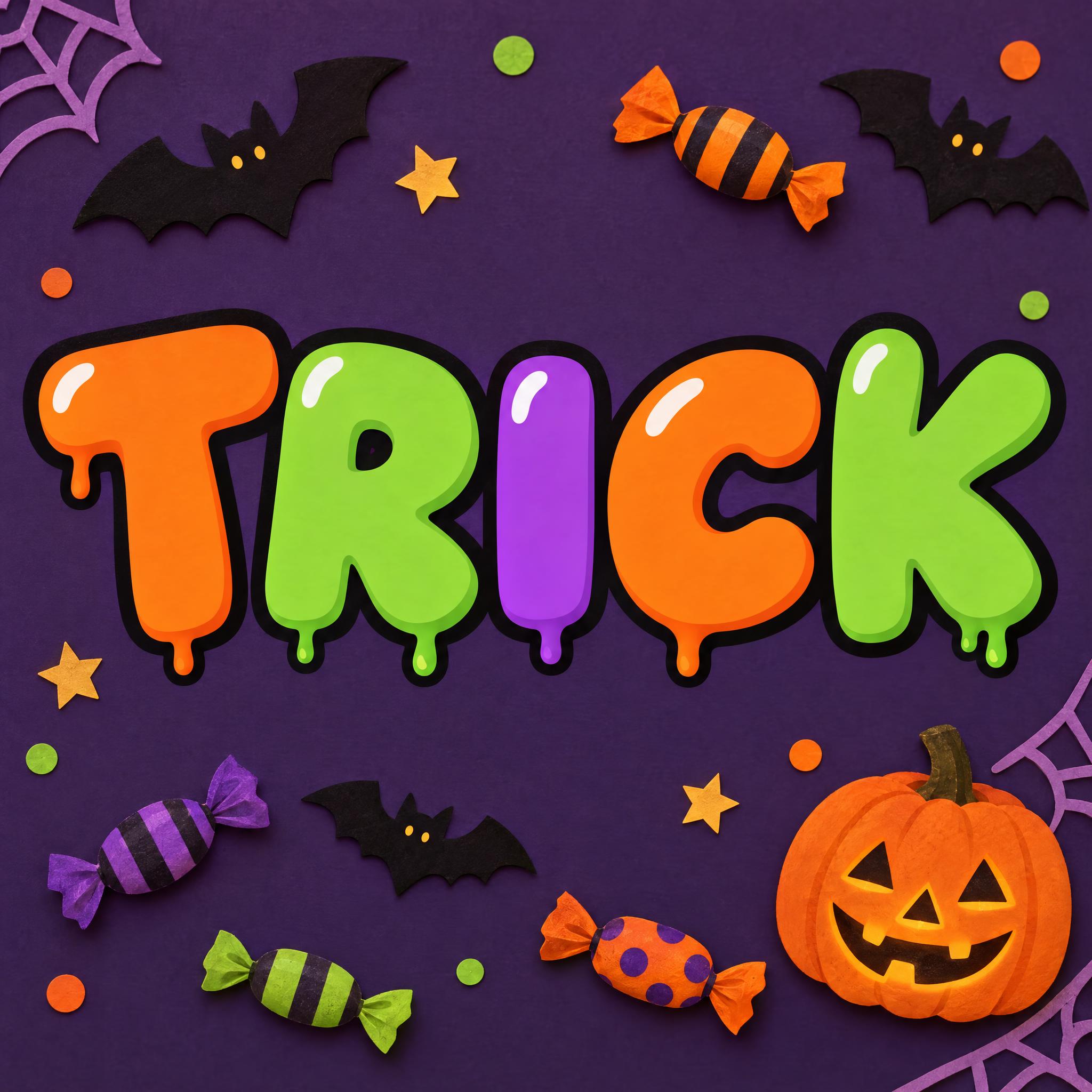
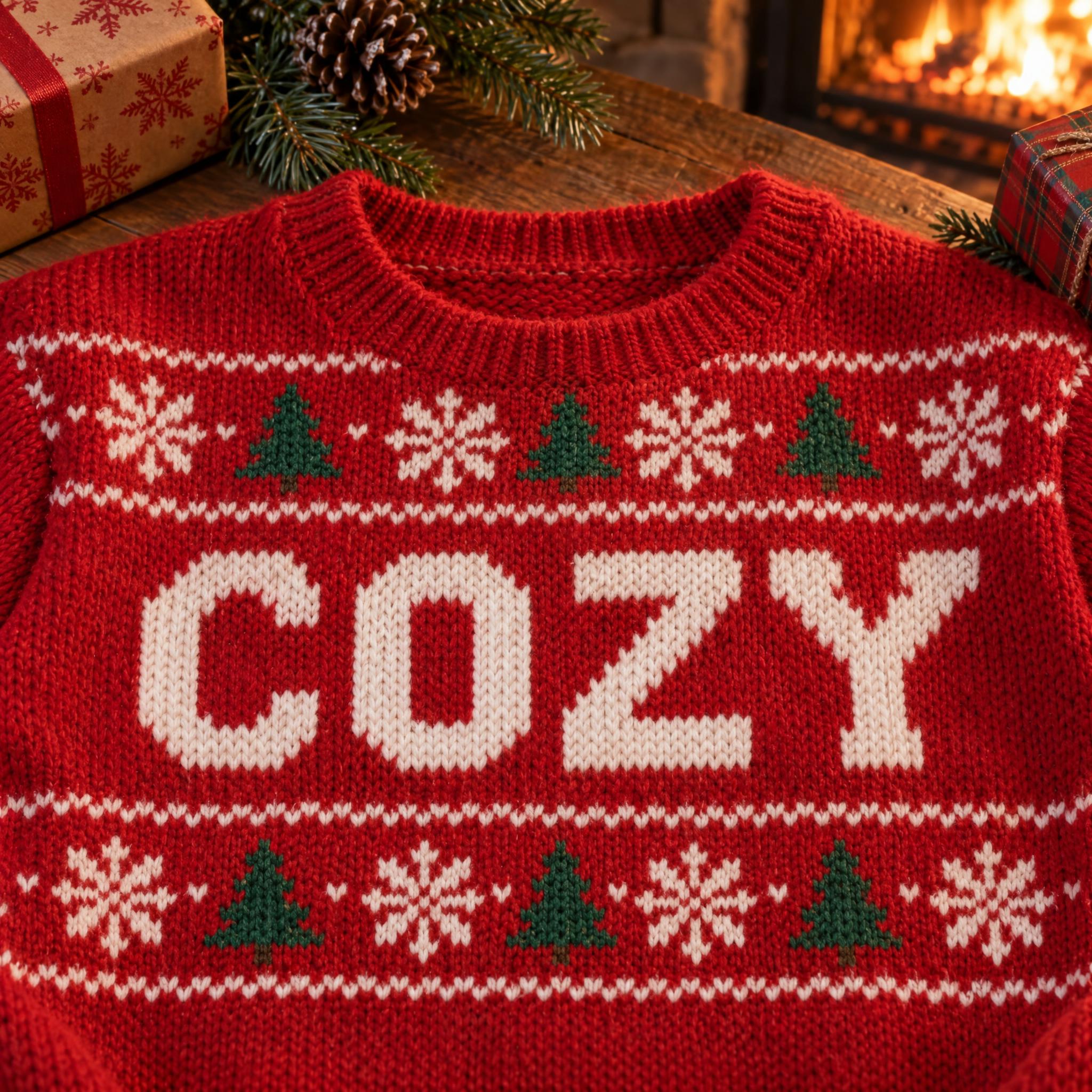
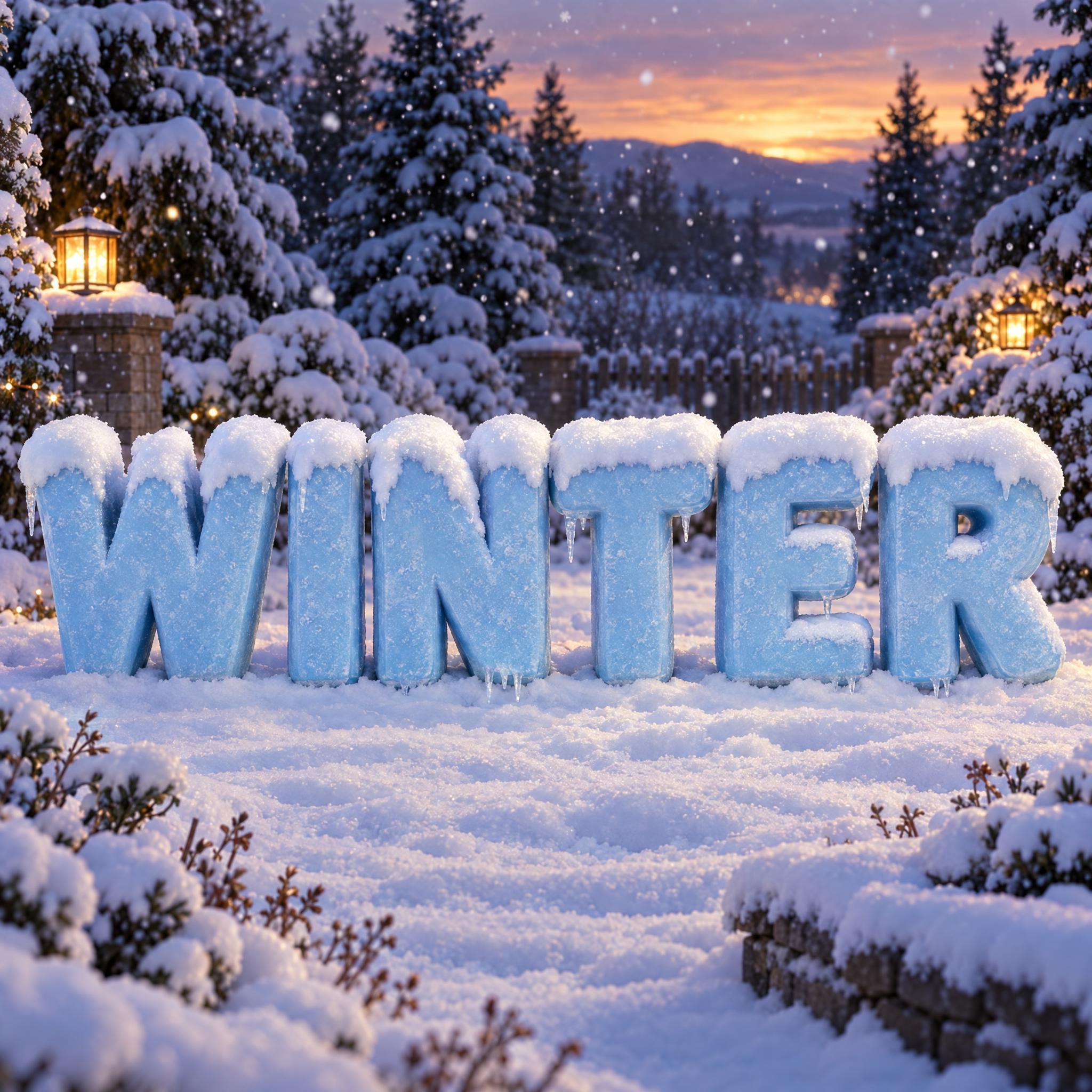
AI fonts for a second line, a logo lock-up or a poster footer.
Grinch Font sets your word in the look of a Grinch movie title: tall, heavy capital letters whose strokes flare wider toward the ends into slightly cupped wedge tips. Each letter tilts a little off-axis, so the word looks mischievous and uneven, and the letters grow taller toward the middle until the top edge forms a gentle arch over a flat baseline. The colour runs from bright lime green at the top to deep forest green at the bottom, with a thin dark green outline. Among the Christmas fonts on AIFont, it is the cheeky one.
Type your word in the box above the prompt, copy it and paste it into ChatGPT, Gemini, Grok, Qwen or Seedream. The prompt has three parts: the text, the font design and the scene. The font design makes the flared, tilted letters and the green gradient; the scene puts the word on a snowy night poster, and you can swap it for your own. Every image on this page is what each model returned from the unchanged prompt, with no retouching.
Use it for a Christmas movie night, a party invitation, a cheeky holiday post, or a title on your own family poster.
Details from the original render. Every one of them is named in the prompt.
Strokes swell toward their ends into slightly cupped wedge tips.
Each letter leans a little off-axis, so the word looks uneven on purpose.
Letters grow taller toward the middle over a flat baseline.
Bright lime at the top fading to deep forest green at the bottom.
Pulled from the render. Handy when you build the rest of the design around the word.
Where this AI font earns its keep.
The Grinch first appeared in Dr. Seuss's How the Grinch Stole Christmas!, published in 1957. The colour came later. In full-colour adaptations he is typically green, and that green made its debut in the 1966 animated TV special directed by Chuck Jones, as a choice Jones and Seuss agreed on together. Every Grinch title since has leaned on it, which is why this prompt's identity is as much the colour as the shape: lime at the top, forest green at the bottom.
The character also became a word. People call someone who spoils or opposes Christmas celebrations a grinch, and the name can describe a coarse, greedy attitude as well. That is why the Grinch look works for more than the films: on a party invite or a post it says a little mischief is coming.
The lettering people search for is the one on the film titles, with heavy strokes that swell at the ends, letters that will not stand straight, and an arch over the word. This prompt copies no logo. It describes that look in words so you can apply it to your own word. The Grinch name and the film titles belong to their owners, so use the result for your own party, post or decoration, not for merchandise you sell.
Sources: Wikipedia — Grinch · Wikipedia — How the Grinch Stole Christmas!
Dr. Seuss publishes How the Grinch Stole Christmas!
The animated TV special directed by Chuck Jones gives the Grinch his green colour.
All five drew the flared, tilted green letters and spelled GRINCH correctly in English, Spanish, Portuguese and German, and the Japanese and Chinese names too. They differ in the poster around the word. GPT Image paints a lit-up village and a moon below the title. Gemini adds snow on top of the letters. Seedream varies most: in English it laid the image out like a real poster with a tagline and small-print credits, and in Japanese it went flat and illustrated. Grok gives the roughest texture, and Qwen the brightest lime on a plain background. In Arabic Qwen added ال and dropped a letter, twice. Compare them side by side above.
It works like one: type your word in the box next to the prompt, copy it, and an image app such as ChatGPT, Gemini, Grok, Seedream or Qwen draws it in Grinch-style letters. You get a picture, not a .ttf file you can type with.
Use it for your own party, post, card or decoration. The Grinch is a character, and the name and film titles belong to their owners, so do not sell the result on shirts, mugs or prints.
Because that is what most people type: the name itself, or a party title built on it. The look also works on other words; HUMBUG or a family name in capitals keeps the arch and the tilt.
Japanese and Chinese have no capitals, so their prompts ask for tall, heavy, extra-bold characters, keep the arch and the tilt, and add that each character keeps its shape and stroke count; the Japanese one also asks for the two dakuten dots of グ in the right place. In Arabic, letters such as ي and ل differ mainly by height, so raising the middle letters would change them; the Arabic prompt draws the whole word on a gentle curve instead and keeps every letter its usual height.
Type it in the box next to Prompt above, then copy the full prompt. Check that the tilt has not turned one letter into another and that the outline goes all the way round.
Change only "The letters are bright lime green at the top fading to deep forest green at the bottom, with a thin dark green outline.", for example to "The letters are bright red at the top fading to deep burgundy at the bottom, with a thin gold outline."
Pick the ratio in your app if it has one. If not, add "Wide 16:9 image." or "Tall 3:4 image." at the end of the prompt.
No. It is a prompt that makes a picture of your word in Grinch-style lettering with an AI image model, so there is nothing to install and you cannot type with it.
Copying the prompt is free. Whether the image costs anything depends on the app you paste it into, and what you may do with the image depends on that app's terms.