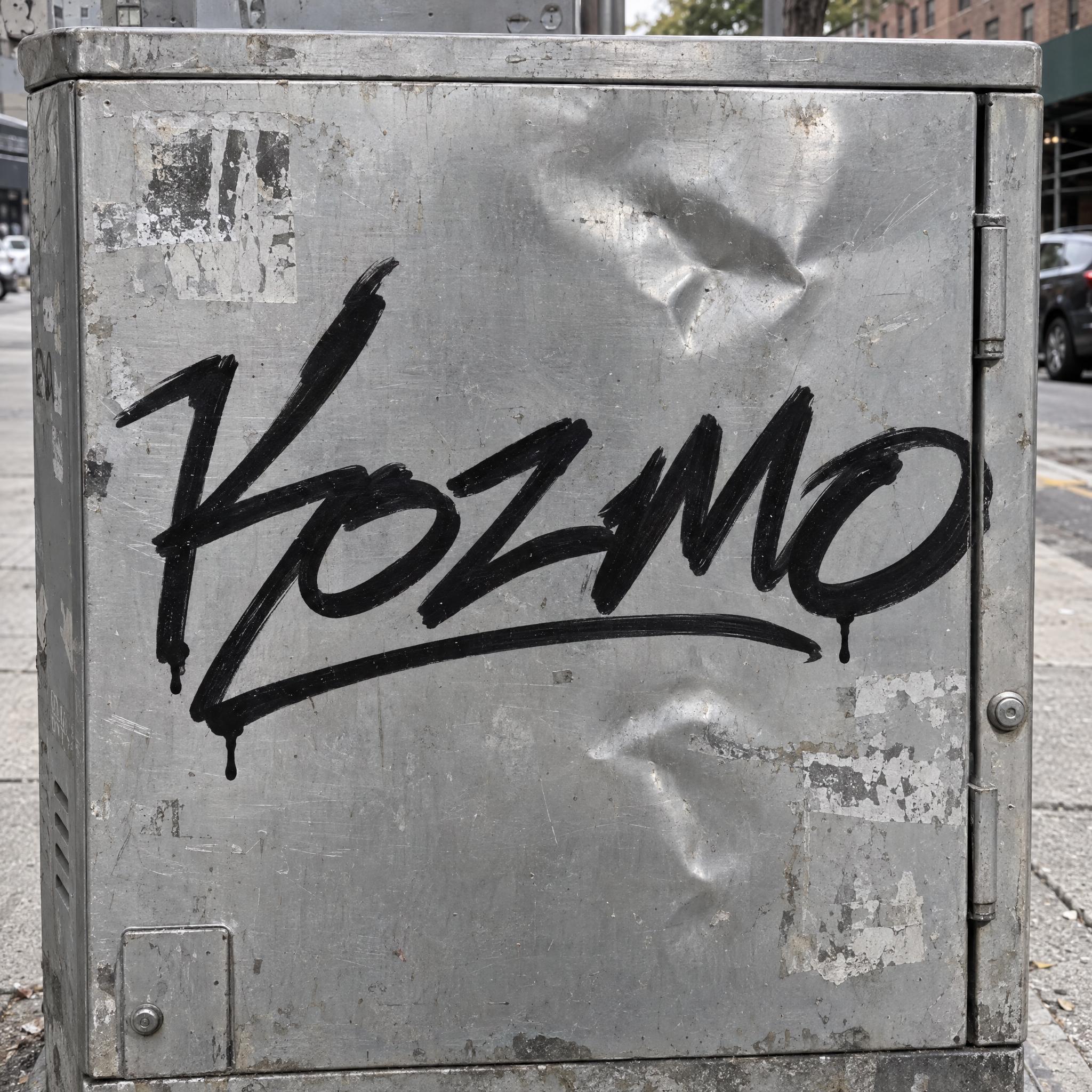
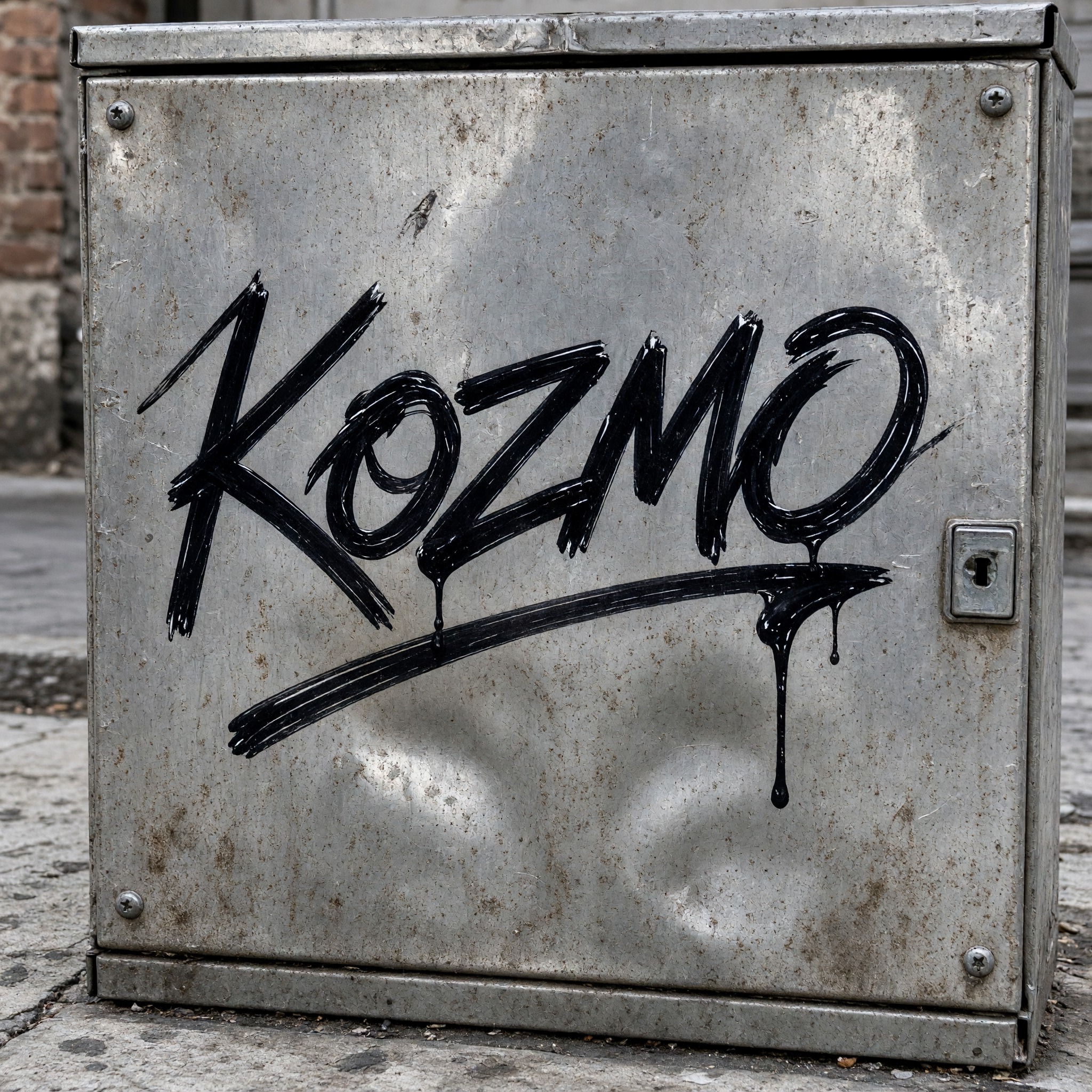
A fast marker signature: letters joined in one line, leaning hard right, sharp flicks and a long underline swash, in solid black.
TextWrite the word "Kozmo". Spell it exactly as written, without adding or changing any letter.
Font designGraffiti tag lettering: a fast handwritten signature drawn in one go with a fat marker, the letters joined by a single flowing line, leaning hard to the right, with sharp flicks at the stroke ends and one long swash underlining the whole word; every letter still readable. The ink is solid glossy black. Strokes are slightly uneven in width where the marker pressed harder, with a small ink drip under one or two letters. Raw and quick, not neat calligraphy. Like a classic New York marker tag.
SceneThe tag is written large across a dented silver metal electrical box on a city sidewalk, in flat daylight. The word is centered, spans most of the width and reads clearly.
133 words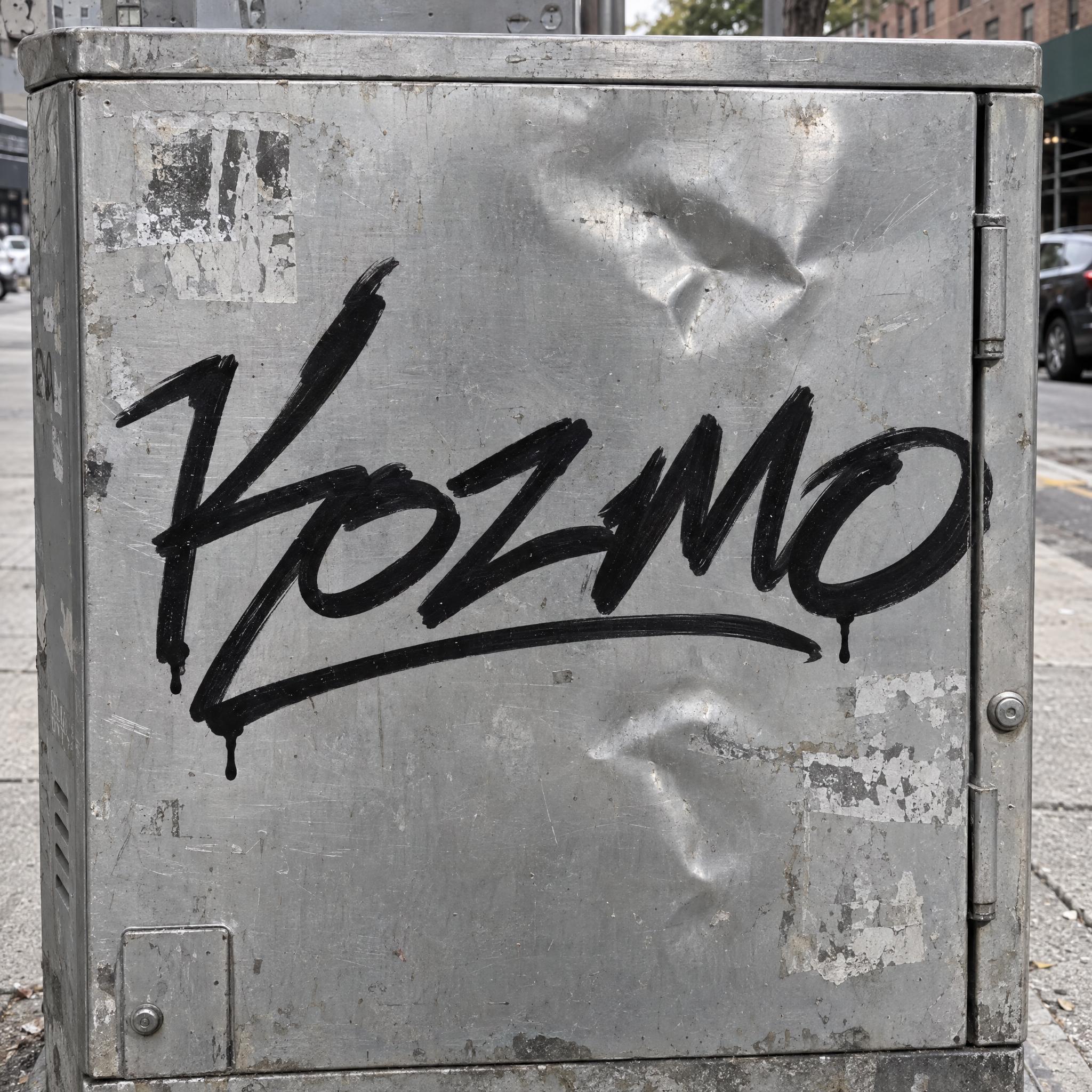
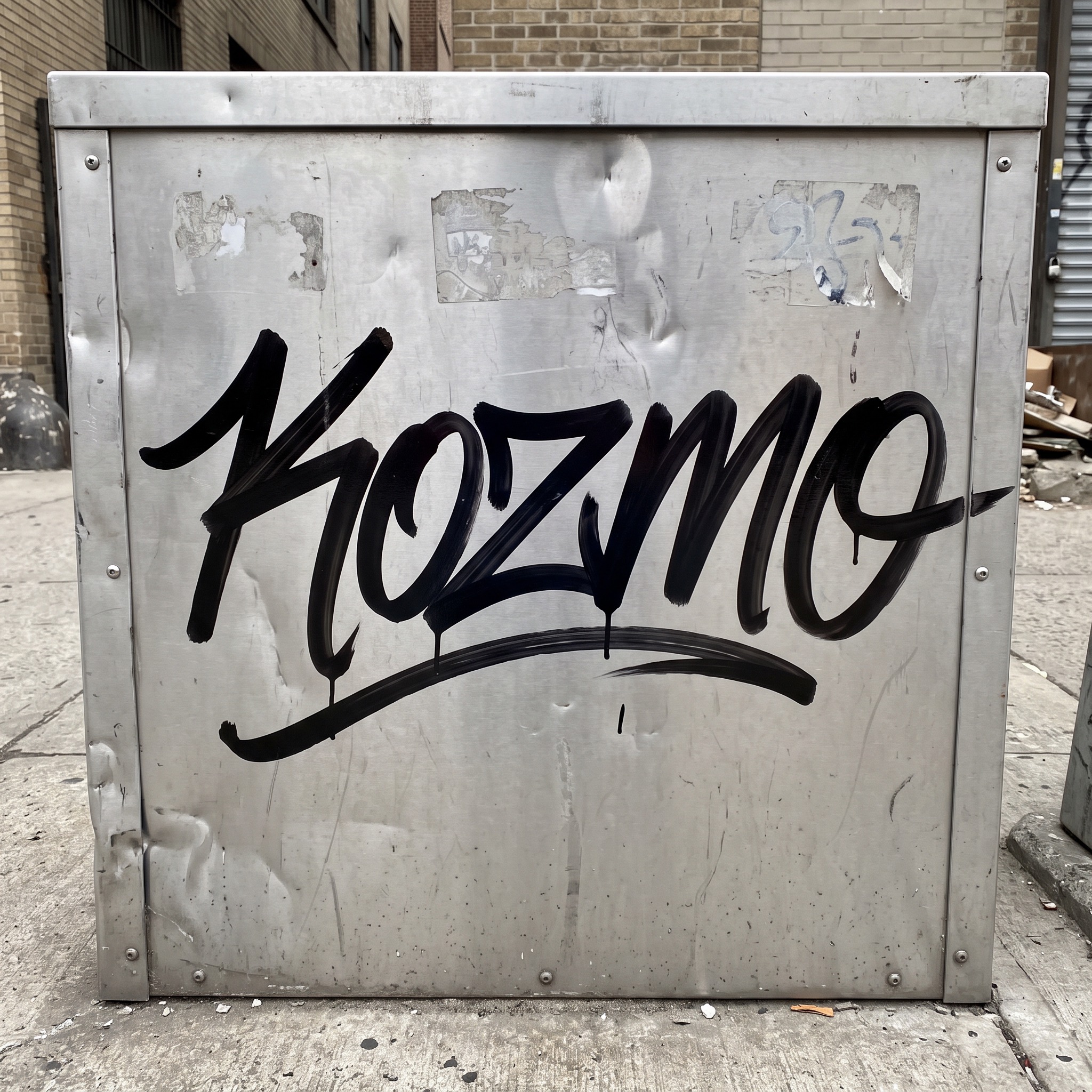
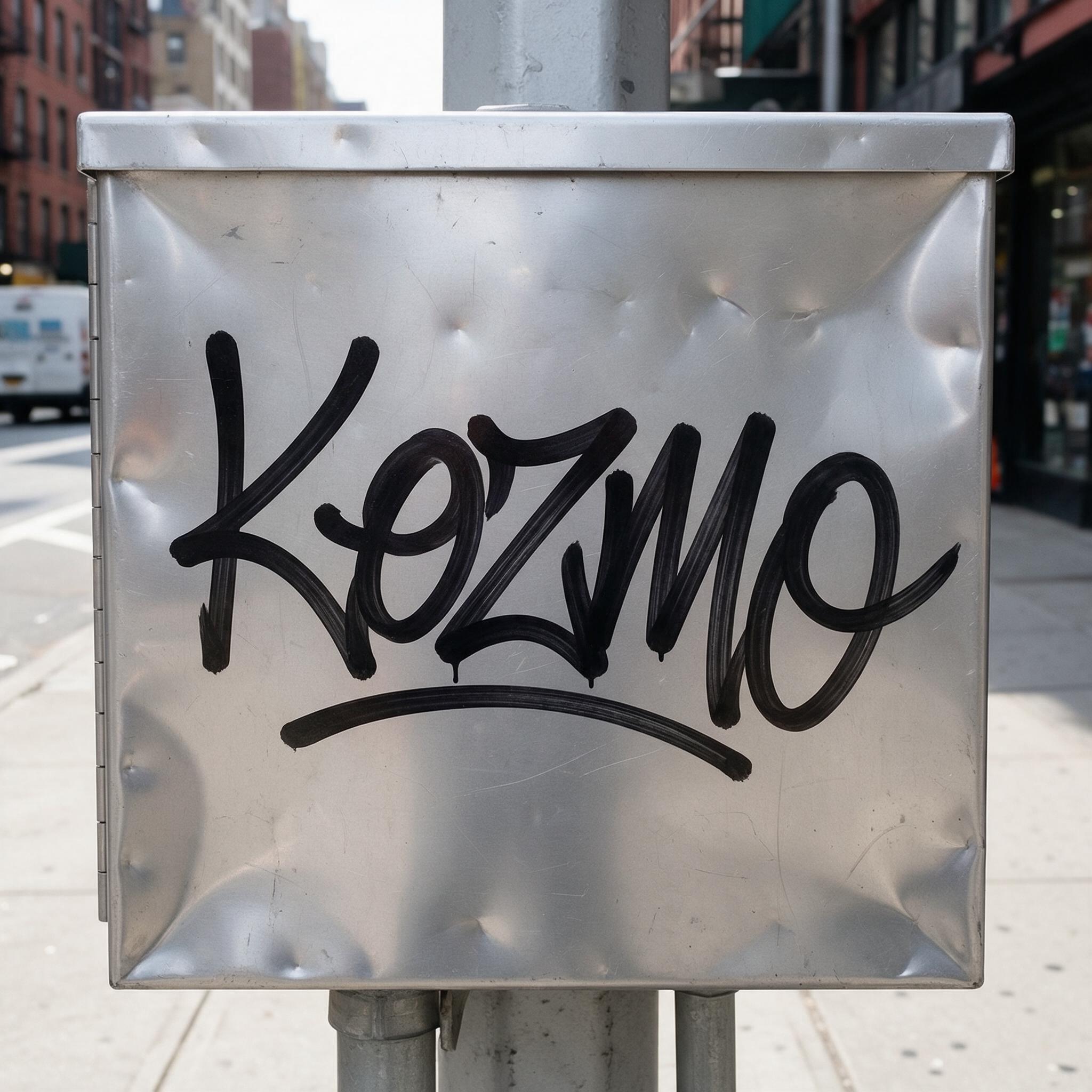
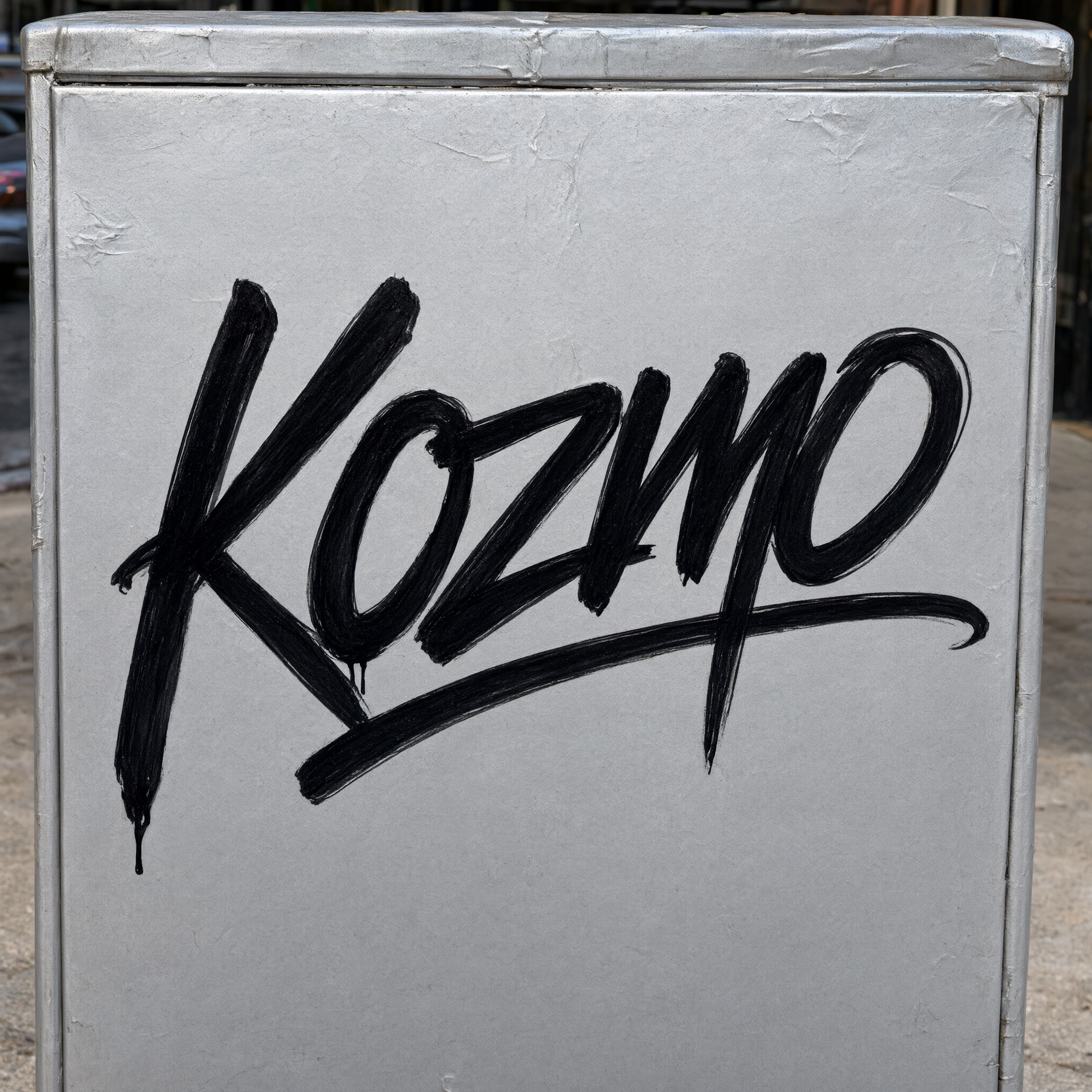
One prompt pasted into each image model as-is. These are the unedited results, so you can pick the model that suits you.
A real marker look: one fast line with small ink drips under a couple of letters.
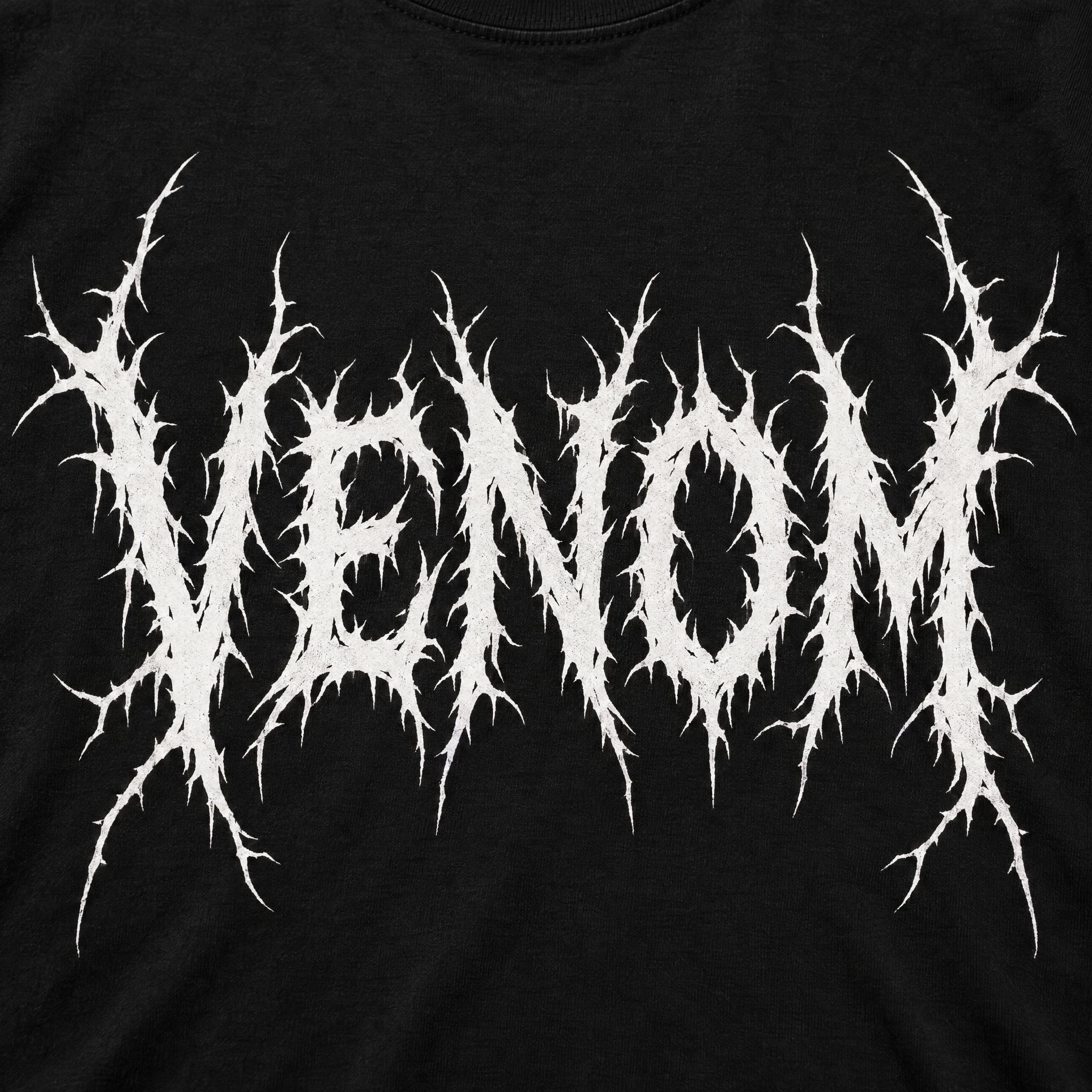
Written in all capitals as KOZMO, with the most jagged, aggressive strokes.
The neatest joins of the five, with a hooked end on the underline swash.
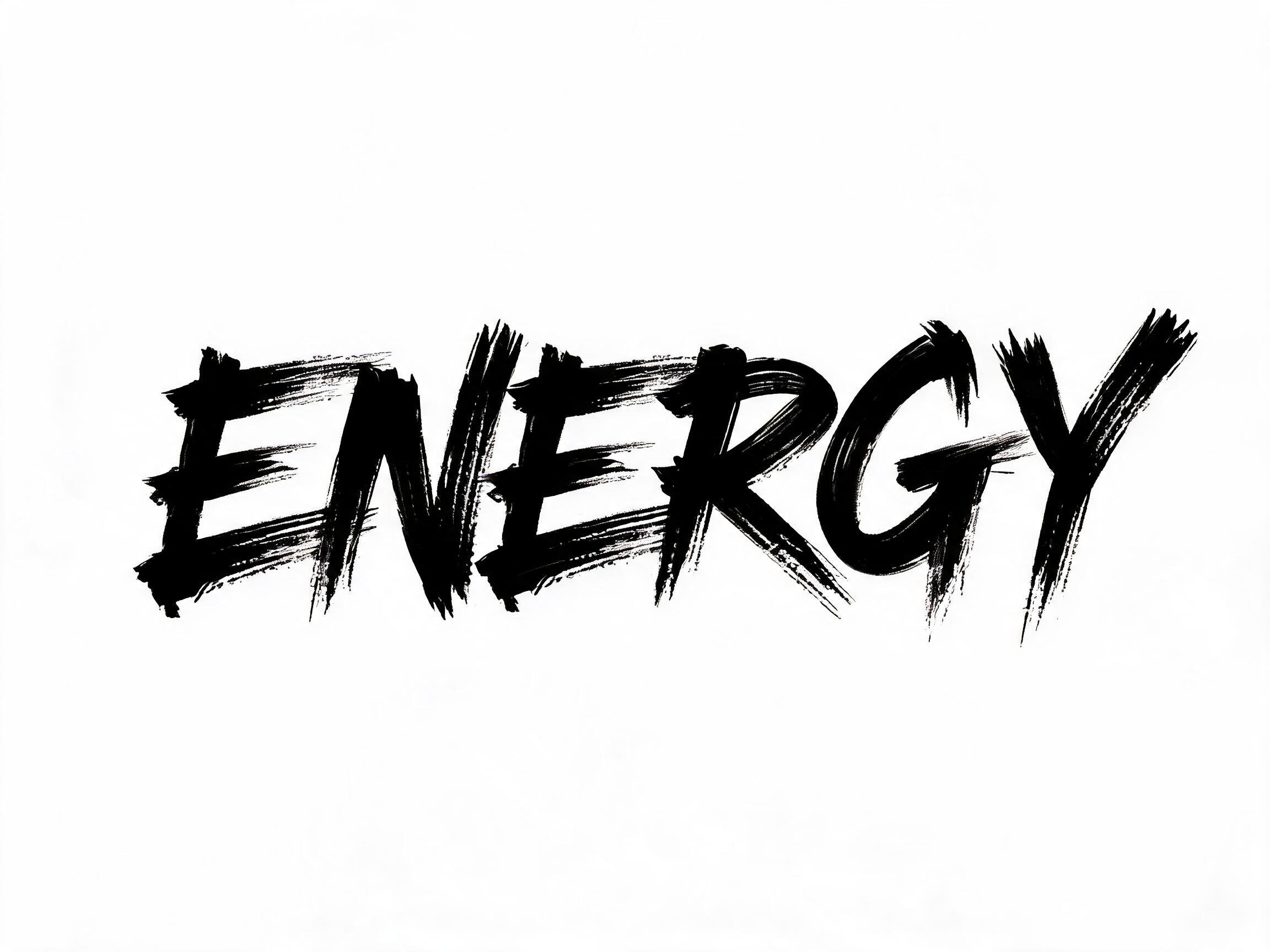
The smoothest line, closer to a brush script than a rough marker.
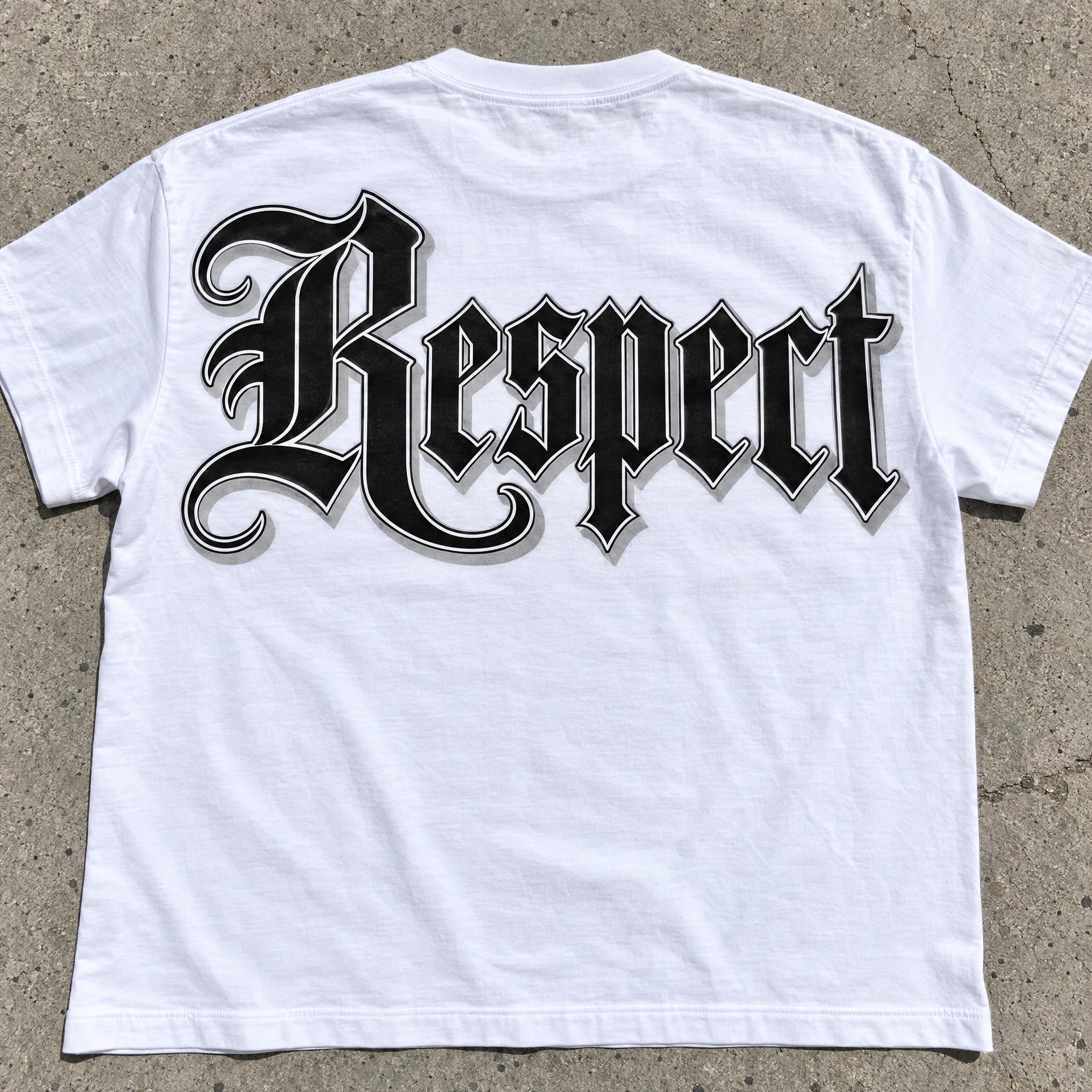
Mixed upper and lower case (KoZmo) and the thickest strokes.
The button opens FontVibe's DIY mode with this prompt already filled in, as-is, so all you do is type your name, pick a model and generate. GPT Image, Nano Banana, Seedream, Grok and Qwen are all there under one account instead of five apps, every account gets free credits each month with no card needed, and you can export the tag as a transparent PNG to use as a signature logo or a sticker.
Layers in the order the prompt states them. Change one layer and the rest keeps working.
Every AIFont prompt opens with the same text part. "Spell it exactly as written, without adding or changing any letter" comes first, so the model fixes the letters before it joins them into one fast line.
"a fast handwritten signature drawn in one go with a fat marker, the letters joined by a single flowing line, leaning hard to the right" is the tag itself. "every letter still readable" keeps the speed from turning it into a scribble.
"sharp flicks at the stroke ends and one long swash underlining the whole word" are the habits that make a tag look practised: the pen leaves each stroke fast, and the underline holds the name together like a signature.
"The ink is solid glossy black" is the colour sentence. A tag is one colour; change only this sentence for a silver or red marker.
"Strokes are slightly uneven in width where the marker pressed harder, with a small ink drip under one or two letters" is what makes it look written by hand, not typed in a script font.
"Raw and quick, not neat calligraphy" is the one negative. Asked for a signature, most models draw tidy cursive; this keeps the street speed.
"Like a classic New York marker tag" gives the model one familiar reference for the slant, the speed and the flicks.
"The tag is written large across a dented silver metal electrical box on a city sidewalk, in flat daylight" puts it where tags actually show up, and "The word is centered, spans most of the width and reads clearly" keeps the name the star. Swap the box for a mailbox, a sticker or a subway door.
Small edits that stay on-style. Change one thing at a time.
Type it in the box next to Prompt above and copy again. Tags are short: three to six letters look the most natural; long names lose the flow.
Swap "The ink is solid glossy black" for "The ink is bright metallic silver", "The ink is fire-engine red" or "The ink is white paint marker".
Replace "written large across a dented silver metal electrical box on a city sidewalk, in flat daylight" with "written large on a white blank sticker stuck to a lamp post", "written large on a scratched subway train door" or "written large on a brown paper bag".
The prompt sets no frame size. Pick 16:9 in your app, or add "Wide 16:9 image." at the end for banners and headers.
AI fonts that share the most tags with Tagging Letters.
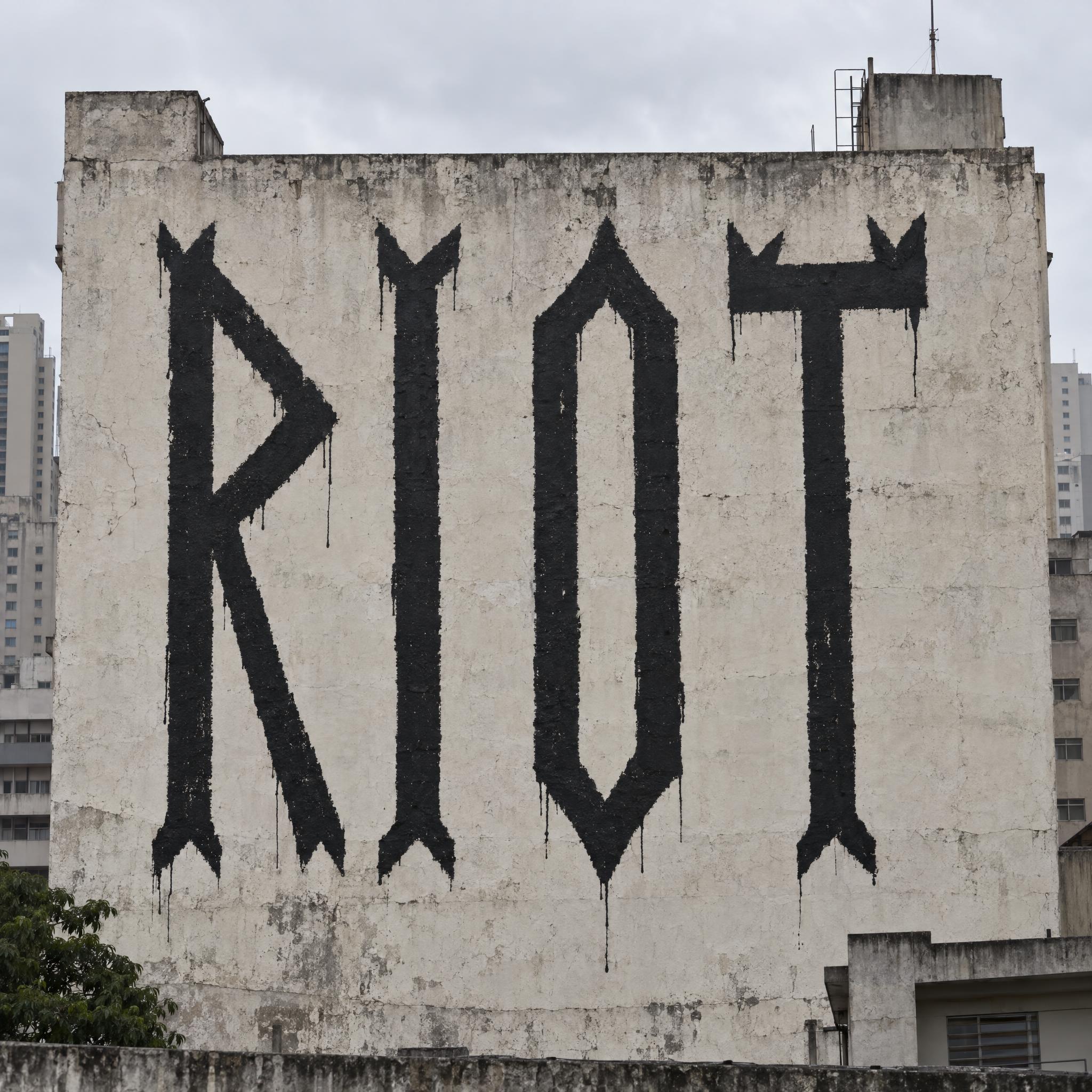
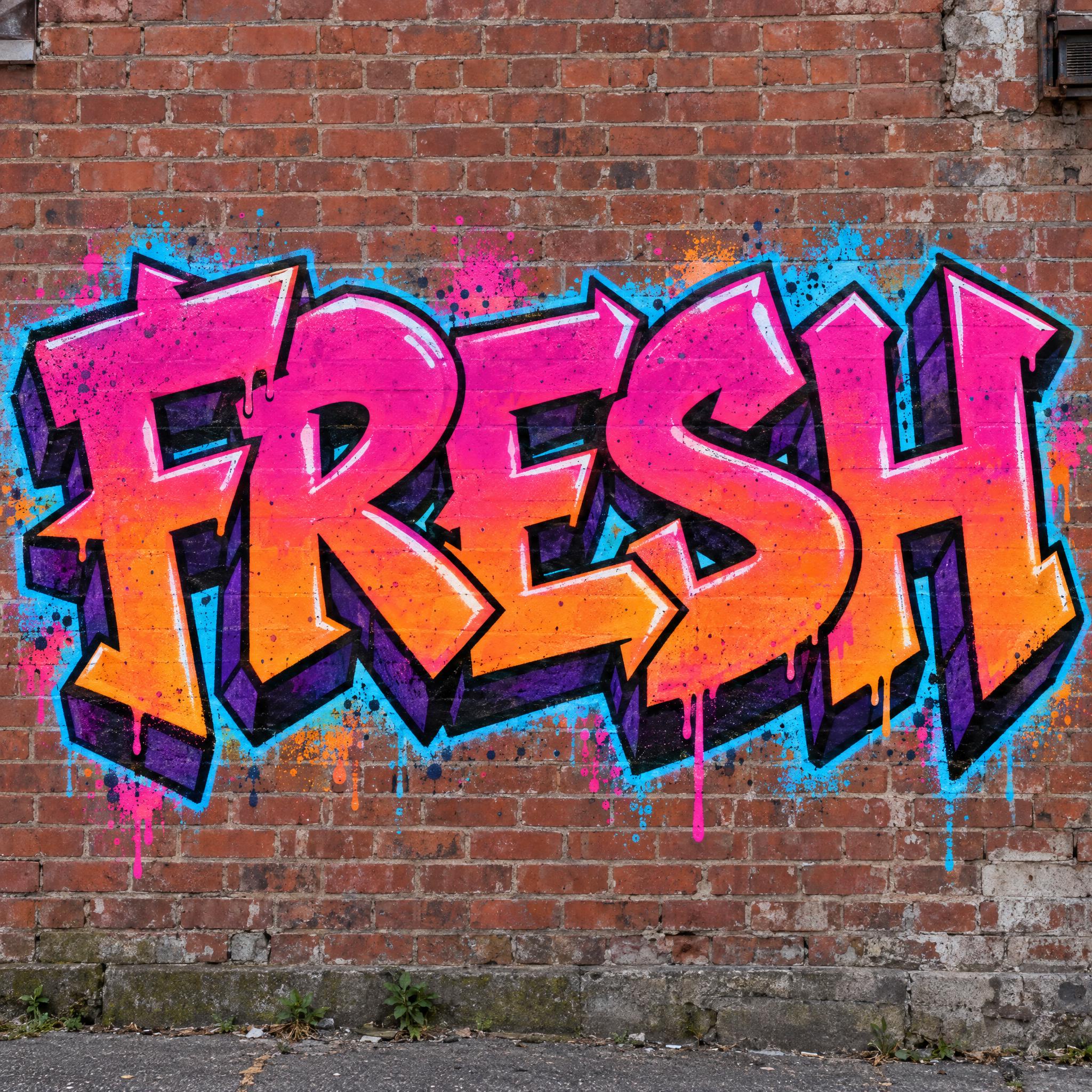
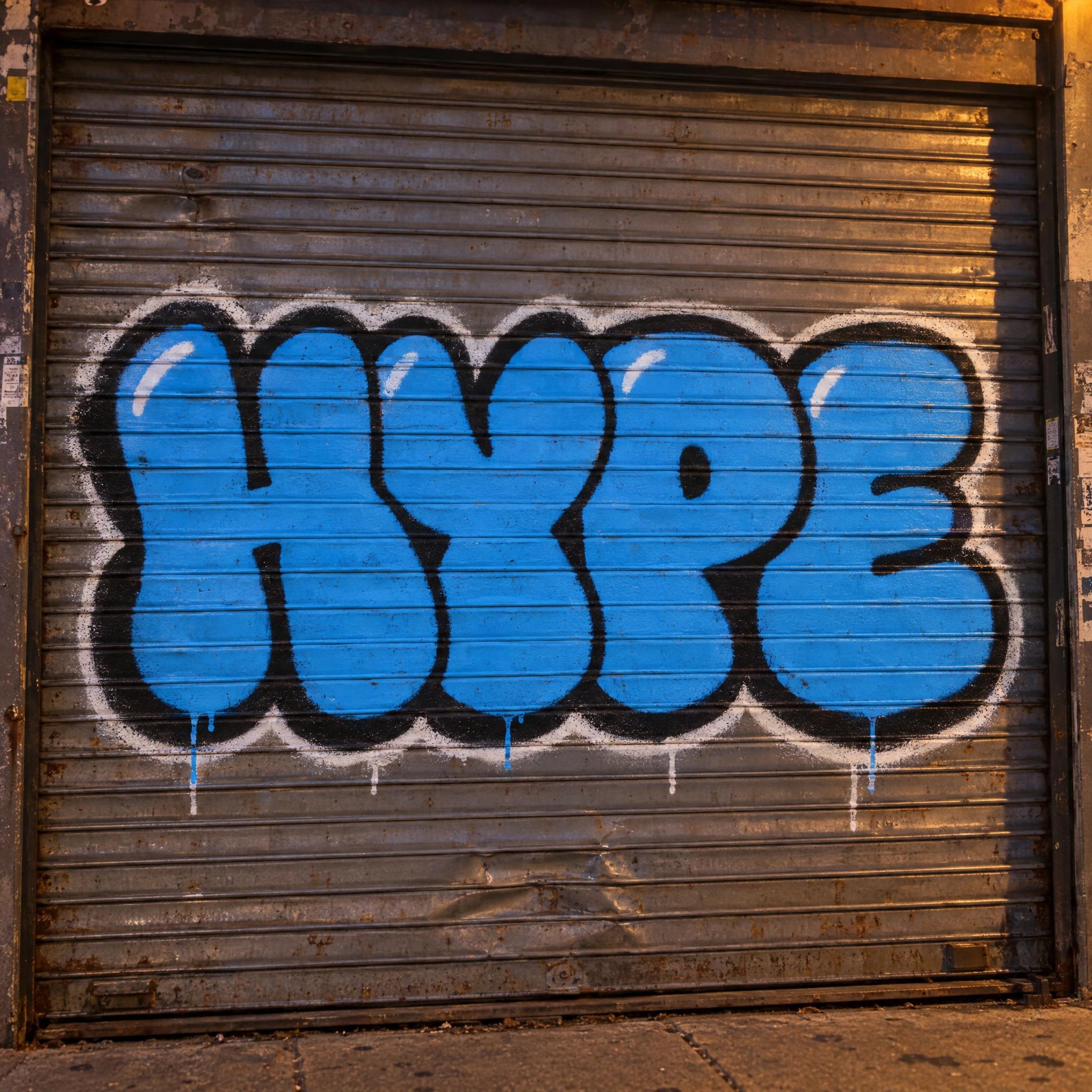
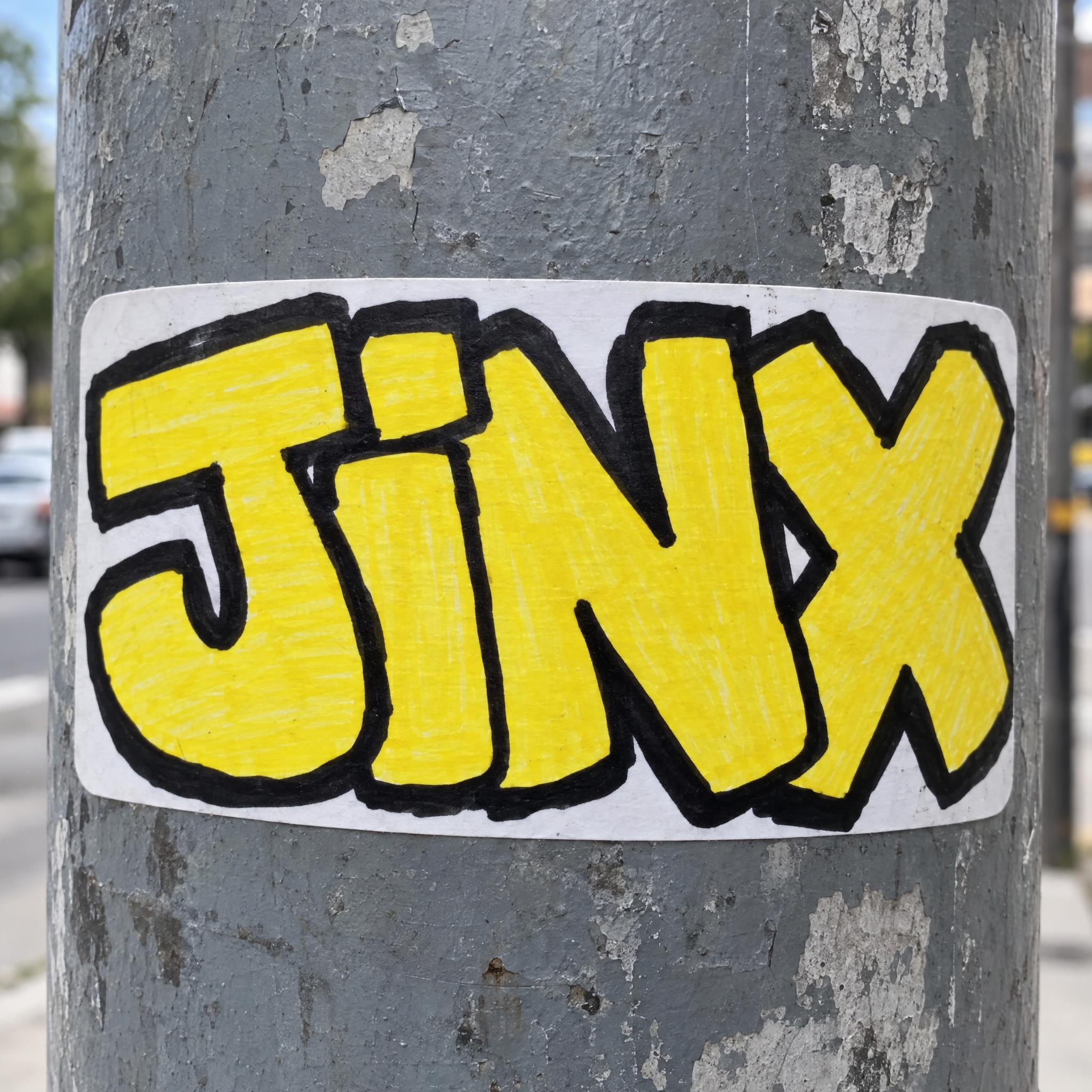
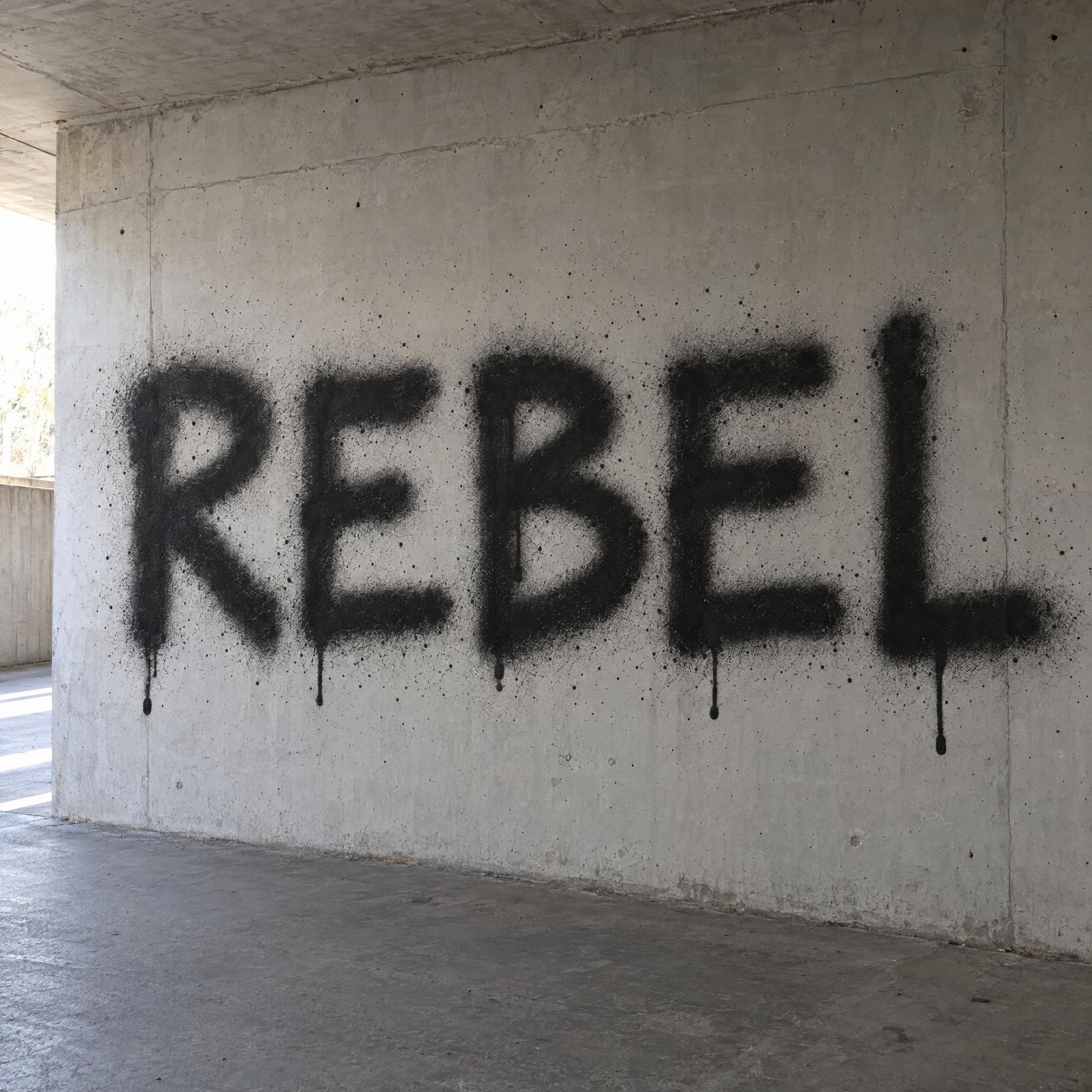
AI fonts for a second line, a logo lock-up or a poster footer.
Tagging Letters writes your name the way a New York writer would tag it: one fast pass with a fat marker, the letters joined by a single flowing line, leaning hard to the right, with sharp flicks at the stroke ends and a long swash underlining the whole word. Solid glossy black, a little uneven where the marker pressed harder, and still readable.
Type your name in the box above the prompt, copy it, and paste it into ChatGPT, Gemini, Grok, Qwen or Seedream. The prompt has three parts: the text, the font design and the scene. The font design is what makes the tag; the scene is yours to change. Every image on this page was made by pasting the prompt unchanged into each model, and nothing was retouched.
Use it for your graffiti name, a signature-style logo, stickers, streetwear prints and profile pictures.
Details from the original render. Every one of them is named in the prompt.
The letters run together in one fast marker stroke.
The whole word slants strongly to the right.
Sharp flicks at the stroke ends and a long swash under the word.
Solid glossy black ink, slightly uneven where the pen pressed.
Pulled from the render. Handy when you build the rest of the design around the word.
Where this AI font earns its keep.
A tag is the most basic form of modern graffiti: a short, stylized signature that makes a writer's name visible, usually done with spray paint or markers. Each writer's own way of shaping the letters is called their handstyle.
The New York tag took off with TAKI 183, a foot messenger from Washington Heights whose name joined a short form of Dimitraki with his street number, 183rd Street. He wrote it across the whole city, and on July 21, 1971 The New York Times ran a story about him, "'Taki 183' Spawns Pen Pals", describing hundreds of imitators such as Joe 136 and Eel 159. Tagging Letters keeps that fast, slanted, one-colour signature.
Sources: Wikipedia — Tag (graffiti) · Wikipedia — Taki 183
The New York Times writes about TAKI 183 and his hundreds of imitators.
All five wrote the name as one fast marker signature leaning right, with flicks and an underline swash, in solid black. GPT Image looks most like a real marker, with small ink drips; Nano Banana has the neatest joins; Seedream is the smoothest, close to brush script. Grok and Qwen sometimes switch to capitals or mixed case, which still reads the same. In Arabic, GPT Image, Nano Banana and Grok wrote it correctly, while Seedream and Qwen got it wrong twice. Compare them above.
Type it in the box next to Prompt above, then copy the full prompt. Three to six letters keep the line fast and connected; for a longer name pick a wide frame in your app or add "Wide 16:9 image." at the end.
A tag is the writer's signature in one colour, done in seconds with a marker or spray can. A throw-up is bigger: fat bubble letters with an outline and a fill. This prompt makes a tag; for a throw-up use Graffiti Bubble Letters.
Yes. Change "The ink is solid glossy black" to "The ink is bright metallic silver". Keep the rest so the line still looks fast.
No. An AI font is a prompt, not a .ttf or .otf file. A tag can't really be a font anyway: the joins and flicks change with every name. You paste the prompt into an image model and it writes your name as a finished tag.
Copying the prompt on AIFont is free. Generating the image uses the model you paste it into, so that model's own free limits or plan apply.